Best Apps to Track Expenses in 2026: 8 Apps Compared
Find the best app to track expenses in 2026, with 8 expense tracker apps compared on bank sync, budgeting methods, forecasts, couples plans, and price.
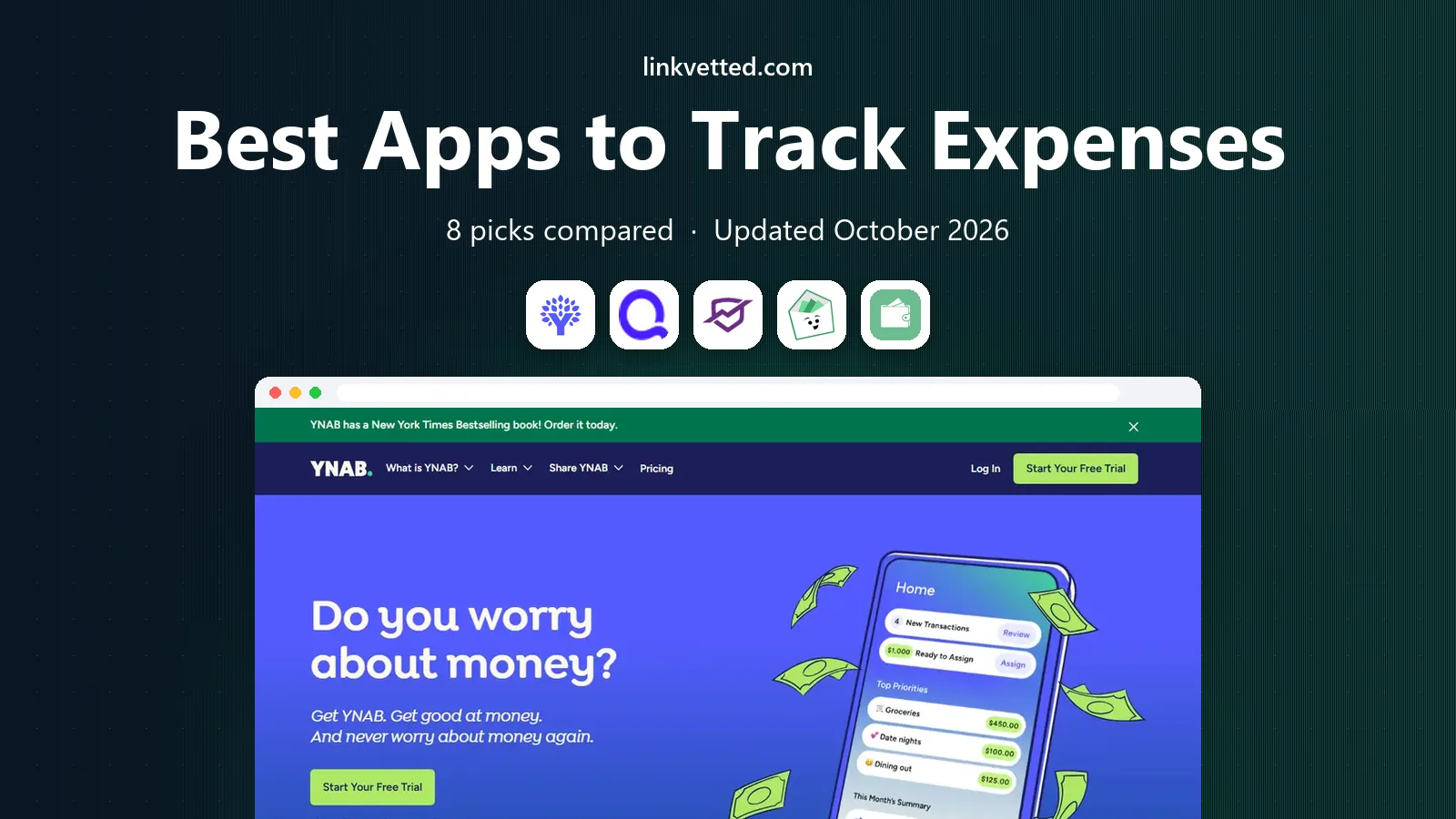
- Editor's choice
 YNAB
Hands-on budgeting and expense control
Starts at$14.99 per monthVisit ynab.comFull review - Great alternative
 Quicken Simplifi
Automatic tracking close to the old Mint style
Starts at$3.99 per monthVisit quicken.comFull review - Also consider
 PocketSmith
Forecasts and calendar views of spending
Starts at$7.50 per monthVisit pocketsmith.comFull review
TL;DR:
- YNAB is the best pick for habit change, with a zero-based method and a long trial, at the highest price here.
- Quicken Simplifi is the best automatic tracker for readers who want transactions to appear by themselves.
- PocketSmith leads for forecasts, while Goodbudget leads for envelope budgeting without bank sync.
- Monefy is the simplest logger, and Honeydue is the best choice for couples who share costs.
- Check bank coverage before paying, since sync varies by bank and region, and a tracker that misses your main bank will not stay useful.
Quick comparison
| Tool | Best for | Starts at | Free plan? | |
|---|---|---|---|---|
| YNAB | Hands-on budgeting and expense control | $14.99 per month | Free trial | Visit |
| Quicken Simplifi | Automatic tracking close to the old Mint style | $3.99 per month | Free trial | Visit |
| PocketSmith | Forecasts and calendar views of spending | $7.50 per month | Yes | Visit |
 Goodbudget | Digital envelope budgeting without bank sync | Free | Yes | Visit |
 Monefy | Fast manual expense logging | Free | Yes | Visit |
 Rocket Money | Tracking plus subscription cancellations | Free | Yes | Visit |
 Honeydue | Couples tracking shared spending | Free | Yes | Visit |
 Monarch Money | Premium dashboards and household sharing | See website | Free trial | Visit |
The best apps to track expenses
The best expense app is the one you will open each week. Some people need automatic bank sync, some want a strict budgeting method, and some want only fast manual logging. We compared apps across those styles, with prices where we could verify them and See website where the vendor price varies. Finance note: this is general information, not financial advice. Expense trackers show past spending and help with planning, but they do not replace advice from a qualified financial professional for debt, tax, or investment decisions. Check subscription terms and bank sync coverage before paying.
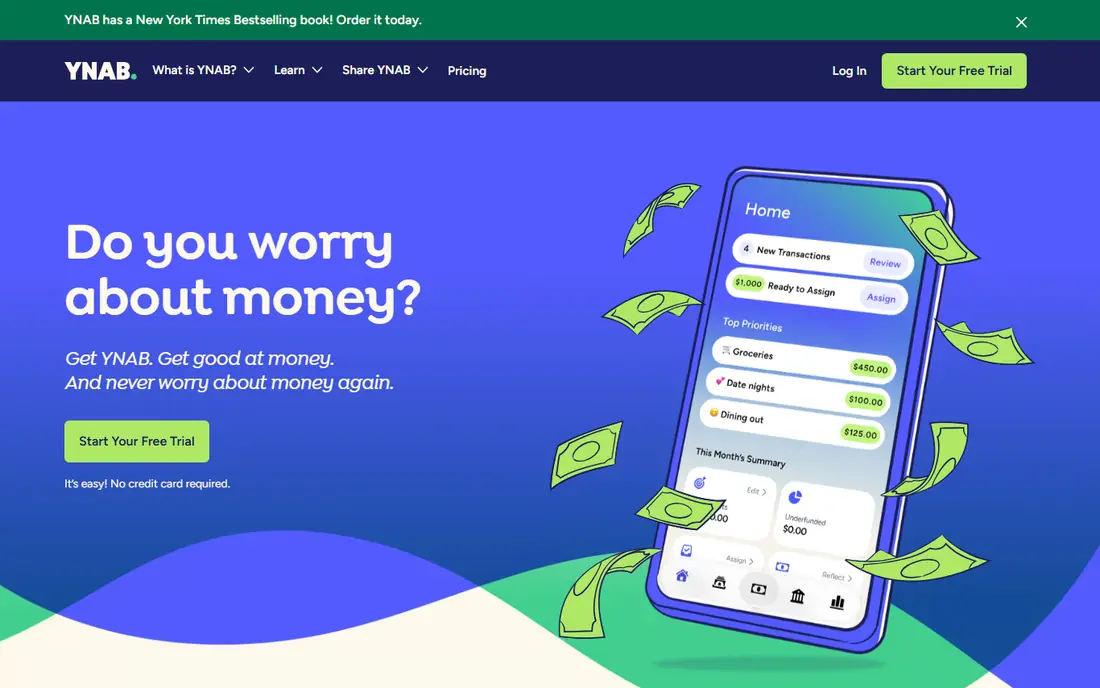
YNAB is our pick for readers who want to change spending habits, not just log them. Its method gives every dollar a job before you spend it, with rules for irregular costs and for moving money between categories when plans change. It fits people who want hands-on budgeting and expense control, and it is worth a short trial before you commit to a paid plan. The catch is worth stating plainly. The tradeoff is effort and price, since the method takes weeks to learn and the subscription is higher than simpler trackers, so use the full 34-day trial first. Before you pay, check the current price on the official site, confirm it works on your phone or computer, and read the privacy terms for the parts that matter to you, such as data sharing, deletion, and account recovery.
- Zero-based method with clear rules
- Live workshops
- Shared plan for households
- Learning curve for new users
- Highest price in this list for a tracker
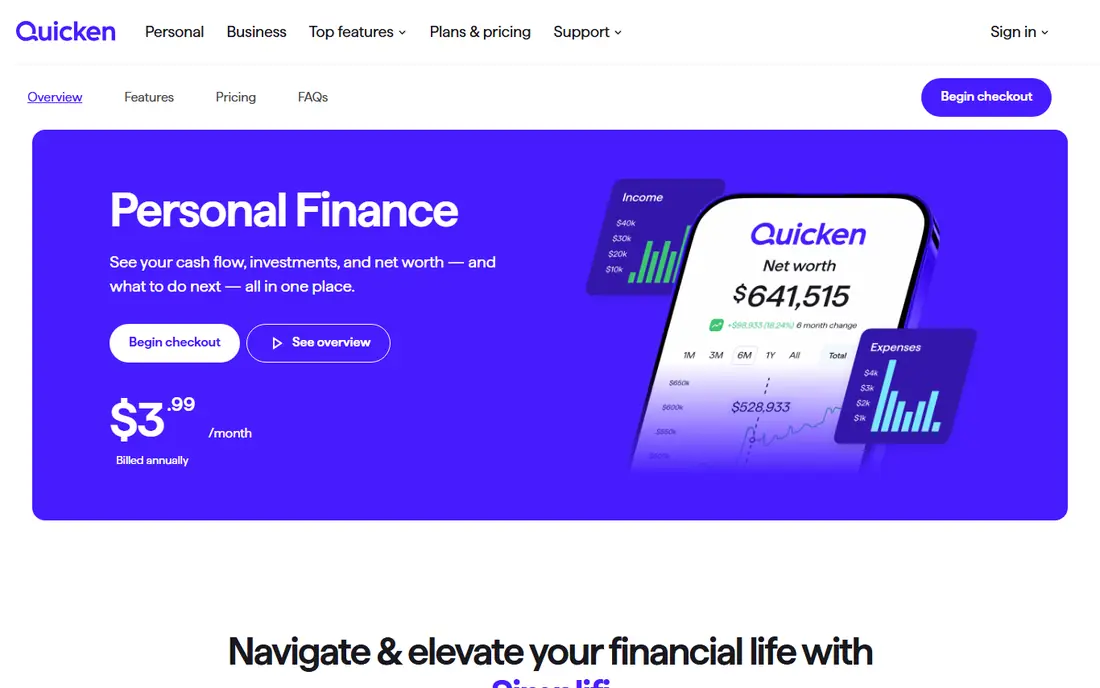
Quicken Simplifi suits readers who want transactions to appear by themselves. It syncs bank accounts, categorizes spending, and flags bills, which makes a weekly review fast without manual entry for every purchase. It fits people who want automatic tracking close to the old mint style, and it is worth a short trial before you commit to a paid plan. The catch is worth stating plainly. The limit is method, since it tracks well but does not push the same hands-on planning as YNAB, so it fits trackers more than habit changers. Before you pay, check the current price on the official site, confirm it works on your phone or computer, and read the privacy terms for the parts that matter to you, such as data sharing, deletion, and account recovery.
- Automatic bank sync
- Spending categories
- Bill detection and watchlists
- Less hands-on method than YNAB
- Price varies by offer and term
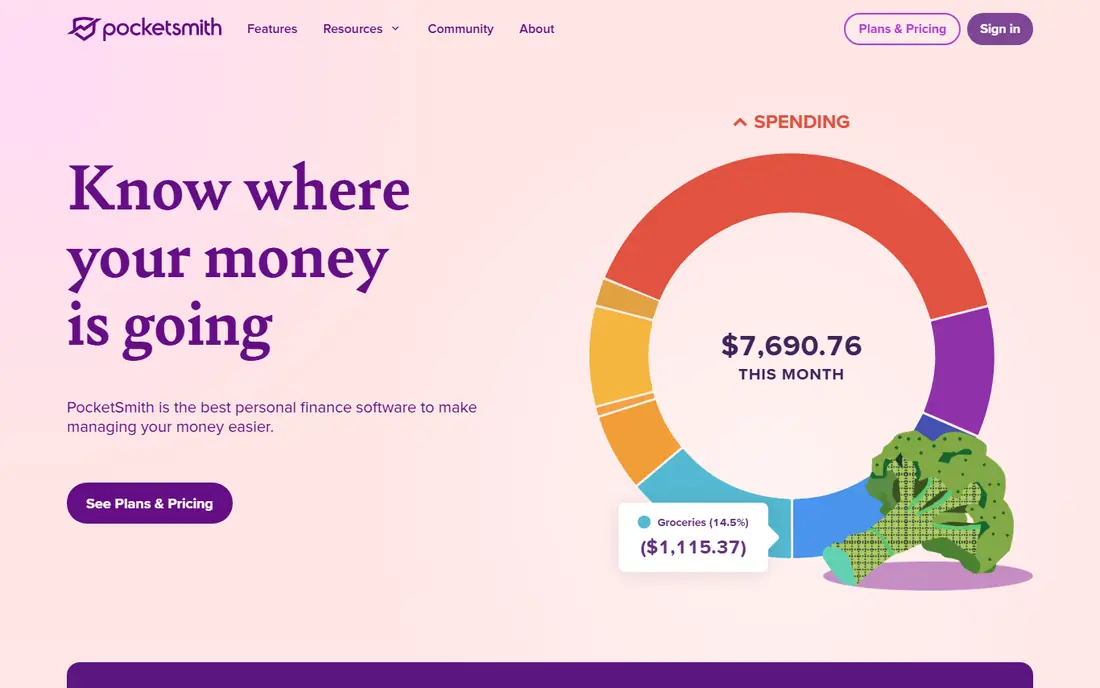
PocketSmith is the pick for visual planners who like forecasts. Its calendar shows income, spending, and forecast together, which helps you see how this month spending affects future months. It fits people who want forecasts and calendar views of spending, and it is worth a short trial before you commit to a paid plan. The catch is worth stating plainly. The tradeoff is density, since the many features can overwhelm a first-time user, so start with one account and one budget before adding more. Before you pay, check the current price on the official site, confirm it works on your phone or computer, and read the privacy terms for the parts that matter to you, such as data sharing, deletion, and account recovery.
- Cash flow forecasts
- Calendar view of income and spending
- Many bank connections
- Interface is dense for new users
- Full features need a paid plan
Goodbudget is the best no-sync envelope app. It recreates envelope budgeting on a phone, with shared envelopes for couples and households, and it works without linking a bank account. It fits people who want digital envelope budgeting without bank sync, and it is worth a short trial before you commit to a paid plan. The catch is worth stating plainly. The limit is manual work, since you enter most spending by hand, which suits privacy-minded users but not seekers who want automatic sync. Before you pay, check the current price on the official site, confirm it works on your phone or computer, and read the privacy terms for the parts that matter to you, such as data sharing, deletion, and account recovery.
- Envelope method
- Shared budgets for couples
- No bank connection required
- Manual entry for most users
- Bank sync is limited or absent
Monefy is the simplest expense logger in this list. Logging takes seconds, with a tap on a category and an amount, and it works offline, which makes it easy to keep up daily. It fits people who want fast manual expense logging, and it is worth a short trial before you commit to a paid plan. The catch is worth stating plainly. The tradeoff is depth, since it logs spending without a budgeting method, so pair it with a budget review each week if you want to cut costs. Before you pay, check the current price on the official site, confirm it works on your phone or computer, and read the privacy terms for the parts that matter to you, such as data sharing, deletion, and account recovery.
- Tap a category and enter an amount
- Works offline
- Simple charts
- No bank sync
- No full budgeting method or debt tools
Rocket Money suits readers whose main goal is cutting forgotten costs. It tracks spending and flags subscriptions, which helps you spot recurring charges you no longer use, and it offers help with cancellations. It fits people who want tracking plus subscription cancellations, and it is worth a short trial before you commit to a paid plan. The catch is worth stating plainly. The limit is that the most useful saving features sit behind paid tiers, so check what the free plan covers before relying on it for cancellations. Before you pay, check the current price on the official site, confirm it works on your phone or computer, and read the privacy terms for the parts that matter to you, such as data sharing, deletion, and account recovery.
- Expense tracking
- Subscription detection
- Bill negotiation features on paid tiers
- Paid features vary
- Cancellation help may need a paid plan
Honeydue is the best pick for couples who share costs. It lets two people see shared accounts, bills, and categories in one place, with reminders that reduce money arguments about who paid what. It fits people who want couples tracking shared spending, and it is worth a short trial before you commit to a paid plan. The catch is worth stating plainly. The tradeoff is focus, since solo users will find many features aimed at couples, and bank coverage varies, so test sync with your banks first. Before you pay, check the current price on the official site, confirm it works on your phone or computer, and read the privacy terms for the parts that matter to you, such as data sharing, deletion, and account recovery.
- Shared tracking for couples
- Bill reminders
- Chat and categories for households
- Built for couples, so solo users get less value
- Bank sync varies by bank
Monarch Money suits households that want a premium all-in-one view. Its dashboards combine spending, net worth, and investments in a polished view, with household sharing for partners. It fits people who want premium dashboards and household sharing, and it is worth a short trial before you commit to a paid plan. The catch is worth stating plainly. The tradeoff is price and setup, since the full value needs linked accounts and a paid plan, so use the trial to test bank coverage first. Before you pay, check the current price on the official site, confirm it works on your phone or computer, and read the privacy terms for the parts that matter to you, such as data sharing, deletion, and account recovery.
- Strong dashboards
- Net worth and investment views
- Household sharing
- Price is premium
- Some features need linked accounts to shine
How we picked these
We compared official feature pages, pricing pages, and app store listings, and we checked privacy policies where they affect the choice. We kept only tools that exist and work today, that fit the topic closely, and that publish clear terms. We favored a mix of well-known leaders and smaller options, and we noted honest limits instead of listing only strengths. Prices change, so we list the vendor price where we could verify it and use See website where the vendor does not publish a simple starting price.
How to pick an expense tracker that you will actually use
Start with how you want to log spending. If you hate manual entry, pick an automatic sync app such as Quicken Simplifi, PocketSmith, or Monarch Money, and test bank coverage in the trial. If you distrust bank links, pick Goodbudget or Monefy and accept manual entry. Next, pick a method. YNAB gives every dollar a job, Goodbudget uses envelopes, and simpler trackers only show where money went. Then check the review habit. A good app should make a weekly review take 10 minutes, with categories you can fix quickly and reports that show trends. Finally, check cost over a year, not just a month, since monthly prices add up and annual plans often cost less. Start with the free plan or the shortest paid term when one is offered. Use the tool for a real task in the first week, not just a quick tour, and note where you get stuck. If you get stuck in the same place twice, that is useful evidence, even if the tool looks good on paper. Cancel promptly if it does not fit, and keep a note of the renewal date when you sign up for a trial.
FAQ
What is the best app to track your expenses?
YNAB is best if you want a method that changes habits, while Quicken Simplifi is best if you want automatic tracking with little effort. Monefy is best for fast manual logging, and Honeydue is best for couples. Pick by logging style first, then by price.
What is the best app to keep track of spending for free?
Goodbudget and Monefy both offer useful free plans, with manual entry and simple categories. Rocket Money and Honeydue also offer free core tracking. Free plans usually limit sync or reports, so check those limits before committing.
What is the best app for track expenses with bank sync?
Quicken Simplifi is a strong automatic tracker, with bank sync, categories, and bill detection. PocketSmith and Monarch Money also offer wide bank coverage and forecasts. Test sync with your own banks during the trial, since coverage varies.
Is YNAB worth the price?
YNAB is worth it if you use the method weekly and want to change spending habits, since the trial is 34 days and the method is structured. If you only want to log spending, a cheaper or free tracker such as Quicken Simplifi, Goodbudget, or Monefy will do the job.
How often should I review expenses?
Review once a week for 10 minutes, fixing categories and checking for subscriptions or errors. A monthly review should then focus on trends and next month plan. Daily logging helps only if it takes seconds, as in Monefy, otherwise weekly review is more sustainable.