Best Apps to Track Stocks in 2026: 8 Apps Compared
Compare the best app to track stocks, from free watchlists and market news to deep research, charts, and portfolio alerts that fit how you invest today.
- Editor's choice
 Yahoo Finance
Free quotes, news, and watchlists
Starts atFreeVisit finance.yahoo.comFull review - Great alternative
 TradingView
Charts and technical analysis
Starts atFreeVisit tradingview.comFull review - Also consider
 Seeking Alpha
Research and quant ratings
Starts atFreeVisit seekingalpha.comFull review
TL;DR:
- Yahoo Finance is our pick for most people, because it pairs free quotes and news with watchlists and portfolio tracking.
- TradingView is the strongest choice for chart-focused investors, while Seeking Alpha suits readers who want research and quant ratings.
- The best free stock tracking app is usually the one with the watchlist, alerts, and news coverage you will actually check each day.
- Paid tiers mainly add deeper data, advanced charts, and research reports, so start free and upgrade only for a feature you miss.
- Price data can be delayed on some free plans, so check whether real-time quotes matter for how you trade.
Quick comparison
| Tool | Best for | Starts at | Free plan? | |
|---|---|---|---|---|
| Yahoo Finance | Free quotes, news, and watchlists | Free | Yes | Visit |
| TradingView | Charts and technical analysis | Free | Yes | Visit |
| Seeking Alpha | Research and quant ratings | Free | Yes | Visit |
 Stocktwits | Market sentiment and community | Free | Yes | Visit |
 Koyfin | Dashboards and financial data | Free | Yes | Visit |
 Finviz | Fast screening and market maps | Free | Yes | Visit |
 Stock Rover | Deep screening and portfolio tracking | Free | Yes | Visit |
 Delta Investment Tracker | Multi-asset portfolio tracking | Free | Yes | Visit |
The best apps to track stocks
A good stock tracking app should make it easy to watch the stocks you own, spot news that matters, and check a price without digging through menus. The apps below cover different styles, from simple watchlists to deep research platforms, so pick based on how you invest rather than how many features are listed.
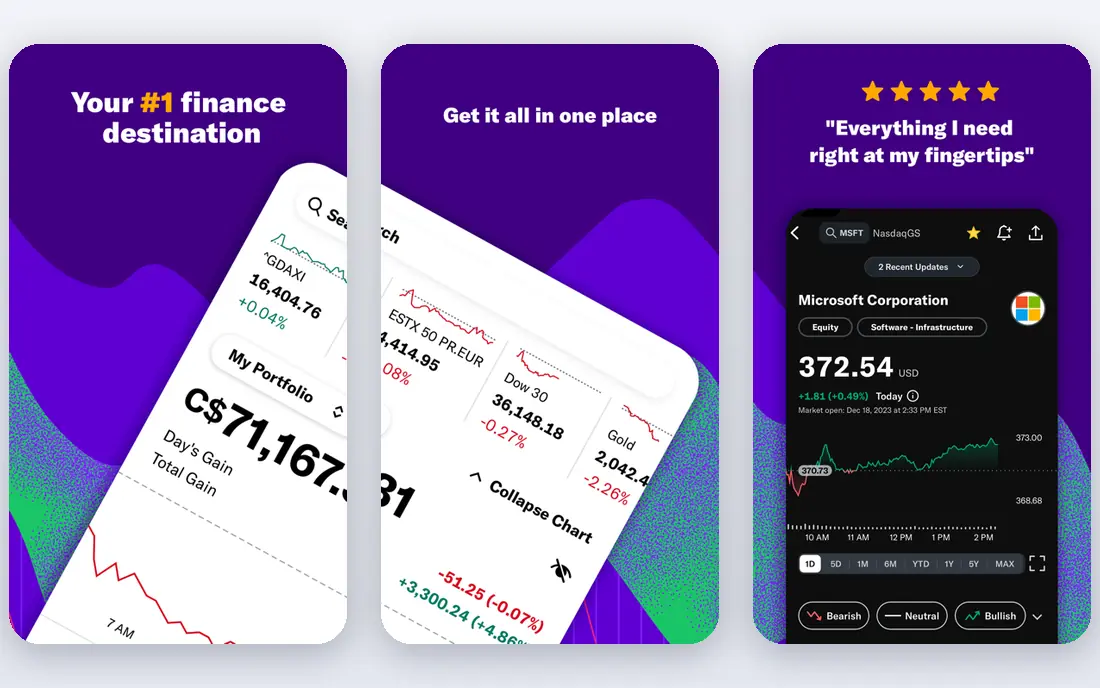
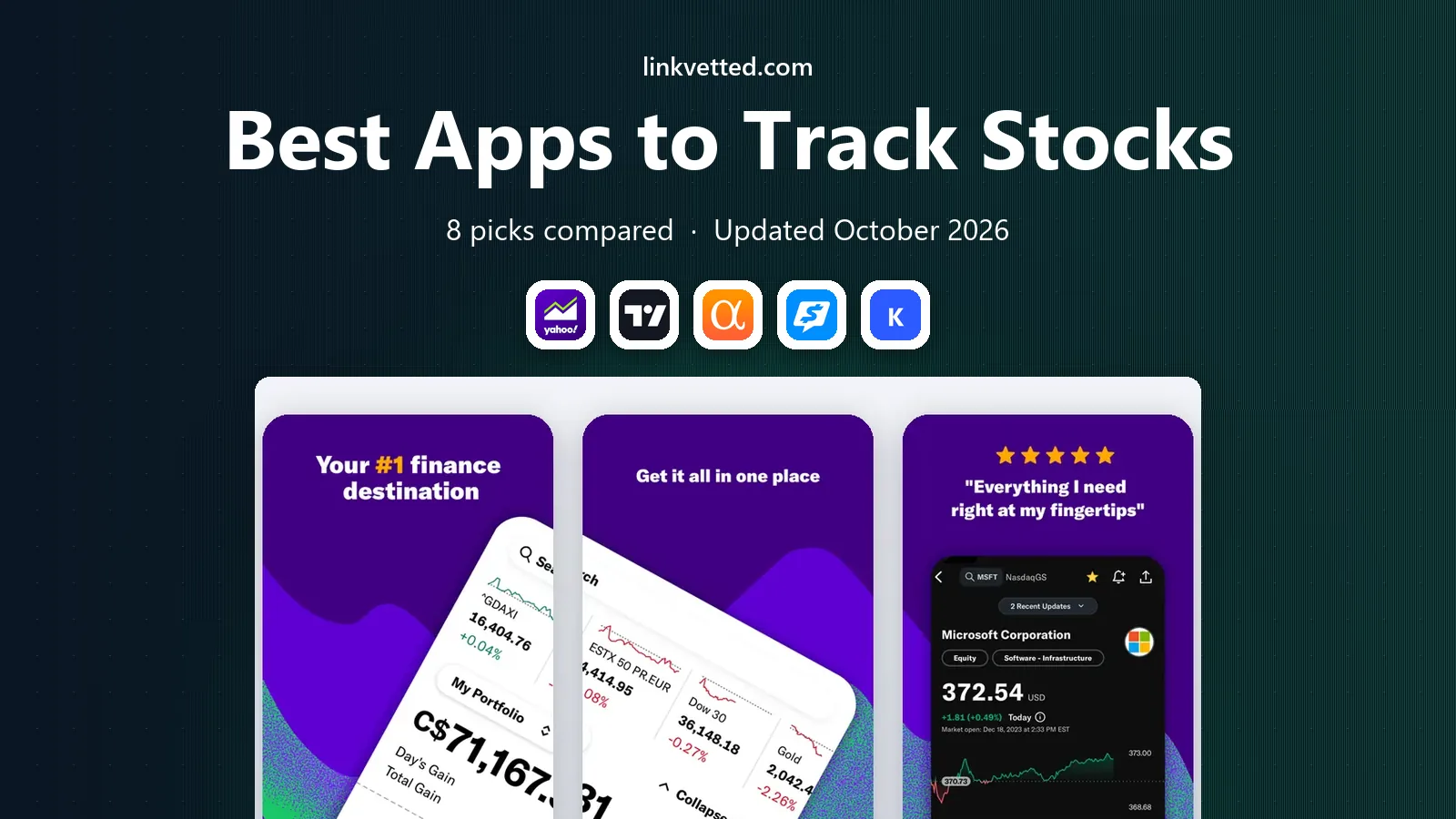
Yahoo Finance remains the default starting point for many investors, and for good reason. You can build multiple watchlists, follow a portfolio, read market news tied to your holdings, and pull up a company profile, financials, and chart in a few taps. That combination covers most of what a long-term investor checks each day, without a subscription.
The free version is genuinely useful, while paid tiers add advanced charting, portfolio analytics, and research reports. The trade-off is a busier interface, with ads and prompts to upgrade, and some advanced features sit behind those tiers. For most readers, Yahoo Finance is the best app to track stocks because it does the basics well and stays free.
- Broad news coverage
- Easy watchlists and portfolios
- Free charts and company profiles
- Paid tiers needed for advanced analytics
- Ads and upsells on the free version

TradingView is the pick for investors who think in charts first. Its charting tools, indicators, and drawing options are deeper than most free tracking apps, and you can watch stocks, ETFs, and other markets in one place. The community side also helps, since you can see how other traders are reading the same chart, though you should treat those ideas as opinions, not advice.
The free Basic plan covers core charting, but multiple charts, more indicators, and faster data sit on paid plans. Fundamentals and company research are present but not as deep as Seeking Alpha or Koyfin. If charts drive your decisions, TradingView is worth the learning curve, and it pairs well with a news app for the other half of the job.
- Strong charting tools
- Large indicator library
- Active community ideas and scripts
- Fundamentals are thinner than research platforms
- Best features need a paid plan
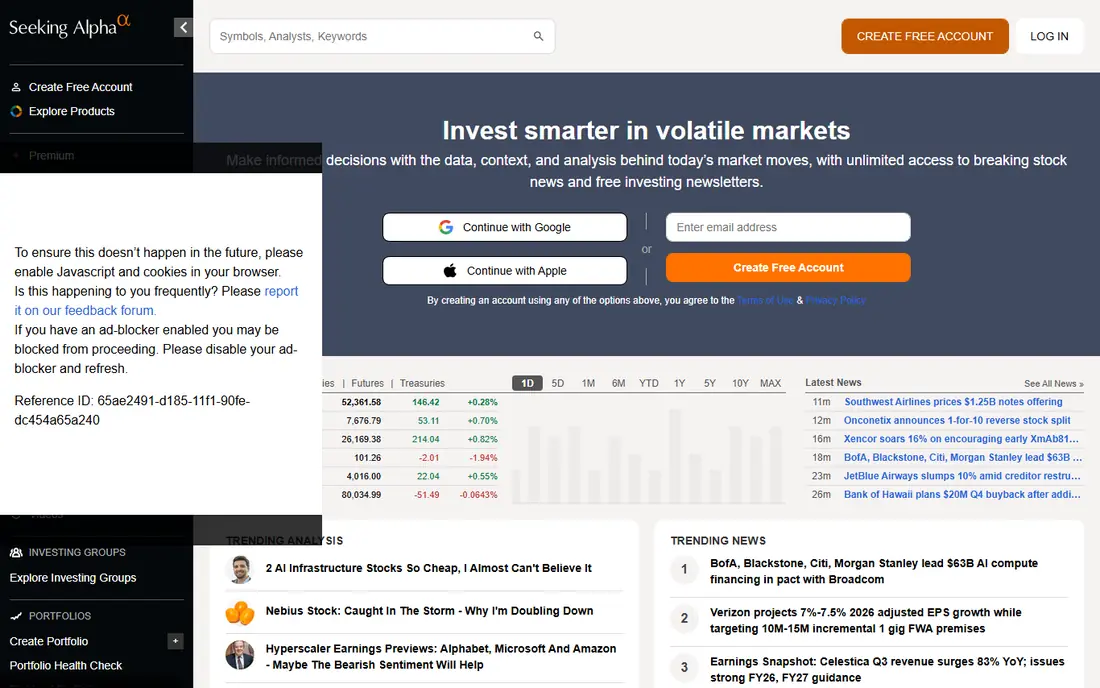
Seeking Alpha suits investors who want research alongside tracking. You can follow stocks, set alerts, and read contributor analysis, earnings coverage, and quant ratings that summarize valuation, growth, momentum, and profitability. That mix helps you move from a price move to a reason, which is often the missing step in a simple watchlist app.
The free tier covers basic tracking and some articles, while Premium adds full quant ratings, screeners, and deeper analysis tools. Contributor quality varies, so read widely and check primary sources before acting on any single view. For research-minded investors, Seeking Alpha is the best stock monitoring app in this group, even though the price is higher than most rivals.
- Quant ratings and screeners on Premium
- Large contributor research library
- Useful alerts
- Premium costs $299 per year
- Contributor views vary in quality
Stocktwits is built around one idea: what are other market participants saying about a ticker right now. Each stock has a stream of short posts, sentiment tags, and trending lists, which makes it useful for spotting sudden interest or news-driven moves. The watchlist and price views are simple, so you can check a ticker and its mood in seconds.
That speed is also the weakness, since hype, rumors, and confident predictions appear alongside useful news. Treat Stocktwits as a sentiment check, not a source of truth, and verify any claim against a news outlet or filing. For active traders who want a quick pulse on the market, it earns a place next to a calmer research app.
- Fast sentiment read on tickers
- Simple watchlists
- Active trader community
- Noise and hype are common
- Not a deep research tool
Koyfin appeals to investors who like to build their own view of the market. You can create dashboards with charts, watchlists, financial statements, and valuation data, then save them for daily checks. The data depth is a step above most free trackers, which makes it useful for comparing companies side by side without jumping between sites.
The free plan is usable, but filings, transcripts, and the fullest data sit on Plus and Premium plans, which cost more than a casual tracker. The interface also feels more desktop than mobile, so phone-first users may prefer Yahoo Finance. For data-driven investors who want one dashboard for many stocks, Koyfin is a strong choice.
- Flexible dashboards
- Long financial histories
- Filings and transcripts on paid plans
- Paid plans are pricey for casual users
- Mobile experience is less polished than rivals
Finviz is the fastest way to scan the US market and find stocks that meet simple criteria. Its screener, heat maps, and market maps let you see which sectors are moving and which stocks stand out, without building a complex query. Company snapshots give you price, valuation, and key stats on one page, which is ideal for a first pass.
The trade-off is depth. Charts are static compared with TradingView, and real-time quotes, longer histories, and advanced screening sit on the Elite plan. Finviz works best as a discovery tool that feeds a watchlist in another app, rather than as your only tracker. If you screen often, its speed is hard to replace.
- Fast screener
- Visual market maps and heat maps
- Quick company snapshots
- Charts are basic
- Real-time data and full history need Elite
Stock Rover is for investors who want to screen on fundamentals, not just price. With hundreds of metrics, you can filter by valuation, growth, dividends, and balance sheet strength, then track the resulting portfolio in detail. That depth suits long-term investors who build a shortlist slowly and revisit it often.
Beginners may find the interface dense at first, and the most powerful tiers cost far more than a simple tracker. The free plan still gives a useful taste of screening and tracking, so start there before paying. If your process depends on fundamentals and screening, Stock Rover is one of the most capable tools on this list.
- Hundreds of screening metrics
- Detailed portfolio tracking
- Long fundamental histories
- Interface feels dense for beginners
- Top tiers are expensive
Delta Investment Tracker, by eToro, is a mobile-first portfolio tracker that suits investors who hold stocks alongside crypto or other assets. The interface is clean, performance views are easy to read, and alerts help you stay on top of moves without opening a brokerage app. For a quick daily check of what you own, it is one of the most pleasant apps here.
Research is thinner than Seeking Alpha or Koyfin, and some broker connections and advanced features sit behind paid plans. Delta works best as a portfolio companion, not a research hub. If you want one clean view of a mixed portfolio on your phone, it is a good fit.
- Clean mobile portfolio view
- Stocks plus crypto in one place
- Broker connections on paid plans
- Research depth is limited
- Advanced connections need a paid plan
How we picked these
We compared official feature pages, pricing pages, and app store listings for stock tracking apps that are still available in October 2026. We favored apps with a usable free tier, clear pricing, and a real tracking workflow, not just a news feed or a brokerage account. We mixed simple watchlist apps with research and screening platforms, since different investors need different depth. We did not claim hands-on testing, and we treated contributor opinions and community sentiment as opinions, not verified facts.
What to check before you choose a stock tracker
The best tracker is the one that matches how often you check and what you do with the information.
Watchlists, alerts, and data speed
Check whether you can build multiple watchlists, set price and news alerts, and see data fast enough for your style. Long-term investors can live with delayed quotes, while active traders need real-time data and quick alerts. Also check whether alerts cover earnings, news, and price moves, or only prices.
Research depth versus simplicity
A simple app gets checked daily, while a deep research platform gets used when you are deciding. If you rarely read research, a clean tracker plus a news source may serve you better than a pricey research subscription. If you research before every buy, pay for depth in one place rather than spreading thin subscriptions across three apps.
Cost and broker links
Start free, then pay only for a feature you have actually missed for a few weeks. Broker linking is convenient, but it also means sharing account access, so check the provider privacy policy and use official connections only. Keep your tracker separate from your brokerage login habits, and use strong passwords and two-factor authentication wherever offered.
FAQ
What is the best app to track stocks for beginners?
Yahoo Finance is our pick for beginners, because it is free, easy to use, and covers quotes, news, watchlists, and portfolios in one place. TradingView is better if charts matter most, while Seeking Alpha suits beginners who want to learn from research. Start with one app and add a second only if you hit a clear limit.
What is the best free stock tracking app?
Yahoo Finance, TradingView, Finviz, and Stocktwits all offer genuinely useful free tiers. Yahoo Finance covers the most ground for free, TradingView leads on charts, and Finviz leads on fast screening. The best free option depends on whether you value news, charts, or screening most.
What are the best apps to track stocks on a phone?
Yahoo Finance, Delta Investment Tracker, and Stocktwits all work well on a phone, with clean watchlists and alerts. TradingView also works on mobile, though its deepest charting feels better on a larger screen. Pick the app whose home screen you will actually open each morning.
Do stock tracking apps give real-time prices?
Some do, and some show delayed prices on free plans, depending on the exchange and the plan. Check the app pricing page for real-time data terms before relying on it for trading decisions. For long-term tracking, a short delay rarely matters, but for active trading it can.
Is Seeking Alpha worth paying for?
Seeking Alpha Premium suits investors who read research regularly and use quant ratings and screeners in their process. At $299 per year, it is a real cost, so try the free tier first and see how often you use the research. If you only need prices and news, Yahoo Finance covers you for free.