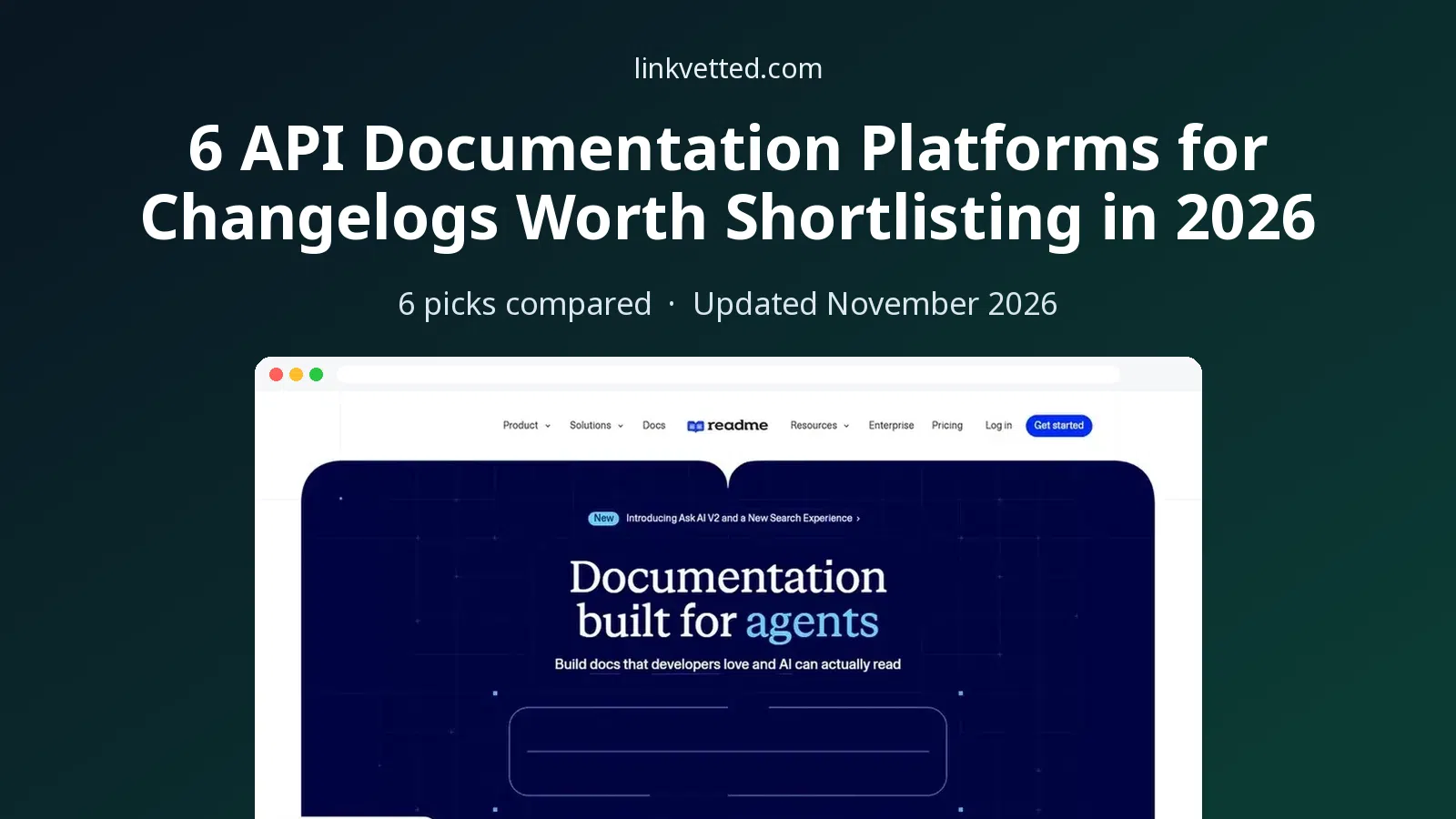
6 API Documentation Platforms for Changelogs Worth Shortlisting in 2026
6 products for the best API documentation platforms for changelogs, ranked by fit, with starting costs and free tiers. Real limits included. Read the profiles.
- Editor's choice
 Postman
API engineering and collaboration
Starts at$9 per monthVisit postman.comFull review - Great alternative
 Docusaurus
Open-source configurable documentation sites
Starts atSee websiteVisit docusaurus.ioFull review - Also consider
 ReadMe
Interactive docs with built-in changelog
Starts atSee websiteVisit readme.comFull review
Direct answer
This list puts Postman first for API engineering and collaboration. Listed starting prices: Postman from $9 per month, Stoplight from $44 a month and GitBook from $65 per site a month. Look at Docusaurus for open-source configurable documentation sites, and at ReadMe for interactive docs with built-in changelog. Details, prices and limits for the rest of the 6 tools are below.
TL;DR:
- This list starts with Postman, which is built for API engineering and collaboration.
- For OpenAPI to production with governance, Bump.sh is worth a look.
- Check the limits for ReadMe before you commit: restricted customization without coding.
- The cheapest monthly starting price in the list is $9 per month, offered by Postman.
Last checked November 2026. Prices and plan details were read from the vendors' own pages in November 2026; vendors change plans often, so confirm the current price on the vendor site before you buy.
Quick comparison
| Tool | Best for | Starts at | Free plan? | |
|---|---|---|---|---|
| Postman | API engineering and collaboration | $9 per month | Yes | Visit |
| Docusaurus | Open-source configurable documentation sites | See website | Not stated | Visit |
| ReadMe | Interactive docs with built-in changelog | See website | Not stated | Visit |
 Stoplight | OpenAPI design and documentation | $44 a month | Free trial | Visit |
 GitBook | Modern docs with AI features | $65 per site a month | Yes | Visit |
| Bump.sh | OpenAPI to production with governance | $50 per month | Free trial | Visit |
Tool-by-tool breakdown
If you are comparing API documentation platforms for changelogs, this page covers 6 tools in one place: what each is best for, what it costs to start, whether it has a free plan, and the main limit to know about.
Postman serves API engineering and collaboration. It is widely used for API testing and collaboration. Teams can use it to document and share API changes, including changelogs, within their workspace.
On top of that, Postman is not specifically designed for public documentation or changelogs, so its changelog capabilities are restricted compared with dedicated tools. If you need a public-facing changelog, consider ReadMe or Bump.sh. Postman starts at: $9 per month. A free plan is available with Postman.
The main drawbacks: Can be overwhelming for beginners.
- Collaboration features
- Can document API changes
- Changelog not a core feature
Docusaurus serves open-source configurable documentation sites. Docusaurus needs technical knowledge to set up and maintain.
It does not supply hosted API documentation features like interactive consoles from day one. Worth adding: Docusaurus is a strong match for teams that want full control. No starting price is listed for Docusaurus here; confirm pricing on the vendor site. Trial and free access: Not stated.
Trade-offs to know: No hosted API documentation features.
- Built-in blog for changelogs
- Free and open-source
- Needs development effort
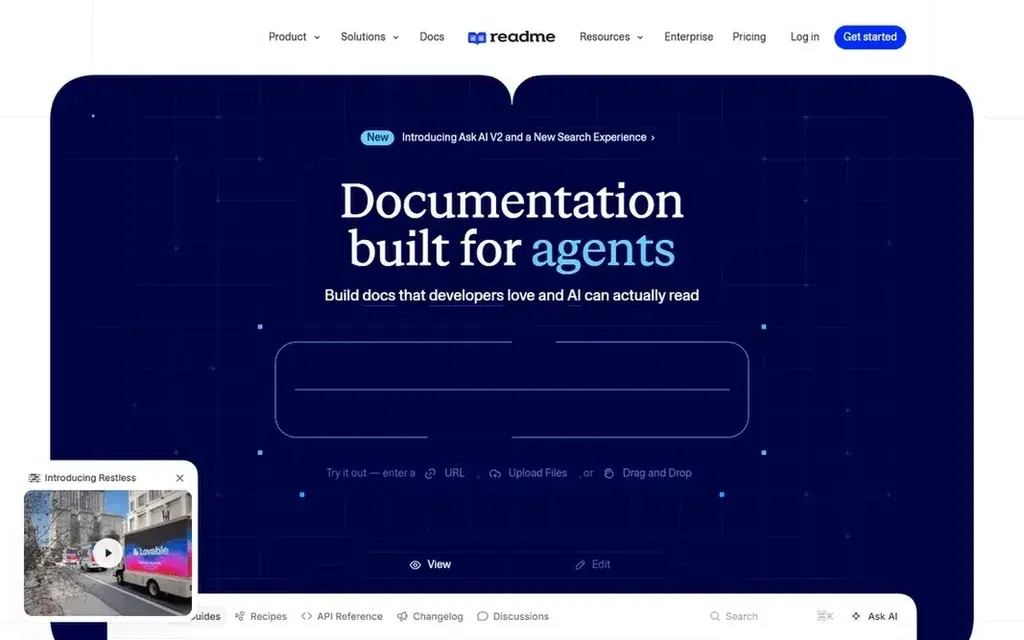
Pick ReadMe if this describes you: interactive docs with built-in changelog. ReadMe helps you produce beautiful, interactive API documentation that developers love. It contains a changelog feature that lets you announce updates and changes straight within your docs.
This makes it a good fit for teams that want a single place for reference documentation and release notes, notably those concentrated on developer experience. In daily use, Whereas ReadMe supplies a refined experience, some customization may need coding knowledge. ReadMe does not show a starting price in this comparison, so check the vendor site for current pricing. Free plan details: Not stated.
Points against: May need plan upgrade for advanced features.
- Dedicated changelog feature
- Interactive API documentation
- Restricted customization without coding
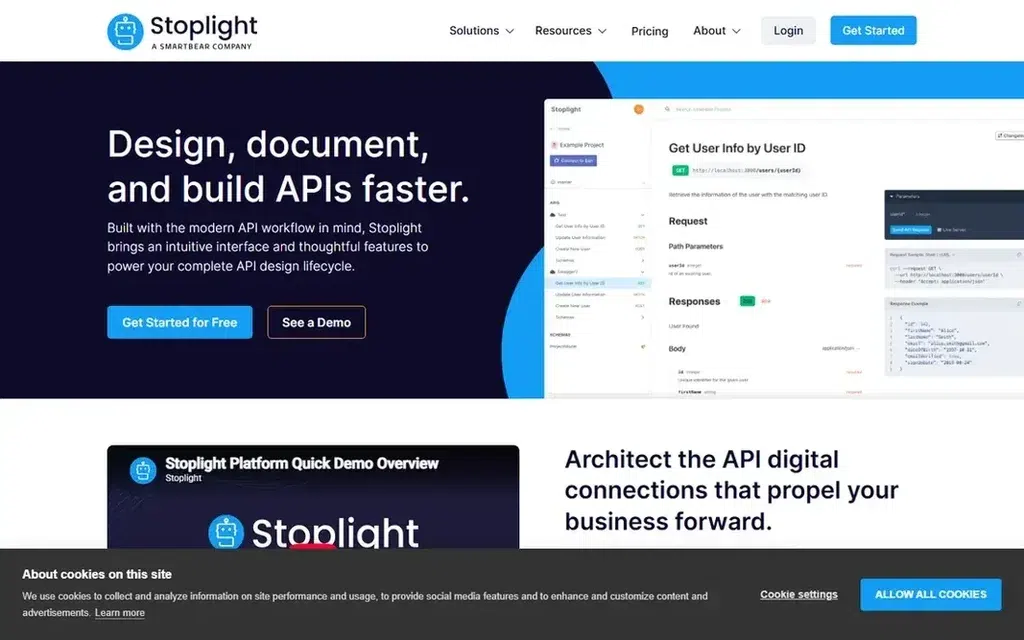
Stoplight targets OpenAPI design and documentation. Stoplight excels when OpenAPI is at the core of your workflow. If you need a light changelog-focused tool, Bump.sh might be a better fit.
Stoplight is an OpenAPI design and documentation management tool that lets you build OpenAPI descriptions, documentation, and mock servers faster than other API tools, all in one centralized system. It is well-suited for teams that design APIs with OpenAPI and want to create documentation and changelogs from their specifications. In practice, Stoplight may be overkill for straightforward documentation needs, and its changelog capabilities are not as dedicated as some alternatives. Stoplight pricing: $44 per month. Free plan details: Free trial.
Limits to weigh: Restricted changelog-specific features.
- Centralized OpenAPI product
- Mock servers included
- Can be complicated for non-technical users

For modern docs with AI features, GitBook is a natural candidate. GitBook is the documentation product for humans and AI. It bundles built-in MCP that links your docs to AI agents, whereas GitBook Agent helps keep them accurate.
Drawbacks to consider: Less API-specific than some tools.
What GitBook does well: Built-in MCP for AI agents.
It is a decent choice for teams that want a modern documentation product with AI capabilities and are comfortable setting up a changelog section manually. GitBook is not primarily an API documentation tool, so it may lack some API-specific features like interactive consoles. In daily use, GitBook performs well for general documentation that comes with release notes. Entry price for GitBook: $65 per site per month. GitBook has a free plan.
- GitBook Agent keeps docs accurate
- Clean
- Changelog needs manual setup
Bump.sh
Best for: OpenAPI to production with governance
Bump.sh is aimed squarely at OpenAPI to production with governance. From OpenAPI to production, it comes with built-in governance, authentication, and observability. It is a solid fit for teams that want to run the whole API documentation lifecycle, including changelogs, with solid governance.
Worth adding: Bump.sh is a good match for organizations that prioritize governance and observability. Bump.sh may have a steeper ramp-up time for teams unfamiliar with OpenAPI. Its changelog capabilities are not as prominent as its governance features. Also, if you need a straightforward changelog tool, consider ReadMe. What you pay to start with Bump.sh: $50 per month. Free access: Free trial.
Downsides: Less known than some competitors.
Main advantages: Focus on shipping docs.
- Supports MCP servers
- Built-in governance and observability
- Changelog features may be entry-level
What went into this list
We compared the tools on published pricing, free plan or trial availability, feature coverage for API documentation platforms for changelogs, and the limits each vendor documents. Where a vendor does not publish a price, the entry says quote. Where a price depends on seats or billing term, the entry says so. Tools are placed by general fit for API documentation platforms for changelogs, with price clarity and free access as tie-breakers. A different team can reasonably rank them differently.
A buyer's checklist
- Confirm the entry price on the vendor page. For Docusaurus and ReadMe that means a quote rather than a fixed price.
- Check what the free option really includes: Postman and GitBook offer a free plan, and usage caps differ.
- Use real work to test the free trial from Stoplight and Bump.sh, rather than a demo project.
- Read the limits listed for Postman first: changelog not a core feature.
- Check whether the features you need in GitBook sit on the entry plan or only on higher tiers.
- List the apps you already depend on and check that Docusaurus supports each one on the plan you would buy.
FAQ
Can I try these tools before paying?
Often, yes. Postman and GitBook have a free plan and Stoplight and Bump.sh offer a free trial. Use your own data and a real task during the test, and check what the free tier or trial limits before you rely on it.
Do these tools publish their prices?
Not all of them. Docusaurus and ReadMe publish no starting price, so expect a quote request for those. The rest, Postman included, show a starting price, though seats and billing terms still change the final cost.
What is the cheapest option for API documentation platforms for changelogs in this list?
On published monthly entry prices, Postman is the lowest here at $9 per month. Entry price is only part of the cost, because seats, add-ons and billing terms can change the total. All 6 picks in this API documentation platforms for Changelogs comparison list a starting price, free plan details and the main limits on their cards above.
What is the best API documentation product for changelogs?
For most readers this guide would start with Postman, built for API engineering and collaboration. Docusaurus is the alternative for open-source configurable documentation sites, and ReadMe for interactive docs with built-in changelog. The right answer depends on budget and workflow.
Is Postman the right pick for everyone comparing API documentation platforms for changelogs?
No single tool suits every team. Postman comes first because it fits API engineering and collaboration, while Docusaurus suits open-source customizable documentation sites and ReadMe suits interactive docs with built-in changelog. Match the tool to your own size, budget and workflow before deciding.
Sources
- https://www.postman.com
- https://docusaurus.io
- https://readme.com
- https://stoplight.io
- https://www.gitbook.com
- https://bump.sh