Top 6 AI Voice Dictation Software for Startups for 2026 (Prices and Free Plans)
6 products for the best AI voice dictation software for startups, ranked by fit, with starting costs and free tiers. With pricing notes and limits. Plain facts.
- Editor's choice
 Sonix
Multilingual transcription and summaries
Starts at$10 per hourVisit sonix.aiFull review - Great alternative
 Descript
Editing audio and video by text
Starts at$16 per person a monthVisit descript.comFull review - Also consider
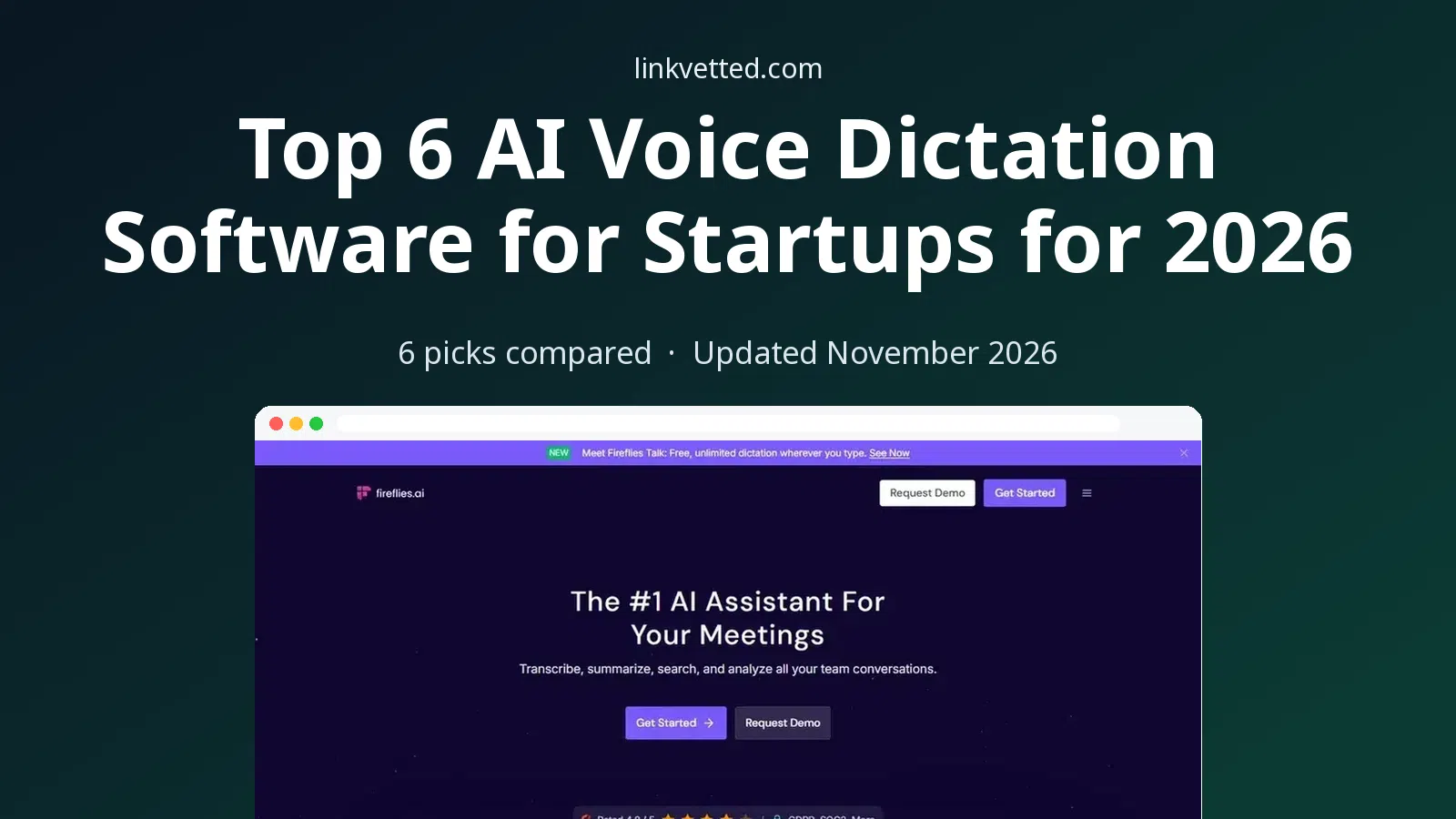
 Fireflies.ai
AI summaries across video products
Starts at$10 per seat a month, billed yearlyVisit fireflies.aiFull review
Direct answer
For multilingual transcription and summaries, Sonix is where this list starts. Listed starting prices: Sonix from $10 per hour, Descript from $16 per person a month and Fireflies.ai from $10 per seat a month, billed yearly. Descript is the stronger choice for editing audio and video by text, while Fireflies.ai suits AI summaries across video products. The remaining 3 options are covered below with prices and limits.
TL;DR:
- This list starts with Sonix, which is built for multilingual transcription and summaries.
- Before buying Descript, weigh this: editing focus instead of live dictation.
- Rev suits investigative and legal transcription.
- The lowest published monthly entry price here is $8.33 per user per month, from Otter.ai.
- Only 4 of the 6 tools have a free plan (Descript, Fireflies.ai, AssemblyAI, Otter.ai), so check the caps.
Last checked November 2026. Prices and plan details were read from the vendors' own pages in November 2026; vendors change plans often, so confirm the current price on the vendor site before you buy.
Quick comparison
| Tool | Best for | Starts at | Free plan? | |
|---|---|---|---|---|
| Sonix | Multilingual transcription and summaries | $10 per hour | Free trial | Visit |
| Descript | Editing audio and video by text | $16 per person a month | Yes | Visit |
| Fireflies.ai | AI summaries across video products | $10 per seat a month, billed yearly | Yes | Visit |
 AssemblyAI | Speech-to-text APIs for products | $0.02 per hour | Yes | Visit |
 Otter.ai | Meeting notes and live transcription | $8.33 per user a month | Yes | Visit |
 Rev | Investigative and legal transcription | $25.49 per seat a month | Not stated | Visit |
Our 6 AI voice dictation software for startups
This LinkVetted guide covers 6 AI voice dictation software for startups. Each profile lists a starting price, free plan details, strengths and drawbacks, so you can drop poor fits quickly.
Sonix is a good fit for multilingual transcription and summaries. Results still rely on recording quality and overlapping speech.
Sonix provides AI transcription for audio and video files, with support for numerous languages plus AI summaries and speaker detection. Worth adding: startups handling interviews, research calls or multilingual content can turn recordings into text and summaries in a single tool. The starting price for Sonix: $10 per hour. As for free access: Free trial.
Downsides: File-based instead of live meeting capture.
- AI summaries and speaker detection
- Takes care of audio and video files
- Quality relies on source audio
Descript works best for editing audio and video by text. Descript is an AI video and audio editor that makes editing feel like editing text, letting teams record, transcribe, edit and publish in one place.
Where it is weaker: Editing focus instead of live dictation.
In daily use, startups producing podcasts, demo videos or marketing clips can correct transcripts and cut media from the same workspace. Descript is an editor first, so teams seeking live meeting notes or a speech API should look elsewhere. What you pay to start with Descript: $16 per person per month. You can start on Descript without paying.
- Record, transcribe
- Text-based editing for audio and video
- Ramp-up time for advanced workflows
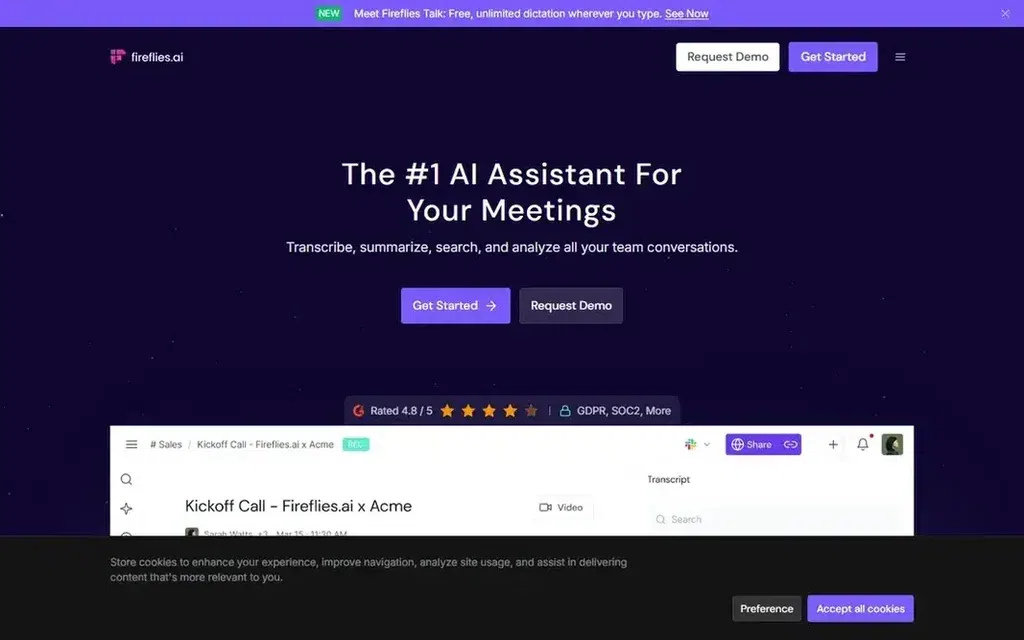
Where Fireflies.ai fits: AI summaries across video platforms. In practice, the tool is oriented toward meetings, so it is not the obvious choice for solo dictation or for building speech features into a product.
Consider a dedicated transcription or API service if your primary need is raw text output or developer integration. In practice, results rely on recording quality and speaker clarity. On cost, Fireflies.ai starts like this: $10 per seat per month, billed annually. You can start on Fireflies.ai without paying.
Honest limits: Summary quality varies with audio clarity. What works well: Creates transcripts and smart summaries.
- Generative AI applied to meeting content
- Works with Zoom
- Value relies on meeting volume
Think of AssemblyAI for Speech-to-text APIs for products. AssemblyAI offers AI models to transcribe and understand speech, pitched at developers who want to add voice capabilities to their own products. More specifically, choose it when speech is part of your product instead of just your internal workflow.
In daily use, startups building voice features, call analytics or audio search can use it as a building block instead of a finished app. This is an API-first offering, so non-technical teams looking for an out-of-the-box dictation tool will need a different choice. Price to start with AssemblyAI: $0.02 per hour. AssemblyAI has a free plan.
Where it falls short: Not an end-user dictation app.
- AI models to transcribe and understand speech
- Made for developers integrating speech
- Needs engineering effort
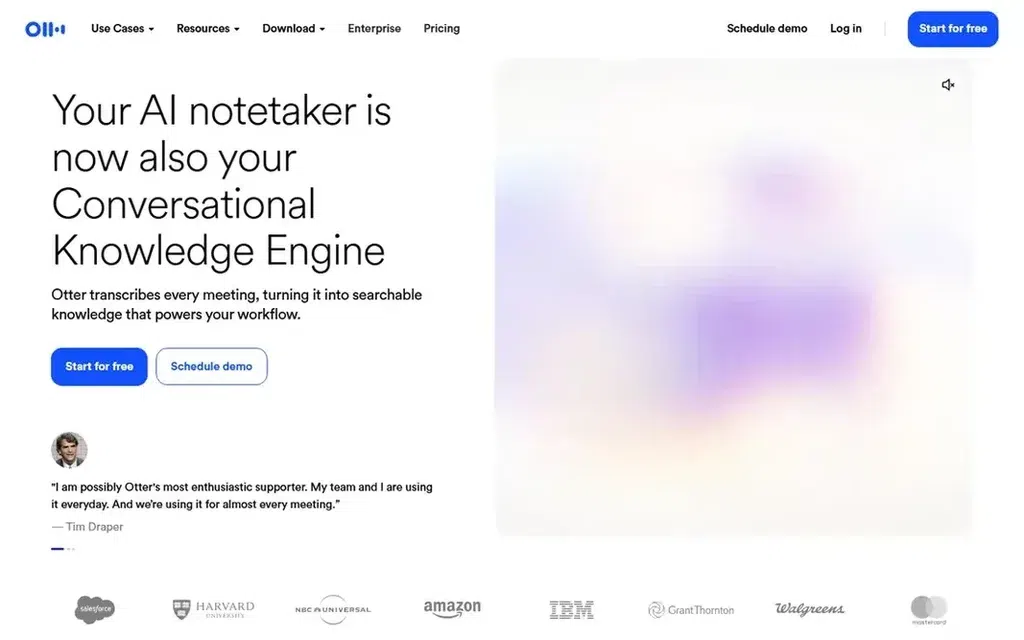
Otter.ai serves meeting notes and live transcription. Since the product is built around meetings, teams that primarily want long-form voice dictation or developer APIs may find it narrower than dedicated speech tools.
As for the details, Otter.ai centers on an AI meeting agent that transcribes conversations in live and layers on live chat, automatic summaries, insights and action items. Accuracy also relies on audio quality and clear speakers. Otter.ai cost at the entry level: $8.33 per user per month. Otter.ai has a free plan.
Honest limits: Advanced needs may need deeper setup.
- Insights pulled from meeting content
- Automatic summaries and action items
- Meeting-focused instead of general dictation
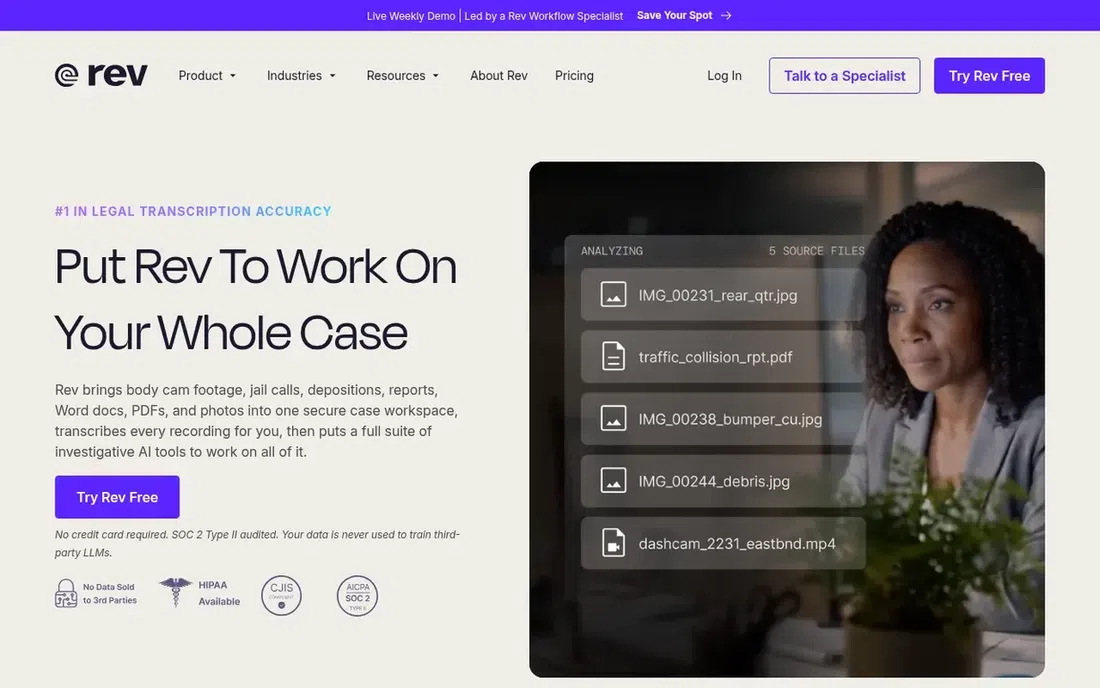
Where Rev fits: investigative and legal transcription. Rev presents a legal AI product focused on investigative intelligence and transcription, turning digital evidence into verified, citable findings for case management. That makes it relevant to startups in legal tech, compliance or investigations where accuracy and traceability matter more than casual note taking.
The main drawbacks: Specialized instead of general startup dictation.
Also, the system is built around legal and investigative workflows, so general business users may prefer a meeting notetaker or an API provider. On top of that, choose Rev when citation and verification are central requirements. On cost, Rev starts like this: $25.49 per seat per month. As for free access: Not stated.
- Designed for investigations that hold up in court
- Turns digital evidence into citable findings
- Narrow fit outside legal and investigative work
How we compared the tools
For each of the 6 tools we noted price, free plan or trial, fit for AI voice dictation software for startups and the main limit, using vendor pages and documentation. Seat minimums, billing terms and add-ons can move the real cost, so the starting prices here are a guide and not a quote. Position on the page reflects fit for a typical buyer first, with price clarity and free access breaking ties. Treat it as a guide, not a ruling.
What to check before you buy
- Prices are a starting point; Otter.ai shows $8.33 per user per month to start, so verify what your seat count would cost.
- Check what the free option really includes: Descript, Fireflies.ai, AssemblyAI and Otter.ai offer a free plan, and usage caps differ.
- Take the trial from Sonix and push a live task through it before you pay.
- Read the limits listed for Sonix first: file-based instead of live meeting capture.
- Look at the renewal terms for AssemblyAI: auto-renewal, notice periods and price changes can matter more than the first-year price.
- Check the integration list for Descript against the tools you run today, and note which ones need a higher plan.
FAQ
Which tool is a good match for a startup producing podcasts or videos?
Start with Sonix if you need multilingual transcription and summaries. Descript is the better match for editing audio and video by text, and Fireflies.ai for AI summaries across video systems. The best choice depends on budget, team size and workflow.
Is Sonix the right pick for everyone comparing AI voice dictation software for startups?
No single tool suits every team. Sonix comes first because it fits multilingual transcription and summaries, while Descript suits editing audio and video by text and Fireflies.ai suits AI summaries across video platforms. Match the tool to your own size, budget and workflow before deciding.
Can I try these tools before paying?
Often, yes. Descript, Fireflies.ai, AssemblyAI and Otter.ai have a free plan and Sonix offers a free trial. Use your own data and a real task during the test, and check what the free tier or trial limits before you rely on it.
What is the cheapest option for AI voice dictation software for startups in this list?
On published monthly entry prices, Otter.ai is the lowest here at $8.33 per user per month. Entry price is only part of the cost, because seats, add-ons and billing terms can change the total. Each of the 6 options in this AI voice dictation software for startups guide has its own card above with the price, free plan and limits.
Do these tools publish their prices?
Yes. Every tool from Sonix to Rev shows a starting price, though seats, add-ons and billing terms still change the final cost.
Sources
- https://sonix.ai
- https://www.descript.com
- https://fireflies.ai
- https://www.assemblyai.com
- https://otter.ai
- https://www.rev.com