6 Strong AI Video Enhancer Software Options in 2026
6 products for the best AI video Enhancer software, ranked by fit, with starting costs and free tiers. Clear notes on pricing gaps and limits. Numbers first.
- Editor's choice
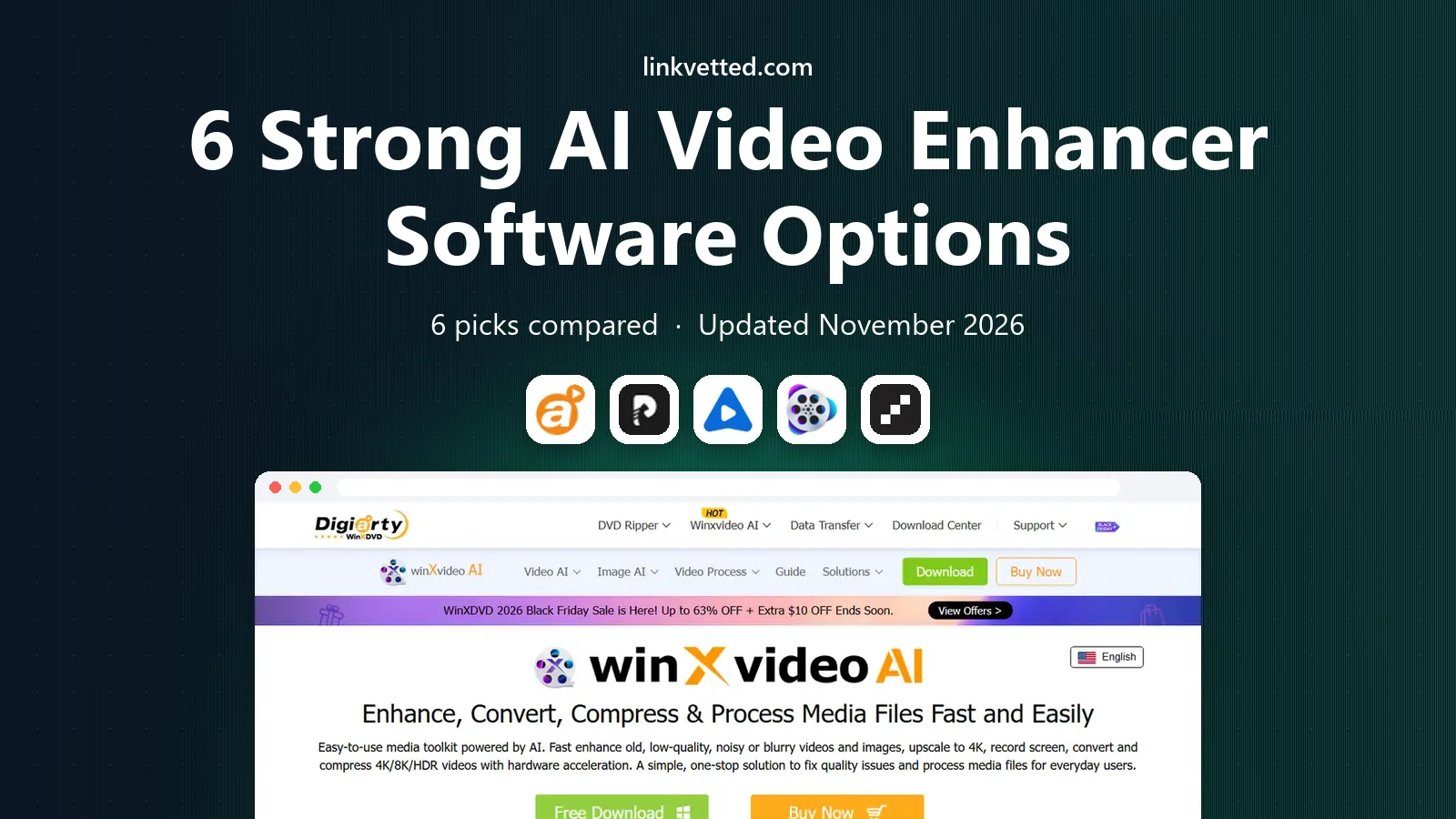
 Winxvideo AI
One-time purchase upscaling
Starts at$54.95 one-timeVisit winxdvd.comFull review - Great alternative
 HitPaw VikPea
One-click enhancement for beginners
Starts at$43.19/monthVisit hitpaw.comFull review - Also consider
 AVCLabs Video Enhancer AI
Straightforward desktop upscaling
Starts at$39.95/monthVisit avclabs.comFull review
Direct answer
Winxvideo AI is the first pick on this list for one-time purchase upscaling. Alternatives: HitPaw VikPea for one-click enhancement for beginners, and AVCLabs Video Enhancer AI for straightforward desktop upscaling. The other 3 tools in the list cover narrower or pricier cases.
TL;DR:
- Winxvideo AI sits first on this list: one-time purchase upscaling.
- A fair warning about Winxvideo AI: AI quality is competent instead of class-leading.
- TensorPix suits budget cloud enhancement.
- For the cheapest start, look at TensorPix: $5.50/month.
- TensorPix is the only tool of the 6 with a free plan.
Quick comparison
| Tool | Best for | Starts at | Free plan? | |
|---|---|---|---|---|
| Winxvideo AI | One-time purchase upscaling | $54.95 one-time | Free trial | Visit |
| HitPaw VikPea | One-click enhancement for beginners | $43.19/month | Free trial | Visit |
| AVCLabs Video Enhancer AI | Straightforward desktop upscaling | $39.95/month | Free trial | Visit |
 VideoProc Converter AI | All-in-one converter with AI enhancement | See website | Free trial | Visit |
 Topaz Video | Serious restoration and upscaling | $59/month | Free trial | Visit |
 TensorPix | Budget cloud enhancement | $5.50/month (billed annually) | Yes | Visit |
The best AI video Enhancer software
LinkVetted compared 6 tools for AI video Enhancer software. The goal is a practical shortlist: published prices, free plan facts, best-fit use cases and honest limits for every entry.

Winxvideo AI is designed for one-time purchase upscaling. One payment of $54.95 gets you the desktop app with AI upscaling, denoising, and stabilization, plus the conversion and compression tools the WinX line has sold for years. It runs happily on modest hardware that Topaz would choke on.
What to check first: AI quality is competent instead of class-leading.
On top of that, Winxvideo AI is the last refuge for buyers who refuse subscriptions. Set expectations accordingly. But the economics are simple: one payment, yours to keep, no monthly meter running. Price to start with Winxvideo AI: $54.95 one-time. Free plan details: Free trial.
- Single payment with no subscription
- Light on system requirements
- Interface feels dated next to newer rivals
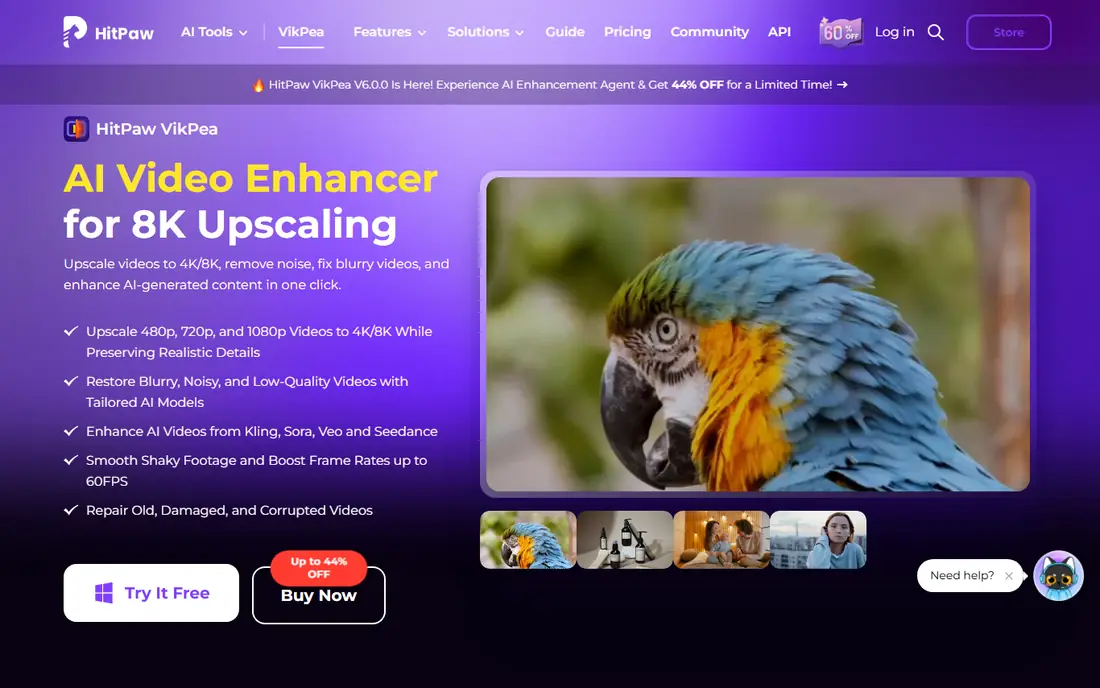
HitPaw VikPea makes the most sense for one-click enhancement for beginners. The main limit is the trial: you can preview enhanced output but not export it without paying, so judge carefully.
Limits to weigh: Per-month pricing is high for casual use.
What users get: old video.
As for the details, the face model does impressive work on old portraits. The anime model is a niche it deals with better than most general upscalers. HitPaw VikPea pricing: $43.19/month. Free plan details: Free trial.
- Dedicated models for faces, anime
- Refined
- The free trial only previews results
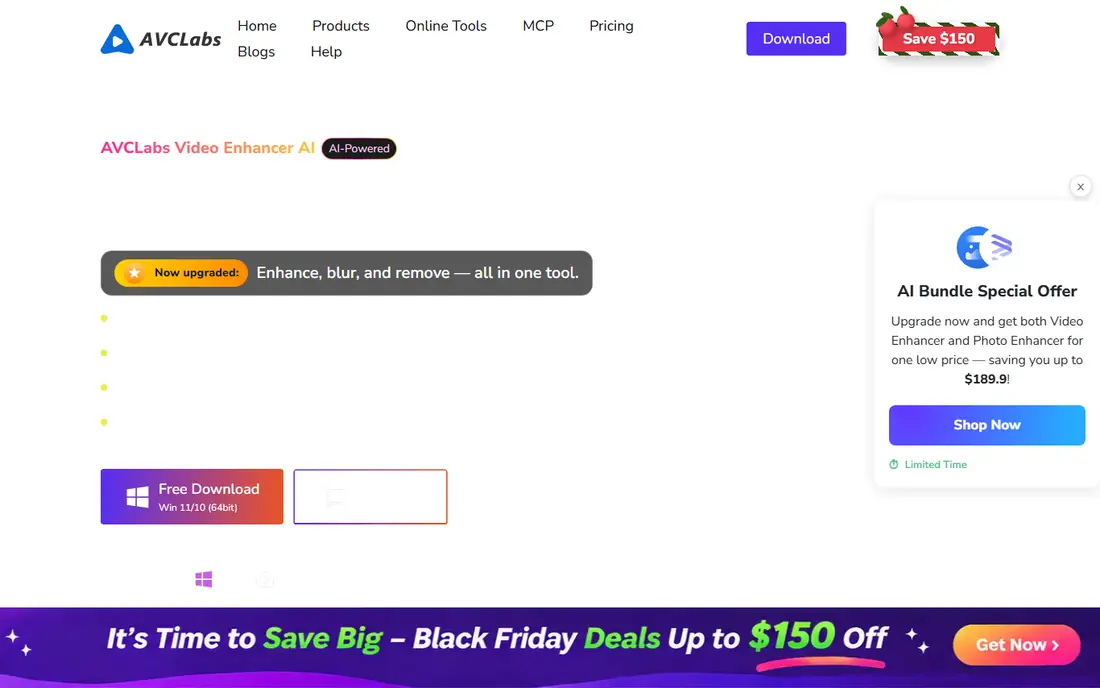
Think of AVCLabs Video Enhancer AI for straightforward desktop upscaling. Pick a model for faces, old footage, or general enhancement, set your target resolution, and let it run. The interface explains itself, which matters when the alternative is Topaz's wall of model parameters.
Pricing comes straight from AVCLabs' own purchase page: $39.95 a month, $119.95 a year, or $299.90 perpetual (often discounted). This is the sensible middle choice: less expensive than Topaz monthly, simpler to use, decent enough for most enhancement jobs. Price to start with AVCLabs Video Enhancer AI: $39.95/month. Trial and free access: Free trial.
Where it falls short: Output quality trails Topaz on hard footage.
- Clean interface with preset enhancement models
- Official purchase page lists monthly, yearly
- Perpetual license pricing is steep at $299.90
VideoProc Converter AI is built with all-in-one converter with AI enhancement in mind. VideoProc Converter AI approaches enhancement sideways: it is first a video converter.
Highlights: GPU acceleration keeps things quick.
Downsides: AI features are a side dish.
The AI upscaling, denoising, and frame interpolation are part of the package. As a pure enhancer it does not match the specialists. VideoProc Converter AI does not show a starting price in this comparison, so check the vendor site for current pricing. Free plan details: Free trial.
- One app for plenty of jobs
- DVD tools, recording
- Pricing page needs digging
Choose Topaz Video for serious restoration and upscaling. The shock for returning buyers is the pricing: the old $299 one-time license is gone, replaced by a $59 a month desktop subscription with unlimited local rendering plus a monthly cloud credit allowance. Restore an entire archive and the math favors the subscription.
If your footage matters and your hardware can handle it, this is still the pick. Topaz Video (formerly Topaz Video AI) remains the reference point every other enhancer gets judged against. For everyday use, you will also need a serious GPU, since enhancement is computationally brutal. On cost, Topaz Video starts like this: $59/month. Free access: Free trial.
The main drawbacks: Demands a capable GPU and patience for long renders.
- Granular control over every model
- Runs locally for unlimited rendering
- Now subscription-only at $59 a month
TensorPix makes the most sense for budget cloud enhancement. TensorPix proves you do not need $59 per month to get real AI enhancement. The web app upscales, denoises, and sharpens video in the cloud, which means any laptop can use it.
Watch-outs: Slower turnaround than desktop apps.
As for the details, you upload, wait in a queue, and download, which is fine for a handful of clips and annoying for a library. On top of that, for occasional jobs and buyers without a beefy GPU, TensorPix is the value pick of this whole list. Official pricing lists Free, Standard at $5.50 a month billed yearly, Premium at $12.42, and Elite at $30.25. The starting price for TensorPix: $5.50/month. TensorPix includes a free tier.
- Straightforward web workflow
- Completely cloud-based
- Free level is restricted in resolution and length
How we built this list
The comparison looks at four things: starting price, free access, how well the feature set matches AI video Enhancer software, and the main limit of each tool. Figures are shown as the vendors publish them. Billing terms, seat minimums and add-ons can change the real cost. The order reflects how well each tool fits the most common buying scenario for AI video Enhancer software, then price clarity, then free plan access. It is a starting point, not a verdict.
What to confirm before you sign up
- Ask VideoProc Converter AI for a written quote, since no starting price is shown.
- Test the free plan from TensorPix against your real workload before relying on it.
- Use real work to test the free trial from Winxvideo AI, HitPaw VikPea, AVCLabs Video Enhancer AI and others, rather than a demo project.
- Before choosing Winxvideo AI, weigh its main limit: AI quality is competent instead of class-leading.
- See whether AVCLabs Video Enhancer AI offers onboarding or training, and whether it is included in the price.
- Price Winxvideo AI for your actual team size; headline prices rarely include add-ons or overage.
FAQ
Do these tools publish their prices?
Not all of them. VideoProc Converter AI publishes no starting price, so expect a quote request for it. The rest, Winxvideo AI included, show a starting price, though seats and billing terms still change the final cost.
Does AI video enhancement really work?
Yes, within limits. They cannot invent detail that was never captured, so a blurry 480p clip will never become true 4K footage.
What is the cheapest option for AI video Enhancer software in this list?
On published monthly entry prices, TensorPix is the lowest here at $5.50/month. Entry price is only part of the cost, because seats, add-ons and billing terms can change the total.
Will enhancement remove watermarks or fix copyrighted content?
No legitimate tool markets itself for removing watermarks, and enhancement does not change who owns the footage. These tools boost quality; they do not grant rights to content you do not own.
Can I try these options before paying?
Often, yes. TensorPix has a free plan and Winxvideo AI, HitPaw VikPea, AVCLabs Video Enhancer AI and others offer a free trial. Use your own data and a real task during the test, and check what the free tier or trial limits before you rely on it.
Which options for AI video Enhancer software have a free plan?
TensorPix is the only tool in this list with a free plan. Free plans usually cap users, projects or features, so check the limits on the vendor page. Several others offer a trial instead.