Best AI Tools for Faceless YouTube Channels in 2026: 8 Tools Compared
Best AI tools for faceless YouTube channels compared for scripting, voice, video, thumbnails, and SEO, with pricing, free plans, and monetization notes.
- Editor's choice
 Pictory
Script to stock video
Starts at$25 per monthVisit pictory.aiFull review - Great alternative
 InVideo
Prompt to video drafts
Starts at$20 per monthVisit invideo.ioFull review - Also consider
 Fliki
Script to voice video
Starts at$28 per monthVisit fliki.aiFull review
TL;DR:
- Pictory and InVideo cover script to video drafts, while Fliki pairs scripts with AI voices fast.
- ElevenLabs leads for natural narration, but check commercial use terms on your plan.
- Descript and Canva handle editing, captions, and thumbnails that make faceless videos look intentional.
- vidIQ helps with titles, tags, and topic research, but it does not make video by itself.
- YouTube rewards original value, so review every AI draft for facts, pacing, and visual relevance.
Quick comparison
| Tool | Best for | Starts at | Free plan? | |
|---|---|---|---|---|
| Pictory | Script to stock video | $25 per month | Free trial | Visit |
| InVideo | Prompt to video drafts | $20 per month | Yes | Visit |
| Fliki | Script to voice video | $28 per month | Yes | Visit |
 ElevenLabs | Natural AI narration | See website | Yes | Visit |
 Descript | Text based editing | See website | Yes | Visit |
 Canva | Thumbnails and design | See website | Yes | Visit |
 vidIQ | YouTube SEO research | $19 per month | Yes | Visit |
 OpusClip | Shorts from long videos | $15 per month | Yes | Visit |
The best ai tools for faceless youtube channels
We compared video creation, voice quality, editing, design, and research tools that faceless creators actually combine in a publishing workflow.
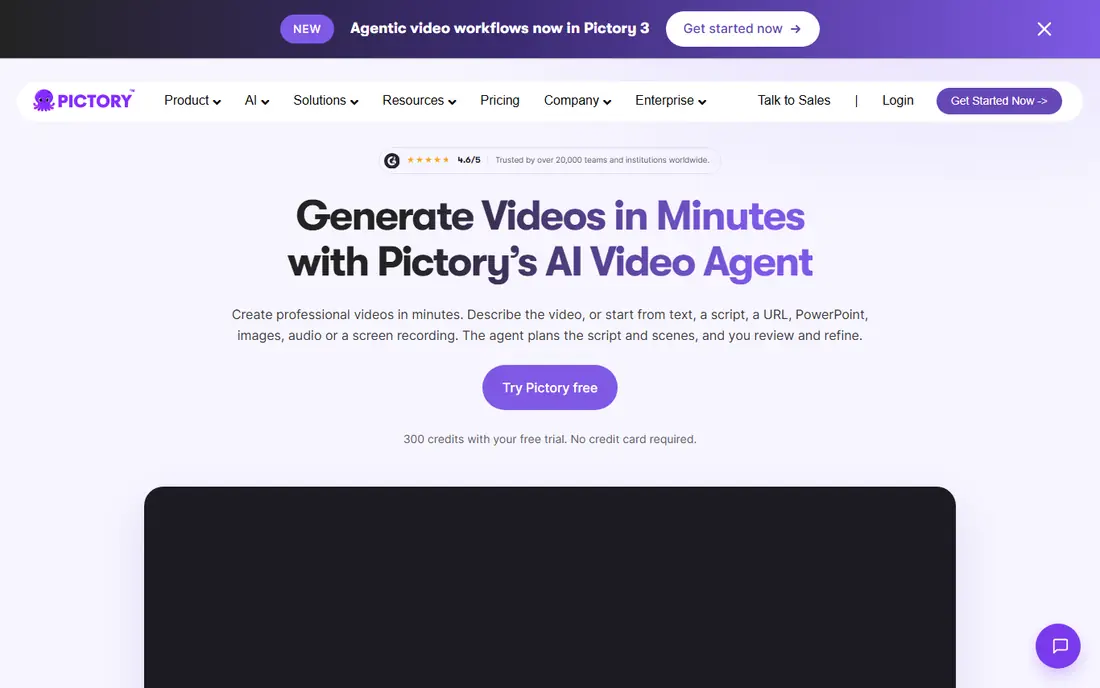
Pictory suits creators who start with a written script or blog post and need a finished video draft without filming. Paste your script, and Pictory matches scenes with stock footage, adds captions, and lets you edit scenes in a timeline. That speed helps channels that publish several times a week. The weakness is generic visuals. For a specific place, person, or event, stock clips may not match your script closely. Use Pictory for a first draft, then replace weak scenes and add your own visuals or text overlays to keep the video original.
- Turns scripts and articles into video fast
- Stock footage matching
- Auto captions and summarising tools
- No permanent free plan
- Stock matching can feel generic on niche topics
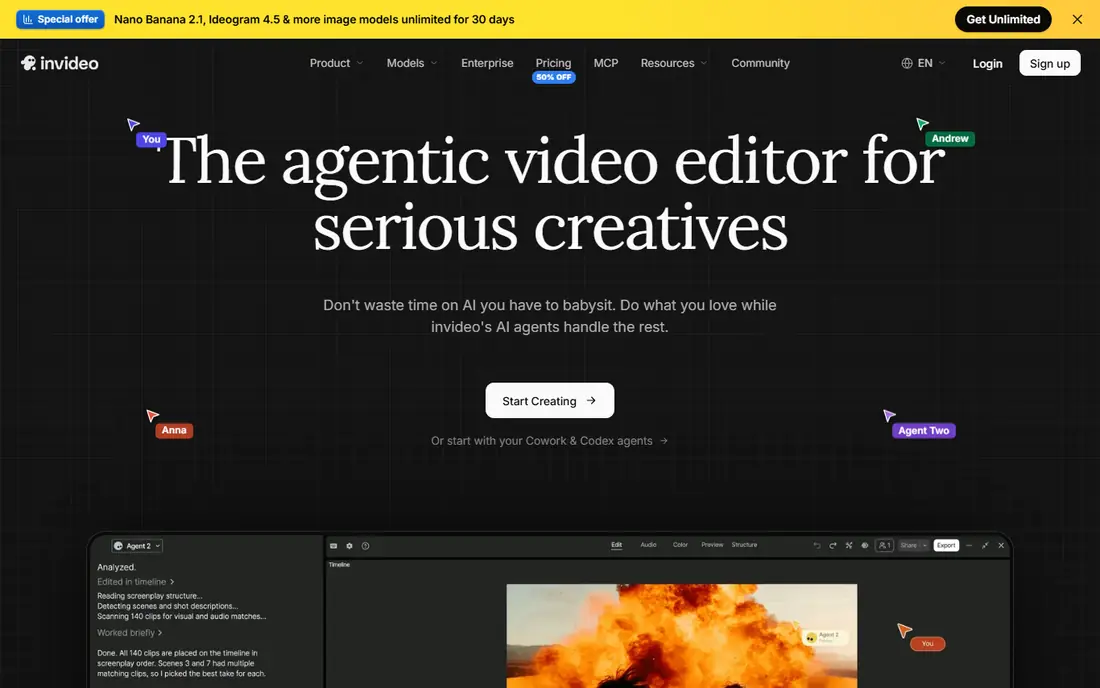
InVideo is a good prompt to video workhorse. Type a topic or paste a script, and it builds scenes, visuals, voiceover, and music into an editable project. You can then adjust timing, replace clips, and add captions before export. That draft plus edit flow suits faceless channels that need volume without a full edit bay. Start on the free plan to test the workflow, but expect a watermark on free exports. Paid plans remove the watermark and add more export minutes, so match your plan to your upload volume.
- Prompt based video drafts
- Large template and stock library
- Timeline editing for finishing
- Free exports carry a watermark
- Paid plan cost rises with team seats
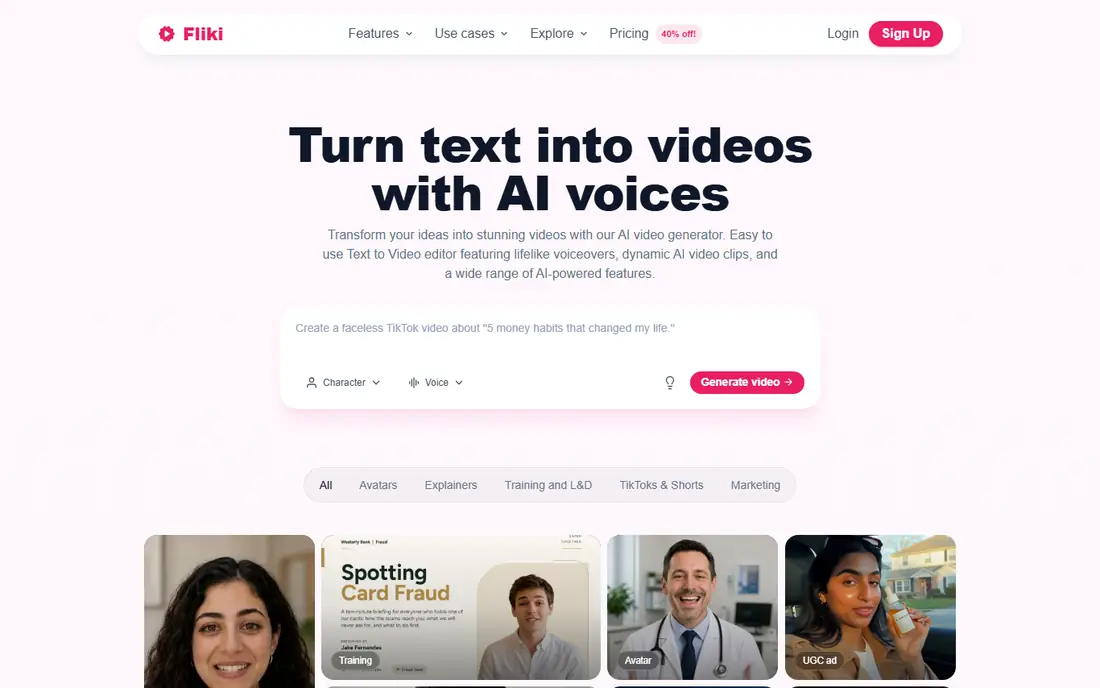
Fliki pairs a script with AI narration and visuals in one flow, which makes it fast for narration led faceless videos. Pick a voice, paste or write your script, and Fliki builds scenes with captions and stock media. Its voice library is a key draw for channels that rely on narration quality. Test several voices before committing to one, since tone and pacing vary by voice and language. Keep the same voice across a series for a consistent channel sound, and always listen to the full narration for mispronunciations.
- Strong AI voices with script to video flow
- Large media library
- Fast template based creation
- Free exports are short and watermarked
- Voice choice affects quality a lot
ElevenLabs is the voice first tool on this list, and it is often the upgrade that makes a faceless channel sound less robotic. Its voices handle pacing and emphasis better than many stock voices, and it supports many languages. Use it when narration quality is central to your format, such as documentary or story channels. Check character limits and commercial use terms on your plan before you publish at scale. A free plan is useful for testing, but regular uploads will need a paid plan with enough characters and the right licence.
- Very natural AI voices
- Voice cloning options on paid plans
- Wide language support
- Costs rise with character volume
- Commercial terms vary by plan
Descript changes editing for narration led creators. You edit the transcript, and the video follows, which makes cutting filler, fixing lines, and adding captions much faster than a traditional timeline for some workflows. Its studio sound tools can also clean up recorded narration. It is not a direct replacement for Pictory or InVideo for stock assembly. Use Descript to polish a draft, fix narration, and create captions and clips, rather than to build a stock video from scratch.
- Edit video by editing text
- Studio sound and captions
- Good for repurposing audio
- Less suited to heavy stock video assembly
- Learning curve for full editing features
Canva earns a place because thumbnails decide clicks for faceless channels. Its templates, text tools, and image library let you make clear, readable thumbnails fast, with a consistent style across a series. You can also make channel art, end screens, and social clips. Do not expect Canva to replace a video editor for long form work. Use it for design and simple video touches, and keep your main edit in Descript, InVideo, or Pictory.
- Easy thumbnail and channel design
- Many templates
- Free plan covers core design
- Not a video creation tool
- Video editing is basic compared with dedicated editors
vidIQ helps faceless creators pick topics and titles that have a real chance to rank. Its keyword scores, related topics, and audit tools show search interest and competition for ideas before you spend hours making a video. That research step matters more than any single editing feature. Treat scores as guidance. A high score does not guarantee views, and a strong video on a smaller topic can outperform a weak video on a popular one. Use vidIQ to shortlist topics, then judge each idea by how much original value you can add.
- Keyword and topic scores
- Title and tag suggestions
- Channel audit tools
- Does not create video
- Scores are guidance, not a guarantee of views
OpusClip turns long videos into Shorts with captions and clip suggestions. For a faceless channel, that means one long video can feed several Shorts that point viewers back to the main video. Its scoring helps you pick moments with a hook, though you should still review each clip. Shorts made only from auto clips can feel choppy. Edit the hook, check captions, and make sure each Short stands alone. Used well, OpusClip is a strong repurposing tool rather than a main video maker.
- Finds clip worthy moments from long videos
- Auto captions
- Virality style scoring
- Clip quality needs human review
- Short form focus only
How we picked these
We compared official pricing pages, feature lists, and public creator workflows for tools that cover scripting, voice, video, editing, design, and research. We favoured tools that are actively maintained, state commercial use terms, and fit a faceless publishing routine. We also noted where a tool does not make video, so readers do not buy it for the wrong job. We did not claim hands on testing. Our picks reflect documented features, plan limits, and common stack combinations used by faceless creators.
How to build a faceless workflow that can monetize
Start with topic research, not tools. A clear niche, a repeatable format, and a consistent voice matter more than owning every AI app. Pick one format you can publish weekly, then build tools around it.
Script, voice, and visuals
Write or edit the script first, with facts checked and a clear structure. Choose one narration voice and one visual style, then use Pictory, InVideo, or Fliki for drafts and ElevenLabs for narration when quality matters. Review every scene for relevance, and replace generic stock that does not match your script.
Edit, thumbnail, and publish
Polish the draft in Descript or your main editor, add captions, and check audio levels. Make the thumbnail in Canva with large, readable text and a clear focal image. Use vidIQ to refine the title, description, and tags, then publish with a consistent schedule.
Monetization and originality notes
YouTube does not ban faceless or AI assisted channels as a category, but it does limit monetization for mass produced content with little original input. Add your own research, commentary, structure, and editing to each video, and avoid copying other channels. Check current YouTube Partner Program rules before you scale, since policy details change.
FAQ
What are the best ai tools for faceless youtube channels for beginners?
Start with InVideo or Pictory for video drafts, Canva for thumbnails, and vidIQ for topic research. That stack covers the core jobs without a large monthly cost at first. Add ElevenLabs later if narration quality becomes the main limit on your videos.
What is the best ai tool for faceless youtube channel narration?
ElevenLabs is widely cited for natural narration, with Fliki as a strong all in one script to voice option. Test voices in your niche and language, and listen to full episodes for pacing and pronunciation. Keep one consistent voice across a series for a recognisable channel sound.
Can faceless YouTube channels be monetized in 2026?
Faceless channels can be monetized if they meet Partner Program rules and offer original value, but mass produced low effort content faces limits. Add original research, commentary, and editing, and follow current YouTube policy on reused and inauthentic content. This is general information, not legal advice.
Do I need to show my face or use my own voice?
No, faceless channels use stock visuals, generated visuals, text, and AI narration instead of on camera presentation. Many successful formats use narration over visuals, animation, or screen based explainers. A clear format and consistent voice matter more than appearing on camera.
How much do faceless YouTube tools cost per month?
A basic stack can start free or at low cost, with paid video and voice tools often from 15 to 30 dollars per month each. A common working stack costs roughly 30 to 90 dollars per month, depending on upload volume and voice use. Start free, then pay only for tools that save real time.
Which tool is best for faceless Shorts?
OpusClip is best for turning long videos into Shorts, while InVideo and Fliki can also make short form drafts from scripts. For Shorts, focus on a strong hook in the first seconds and captions that read without sound. Review every auto clip before publishing.