Best AI Tools for YouTube Automation in 2026: 8 Tools Compared
Best AI tools for YouTube automation compared for 2026, covering research, editing, shorts, and scheduling for creators for 2026, with pricing and features.
- Editor's choice
 TubeBuddy
YouTube research and optimisation
Starts atFreeVisit tubebuddy.comFull review - Great alternative
 vidIQ
Channel growth and topic research
Starts atFreeVisit vidiq.comFull review - Also consider
 Pictory
Script to video for faceless channels
Starts atSee websiteVisit pictory.aiFull review
TL;DR:
- TubeBuddy and vidIQ lead for research, titles, and channel optimisation.
- Opus Clip is the strongest pick for turning long videos into shorts.
- Descript and Pictory cut editing time, but final review stays essential.
- Automation should support your voice, not replace it, or viewers will notice.
Quick comparison
| Tool | Best for | Starts at | Free plan? | |
|---|---|---|---|---|
| TubeBuddy | YouTube research and optimisation | Free | Yes | Visit |
| vidIQ | Channel growth and topic research | Free | Yes | Visit |
| Pictory | Script to video for faceless channels | See website | Free trial | Visit |
 Opus Clip | Automated shorts from long videos | Free | Yes | Visit |
 Descript | Editing long videos by transcript | Free | Yes | Visit |
 InVideo | Fast marketing and explainer videos | Free | Yes | Visit |
 Repurpose.io | Reposting content across platforms | See website | Free trial | Visit |
 Predis.ai | AI social and video ideas for YouTube | Free | Yes | Visit |
The best AI tools for YouTube automation
YouTube automation covers several jobs, from finding topics and writing scripts to editing, making shorts, and scheduling posts. No single tool does all of them well, so this list groups tools by the job they handle best, and we note where a human review still matters.
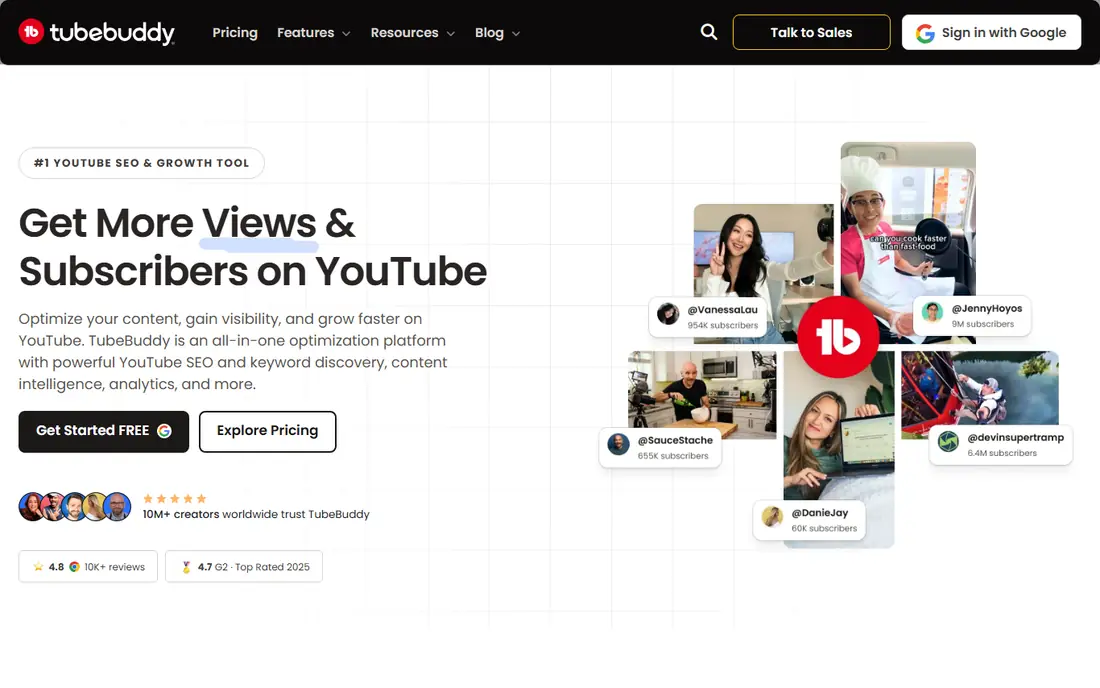
TubeBuddy works as a browser extension inside YouTube Studio, giving you keyword scores, title ideas, tag suggestions, and bulk tools for descriptions and cards. It suits a creator who already films and wants to improve discovery without spending hours on research. The free plan covers basics, while paid plans add deeper research, A/B testing, and bulk processing that matter once you publish often.
For youtube research and optimisation, the appeal is practical rather than flashy. The strengths listed above show up in daily use, while the drawback is worth weighing before you commit to a paid plan. We would start on the free tier where one exists, test a real project, and only then decide if the extra features justify the cost.
- Keyword research
- Title and tag tools
- Bulk processing
- Some best tools need a paid plan
- Browser extension required
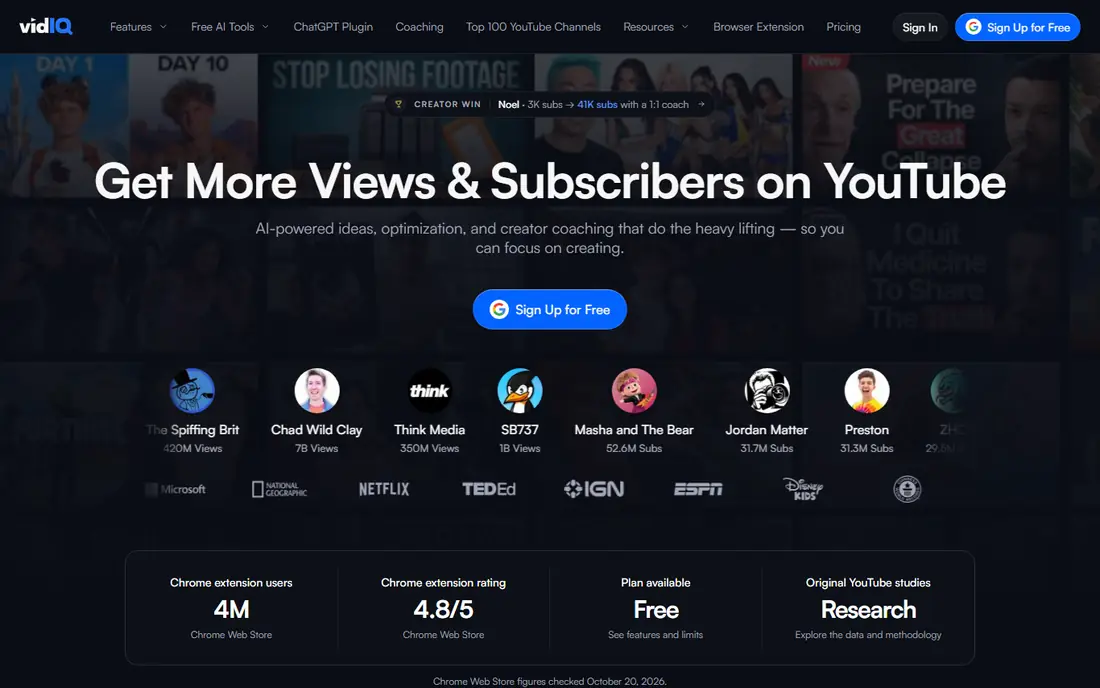
vidIQ offers daily ideas, trending topics, and a score for titles and descriptions, plus tracking for competing channels. It suits a creator who plans content in batches and wants data behind topic choices. Scores are a guide, not a promise, so pair them with your knowledge of your audience and check whether a suggested topic fits your channel before you film it.
This is a solid fit for channel growth and topic research. Its main strengths are clear from its feature set, and its limits are the kind that matter more on larger projects than on small ones. Try it with one typical job first, check the export quality, and compare the result with the next option on this list.
- Daily video ideas
- Competitor tracking
- Score for titles
- Free plan has limits
- Some scores need context to interpret
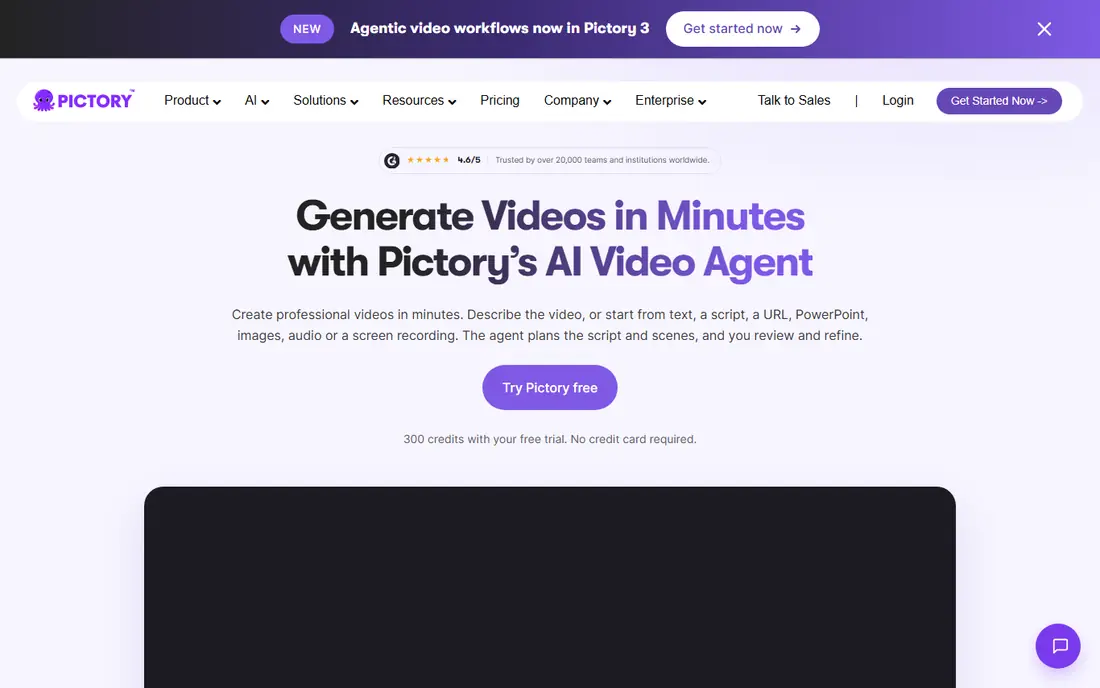
Pictory turns a script into a video with stock footage, captions, and voiceover, which suits a channel that publishes explainers or list videos on a schedule. It can cut production time sharply compared with filming and editing from scratch. The risk is generic footage and flat narration, so edit the script in your own voice, pick clips with care, and review the full video before publishing.
Buyers looking for script to video for faceless channels should shortlist this one. The pros explain why it keeps appearing in recommendations, and the cons explain why it is not right for everyone. A short trial on a real task will tell you more than any feature page, so use that step before paying.
- Script to video
- Stock footage
- Auto captions
- Output needs human review
- Stock clips can feel generic
Opus Clip is built for the shorts workflow, taking a long video and returning vertical clips with captions and reframing. It suits podcasters, streamers, and educators who want a steady supply of shorts without re-editing each one by hand. Review each clip for context, since a short taken out of context can mislead viewers or cut off an important point.
For automated shorts from long videos, this option balances ease of use with enough depth to grow into. The listed drawback is real, but it is manageable if you know about it in advance. Check the pricing page for the current plan limits, since those details change more often than the headline features.
- Auto highlights
- Vertical reframing
- Caption styling
- Highlight picks need review
- Free plan has limits
Descript helps automate the editing stage by turning speech into text you can cut, which is far faster than scrubbing a timeline for many creators. It also handles captions and filler word removal, and it exports in formats that suit YouTube. It is less suited to heavy visual effects, so pair it with a timeline editor if your videos rely on complex visuals.
For editing long videos by transcript, the appeal is practical rather than flashy. The strengths listed above show up in daily use, while the drawback is worth weighing before you commit to a paid plan. We would start on the free tier where one exists, test a real project, and only then decide if the extra features justify the cost.
- Transcript editing
- Filler removal
- Caption export
- Free plan has limits
- Large files can be heavy
InVideo suits a team that needs regular YouTube videos for a product, service, or local business, and that wants templates to keep the look consistent. Text to video gives you a first draft quickly, and team review helps catch errors before publishing. Treat that draft as a starting point, since AI scripts and stock choices often need a human pass to sound natural.
This is a solid fit for fast marketing and explainer videos. Its main strengths are clear from its feature set, and its limits are the kind that matter more on larger projects than on small ones. Try it with one typical job first, check the export quality, and compare the result with the next option on this list.
- Templates
- Text to video
- Team review
- Free exports carry a watermark
- AI drafts need editing
Repurpose.io automates the distribution step, taking a video or audio file and posting it to YouTube and other platforms under rules you set. It suits a creator who already makes long content and wants clips and full videos to reach more places without manual uploads. Setup takes care, since a wrong rule can post the wrong format or duplicate content, so test with one workflow first.
Buyers looking for reposting content across platforms should shortlist this one. The pros explain why it keeps appearing in recommendations, and the cons explain why it is not right for everyone. A short trial on a real task will tell you more than any feature page, so use that step before paying.
- Auto posting to YouTube and other platforms
- Workflow rules
- Pricing is per workflow
- Setup takes care
Predis.ai generates content ideas, captions, and short video drafts, and it tracks competing accounts for inspiration. It suits a small team that needs a steady flow of ideas and first drafts for Shorts and community posts. The drafts are a starting point, not a finished voice, so rewrite captions and scripts in your own style before you publish.
For ai social and video ideas for youtube, this option balances ease of use with enough depth to grow into. The listed drawback is real, but it is manageable if you know about it in advance. Check the pricing page for the current plan limits, since those details change more often than the headline features.
- Content ideas
- Short video drafts
- Competitor insights
- Free plan has limits
- Drafts need editing for voice
How we picked these
We compared official feature pages, current pricing pages, app store listings, and privacy or help documentation for each option, and we checked that each product is still offered and still fits the topic in October 2026. We favoured tools with a clear free tier or trial, honest pricing, and a track record of regular updates, and we left out products that looked discontinued, that hid their pricing entirely, or that did not match the topic closely enough. We did not claim hands-on testing, and we did not invent ratings, user counts, or awards.
We also weighed the trade-offs that matter in real use, such as export limits, file quality, support options, and how much work it takes to learn the tool. A tool can be powerful and still be the wrong pick if its pricing jumps sharply after the first tier or if its best features sit behind a plan most readers will not need. That is why this list mixes well-known leaders with smaller options that suit narrower needs and smaller budgets.
How to automate YouTube work without losing quality
Automate the repetitive parts first
Start with research, captions, clipping, and scheduling, since those jobs are repetitive and easy to check. Keep scripting, filming, and final review in human hands for longer, because those steps shape your voice and your credibility. A channel that automates everything often sounds generic, while a channel that automates only the repetitive parts keeps its character.
Check AI output for accuracy and rights
AI scripts can invent facts, and stock footage or music may carry licence limits, so verify claims, names, and numbers before you publish. Check that music and clips are cleared for YouTube, and read the tool's licence terms for generated content. One inaccurate video can cost more trust than the time automation saved.
Measure what actually helps
Track watch time, click-through rate, and subscriber change after you adopt a tool, rather than judging by how many videos you publish. If shorts from an automation tool bring views but few subscribers, change the clip selection or the call to action. Automation should improve results, not just increase output.
FAQ
What are the best AI tools for YouTube automation?
TubeBuddy and vidIQ lead for research and optimisation, Opus Clip leads for shorts, and Descript leads for transcript editing. The best mix depends on whether your bottleneck is ideas, editing, or distribution, so start with the job that takes you the most time.
Can AI fully automate a YouTube channel?
Tools can automate research, editing drafts, clipping, and scheduling, but a fully automated channel still needs human review for accuracy, voice, and rights. Channels that skip that review risk errors, generic content, and policy problems, so keep a person in the final check.
Is YouTube automation allowed?
Using tools for editing, research, captions, and scheduling is normal and allowed. Scraping, misleading content, reused content without added value, and spam tactics can breach YouTube policies, so check the current YouTube rules and keep your content original and honest.
What is the best AI tool for YouTube Shorts?
Opus Clip is built for turning long videos into Shorts, while CapCut-style editing suits shorts filmed directly. If you already have long recordings, start with Opus Clip. If you film short clips, a mobile editor may be faster.
How much do YouTube automation tools cost?
Many offer a free plan or trial, but useful limits, watermark rules, and monthly minutes often sit on paid plans. Add up research, editing, clipping, and scheduling costs together, since using four tools at once can cost more than one broader plan.