Best AI Tools for Creating YouTube Videos in 2026: 8 Tools Compared
Compare the best ai tools for creating youtube videos in 2026, with script to video, avatars, voiceovers, captions, stock footage, and editing for creators.

- Editor's choice
 InVideo AI
Creators who want prompt-to-video automation for YouTube
Starts atFrom $10 per monthVisit invideo.ioFull review - Great alternative
 Pictory
Creators who repurpose blogs, scripts, and long videos
Starts atFrom $19 per monthVisit pictory.aiFull review - Also consider
 Synthesia
Creators who want AI presenters for explainers and tutorials
Starts atFrom $18 per monthVisit synthesia.ioFull review
TL;DR:
- Script to video tools suit faceless channels, while avatar tools suit presenter-style explainers and training.
- Voice quality and captions matter more than clip generation alone, since viewers leave when audio sounds wrong.
- Free plans usually add watermarks or minute limits, so check export limits before building a publishing schedule.
- Stock footage looks generic unless you customize scenes, captions, and pacing for your channel.
Quick comparison
| Tool | Best for | Starts at | Free plan? | |
|---|---|---|---|---|
| InVideo AI | Creators who want prompt-to-video automation for YouTube | From $10 per month | Yes | Visit |
| Pictory | Creators who repurpose blogs, scripts, and long videos | From $19 per month | Free trial | Visit |
| Synthesia | Creators who want AI presenters for explainers and tutorials | From $18 per month | Yes | Visit |
 HeyGen | Creators who want realistic avatars and bulk spokesperson videos | From $24 per month | Yes | Visit |
 Fliki | Solo creators who want voiceover videos on a budget | From $16.80 per month | Yes | Visit |
 Descript | Creators who edit real footage by editing text | From $12 per month | Yes | Visit |
 Runway | Creators who want cinematic AI clips for storytelling | From $12 per month | Yes | Visit |
 Lumen5 | Bloggers who want quick blog-to-video YouTube content | From $15 per month | Yes | Visit |
The best ai tools for creating youtube videos
We compared AI video tools used by YouTube creators, from prompt-to-video and script-to-video platforms to avatar presenters, editing tools, and clip generators. We checked official pricing and free tier details in October 2026, and we focused on what each tool actually produces: finished videos, Shorts, voiceovers, captions, and edits. Creators should check YouTube policies and music licensing before publishing AI-generated content, and disclose AI use where YouTube requires it.
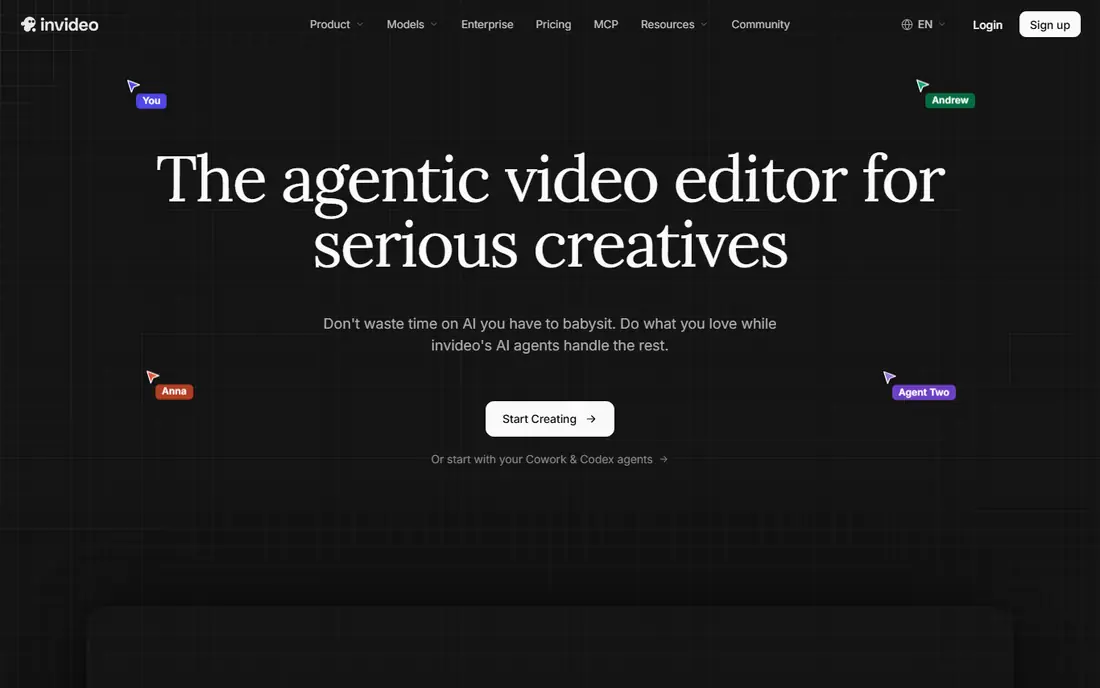
InVideo AI is the most complete automation choice for YouTube creators who want to type a prompt and get a finished video. It writes a script, selects stock footage, adds voiceover and music, and lets you edit scenes, which suits faceless channels and fast publishing schedules.
Paid plans start around 10 dollars per seat per month billed annually, with higher tiers adding more minutes and features. Free plans have limits and watermarks, so creators who publish regularly should budget for a paid plan and test output quality on their own niche before committing.
- Prompt-to-video assembly with stock footage and voiceover
- Editing controls
- Shorts and long-form output
- Free tier has limits and watermarks
- Generative quality varies by prompt and topic

Pictory suits creators whose source material already exists as blogs, scripts, podcasts, or long videos. Paste text or a long video, and Pictory assembles a captioned video with stock footage and voiceover, plus tools to cut long videos into Shorts.
Starting pricing is reported from about 19 to 29 dollars per month depending on billing, with a trial that allows a few short videos. The stock footage look can feel generic unless you customize scenes, captions, and branding, so plan time for that edit.
- Blog and script to video
- Long video to Shorts
- Auto captions
- Stock footage and voiceover
- Trial limits apply
- Stock footage look needs customization to avoid generic videos
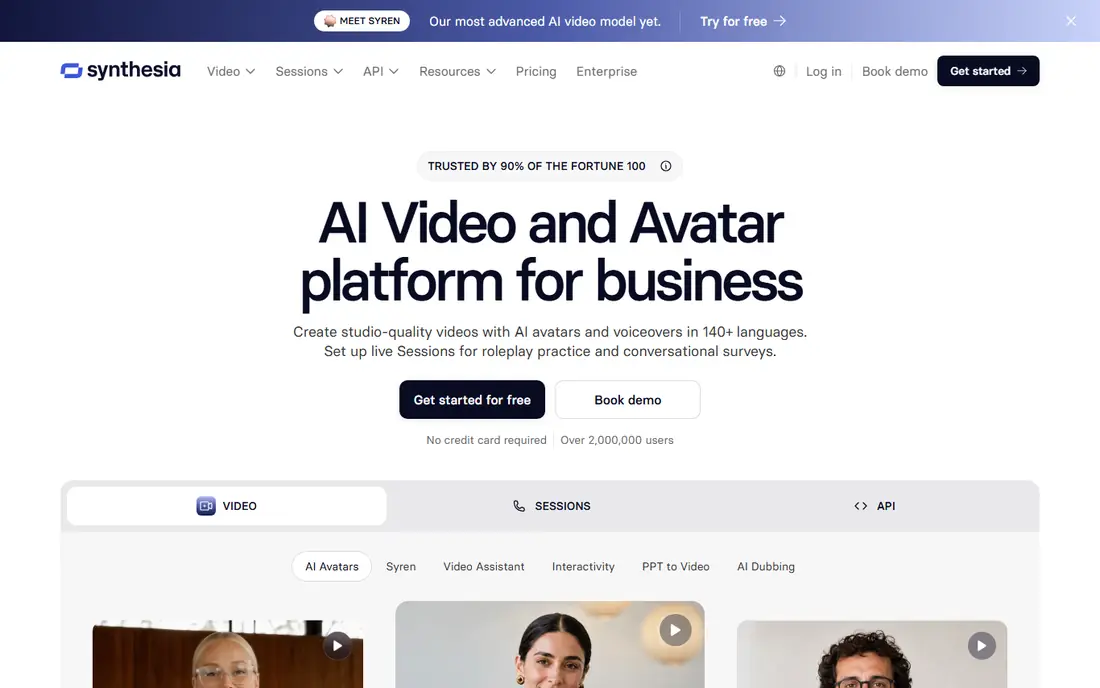
Synthesia suits presenter-style YouTube channels where a consistent on-screen presenter helps explain a topic. Type a script, pick an avatar, and get a talking-head video in many languages, without a camera or studio, which helps tutorial and education creators publish steadily.
Pricing varies by source, with Starter plans reported from about 18 to 29 dollars per month and a free tier with limited minutes. Avatar videos work best for explainers, not personality-led channels where viewers expect a real host, so match the format to your audience.
- AI avatars in many languages
- Script-to-video for explainers
- Consistent presenter without filming
- Avatar delivery suits explainers better than personality-led channels
- Minutes and credits need checking
HeyGen suits creators who want realistic avatars for spokesperson, explainer, and marketing videos, with multilingual dubbing and bulk options for larger channels. Its free tier allows a few short videos per month, with paid plans from about 24 to 29 dollars per month.
Avatar realism is a strength, but it also raises consent and licensing questions for real-person clones. Check HeyGen terms for avatar use, advertising limits, and distribution rights before using avatars in paid promotions or client work.
- Realistic AI avatars
- Multilingual dubbing
- API and bulk video options for larger creators
- Free tier is limited to a few short videos
- Avatar use needs consent and licence checks for real people
Fliki wins on voice quality and value for solo creators, with text-to-video, realistic AI voices, stock media, and captions in one tool. Paid plans start around 16.80 dollars per month billed annually, or about 28 dollars per month billed monthly, with a free plan for short watermarked videos.
The free plan covers only a few minutes per month, so regular publishers need a paid plan. Voice quality is the main draw, but scripts still need human editing for facts and pacing, since a good voice cannot fix a weak script.
- Text-to-video with realistic AI voices
- Many languages and voices
- Stock media and captions
- Free plan has minute limits and watermarks
- Long-form quality varies by script
Descript suits creators who film themselves or record screens and want to edit video by editing a transcript. Delete a sentence in the transcript and the video cut follows, which makes editing faster than timeline-only tools for talk-heavy YouTube content.
Starting pricing is around 12 dollars per month, with a free plan for limited audio export. It is an editing tool first, not a prompt-to-video generator, so creators who want fully automated faceless videos should pair it with InVideo AI or Pictory rather than using it alone.
- Text-based video editing
- Transcription and captions
- Studio Sound for audio cleanup
- Shorts tools
- AI generation is lighter than dedicated video generators
- Higher tiers add more hours
Runway suits creators who want original cinematic clips for storytelling, intros, and b-roll, with text and image to video generation and model choice. Plans start around 12 dollars per month billed annually, with 125 one-time free credits for testing.
The credit model means long videos can cost more than script-to-video tools, since each clip draws credits. Use Runway for hero clips and visuals, then assemble the full YouTube video in Descript or InVideo AI for captions, voiceover, and publishing.
- High-quality text and image to video clips
- Model choice
- Per-second pricing for quality control
- Credits add up for long videos
- Not a full script-to-video YouTube editor on its own
Lumen5 suits bloggers and small teams that want to turn written posts into YouTube videos quickly. Paste a blog post, pick a template, and Lumen5 assembles scenes with stock footage, text, and music, with brand controls for colours and logos.
Starting pricing is reported from about 15 dollars per month, with a free plan for limited videos. Templates can look similar across channels, so customize captions, pacing, and branding to avoid a generic feel, especially if you publish often.
- Quick blog-to-video workflow
- Templates and brand controls
- Simple editor for beginners
- Templates can look similar across channels
- Customization is lighter than full editors
How we picked these
We compared official feature pages, pricing pages, and public reviews for each tool, and we checked that each product exists, works today, and truly fits the topic. Where a vendor quotes rather than publishes a price, we say so instead of guessing a number.
We also weighed fit for different team sizes, since the best choice for a solo operator is rarely the best choice for a larger team. That is why the list mixes well-known leaders with smaller options that suit narrower needs, and why each write-up names an honest weakness as well as a strength.
How to choose an AI tool for YouTube
Start with your channel format. Faceless channels need script-to-video automation, stock footage, and voiceovers. Presenter channels need avatars or editing tools for real footage. Tutorial channels need screen capture, captions, and clean editing more than generative clips.
Check voice, captions, and pacing first
Watch full sample videos, not trailers, and listen for voice quality, caption accuracy, and pacing. Viewers forgive simple visuals more easily than they forgive flat voices or wrong captions, so test those three items on your own script.
Count minutes, credits, and exports
Many tools price by minutes, credits, or exports, and retries draw from the same pool. Model your monthly output, including Shorts and retakes, and check watermark rules on free plans before you commit to a publishing schedule.
Keep a human edit step
Even the best AI video needs a human pass for facts, cuts, titles, and thumbnails. Plan time for that edit, and keep original scripts and sources so you can fix errors without regenerating a whole video.
Before you pay, run a short trial with your real work, not a demo dataset. Check setup time, support response, and the total monthly cost at your real user or volume level. A tool that passes that test is far more likely to still suit you in six months than a tool chosen from a feature list alone.
FAQ
What is the best AI tool for YouTube videos?
InVideo AI suits creators who want prompt-to-video automation, Pictory suits creators who repurpose blogs and scripts, and Synthesia suits presenter-style explainers. Descript suits creators who edit real footage, while Runway suits cinematic clip generation.
Can AI tools make a full YouTube video?
Yes, script-to-video tools can produce a finished video with stock footage, voiceover, captions, and music. Quality varies, so plan a human edit for pacing, facts, and branding before publishing, especially for longer videos.
How much do AI YouTube video tools cost?
Free tiers exist for most tools, but paid plans start from about 10 dollars per month for InVideo AI, 12 dollars per month for Runway, and 19 to 29 dollars per month for Pictory, Synthesia, and HeyGen, depending on billing and plan.
Do AI YouTube videos need disclosure?
YouTube requires disclosure for some realistic AI-generated content, and creators should check current YouTube policies for their content type. Music and stock licensing also matter, so confirm what each tool licence covers before publishing.
Are faceless YouTube channels still viable?
Faceless channels can work when videos offer real value, clear structure, and good audio, but generic stock videos with thin scripts struggle. Focus on useful scripts, accurate facts, and consistent quality rather than volume alone.