Best AI Tools for Facebook Ad Creative in 2026: 8 Products Compared
Compare the best ai tools for facebook ad creative, from budget generators to Meta built-in options, with current pricing, strengths, and limits in detail.
- Editor's choice
 AdCreative.ai
High-volume scored statics
Starts at$39 per monthVisit adcreative.aiFull review - Great alternative
 Canva
Everyday design plus ads
Starts atFreeVisit canva.comFull review - Also consider
 Meta Advantage+ Creative
Free Meta-only variations
Starts atFreeVisit facebook.comFull review
TL;DR:
- AdCreative.ai and Pencil suit teams that need many scored variants fast, while Canva suits owners who also make organic posts and print material.
- Meta Advantage+ creative costs nothing beyond ad spend, but it only works inside Meta, so it cannot replace a tool for other channels.
- Credit and download limits matter more than the headline price, so check how many finished ads you get before you pay.
- Predis.ai and Creatify cover video and carousels well, while Madgicx adds analysis and automation around the creative itself.
- Start with one campaign, one offer, and a small set of variants, then keep only the tools whose output you would actually publish.
Quick comparison
| Tool | Best for | Starts at | Free plan? | |
|---|---|---|---|---|
| AdCreative.ai | High-volume scored statics | $39 per month | Free trial (7 days) | Visit |
| Canva | Everyday design plus ads | Free | Yes | Visit |
| Meta Advantage+ Creative | Free Meta-only variations | Free | Yes | Visit |
 Predis.ai | Social posts and short video ads | $32 per month | Free trial (7 days) | Visit |
 Pencil | Low-cost AI ad generation | $14 per month | No | Visit |
 The Brief | Editable display and social ads | $29 per month | Free trial (7 days) | Visit |
 Madgicx | Meta analysis and automation | $45 per month | Free trial (7 days) | Visit |
 Creatify | URL-to-video ads | See website | Yes | Visit |
The best AI tools for Facebook ad creative
Facebook ad creative rewards clear offers, readable text, and frequent fresh variants. The tools below cover that work in different ways, from full generation to editing and performance analysis.
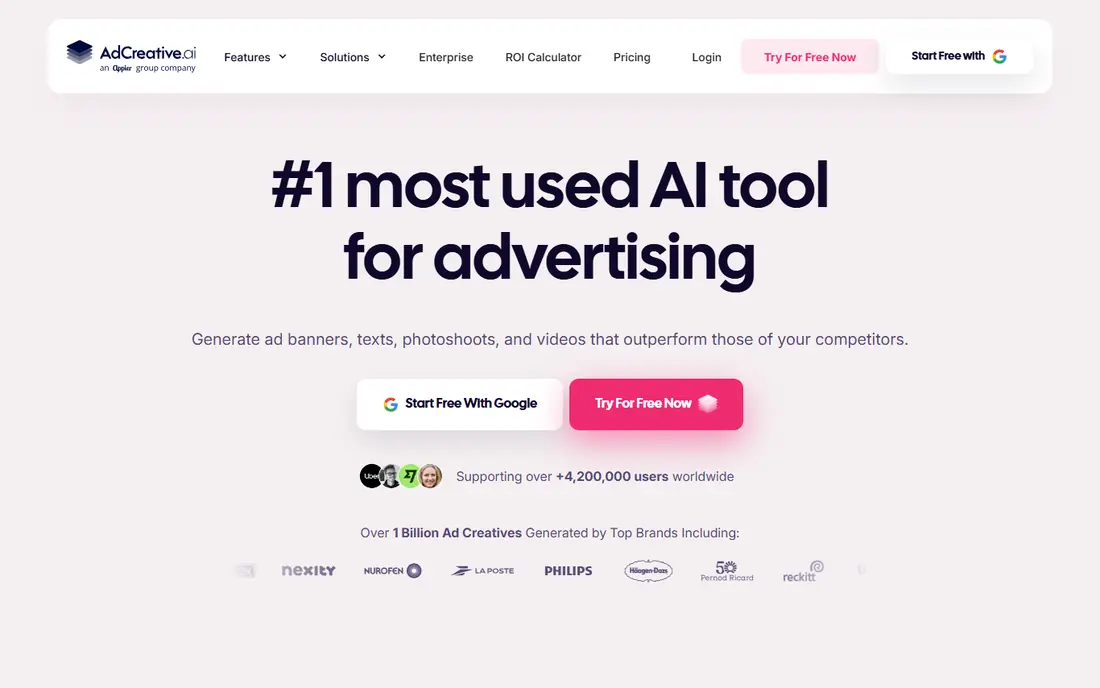
AdCreative.ai is built for advertisers who test constantly. You add brand colors, fonts, and a logo, describe the offer, and it returns a set of static ads in common Meta sizes. That batch approach helps a small team refresh a tired campaign without opening a design program for every variant. The catch is the credit model. Generating is not the same as downloading, and the entry plan includes a limited number of downloads each month. If you run several ad sets and like to keep many variants live, check the download allowance against a normal week of testing before you commit.
- Generates many sizes at once
- Pre-launch creative scoring
- Brand assets and stock photos built in
- Credits are used on download, so testing can get costly
- Video needs a higher plan
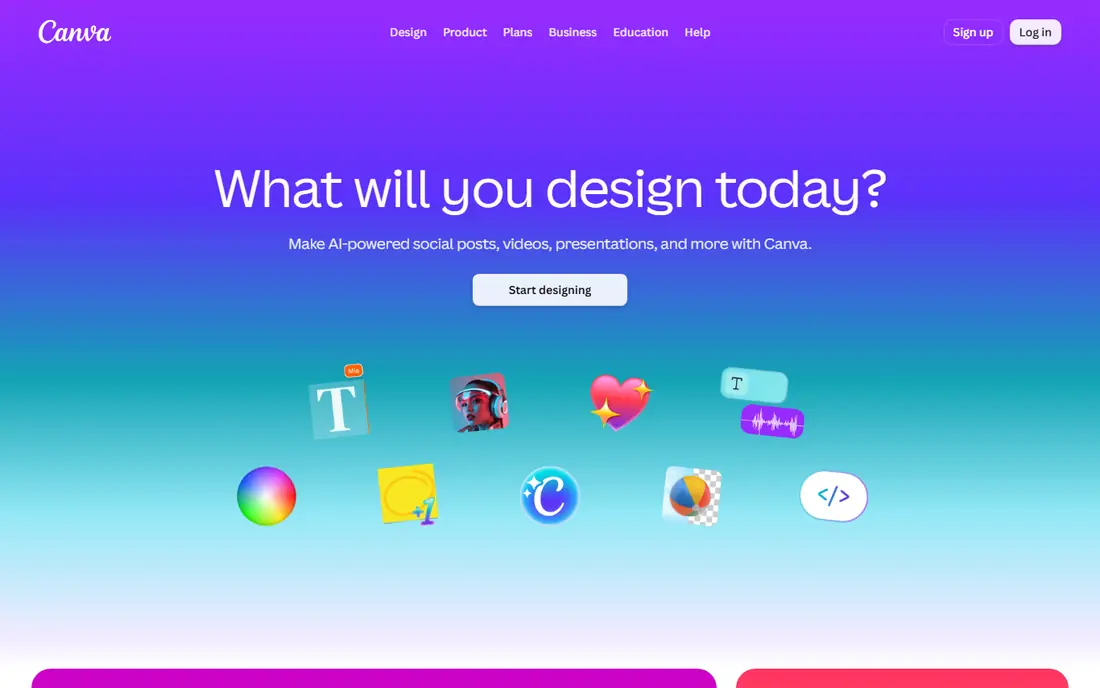
Canva will feel familiar to most small business owners, and that is a strength. You can start from a Facebook ad template, drop in a product photo, adjust the headline, and export the right size for feed and stories in a few minutes. The free plan is genuinely usable for occasional ads. For paid social, the Pro plan is where the value sits, with background removal, bulk resizing, and more brand kit slots. Canva does not score ads or manage campaigns, so you still need to judge which variant deserves budget. Treat it as a fast design desk, not a media buyer.
- Huge template library
- Easy resizing for feed, stories, and reels
- Brand kits on paid plans
- AI output still needs human editing
- AI allowances can run out on heavy use
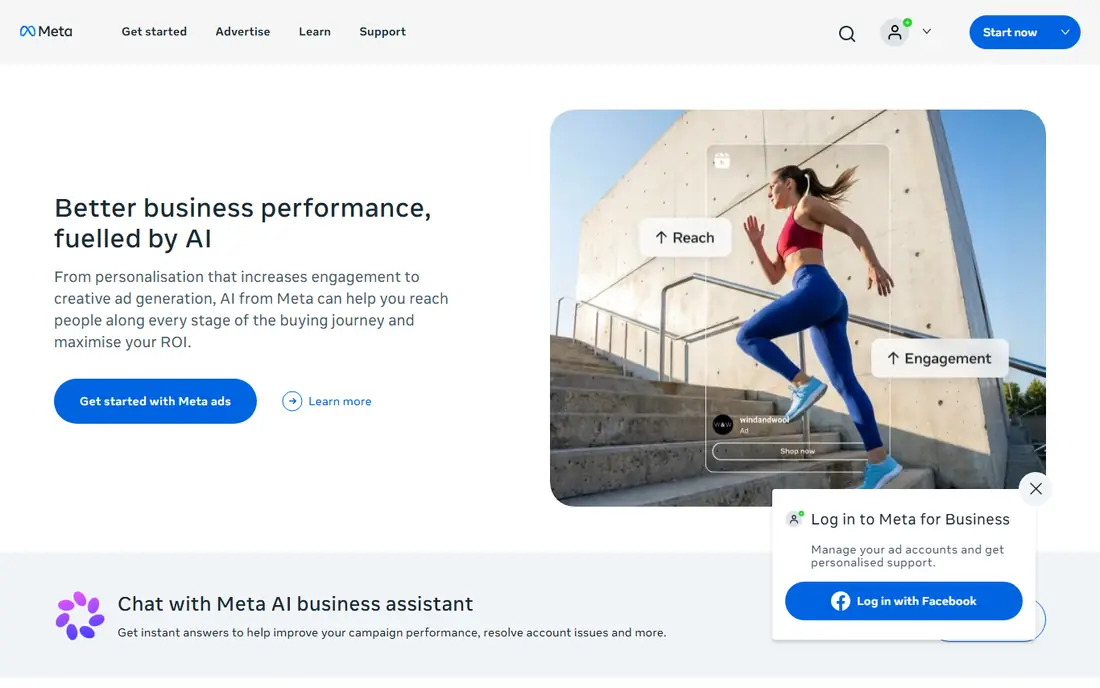
Inside Ads Manager, Meta can create variations of an ad from the images, video, and copy you supply, including adjusted crops, text overlays, and related formats. For a business already running Facebook and Instagram ads, this is the lowest-friction way to test more creative. There is no new login to learn and no extra monthly bill beyond ad spend. The limits are clear. You cannot take the output to Google, TikTok, or print, and the variations can drift from a strict brand style. Use it to widen a test, and keep your main brand assets in a tool you control.
- Built into Ads Manager
- No extra subscription
- Uses assets already in the ad account
- Meta only
- Less control than a dedicated design tool
Predis.ai starts from a prompt, a product link, or an image and builds a complete social post, with copy, hashtags, and a visual. For an online store with many products, that shortcut matters, because product ads and organic posts can come from the same brief. Scheduling keeps the output moving without a second tool. Video is where the plan math changes. Short videos use far more credits than still images, so a video-heavy month can use up an allowance quickly. Plan around your real mix of images and video, and read the credit examples on the pricing page before you choose a tier.
- Turns a product link into posts, carousels, and video
- Built-in scheduling
- Competitor content views
- Credit use for video is much higher than for images
- Copy often needs a rewrite for a specific offer
Pencil keeps the entry price low, which makes it a sensible first paid tool for a solo marketer. You describe the ad, apply brand guidelines, and generate static and video options with copy, then score them before launch. That combination of generation and scoring is uncommon at this price. The trade-off is volume. The entry plan includes 50 generations a month, so a team testing dozens of concepts a week will hit the limit. Pencil works best when you brief tightly, generate in focused batches, and save the higher plan for months with a product launch.
- Low entry price
- Static, video, and copy generation
- Predictive scoring for creatives
- Entry generation allowance is small
- Enterprise features sit on a separate plan
The Brief, formerly Creatopy, suits marketers who want AI help without giving up editing control. Its AI agent can generate ads from a brief and brand context, and the result stays editable, so a designer can fix type, spacing, or an image crop before export. Resizing one master design to many sizes saves time on display and social sets. It is not the cheapest option, and publishing to Meta and Google sits on a higher tier. If your workflow ends with files you hand to a media buyer, the entry plan may be enough. If you want direct publishing and testing inside the same tool, budget for the step up.
- Fully editable output in a real editor
- One design resized to many formats
- Brand kits included
- No free plan
- Higher plans needed for publishing and ad serving
Madgicx is less of a pure generator and more of a Meta companion. It can generate image ads, but its stronger case is analysis: breaking down which creative elements are working, spotting fatigue, and automating routine budget moves. For an advertiser already spending steadily on Meta, that feedback loop can be worth more than another batch of images. Pricing follows monthly ad spend, starting at $45 per month for accounts under $1,000 in spend, so the bill grows as campaigns scale. Server-side tracking is a separate add-on. That structure suits growing stores, but a very small advertiser may get better value from a flat-priced generator first.
- Creative analysis tied to Meta results
- Automation rules for budgets and ads
- AI audience tools
- Price rises with ad spend
- Extra tracking add-ons cost more
Creatify is aimed at sellers who need video quickly. Paste a product link, and it builds short video ads from product images and descriptions, with avatars and voiceover options for a creator-style feel. That is useful for a store launching many products, where filming each one is not practical. The honest limit is realism. AI avatars and stock-style footage will not suit every brand, and some products need real photos or real use footage to sell well. Use Creatify for fast tests and simple product ads, and keep filmed content for hero products and higher budgets.
- Turns a product URL into video ads
- AI avatars and voiceovers
- Fast first drafts for product pages
- Video quality varies by product and footage
- Pricing and limits change often, so check the live page
How we picked these
We compared official feature pages, pricing pages, and app store listings, and checked public reviews for recurring complaints about credits, limits, and output quality. We favored tools that work for Facebook and Instagram formats today, offer a clear starting price or trial, and cover different budgets, from free Meta tools to agency-grade platforms. Where vendor pricing pages showed conflicting figures, we chose the more conservative figure or listed the price as See website.
What to check before you pay
Count finished ads, not generations
Some tools charge per download, some per generation, and some per credit, and those units are not equal. Work out how many ads you publish in a normal month, then match that number to the plan allowance. A cheap plan that covers 10 downloads is costly if you test 40 variants.
Match the tool to the format you run
Static, carousel, and video ads need different strengths. A static generator will not fix a weak video hook, and a video tool may produce stills that look generic. List your top three formats first, then shortlist tools that handle all three, or pair a cheap generator with Canva for finishing.
Keep brand control in human hands
AI copy and images often need a pass for claims, prices, and tone. Check that offers, disclaimers, and product details are correct before launch, and keep a small set of approved photos and headlines for repeat use. Meta ad policies also apply to AI-made ads, so avoid before-and-after claims and other restricted claims unless you have checked the current policy.
Test with real budget, then decide
Run the same offer with AI variants and one human-made control ad, and compare cost per result over at least a few days. Keep winners, cut losers, and do not renew a tool based on how polished the first batch looked. The best tool is the one whose ads you keep publishing after the trial ends.
FAQ
What is the best AI tool for Facebook ad creative for a small business?
For most small businesses, Canva or Meta Advantage+ creative is the best starting point, because both are low cost and easy to learn. Add a paid generator such as Pencil or Predis.ai when you need more variants each week than you can make by hand. The right choice depends on whether you need statics, video, or both.
Can AI tools replace a designer for Facebook ads?
AI tools can replace much of the first-draft work, especially for simple product ads and test variants. They do not replace judgment about offers, brand style, and compliance, and complex campaigns still benefit from a designer for hero creative. Many teams use AI for volume and a designer for the ads that carry the most spend.
How much should I pay for an AI ad creative tool?
Entry prices in this list run from free to $45 per month, but the real cost depends on credits, downloads, and ad spend tiers. A solo owner making a few ads a month can stay free or near $14 per month, while a store testing daily will often need a mid-tier plan. Always compare the allowance, not just the monthly price.
Do AI-generated Facebook ads perform well?
Performance depends on the offer, audience, and testing discipline more than on whether an ad was AI-made. AI helps by producing more variants to test, which can surface a stronger hook or image faster. It does not fix a weak offer, a broken landing page, or targeting that does not fit the product.
Is Meta Advantage+ creative enough on its own?
For a business that only advertises on Facebook and Instagram, it can be enough for variation testing, especially when paired with good product photos and clear copy. It is not enough if you also need ads for other platforms, strict brand control, or a large library of original concepts. In that case, pair it with Canva or a dedicated generator.