Best AI Platform for Summarizing Documents in 2026: 8 Tools Compared
We compared the best ai platform for summarizing documents on accuracy, citations and price, so you can summarise reports, papers and contracts faster.
- Editor's choice
 Google NotebookLM
Source grounded research summaries
Starts atFreeVisit notebooklm.google.comFull review - Great alternative
 Claude
Long and nuanced document summaries
Starts atFreeVisit claude.comFull review - Also consider
 ChatGPT
General document summaries
Starts atFreeVisit chatgpt.comFull review
TL;DR:
- Google NotebookLM is our pick for research summaries with source grounding, because answers link back to uploaded documents.
- Claude and ChatGPT suit general document summaries, with strong handling of long reports and varied formats.
- Scholarcy and SciSpace suit academic papers, with structured summaries and key finding extraction.
- Humata and Sharly AI suit teams that need question answering across many PDFs and documents.
- QuillBot Summarizer suits quick, short summaries of articles and web text.
Quick comparison
| Tool | Best for | Starts at | Free plan? | |
|---|---|---|---|---|
| Google NotebookLM | Source grounded research summaries | Free | Yes | Visit |
| Claude | Long and nuanced document summaries | Free | Yes | Visit |
| ChatGPT | General document summaries | Free | Yes | Visit |
 Scholarcy | Academic paper summaries | See website | Free trial | Visit |
 SciSpace | Research paper understanding | See website | Free plan | Visit |
 Humata | Question answering across PDFs | See website | Free trial | Visit |
 Sharly AI | Team document summaries | See website | Free trial | Visit |
 QuillBot Summarizer | Quick short summaries | Free | Yes | Visit |
The best ai platform for summarizing documents
We compared document summarizers on summary accuracy, citation and source linking, file support, length control, privacy and price. The best ai document summarizing tool options below cover research, academic work, business reports and everyday reading, with tools for single documents and large document sets.
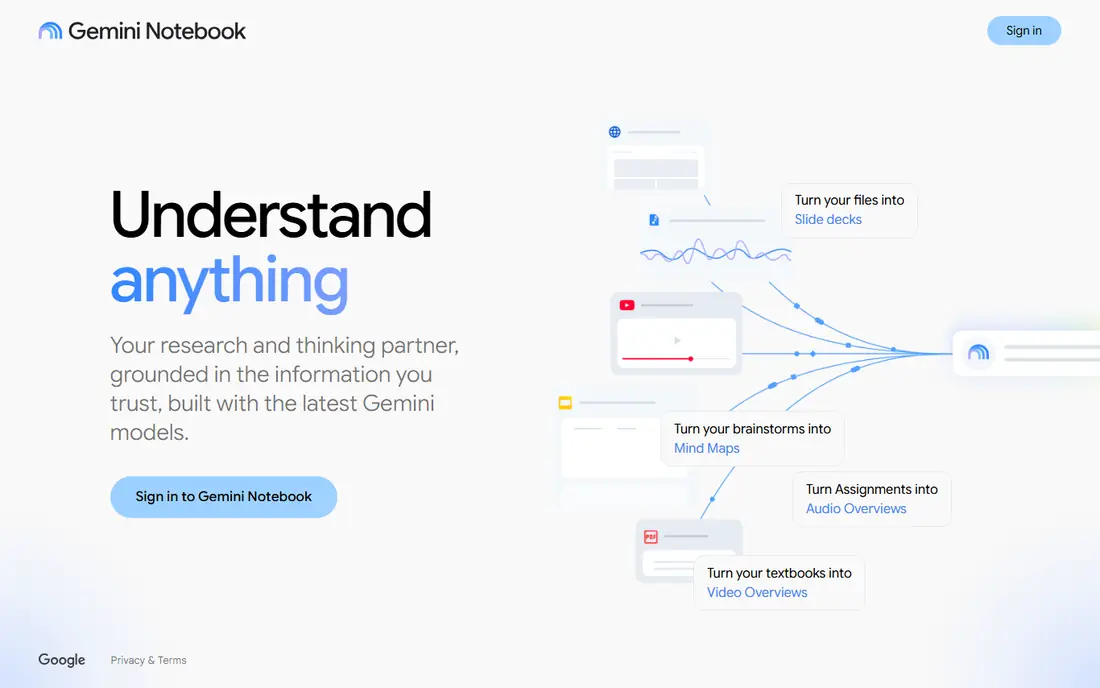
Google NotebookLM is a research assistant that builds answers and summaries from documents you upload, with citations that link back to source passages. That grounding helps when accuracy matters, because you can check a summary claim against the original text instead of trusting it blindly. It supports PDFs, text, web pages and other sources, and can produce overviews, timelines and audio summaries for a set of documents.
The limits are ecosystem fit and scale. NotebookLM works best for users comfortable with Google accounts and tools, and document and query limits vary by account type. For students, researchers and professionals who need trustworthy summaries of a defined set of sources, NotebookLM is the strongest starting point on this list, especially for reports and research collections.
- Summaries linked to uploaded sources
- Supports many document types
- Audio overview feature
- Works best inside Google ecosystem
- Document limits vary by account type
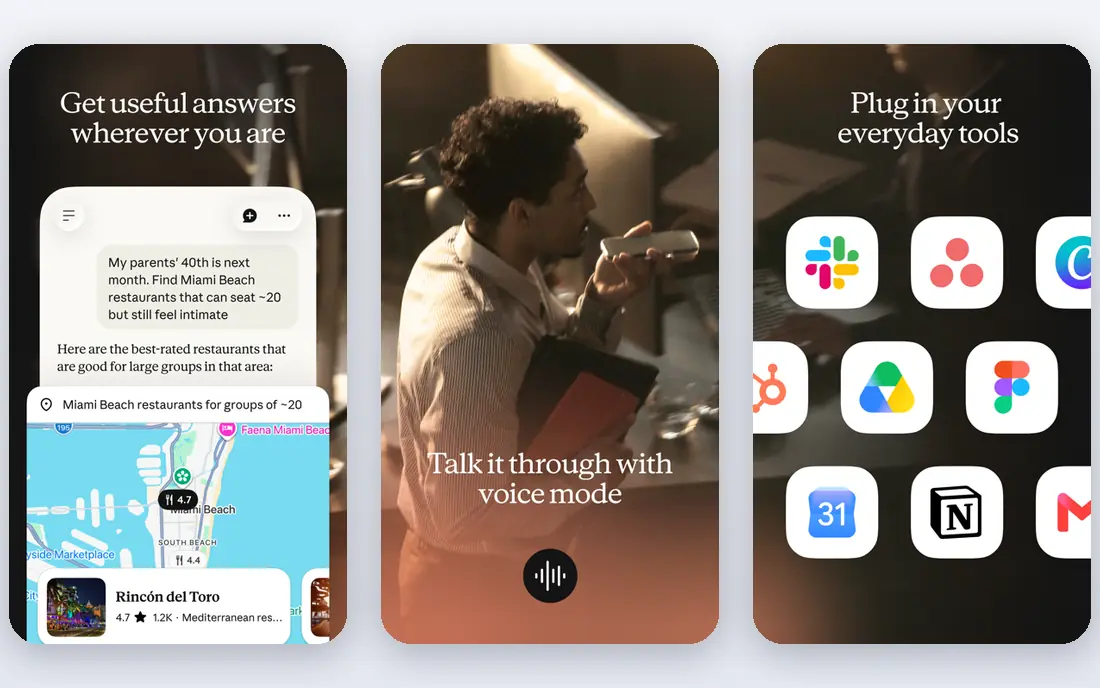
Claude, from Anthropic, handles long documents well and produces structured summaries that preserve nuance, caveats and key arguments. It suits reports, contracts, policy documents and research papers where a short summary must not flatten important conditions. Users can upload files, ask follow up questions and request summaries at different lengths, from a one paragraph brief to a detailed section by section outline.
The main drawbacks are free plan limits and the need to check outputs carefully for sensitive documents. Claude summaries are generally clear, but any AI summary can miss a clause or misread a figure, so important contracts and legal documents need human review. For everyday professional summaries with a need for nuance, Claude is a reliable and widely used choice.
- Strong long document handling
- Nuanced summaries with structure
- Good for contracts and reports
- Free use has limits
- File handling varies by plan
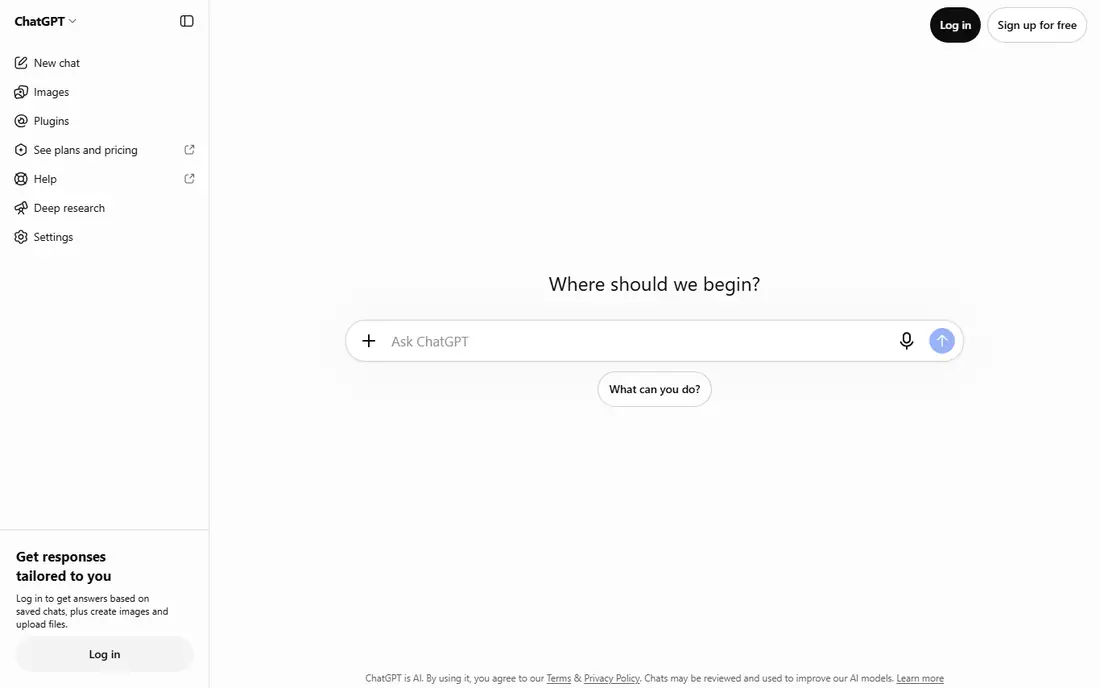
ChatGPT is a general AI assistant that can summarise documents, articles and reports uploaded as files or pasted text. Users can ask for a brief, bullet points, a table of key points or a summary aimed at a specific audience, which makes it flexible for business, study and personal reading. Broad language support and a familiar interface help new users get started quickly.
The catch is verification. ChatGPT can summarise fluently while missing a detail or misreading a number, so summaries for decisions, contracts or academic work should be checked against the source. Advanced file handling, larger context and higher limits sit on paid plans. For general summaries and first pass reading, ChatGPT remains one of the most accessible tools available.
- Easy document upload and summary
- Flexible length and style controls
- Broad file support
- Accuracy needs checking for key facts
- Advanced features need a paid plan
Scholarcy is built to summarise academic papers, reports and book chapters into structured cards that highlight background, methods, results and conclusions. That structure helps students and researchers scan many papers quickly and decide which ones deserve a full read. Key findings, tables and references are extracted alongside the summary, and flashcards can be exported for study.
The limit is scope. Scholarcy is less suited to general business documents, contracts or creative text than a general assistant such as Claude or ChatGPT. For academic work, though, its structured format saves time and improves reading discipline. A trial with a few papers from your field will show whether its summaries match the depth you need.
- Structured summaries of research papers
- Extracts key findings and references
- Flashcard export
- Focus is academic papers
- Pricing is subscription based
SciSpace, formerly Typeset, helps researchers understand academic papers through summaries, plain language explanations and a chat interface for asking questions about a paper. Literature search and citation tools sit alongside summaries, so a researcher can move from discovery to reading to referencing in one workflow. That integration suits students and academics who handle many papers.
The drawbacks are free plan limits and the need for paid plans for heavier use. Summaries should still be checked against the original paper for key results, since AI explanations can simplify complex methods. For research reading, SciSpace is a strong companion to NotebookLM, with a focus on academic discovery and understanding.
- Paper summaries with explanations
- Literature search and chat with papers
- Citation tools
- Free plan has limits
- Some features need a paid plan
Humata is an AI tool for asking questions across PDFs and other documents, with answers that highlight source passages. That source highlighting helps professionals who need to find a clause, figure or argument inside a long report without reading every page. Team workspaces let colleagues share documents and questions, which suits legal, finance and research teams.
The main watch point is cost at scale. Pricing rises with document volume and team size, so a large archive can become expensive. Humata is also PDF focused, so teams with varied document types should check file support during a trial. For PDF heavy work where finding and citing passages matters, Humata is a focused and useful platform.
- Question answering across many PDFs
- Highlights source passages
- Team workspaces
- Pricing rises with document volume
- Best for PDF heavy workflows
Sharly AI lets users upload documents, generate summaries and ask questions across a document set, with sharing tools for teams. It supports PDFs, Word files, presentations and other common formats, making it a practical choice for business teams that handle reports, proposals and meeting notes. Summaries can be adjusted for length and focus, and chat helps users dig into details.
The limit is maturity. Sharly AI is newer than NotebookLM, Claude or ChatGPT, so its community, integrations and documentation are smaller. Larger teams may also need a custom quote. For a small team that wants a dedicated document summarizer with sharing, rather than a general chatbot, Sharly AI is worth trialling with real team documents.
- Summaries and chat across documents
- Supports many file types
- Team sharing features
- Newer platform with smaller community
- Pricing needs a quote for larger teams
QuillBot Summarizer is a quick tool for condensing articles, essays and web text into shorter summaries or key sentences. Length controls and modes let users choose a brief overview or a more detailed summary, and the free plan covers basic use. That speed suits students and professionals who need a fast first read of an article.
The drawback is depth. QuillBot is not designed for large reports, multi document research or source grounded answers, so it should not replace NotebookLM, Humata or a general assistant for serious work. For a single article or a short text that needs condensing in seconds, QuillBot is a simple and effective choice.
- Very fast for short texts
- Length and mode controls
- Free plan for basic use
- Not built for large document sets
- Summaries are less detailed than research tools
How we picked these
We compared official feature pages, pricing pages, file support and public reviews for AI tools that summarise documents in 2026. We favoured tools with current file upload support, length controls, source citations or highlighting where offered, and a clear free or trial path. We also mixed research tools, academic tools and general assistants, since document needs differ by user.
We did not claim hands on testing that did not happen. Our comparison is based on vendor published features, pricing and user reports about accuracy, citation quality and ease of use. For important documents, we recommend checking any AI summary against the original text, especially for numbers, dates and contractual terms.
What to check before you choose a document summarizer
Start with the documents you actually handle. A research tool with source citations suits academic work, while a general assistant suits varied business reports. A PDF question answering tool suits legal and finance teams that search inside long files. Matching the tool to document type matters more than a long feature list.
Accuracy and citations
Check whether summaries link to source passages or highlight where an answer came from. Source grounding makes verification faster and reduces the risk of a confident but wrong summary. For any summary that will guide a decision, read the source sections behind key claims before acting.
File support and length
Confirm supported file types, maximum file size and how the tool handles long documents. Some tools summarise a whole report at once, while others work best chapter by chapter. Test with a real document of typical length, not just a short sample, to see how quality holds up.
Privacy and sharing
Read the privacy policy before uploading sensitive contracts, medical records or unpublished research. Check whether uploads are used for training, how long files are stored, and whether you can delete them. For sensitive work, prefer a tool with clear data controls, or summarise locally where possible. Never upload passwords, private keys or highly sensitive personal data to a summarizer.
FAQ
What is the best ai platform for summarizing documents?
Google NotebookLM is our pick for research summaries with source grounding, because answers link back to uploaded documents. Claude and ChatGPT are strong general choices for long reports, while Scholarcy and SciSpace suit academic papers. The best ai platforms for summarizing documents depend on whether you need citations, academic structure or general speed.
What is the best ai document summarizing tool for research papers?
NotebookLM, Scholarcy and SciSpace are strong for research papers. NotebookLM grounds answers in your uploaded sources, Scholarcy gives structured paper summaries, and SciSpace adds explanations and literature search. Use NotebookLM for a defined set of papers, and Scholarcy or SciSpace for scanning many papers in a field.
Can AI summarize a PDF accurately?
AI can summarise a PDF well for general understanding, but accuracy varies with document length, tables, figures and technical language. Summaries may miss a caveat, misread a number or simplify a method. Always check key facts, figures and conclusions against the original PDF before using a summary for a decision, citation or contract.
Is it safe to upload documents to an AI summarizer?
It depends on the tool privacy policy and the sensitivity of the document. Check whether uploads are stored, used for training or shared, and whether you can delete files. Avoid uploading highly sensitive personal, legal or unpublished research documents to a tool without clear data controls. For sensitive work, use a tool with strong privacy settings or a local option.
How long a document can AI summarize?
Limits vary by tool and plan. General assistants such as Claude and ChatGPT handle long reports, while research tools such as NotebookLM and Humata handle document sets with account limits. QuillBot suits short texts rather than long reports. Test with a document of your typical length during a free trial to judge quality and limits.
Should I use a free or paid document summarizer?
Free plans suit occasional summaries, short articles and testing. Paid plans offer larger file limits, more documents, team sharing and higher usage, which matter for regular professional or academic work. Start free, measure how often you summarise and how large your documents are, then upgrade only if limits slow your work.