Best AI Platforms for Ad Design in 2026: 8 Platforms Compared
Looking for the best ai platform for ad design? We compare 8 AI tools for ad images, copy, video and banner sets, with prices, credits and limits and more.
- Editor's choice
 AdCreative.ai
Banner variants at scale
Starts at$39 per monthVisit adcreative.aiFull review - Great alternative
 Canva Magic Studio
Editable ad design
Starts atFreeVisit canva.comFull review - Also consider
 Adobe Express
Commercially safe AI images
Starts atFreeVisit adobe.comFull review
TL;DR:
- AI ad design tools differ by output. Some make static banners at scale, some make video, and some focus on copy and prediction.
- Canva and Adobe Express suit teams that want to edit AI output by hand, while AdCreative.ai suits teams that need many variants fast.
- Credit and download limits matter more than headline price. Count how many usable ads you get per month before you compare plans.
- AI output still needs human review. Check brand colours, text accuracy, product details and claims before any ad goes live.
- Free tools inside ad platforms, such as Meta Advantage+ creative, can cover basic variants at no extra cost beyond ad spend.
Quick comparison
| Tool | Best for | Starts at | Free plan? | |
|---|---|---|---|---|
| AdCreative.ai | Banner variants at scale | $39 per month | Free trial | Visit |
| Canva Magic Studio | Editable ad design | Free | Yes | Visit |
| Adobe Express | Commercially safe AI images | Free | Yes | Visit |
 Creatopy (The Brief) | Display banner sets | See website | Free trial | Visit |
 Pencil | Predicted ad creative | See website | Free trial | Visit |
 Predis.ai | Social and ad creatives | See website | Yes | Visit |
 Celtra | Enterprise creative automation | See website | No | Visit |
 Meta Advantage+ creative | Free variants inside Meta ads | Free | Yes | Visit |
The best ai platforms for ad design
AI ad tools can turn a brief into many images, headlines and sizes in minutes. That speed helps small teams test more ideas, but quality varies. These eight tools cover static ads, video, copy and enterprise automation, with different price and control trade offs.
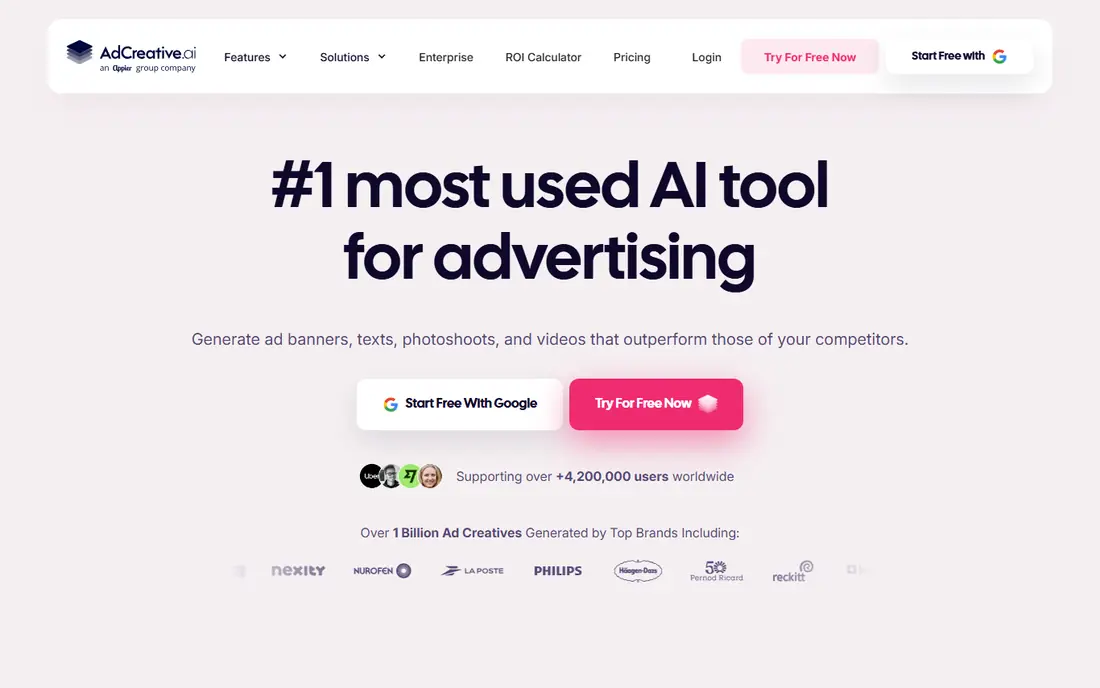
AdCreative.ai is built for paid media teams that need many on brand variants. Feed it a logo, colours, product photo and headline, and it produces sized variants for Meta, Google and other channels. Higher plans add video and a creative score that predicts which variants may perform better.
Starter costs $39 per month on monthly billing for 10 downloadable creatives, so count downloads carefully. A test with three variants across two ad sets can use six credits quickly. For teams that refresh creative weekly, it is a strong batch tool.
- Fast batch variant generation
- Brand kit controls
- Creative scoring on higher plans
- Credit limits bind on lower plans
- Video and scoring need higher tiers
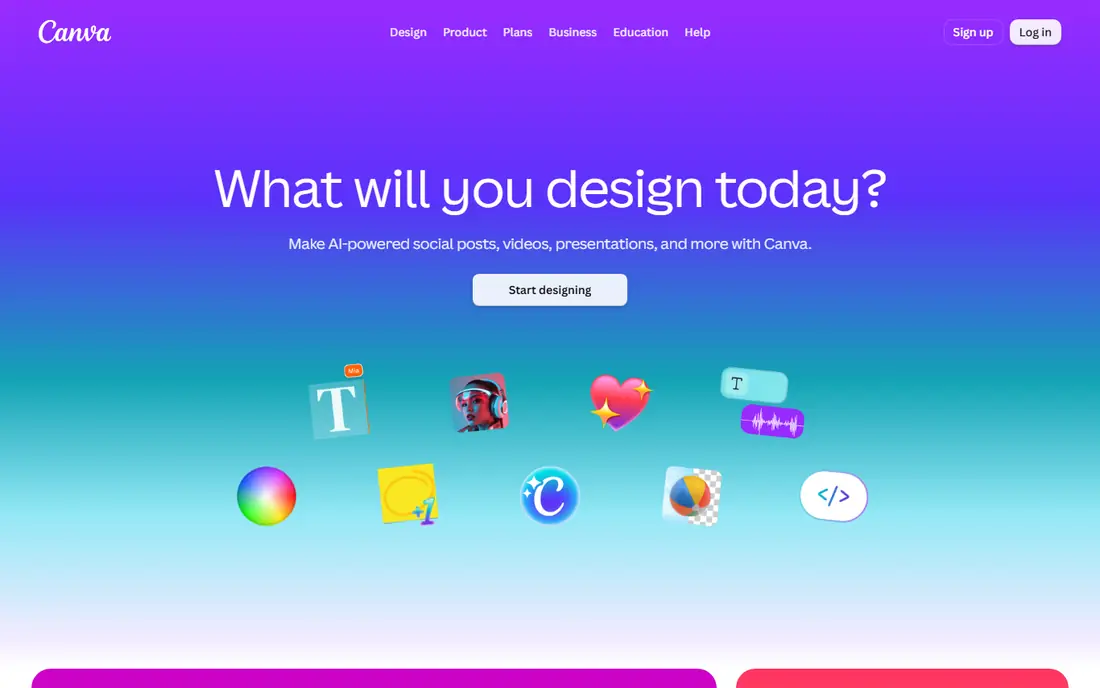
Canva suits teams that already design in Canva and want AI help without learning a new tool. Magic Studio can draft designs from a prompt, resize ads for many formats and generate copy and images. Because output stays editable, a marketer can fix text, colours and layout by hand.
Pro costs $144 per year for one person in published pricing, with a free plan for basic use. For small teams that need editable ads rather than fully automated batches, Canva is a practical and flexible choice.
- Familiar editor
- Magic Design and resize tools
- Huge template range
- AI output still needs design judgement
- Pro features need a paid plan
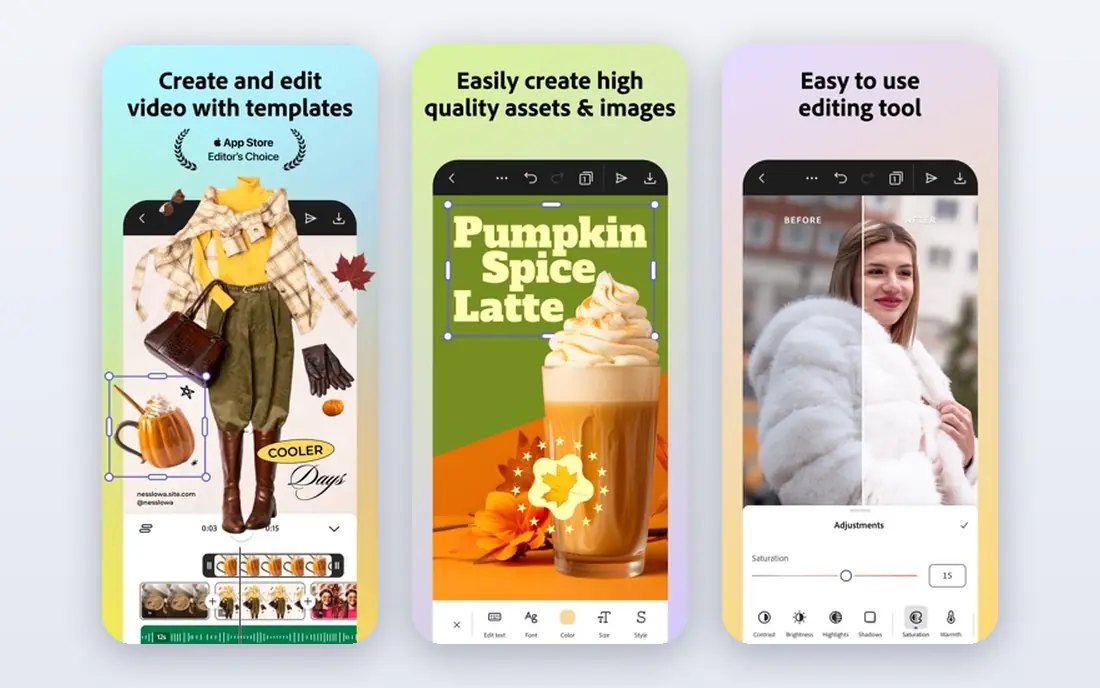
Adobe Express uses Firefly AI to generate images and helps teams resize and brand ads quickly. It suits brands that care about commercial safety and clean typography, since Adobe tools are built around licensed assets and fonts. The free plan covers basic design, while paid plans start around $9.99 per month in published pricing.
It is less focused on batch variant scoring than AdCreative.ai. For a brand team that wants polished, editable ads with AI image help, Adobe Express is a strong choice.
- Firefly AI images
- Easy resize and brand tools
- Adobe stock and font range
- Paid plan needed for full features
- Less batch focused than AdCreative.ai
Creatopy, now presented as The Brief, is built for display banner sets. Design once, then generate many sizes and formats for display campaigns without rebuilding each banner by hand. That saves hours for teams running display across many placements.
Pricing has changed over time, so check the current page before you budget. For display heavy teams, it remains a focused tool. For video first social ads, a video tool such as Creatify or Predis.ai may fit better.
- Strong display banner automation
- Multi size sets from one design
- Brand kit controls
- Pricing and naming changed to The Brief
- Less suited to video first teams
Pencil helps small teams generate ad creative, launch it and track results in one workflow. Its prediction tools aim to rank variants before spend, which helps teams with limited test budgets. It suits social advertisers who want to move from idea to live test quickly.
Treat predictions as a guide, not a guarantee. Human review and real campaign data still decide which ads scale. For a small team testing many social concepts, Pencil is worth a trial.
- Generates, launches and tracks ads
- Prediction tools help rank variants
- Social focused
- Pricing is less transparent
- Output quality depends on brief and brand assets
Predis.ai suits social teams that need a steady flow of posts and ads at low cost. It can draft carousels, single image ads and copy from a prompt or product link, with scheduling for social pages. A free plan helps small teams test before paying.
Output can feel template driven, so edit copy and images for brand fit. For a solo marketer or small social team, Predis.ai offers good volume per dollar.
- Low cost entry
- Social posts, carousels and ads in one tool
- Scheduling options
- Credit limits apply
- Design control is less than Canva or Adobe Express
Celtra is an enterprise creative automation platform for brands and agencies running many campaigns. It helps teams produce, personalize and update creative at scale while keeping brand controls in place. That suits large advertisers with many markets, languages and product lines.
Pricing is quoted and implementation is a larger project. Small teams will find Canva, AdCreative.ai or Predis.ai simpler and cheaper. For enterprise creative operations, Celtra is a serious option.
- Enterprise creative automation at scale
- Brand controls
- Data driven variants
- Quote based pricing
- Enterprise focus suits large teams
Meta Advantage+ creative is often overlooked because it is free inside Ads Manager. It can generate text variants, expand images, touch up visuals and create backgrounds for Facebook and Instagram ads. Cost is ad spend only, with no separate subscription.
It only works for Meta ads, so teams running Google, TikTok and display still need another tool. For Meta focused advertisers, start here before paying for a separate AI tool, and add a paid tool only when you need volume or cross channel variants.
- Free inside Ads Manager
- Text, image expansion and background tools
- No extra subscription
- Only for Meta ads
- Control is less than a dedicated design tool
How we picked these
We compared official pricing pages, product documentation and public reviews for AI ad design tools. We looked for static and video output, brand controls, sizing for major ad channels, credit limits and pricing transparency. We did not claim hands on testing. We favoured tools that are actively sold in 2026 and that cover small teams through enterprises, and we noted where pricing is quote based or credit based.
How to get usable ads from AI tools
Start with a clear brief. Give the tool your product photo, logo, colours, headline, offer and target audience. Vague prompts produce generic ads, while a tight brief produces output that is closer to brand. Save approved briefs and brand kits so each new batch starts from the same base.
Review every ad before it runs
Check text spelling, product details, prices, claims and logos. AI tools can invent features, misspell words and distort product images. A human review step protects your brand and avoids misleading ads. Keep a checklist for claims, pricing and legal lines.
Test, then scale what works
Run small tests with two or three variants per audience. Compare click through and cost per result, not only how an ad looks. Scale the winner and test a new angle against it. AI speed is useful only when it feeds a testing loop, not when it floods campaigns with untested creative.
Count cost per usable ad
A low monthly price with few credits can cost more per usable ad than a higher plan with more output. Track how many ads you actually publish from each tool each month. If many outputs are rejected, improve the brief or switch tools before renewing.
A final check helps avoid a costly mismatch. Ask for a demo with your own data, not only a vendor sample, and invite the people who will use the tool daily to join that demo. Their questions often surface limits that a feature list hides, such as slow reporting, awkward mobile use or missing exports. Note those answers next to price and contract terms, then compare vendors on the same scorecard. That simple step makes the final choice easier to defend and easier to live with after launch.
FAQ
What is the best AI platform for ad design?
It depends on your output. AdCreative.ai suits banner batches, Canva and Adobe Express suit editable design, Predis.ai suits low cost social ads, and Meta Advantage+ creative suits free Meta variants. Pick by channel and volume, not by headline price alone.
Can AI tools replace a designer?
For routine variants and tests, they can reduce designer workload. For brand launches, complex layouts and premium campaigns, a designer still adds judgement, typography skill and brand insight that AI output lacks.
How much does AdCreative.ai cost?
Starter is $39 per month on monthly billing for 10 downloadable creatives, with lower monthly rates on longer billing terms. Higher plans add video and creative scoring. Check the current pricing page, since credit counts and tiers change.
Are AI generated ad images safe to use commercially?
It depends on the tool and its training data and terms. Adobe Firefly is positioned for commercial use, while other tools vary. Check each vendor terms, avoid using other brands in prompts, and review output for trademark and likeness issues.
Should I use Meta Advantage+ creative instead of a paid tool?
For Meta only campaigns, it is a good free starting point. For Google, TikTok, display and cross channel batches, a paid tool such as AdCreative.ai, Canva or Creatopy will be more useful.