Best Custom AI Tools for Documents in 2026: 8 Tools Compared
We compared the best custom ai tools for documents for chat, summaries and custom knowledge bases, checking citations, privacy and pricing for teams today.
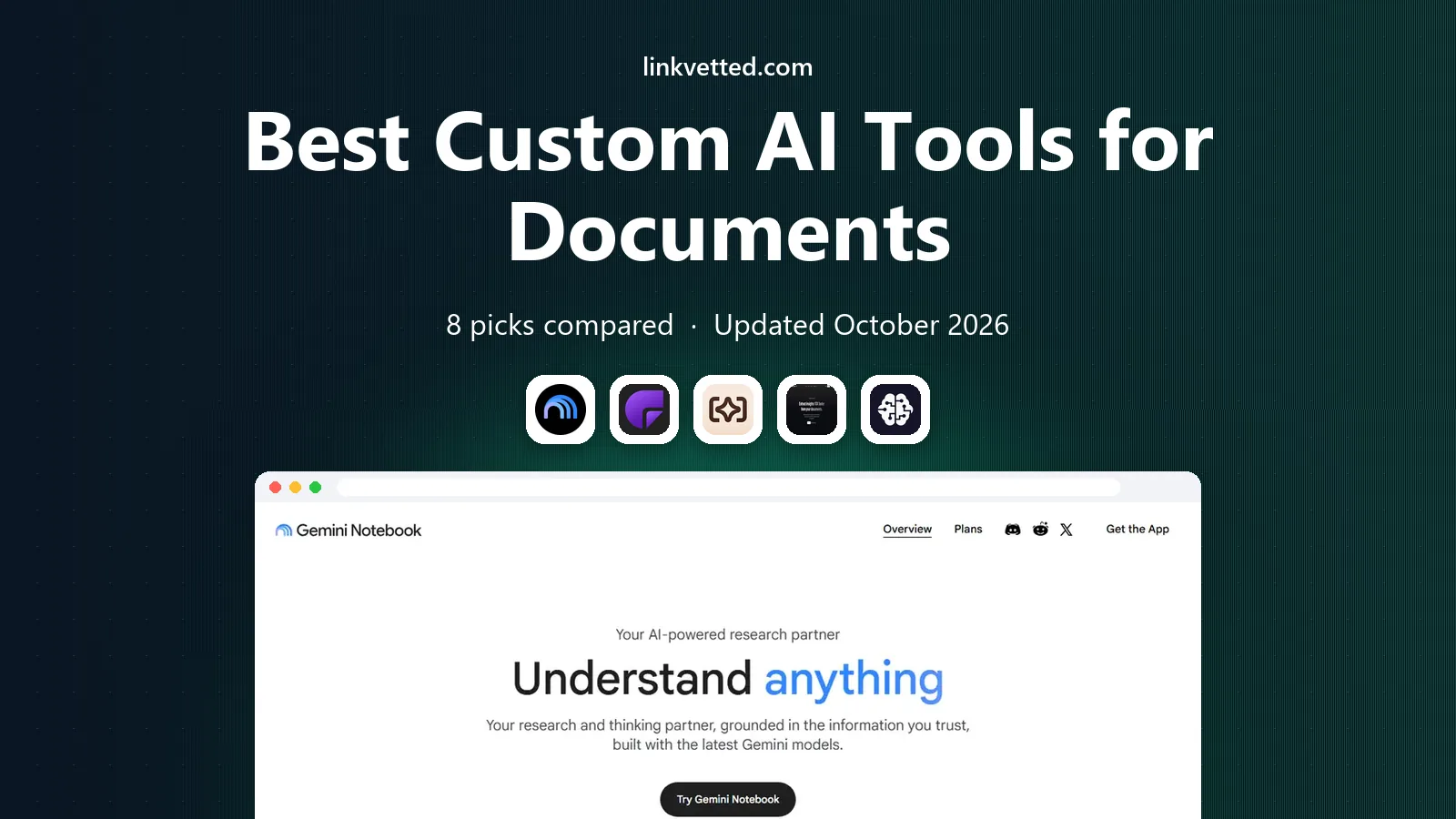
- Editor's choice
 NotebookLM
Research across many documents
Starts atFreeVisit notebooklm.googleFull review - Great alternative
 ChatPDF
Quick single PDF questions
Starts at$20 per monthVisit chatpdf.comFull review - Also consider
 Humata
Traceable research answers
Starts at$10 per monthVisit humata.aiFull review
TL;DR:
- NotebookLM is the best free starting point for research across many documents, with citations back to sources.
- ChatPDF suits quick questions on a single PDF, while Humata suits traceable answers on research papers.
- CustomGPT.ai and similar tools suit teams that need a branded assistant trained on their own documents.
- Citations help, but they do not guarantee accuracy, so check important answers against the original document.
- Do not upload confidential documents to a tool without checking its retention, access controls and data processing terms.
Quick comparison
| Tool | Best for | Starts at | Free plan? | |
|---|---|---|---|---|
| NotebookLM | Research across many documents | Free | Yes | Visit |
| ChatPDF | Quick single PDF questions | $20 per month | Yes | Visit |
| Humata | Traceable research answers | $10 per month | Yes | Visit |
 AskYourPDF | PDF chat with API options | $12 per month | Yes | Visit |
 CustomGPT.ai | Branded custom assistants | See website | Free trial | Visit |
 ChatDOC | Document chat for teams | See website | Yes | Visit |
 Unriddle | Study and research assistance | $10 per month | Yes | Visit |
 Adobe Acrobat AI Assistant | PDF work inside Acrobat | See website | Free trial | Visit |
The best custom ai tools for documents
Custom AI tools for documents let you build an assistant around your own files, instead of asking a general chatbot that has no access to them. Some tools focus on one PDF, others build a library across many files, and a few let a team publish a branded assistant for customers or staff. The picks below cover those three patterns.
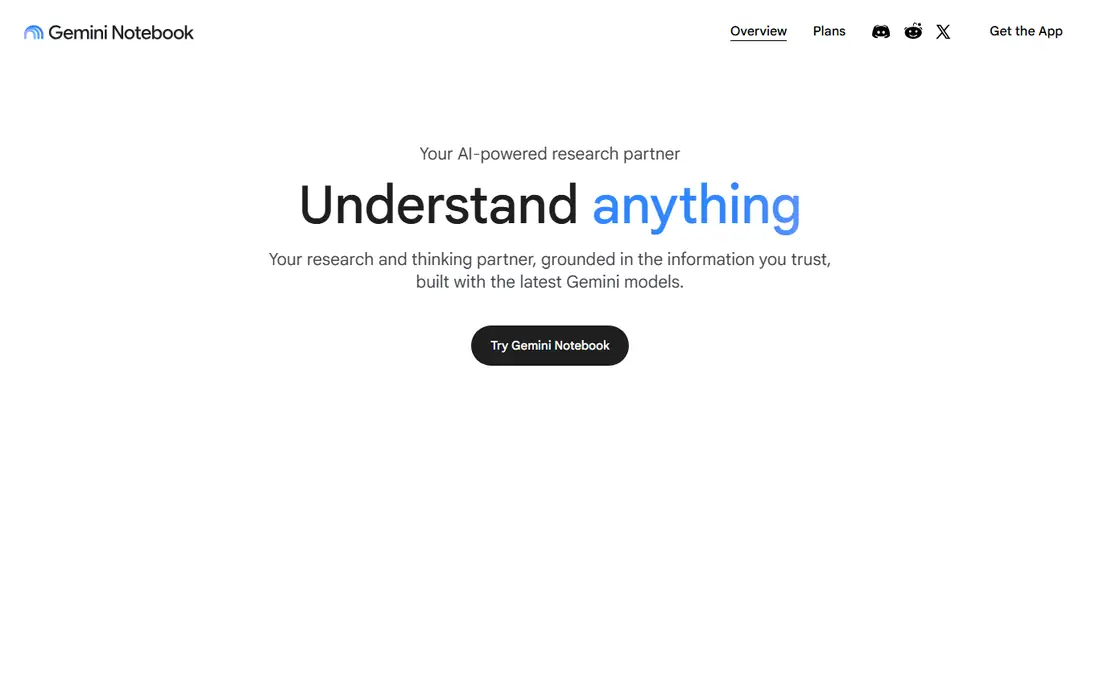
NotebookLM, from Google, is the tool to try first for document research. You upload PDFs, text files, web pages and other sources into a notebook, then ask questions that are answered from those sources with citations. That grounding matters: you can click a citation and read the original passage, rather than trusting a summary alone.
It is free for most users, with higher limits on paid Google plans, and it supports up to 50 sources per notebook in the widely reported setup. The main limits are account and sharing: it needs a Google account, and team controls are simpler than a dedicated enterprise knowledge tool. For students, researchers and small teams, NotebookLM offers the best free document AI experience in 2026.
- Works across many sources in one notebook
- Citations link back to source passages
- Audio overviews and study guides for research
- Requires a Google account
- Sharing and team controls are more basic than enterprise tools
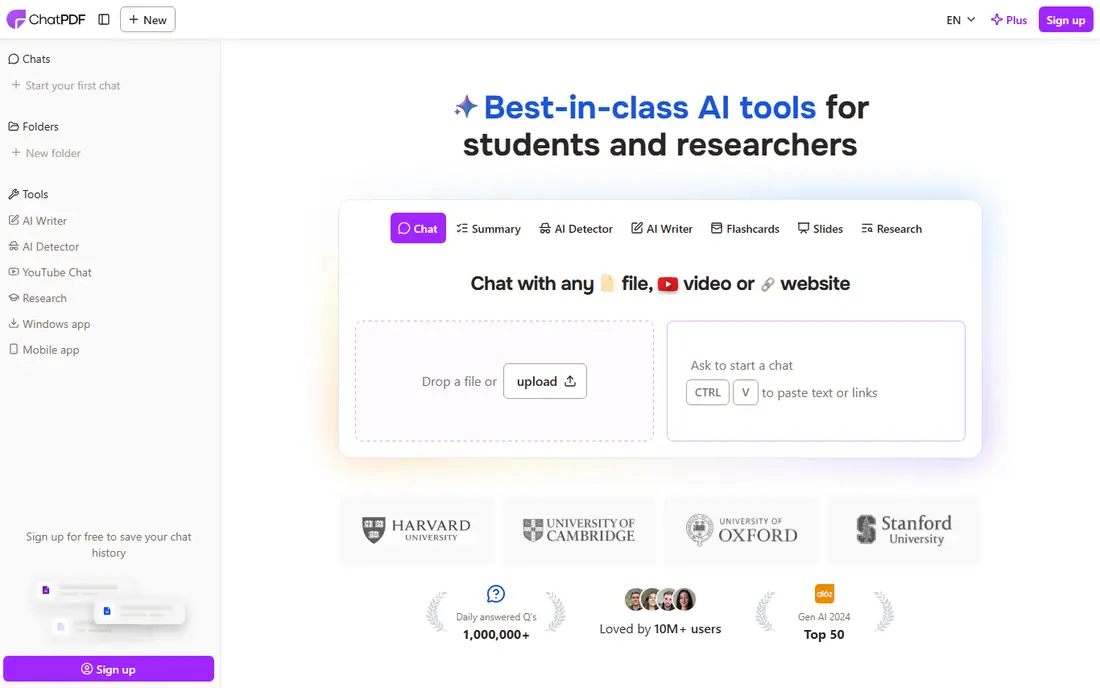
ChatPDF is the simplest tool on this list: upload a PDF, ask a question, get an answer with citations. That speed suits a handbook, a lease clause, a course reader or a contract where you need one specific rule quickly. There is no library setup or team configuration to learn first, which is why many people reach for it for a one off question.
The free plan covers two PDFs per day with a page cap and a daily question limit, while Plus is widely reported at $20 per month, with higher limits and larger files. The trade off is scope: ChatPDF is mainly a single PDF tool, so multi document research is better in NotebookLM or Humata. For quick, single document questions, ChatPDF remains a strong pick.
- Very fast setup for one PDF
- Source citations on answers
- Works in many languages
- Primarily single document chat
- Free plan limits PDFs and questions per day
Humata focuses on traceable answers for research and technical documents. You upload PDFs, ask questions, and get answers linked to specific sections, which helps when you need to quote a paper or check a method. Team plans add folder and department permissions, which suits research groups and small companies handling shared documents.
Pricing starts with a free tier at $0, an Expert plan at $10 per month, and a Team plan at $49 per user per month, with page allowances that reset monthly. The free tier is thin for daily work, so most regular users need Expert at least. If citation accuracy matters more than a large free allowance, Humata is worth testing on your hardest documents.
- Page level citations for research answers
- Team plans with role based access
- Good for STEM and research heavy PDFs
- Free tier is thin, with 60 pages and limited answers
- Best value needs a paid plan for regular use
AskYourPDF covers both manual use and developer use. In the browser, you upload a PDF and ask questions, similar to ChatPDF. Through its API, a developer can add document chat to an app, which suits teams building a support or research feature without training a model themselves.
Paid plans start around $12 per month, with a free tier for testing. The interface is functional rather than delightful, and the free allowance will not cover heavy daily use. For a team that needs both a web tool and an API path, AskYourPDF is a practical choice.
- Chat with PDFs plus an API for developers
- Useful for apps that need document Q and A
- Simple web workflow
- Free tier is limited
- Interface is more functional than polished
CustomGPT.ai is built for teams that want to publish an assistant, not only use one internally. You train it on documents, web pages and other sources, customise its appearance, and embed it on a website or in a support portal. That suits companies that answer the same customer questions from manuals, policies and help articles.
A trial lets you test building an assistant, while paid pricing should be confirmed on the vendor site, since plans and limits have changed over time. The trade off is setup effort: you need to choose sources, test answers and set guardrails, or the assistant will answer from weak or outdated documents. For a customer facing document assistant, that effort is worth it.
- Build a branded assistant from your own documents and website
- Embeddable chat widget
- Team and enterprise controls
- Pricing should be confirmed at checkout
- Setup needs more planning than a single PDF chat tool
ChatDOC sits between single PDF chat and a full custom assistant platform. You can create collections of documents, ask questions across the collection, and share the workspace with a team. That collection model suits departments that handle sets of related files, such as policies, contracts or research papers for one project.
A free tier lets you test the workflow, while paid pricing should be confirmed on the vendor site. The limitation is visibility: ChatDOC has a smaller public community than NotebookLM or ChatPDF, so finding tutorials takes more effort. For team document collections, it is still a solid option.
- Chat across multiple documents in a collection
- Citations for answers
- Team workspace features
- Pricing details should be confirmed at checkout
- Smaller community than the largest tools
Unriddle is designed for reading and understanding research documents, not only for answering one question. It offers document chat, summaries and links between concepts, which helps students and researchers work through a dense paper or a set of readings. The interface is clean and focused on reading, which keeps the workflow simple.
Pricing starts around $10 per month, with a free tier for testing. The limitation is enterprise scope: Unriddle is a study and research tool first, not a branded customer assistant platform. If your main job is learning from documents, Unriddle is a strong pick alongside NotebookLM.
- Document chat plus study features such as summaries and concept linking
- Useful for students and researchers
- Clean interface
- Less suited to enterprise customer facing assistants
- Free tier limits need checking
Adobe Acrobat AI Assistant adds AI summaries and question answering inside Acrobat, where many professionals already read and edit PDFs. You can ask questions about a document, get a summary, and generate notes without uploading the file to a separate chat tool. That integration saves time for lawyers, accountants and managers who live in PDFs.
It is sold as an add on to Acrobat, with pricing and trial details on the Adobe site. The trade off is scope: it is excellent for working with PDFs you already have, but it is not a platform for building a branded assistant from a large document library. If Acrobat is your home base, AI Assistant is the lowest friction document AI upgrade.
- Works inside Acrobat where PDFs already live
- Summaries, questions and meeting notes from documents
- Trusted PDF workflow
- Requires Acrobat and an add on subscription
- Less suited to building a custom knowledge base for a website
How we picked these
We compared official pricing pages, feature descriptions and public comparisons for document AI tools that are live in October 2026. We looked for tools that let you ask questions about your own documents, with citations or source links, and for tools that let a team build a custom assistant from those documents. We favoured tools with a free tier or trial, and we noted privacy limits, since document AI often handles sensitive files.
How to build a custom document assistant that works
A custom assistant is only as good as its sources. Start with a small, clean set of documents, test it hard, and only then expand to a larger library or a customer facing launch.
Choose clean sources first
Use current, accurate documents, and remove drafts, duplicates and outdated versions before training. A assistant trained on old policies will give old answers with confidence. Keep a source list, note who owns each document, and set a review date for updating the library.
Test with real questions
Write 20 questions your team or customers actually ask, including tricky ones where the answer is not in the documents. Check each answer against the original passage, and note where the tool invents details or cites the wrong section. Fix sources or guardrails before launch, rather than after users find errors.
Handle privacy and access
Do not upload confidential documents to a tool without checking retention, encryption, access controls and whether data is used for training. Use team permissions so only the right people see sensitive collections, and avoid uploading personal data that the assistant does not need. For highly sensitive files, a self hosted or enterprise option with clear data terms may be safer than a consumer tool.
FAQ
What is the best custom AI tool for documents?
NotebookLM is our pick for most people, thanks to free multi document research with citations. ChatPDF suits quick single PDF questions, while CustomGPT.ai suits teams that need a branded assistant for customers. Choose based on whether you need research, quick answers or a published assistant.
Can AI tools really understand my documents?
They can summarise, search and answer questions based on the text you provide, often with citations. They do not truly understand in a human sense, and they can misread tables, scanned pages or ambiguous wording. Always check important answers against the original document, especially for contracts, medical or legal material.
Is it safe to upload confidential documents to AI tools?
It depends on the tool's privacy terms, retention policy and access controls. Some tools offer enterprise controls and data processing agreements, while consumer tools may retain uploads for service improvement. Do not upload highly sensitive files without checking those terms, and use permissions to limit who can access each collection.
Do these tools work with scanned PDFs?
Many tools use OCR to read scanned PDFs, but accuracy depends on scan quality. A clean, high resolution scan usually works, while a faint or skewed scan may produce errors. If a scanned document gives poor answers, try a better scan or a text based PDF version before trusting the output.
What is the difference between ChatPDF and NotebookLM?
ChatPDF focuses on quick questions about a single PDF, with a simple upload and ask workflow. NotebookLM builds a notebook across many sources, with citations, study guides and audio overviews for research. Use ChatPDF for a one off question, and NotebookLM when you need to compare or synthesise many documents.
Can I build a chatbot from my company documents?
Yes, tools such as CustomGPT.ai let you train a branded assistant on documents and web pages, then embed it on a site. Start with a small, current source set, test answers carefully, and set guardrails for questions the assistant cannot answer from your documents. Review and update sources regularly, since outdated documents lead to outdated answers.