8 Best AI Notetaking Software for Meetings, Study and Daily Notes
We compared the best ai notetaking software for meetings, study and daily notes, checking prices, free plans, transcription and search before picking.

- Editor's choice
 Notion
All-in-one workspace notes
Starts atFreeVisit notion.soFull review - Great alternative
 Otter.ai
Live meeting transcription
Starts atFreeVisit otter.aiFull review - Also consider
 Fireflies
Team meeting notes and CRM sync
Starts atFreeVisit fireflies.aiFull review
TL;DR:
- Meeting tools such as Otter.ai, Fireflies and Fathom record and summarise calls, while Notion, Mem and Evernote suit written notes and personal knowledge.
- Free plans are genuinely useful for light use, but minute caps, storage limits and AI credit limits matter once you record several meetings a week.
- NotebookLM stands apart for research because it answers from sources you upload and shows citations, rather than answering from the open web.
- Pick by capture habit first: if notes start in meetings, choose a recorder; if notes start as writing, choose a workspace you will open every day.
Quick comparison
| Tool | Best for | Starts at | Free plan? | |
|---|---|---|---|---|
| Notion | All-in-one workspace notes | Free | Yes | Visit |
| Otter.ai | Live meeting transcription | Free | Yes | Visit |
| Fireflies | Team meeting notes and CRM sync | Free | Yes | Visit |
 Fathom | Free meeting recording | Free | Yes | Visit |
 Granola | Bot-free meeting notes | Free | Yes | Visit |
 NotebookLM | Source-based research notes | Free | Yes | Visit |
 Mem | Self-organising personal notes | Free | Yes | Visit |
 Evernote | Long-form notes and web capture | Free | Yes | Visit |
The best ai notetaking software
We compared official feature pages, pricing pages, app store listings and public reviews for tools that capture, transcribe, summarise or organise notes with AI help. Our list mixes meeting recorders with writing workspaces, because no single tool does both jobs equally well.
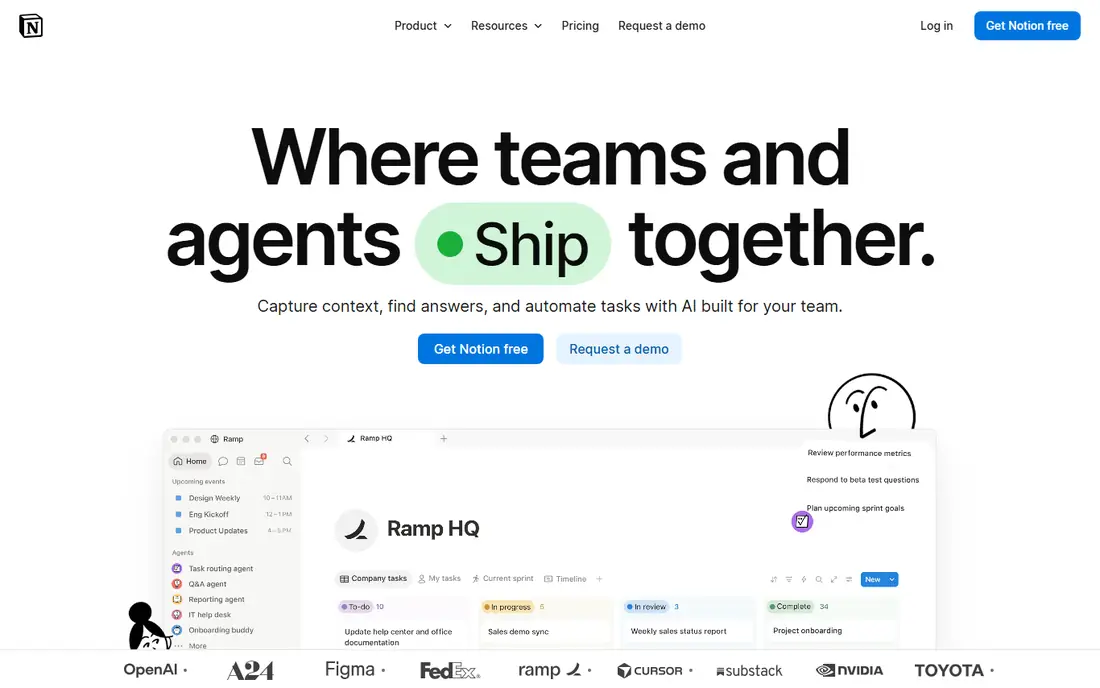
Notion works best for people who want notes, tasks, documents and wikis in one place. You can keep meeting notes beside project pages, link related pages together, and build a small database for reading lists, clients or research. The AI tools can draft text, summarise a long page, rewrite a rough paragraph and answer questions based on pages in your workspace, which helps when a note set has grown large. The trade-off is that Notion rewards a little setup. A blank workspace can feel open-ended, and the best results come from a simple structure you repeat, such as one page per meeting with decisions and next steps at the top. Pricing also needs care: the free plan covers personal use, while full AI access sits on paid plans, so check the current plan page before you assume AI is included. For students, teams and solo workers who live in documents, it remains a strong central home for notes.
- Flexible pages, databases and wikis
- AI writing, summaries and Q and A across a workspace
- Strong templates and team sharing
- AI features need a paid plan for full use
- Large workspaces can feel slow to organise
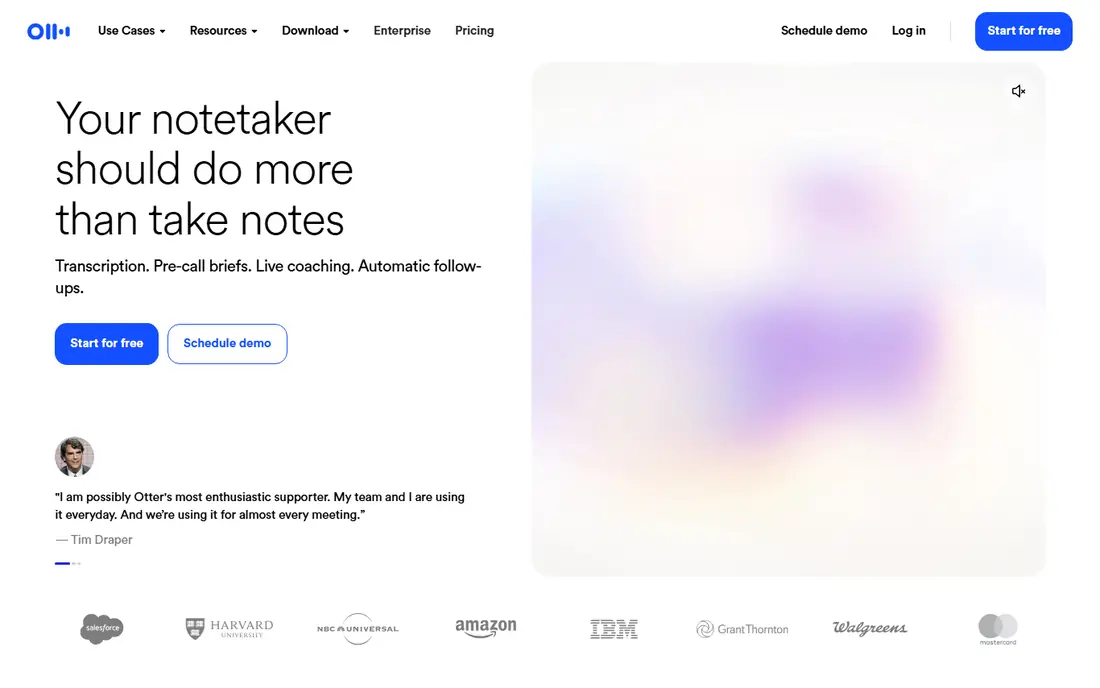
Otter.ai suits people who spend much of their week in calls and want a searchable record without typing everything. It can join a scheduled meeting, transcribe speech as it happens, label speakers, and produce a summary with action items after the call. That makes it useful for lectures, interviews, standups and client calls where the exact wording matters later. The limits deserve attention. The free plan allows 300 transcription minutes per month with a 30 minute cap per conversation in the terms we reviewed, so a single hour-long meeting will not fit cleanly on free. Pro, at $8.33 per user per month billed annually or $16.99 monthly, raises the allowance to 1,200 minutes, which suits regular but not heavy meeting loads. If you record all day, a tool with uncapped transcription may fit better, and you should always tell participants a meeting is being recorded.
- Live transcripts with speaker labels
- Automatic summaries and action items
- Joins Zoom, Google Meet and Microsoft Teams calls
- Free plan caps minutes and meeting length
- Paid minutes are still capped below the top tier
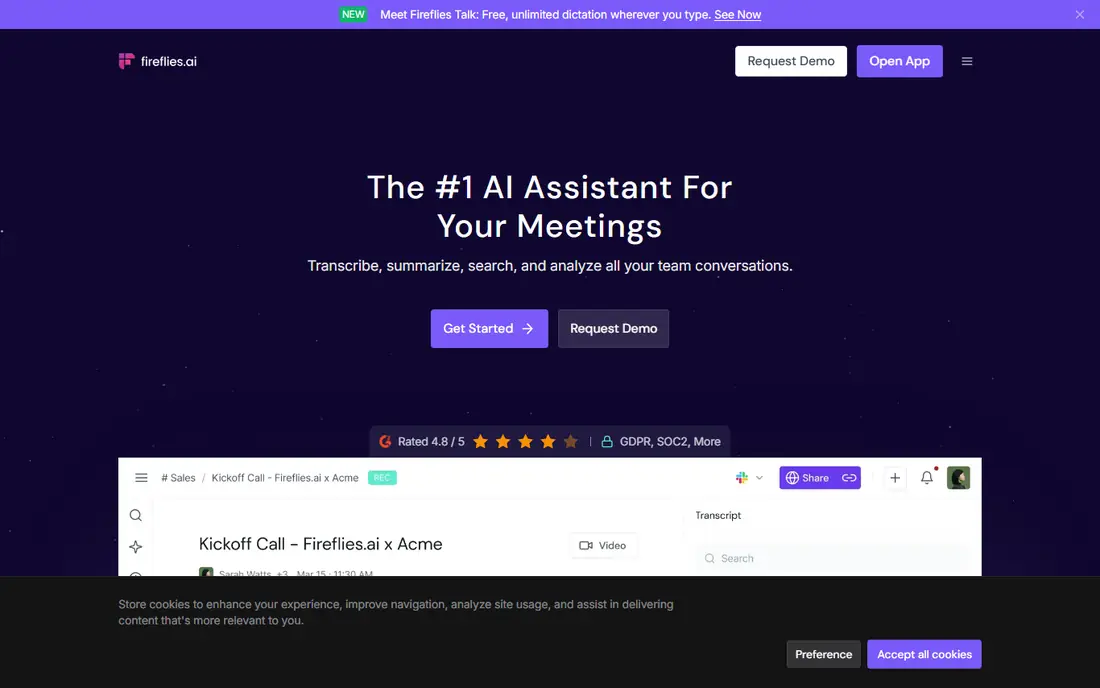
Fireflies fits sales teams, recruiters and managers who need meeting notes to land somewhere useful, not just in a transcript file. It records calls, produces summaries, and lets you search across past conversations for a topic, a person or a decision. Integrations can push notes and action items into tools such as HubSpot and Salesforce, which reduces manual logging after a call. For personal use, Fireflies is less focused than a simple recorder, and the free plan limits stored minutes, so older calls may need downloading or deleting. Pro, at $10 per seat per month billed annually or $18 monthly, offers unlimited transcription and more storage, which is where the tool starts to make sense for a team. If your main need is a clean note from one weekly meeting, a simpler free tool may be enough, but for a shared meeting library Fireflies is hard to beat.
- Unlimited transcription on paid plans
- Conversation search across past meetings
- CRM and task integrations
- Free storage is limited
- AI credits are metered on paid plans
Fathom is a good first choice for individuals who want meeting notes without paying at once. The free plan covers unlimited recordings and transcriptions, with instant summaries that pick out decisions and next steps. You can highlight a moment during a call, share a short clip instead of a full recording, and keep a searchable record of what was agreed. The catch is that some AI features, such as asking questions across calls, are limited on free, and teams that need shared folders, CRM sync and admin controls will need Premium or a team plan. Premium was listed at $16 per user per month billed annually or $20 monthly in the pricing we reviewed. For a solo worker or a small team testing AI notes, the free plan gives a fair trial of the core job, which is turning a call into a note you can act on.
- Generous free plan with unlimited recordings
- Instant summaries and action items
- Simple sharing with clips and highlights
- Advanced AI features are limited on free
- Team features need paid plans
Granola takes a different approach from most meeting recorders: it captures audio from your own device and builds notes from that audio plus the notes you type, without sending a visible bot into the meeting. That can feel less intrusive for guests, and it avoids the awkward moment when a participant asks who the extra attendee is. The result is a readable note rather than a raw transcript, with your own headings and points woven in. The free plan covers unlimited meetings but keeps only 30 days of history in the terms we reviewed, so you need to export or move important notes elsewhere. Business, at $14 per user per month, adds longer history and team features. Granola suits people who take notes during calls anyway and want AI to tidy, expand and summarise them, rather than people who want a word-for-word record of every call.
- No bot joins the call
- Notes combine your typed notes with captured audio
- Clean, calm interface
- Free history is limited to 30 days
- Paid plans are aimed at business users
NotebookLM, now called Gemini Notebook by Google, is the research tool on this list. You upload PDFs, documents, web pages or videos into a notebook, then ask questions and get answers that cite the exact passages used. That citation habit makes it easier to check a claim before you quote it in an essay, a report or a brief, and it reduces the risk of an answer drifting away from your sources. It also creates study aids from the same sources, including briefing documents, mind maps and Audio Overviews, which are podcast-style conversations about your material. The free tier is generous, with higher limits through Google AI Plus at $4.99 per month and Google AI Pro at $19.99 per month in the pricing we reviewed. The weakness is scope: NotebookLM does not organise daily notes or record meetings, so pair it with a capture tool if you need both jobs done.
- Answers grounded in your uploaded sources with citations
- Audio Overviews turn sources into listenable briefings
- Generous free tier
- Not a meeting recorder or daily note app
- Paid limits come through Google AI plans, not a standalone plan
Mem suits people who capture a lot of short notes and hate filing them. You write a note, tag it lightly or not at all, and Mem surfaces related notes and lets you ask questions across your collection. That folder-free approach works well for a personal second brain, a reading log or a running list of ideas that would otherwise sit in scattered documents. The free plan has limits on notes and AI messages in the terms we reviewed, and paid plans start with Plus, which suits most personal users, while Pro adds higher usage. Mem is less convincing as a team wiki or a structured project workspace, where Notion gives more control over layout and permissions. If your problem is capture and recall, rather than publishing a polished document, Mem is worth a trial.
- Notes organise themselves without folders
- Fast capture and search
- AI chat across your notes
- Less suited to structured team wikis
- Paid tiers rise steeply for heavy AI use
Evernote remains a solid choice for people whose notes start as articles, PDFs, scans and long written entries. The web clipper saves pages with reasonable formatting, search covers text inside notes and many attachments, and notebooks plus tags give a simple structure that scales without much maintenance. It is a comfortable home for research notes, reference material and personal archives. The honest weakness is that Evernote has not built its identity around AI in the same way as the newer tools on this list. AI help exists, but meeting transcription and source-grounded Q and A are stronger elsewhere. The free plan suits light capture, while regular users will likely need a paid plan. Choose Evernote if you value a dependable capture and search system over the newest AI features, and pair it with a meeting recorder if calls are a large part of your notes.
- Strong web clipper and document capture
- Notebooks, tags and search across notes
- Works across devices
- AI features are less central than in newer rivals
- Free plan is limited for heavy users
How we picked these
We started from the tools that appear most often in current AI notetaking guides, then checked each vendor's own feature and pricing pages, app store listings and privacy pages, plus public reviews for reported limits. We kept only tools that are available and working in October 2026, that offer a clear AI note feature rather than a generic chatbot, and that fit either meeting capture or written note organisation. We did not claim hands-on testing we did not do, and prices are the published starting points at the time of checking, so confirm the plan page before you buy, since vendors change terms often.
What to check before you choose
Meeting or writing first
Decide which job creates most of your notes. A meeting recorder will not fix a messy personal knowledge base, and a writing workspace will not transcribe a call. Many people end up with two tools, one for each job, and that is a reasonable outcome if the total cost stays low.
Privacy and consent
Meeting recorders process other people's voices, so tell participants before you record, check your organisation's policy, and look at retention, sharing and deletion settings. For sensitive research or client material, a local-first tool or a vendor with clear data controls may matter more than a slightly better summary.
Limits that bite later
Compare minutes, storage, history and AI credits, not just the headline price. A free plan with 300 minutes a month suits a light user and frustrates a person in back-to-back calls. Export your notes regularly, in a format you can open elsewhere, so a price change does not trap your archive.
FAQ
What is the best ai notetaking app for meetings?
For most people, Fathom or Otter.ai are good starting points, because both offer usable free plans and clear summaries. Fireflies suits teams that need search across past calls and CRM sync, while Granola suits people who prefer no bot in the call. Try two tools on real meetings before you commit to a paid plan.
Is there a free ai notetaking tool that works well?
Yes. NotebookLM is free with a Google account and is strong for research, Fathom offers unlimited free recordings, and Otter.ai and Fireflies both offer free tiers with limits. Free plans usually cap minutes, storage or AI use, so check those limits against your weekly meeting load.
How do AI notetaking tools handle privacy?
They differ. Some store transcripts and audio on vendor servers, some offer retention controls and deletion, and a few offer business plans with stronger admin controls. Read the privacy policy and security page for the plan you will actually use, tell meeting participants you are recording, and avoid recording calls you have no right to record.
Can AI notes replace manual note taking completely?
Not reliably. AI summaries miss context, mishear names and numbers, and sometimes smooth over disagreement in a meeting. Use the AI note as a draft and a searchable record, then add your own decisions, owners and deadlines at the top. That short human pass is what turns a transcript into a useful note.
What is the best ai notetaking software for students?
NotebookLM is a strong pick for study, because it answers from your course material with citations and creates briefings from sources. Pair it with a simple capture tool such as Notion or Evernote for lecture notes and reading lists. Students should check whether their institution offers a paid plan or has rules about recording lectures.
Do these tools work offline?
Most AI features need an internet connection, because transcription and summarising run on vendor servers. Some writing apps let you read and edit notes offline and sync later, but AI summaries, Q and A and audio overviews generally need you to be online. Check the app store listing for the device you use most.