The 5 Best AI Note Taker Software for Board Meetings in 2026, Ranked
Best AI note taker software for board meetings in 2026: 5 tools with starting prices, free plans and limits. Short verdicts, no fluff. Updated for 2026.
- Editor's choice
 Granola
Back-to-back meetings without a bot
Starts at$14 per user a monthVisit granola.aiFull review - Great alternative
 Fireflies.ai
Cross-platform meeting summaries
Starts at$10 per seat per month, billed annuallyVisit fireflies.aiFull review - Also consider
 Otter.ai
Live transcription with summaries
Starts at$8.33 per user per monthVisit otter.aiFull review
Direct answer
For back-to-back meetings without a bot, Granola is where this list starts. Listed starting prices: Granola from $14 per user a month, Fireflies.ai from $10 per seat per month, billed annually and Otter.ai from $8.33 per user per month. Alternatives: Fireflies.ai for cross-platform meeting summaries, and Otter.ai for live transcription with summaries. The other 2 tools in the list cover narrower or pricier cases.
TL;DR:
- Number one here is Granola, a fit for back-to-back meetings without a bot.
- Otter.ai has the lowest monthly starting price in this list: $8.33 per user per month.
- A free plan is available from 4 of the 5 tools: Granola, Fireflies.ai, Otter.ai, Fathom.
- Fathom fits straightforward capture with CRM updates.
Last checked November 2026. Prices and plan details were read from the vendors' own pages in November 2026; vendors change plans often, so confirm the current price on the vendor site before you buy.
Quick comparison
| Tool | Best for | Starts at | Free plan? | |
|---|---|---|---|---|
| Granola | Back-to-back meetings without a bot | $14 per user a month | Yes | Visit |
| Fireflies.ai | Cross-platform meeting summaries | $10 per seat per month, billed annually | Yes | Visit |
| Otter.ai | Live transcription with summaries | $8.33 per user per month | Yes | Visit |
 Avoma | Notes plus scheduling and coaching | $19 per recorder seat per month | Free trial | Visit |
 Fathom | Straightforward capture with CRM updates | $15 per user a month | Yes | Visit |
The full AI note taker software for board meetings list
Short on time? The summary and table above give the quick view of 5 AI note taker software for board meetings, and the profiles that follow give the detail behind each entry.
Granola is a good fit for back-to-back meetings without a bot. Since Granola is a notepad instead of a meeting analytics suite, it will not deliver the deep conversational analysis some revenue teams expect.
Trade-offs to know: Output relies on your note-taking habits.
Best features of Granola: Designed for consecutive meetings.
Granola cost at the entry level: $14 per user per month. Granola has a free plan.
- No meeting bot joins the call
- Notes, actions
- Not a full meeting analytics product
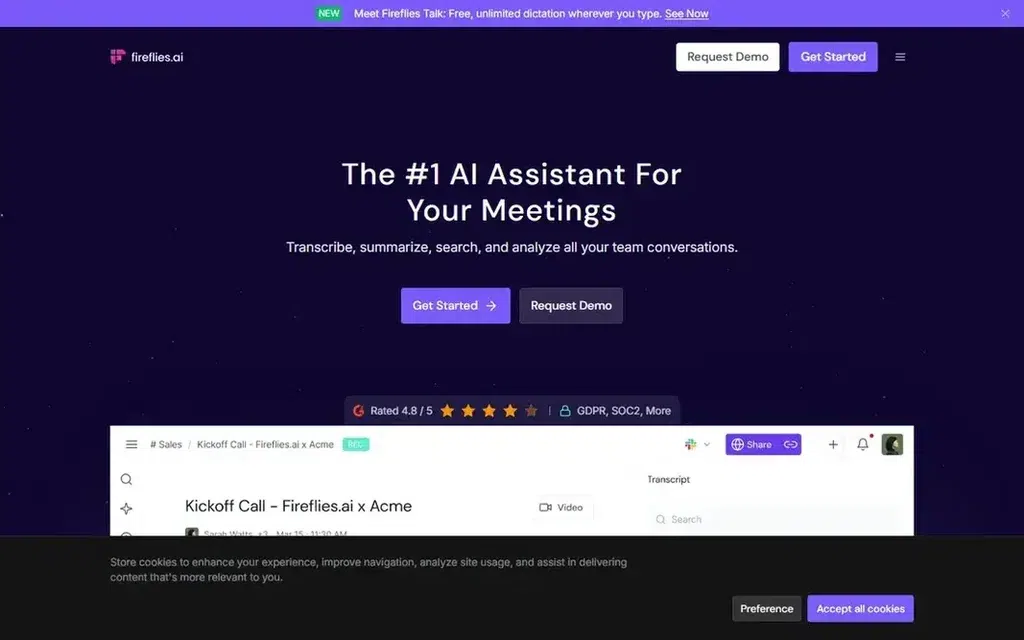
Fireflies.ai is aimed squarely at cross-platform meeting summaries. The broad system coverage means configuration choices multiply, so assign an owner for settings and retention.
On top of that, if your board uses a single meeting product and wants the simplest possible setup, a narrower tool may cut overhead. Fireflies.ai pricing: $10 per seat per month, billed annually. Free access exists with Fireflies.ai.
Trade-offs to know: Summary quality relies on audio clarity.
- Generates transcripts and smart summaries
- Works across Zoom, Meet, Teams, Webex
- Breadth of integrations can complicate setup
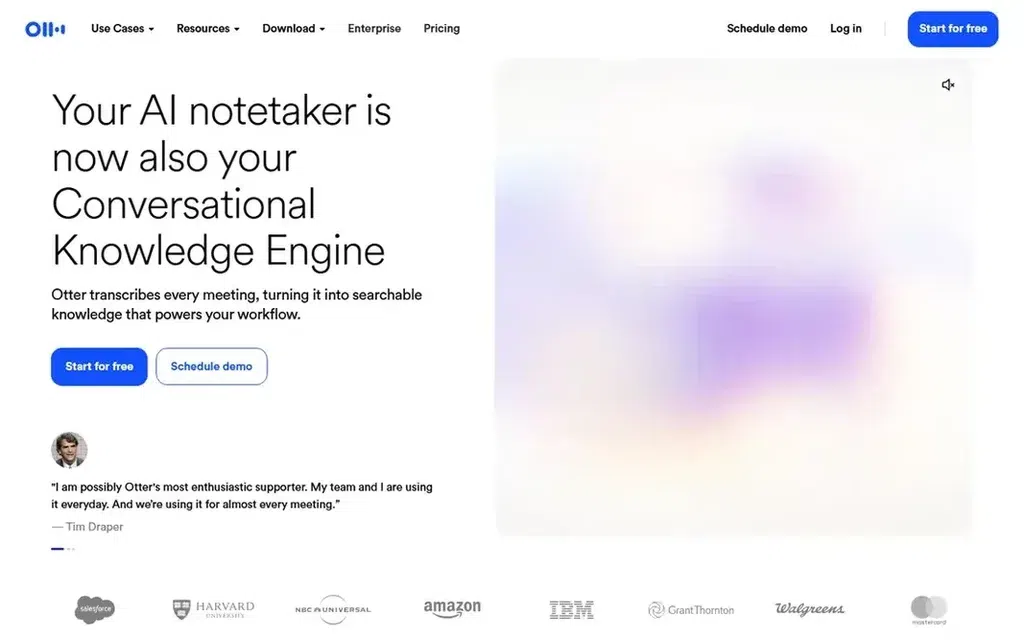
In short, Otter.ai is for live transcription with summaries. Otter.ai presents itself as a meeting agent that supports live transcription, live chat, automated summaries, insights, and action items.
It suits organizations that want an accessible, transcription-first tool including both the live session and the follow-up documentation. What you pay to start with Otter.ai: $8.33 per user per month. You can start on Otter.ai without paying.
Watch-outs: Sensitive board content needs access controls.
- Real-time transcription during meetings
- Live chat and insights alongside notes
- Feature depth varies by deployment
Where Avoma fits: notes plus scheduling and coaching. Avoma describes itself as an all-in-one AI product for note-taking, scheduling, and coaching, automating notes, scheduling, call coaching, CRM updates, and more. On top of that, boards that want meeting records connected to scheduling and follow-up workflows can consolidate tools.
If you only need clean transcripts and summaries, a more straightforward note taker avoids unnecessary complexity. More specifically, Avoma's coaching and CRM features are built around customer-facing conversations, which may be more than a board needs. The product is modular, so organizations can adopt the pieces that match their needs. Avoma starts at: $19 per recorder seat per month. Free options: Free trial.
Downsides: Wide feature set takes time to learn.
Best features of Avoma: Note-taking combined with scheduling.
- Call coaching and CRM updates included
- Modular product approach
- Coaching features target customer-facing teams
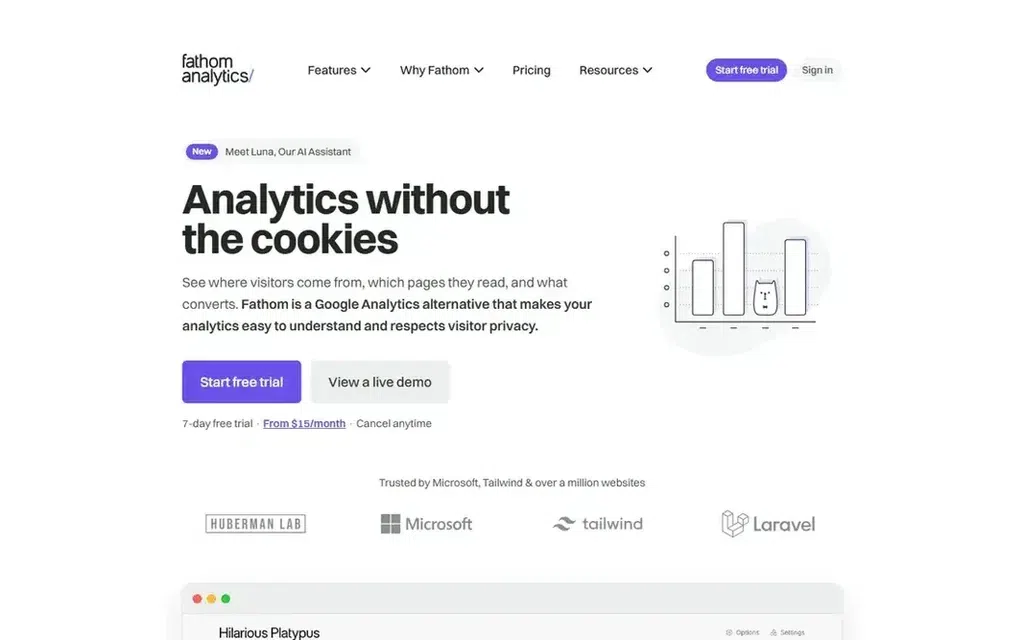
Where Fathom fits: simple capture with CRM updates. Fathom records, transcribes, and summarizes Zoom, Google Meet, and Microsoft Teams calls, and gives you AI-powered CRM updates for teams. If your board needs coaching or scheduling built into the same product, consider a broader suite.
Beyond that, for board meetings held on those systems, it offers a straightforward record and recap without additional steps. Fathom's positioning leans toward individual and team workflows, with CRM updates pitched at sales contexts, so board-specific governance needs may need additional process around it. Fathom starts at: $15 per user per month. Free access exists with Fathom.
What works well: AI-powered CRM updates for teams; Captures Zoom, Meet. Downsides: CRM features matter chiefly to sales teams.
- Teams calls
- Transcribes and summarizes automatically
- Board governance features are not its focus
How the list was put together
Selection started from tools commonly considered for AI note taker software for board meetings, then narrowed to 5 that have clear pricing information or a clear quote process. Treat prices as a snapshot: vendors change plans often, so check the vendor site for the figure that applies today. Tools are placed by general fit for AI note taker software for board meetings, with price clarity and free access as tie-breakers. A different team can reasonably rank them differently.
Before you commit
- Confirm the entry price on the vendor page: Otter.ai starts at $8.33 per user per month, but seat counts and billing terms change the total.
- Check what the free option really includes: Granola, Fireflies.ai, Otter.ai and Fathom offer a free plan, and usage caps differ.
- Use real work to test the free trial from Avoma, rather than a demo project.
- Before choosing Granola, weigh its main limit: not a full meeting analytics system.
- Ask whether Fireflies.ai integrates with your current software, and whether that comes standard or as an add-on.
- Check whether the features you need in Granola sit on the entry plan or only on higher tiers.
FAQ
Do these tools publish their prices?
Yes. Every tool from Granola to Fathom shows a starting price, though seats, add-ons and billing terms still change the final cost.
How are the tools for AI note taker software for board meetings ordered?
Granola sits first and Fathom last because the order follows typical fit for AI note taker software for board meetings, then price clarity and free access. It is a judgement call, so read each profile for fit and limits.
Is Granola the right pick for everyone comparing AI note taker software for board meetings?
No single tool suits every team. Granola comes first because it fits back-to-back meetings without a bot, while Fireflies.ai suits cross-platform meeting summaries and Otter.ai suits live transcription with summaries. Match the tool to your own size, budget and workflow before deciding.
Which options for AI note taker software for board meetings have a free plan?
Granola, Fireflies.ai, Otter.ai and Fathom offer a free plan in this list. Free plans usually cap users, projects or features, so check the limits on the vendor page. One other tool offers a trial instead.
Do board meetings need a meeting bot to be transcribed?
Not necessarily. Some tools, for example Granola, work as an AI notepad without a bot joining the call. Others depend on an assistant that attends the meeting.