Best AI Image Generation Apps for Phone for 2026: Our 5 Vetted Picks
5 tools for the best AI image generation apps for phone, compared on pricing, free plans and best-fit use. Each pick comes with its main catch. See which fits.
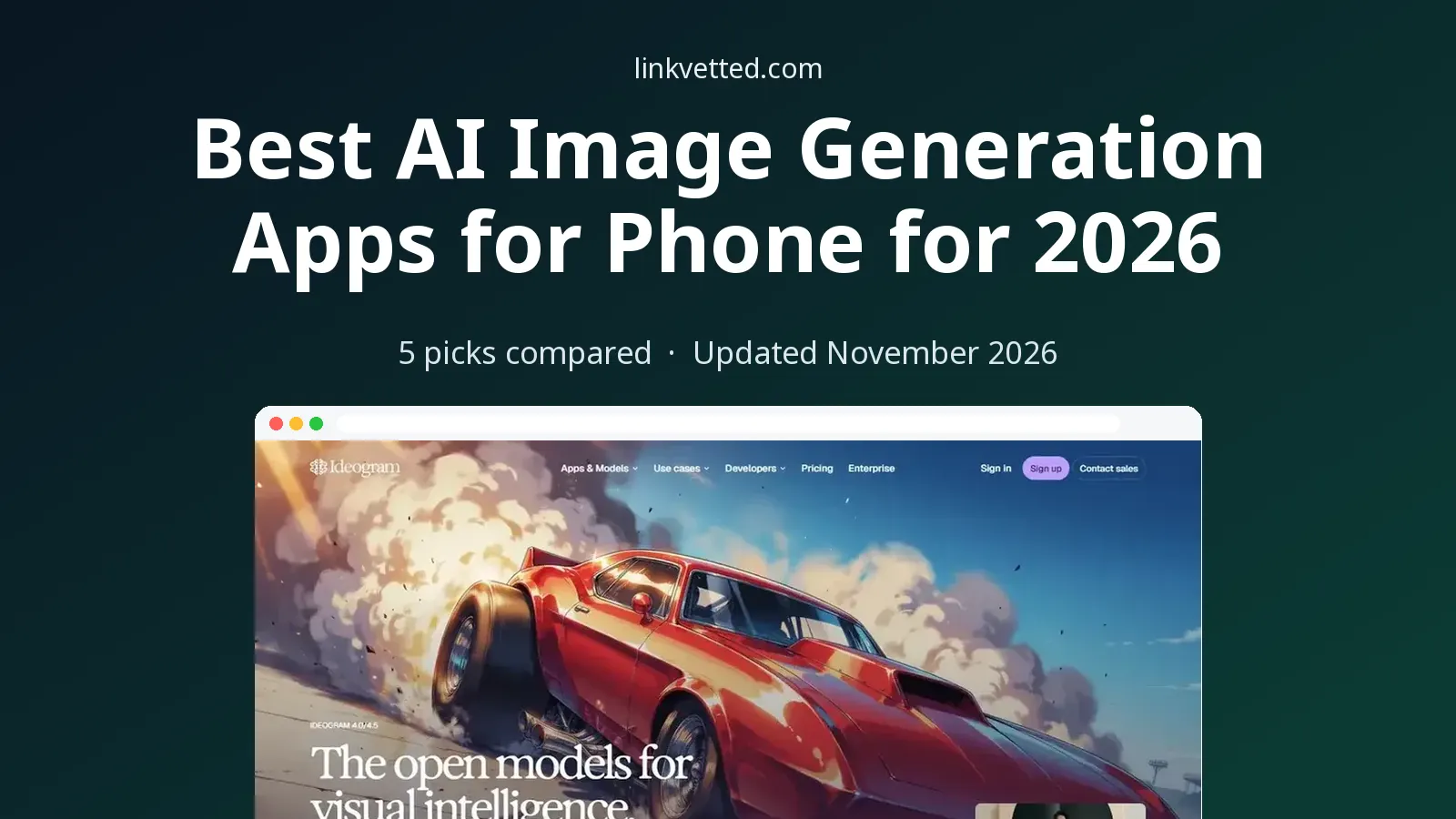
- Editor's choice
 Ideogram
Text-heavy AI image generation
Starts at$20 a monthVisit ideogram.aiFull review - Great alternative
 DreamStudio
Stability AI model access on the web
Starts atSee websiteVisit dreamstudio.aiFull review - Also consider
 Adobe Firefly
Adobe ecosystem users on mobile
Starts atSee websiteVisit adobe.comFull review
Direct answer
Ideogram comes first here, mainly for text-heavy AI image generation. Listed starting prices: Ideogram from $20 a month and Picsart from $10.5 a month. Alternatives: DreamStudio for stability AI model access on the web, and Adobe Firefly for Adobe ecosystem users on mobile. Prices, free plans and limits for all 5 tools follow.
TL;DR:
- The list opens with Ideogram, aimed at text-heavy AI image generation.
- The cheapest monthly starting price in the list is $10.5 per month, offered by Picsart.
- Before buying Adobe Firefly, weigh this: feature depth varies by device.
- For all-in-one AI editing on mobile, Picsart is worth a look.
- Ideogram, Picsart and the 3 others all need a premium plan or a trial, since no free plan is listed.
Last checked November 2026. Prices and plan details were read from the vendors' own pages in November 2026; vendors change plans often, so confirm the current price on the vendor site before you buy.
Quick comparison
| Tool | Best for | Starts at | Free plan? | |
|---|---|---|---|---|
| Ideogram | Text-heavy AI image generation | $20 a month | Not stated | Visit |
| DreamStudio | Stability AI model access on the web | See website | Not stated | Visit |
| Adobe Firefly | Adobe ecosystem users on mobile | See website | Not stated | Visit |
 Stable Diffusion | Open-model experimentation on mobile | See website | Not stated | Visit |
 Picsart | All-in-one AI editing on mobile | $10.5 a month | Not stated | Visit |
AI Image Generation Apps for Phone profiles
Short on time? The summary and table above give the quick view of 5 tools for AI image generation apps for phone, and the profiles that follow give the detail behind each entry.

Ideogram works best for text-heavy AI image generation. On a phone, it is a capable choice when generated images need readable text, like posters or social graphics.
The mobile experience may not expose every model or control. If you primarily want fast template-based designs, a general design app could be more straightforward. On cost, Ideogram starts like this: $20 per month. Free plan details: Not stated.
Trade-offs to know: Mobile app feature set may lag the web.
- Purpose-built AI apps in one system
- Solid fit for typography in images
- API focus can overwhelm casual users
For stability AI model access on the web, DreamStudio is a natural candidate. DreamStudio is Stability AI's web-based interface for generating images with its models, and it is often used for prompt-driven experimentation.
Watch-outs: Mobile experience is browser-based.
Pick it when direct model access matters more than all-in-one design. No starting price is listed for DreamStudio here; confirm pricing on the vendor site. Free plan details: Not stated.
- Handy for fast experiments
- Straightforward prompt-based generation
- Fewer built-in design templates
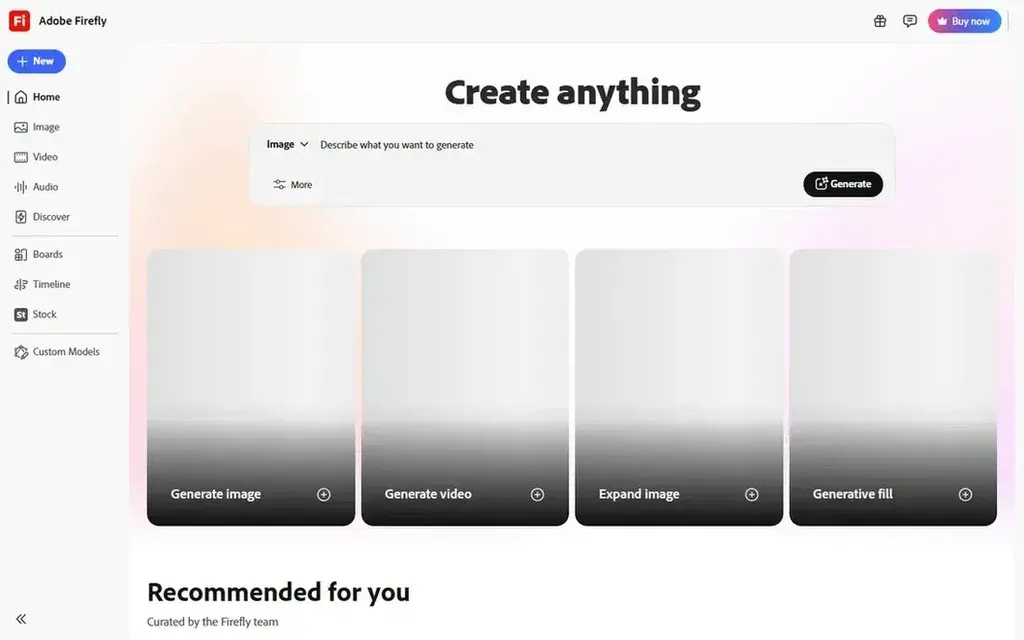
Adobe Firefly was built for Adobe ecosystem users on mobile. Adobe Firefly is Adobe's generative AI line for creatives, handling images, audio, and video, and it also surfaces models from Google, OpenAI, and others. It is a reasonable first stop for general image creation and light editing on the go.
More specifically, since Firefly spans plenty of media types and model sources, the mobile experience can feel broader than it is deep. Users who want a single-purpose, tightly optimized phone generator may prefer a narrower app. Check the vendor site for Adobe Firefly pricing; none is listed in this comparison. Free options: Not stated.
Downsides: May push users toward the Adobe ecosystem.
- Access to top models from several providers
- Generative AI for images, audio, video
- Feature depth varies by device
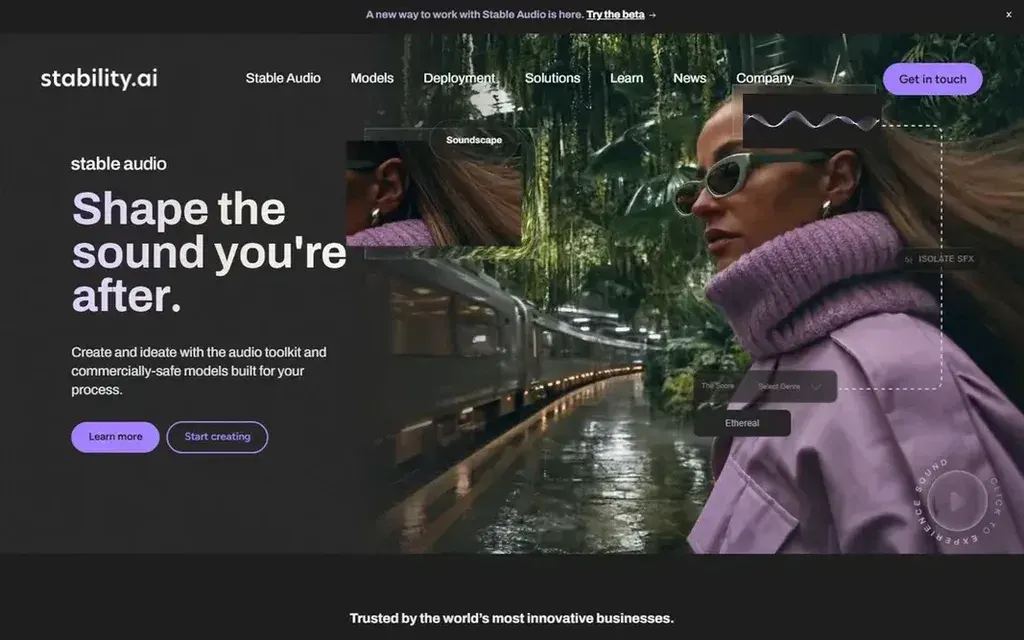
Stable Diffusion was built for open-model experimentation on mobile. On phones, it appeals most to users who want open-model control instead of a guided consumer app.
Where it falls short: Less consumer-friendly for casual phone use.
On top of that, people who want one-tap results with templates may be better served by a design app. Stable Diffusion shows no starting price here, so confirm the cost on the vendor site. On free options: Not stated.
- Adaptable model ecosystem
- Enterprise-ready positioning
- Setup can be technical
Pick Picsart if this describes you: all-in-one AI editing on mobile. Picsart calls itself an AI creative system with a broad selection of AI design tools, templates, built-in asset libraries, and generative AI. It is made for phone-first creators who want to create and edit in one place.
Where it falls short: Some tools may push toward the broader product.
Users who only need text-to-image output might prefer a more straightforward app. As for the details, because Picsart bundles numerous tools, the interface can feel crowded. The AI generation may not match dedicated generators for fine control. Also, the app leans toward speed and convenience. Also, for combined generation and editing on a phone, it is a solid choice. Entry price for Picsart: $10.5 per month. Free plan details: Not stated.
- Broad selection of AI design tools
- Aimed at quick content creation
- Interface can feel busy for beginners
What went into this list
Pricing pages, product documentation and feature lists were the main sources, and every entry carries at least one honest drawback. Plan names, prices and limits change often. Treat the figures here as a starting point and verify them with the vendor. Tools are placed by general fit for AI image generation apps for phone, with price clarity and free access as tie-breakers. A different team can reasonably rank them differently.
What to check before you buy
- Get a written quote from DreamStudio, Adobe Firefly and Stable Diffusion; the list shows no starting price for them.
- Read the limits listed for Ideogram first: mobile app feature set may lag the web.
- Look at the help docs and support options for Adobe Firefly before you commit.
- Let daily users try DreamStudio on real work; their feedback beats any feature checklist.
- Confirm the exact Stable Diffusion plan that includes your must-have features.
FAQ
Can I try these tools before paying?
Not by default. None of the tools, from Ideogram to Picsart, lists a free plan or a free trial here, so ask each vendor for a demo before committing.
What is the cheapest option for AI image generation apps for phone in this list?
On published monthly entry prices, Picsart is the lowest here at $10.5 per month. Entry price is only part of the cost, because seats, add-ons and billing terms can change the total.
How are the tools for AI image generation apps for phone ordered?
Ideogram sits first and Picsart last because the order follows typical fit for AI image generation apps for phone, then price clarity and free access. It is a judgement call, so read each profile for fit and limits.
Do these tools publish their prices?
Not all of them. DreamStudio, Adobe Firefly and Stable Diffusion publish no starting price, so expect a quote request for those. The rest, Ideogram included, show a starting price, though seats and billing terms still change the final cost.
Which AI image app is a good match for text in images on a phone?
Start with Ideogram if you need text-heavy AI image generation. DreamStudio is the better match for stability AI model access on the web, and Adobe Firefly for Adobe ecosystem users on mobile. The best choice depends on budget, team size and workflow.
Sources
- https://ideogram.ai
- https://dreamstudio.ai
- https://www.adobe.com/products/firefly.html
- https://stability.ai
- https://picsart.com