Best AI Home Decor Apps in 2026: 8 Apps Compared
Compare the best ai home decor app options for room redesigns, 3D layouts, and real furniture previews, with current pricing and free plans checked for 2026.

- Editor's choice
 Planner 5D
All-round 2D and 3D room design
Starts at$4.99 per monthVisit planner5d.comFull review - Great alternative
 Homestyler
Realistic 3D renders without a big budget
Starts atSee websiteVisit homestyler.comFull review - Also consider
 Houzz
Design inspiration and shopping for real products
Starts atFreeVisit houzz.comFull review
TL;DR:
- Planner 5D is our pick for most people because it pairs floor plans with AI furnishing and works on web and mobile.
- RoomGPT and Interior AI are the fastest routes to a restyled room photo, while Homestyler gives stronger free renders.
- Houzz and IKEA Kreativ are best when you want to buy real furniture, not just look at a generated image.
- magicplan stands apart for measured floor plans, which matter before you order anything sized to a room.
Quick comparison
| Tool | Best for | Starts at | Free plan? | |
|---|---|---|---|---|
| Planner 5D | All-round 2D and 3D room design | $4.99 per month | Yes | Visit |
| Homestyler | Realistic 3D renders without a big budget | See website | Yes | Visit |
| Houzz | Design inspiration and shopping for real products | Free | Yes | Visit |
 RoomGPT | Fast AI restyles of a room photo | See website | Free trial | Visit |
 Interior AI | Virtual staging and bulk restyles | See website | Free trial | Visit |
 Havenly | Getting help from a real interior designer | See website | Yes | Visit |
 magicplan | Measured floor plans from a phone scan | $12.99 per month | Yes | Visit |
 DecorMatters | AR styling with real furniture in your room | See website | Yes | Visit |
The best AI home decor apps
We compared AI restyling, 3D planning, furniture catalogs, and pricing to find tools that help in a real room, not only in a demo image.
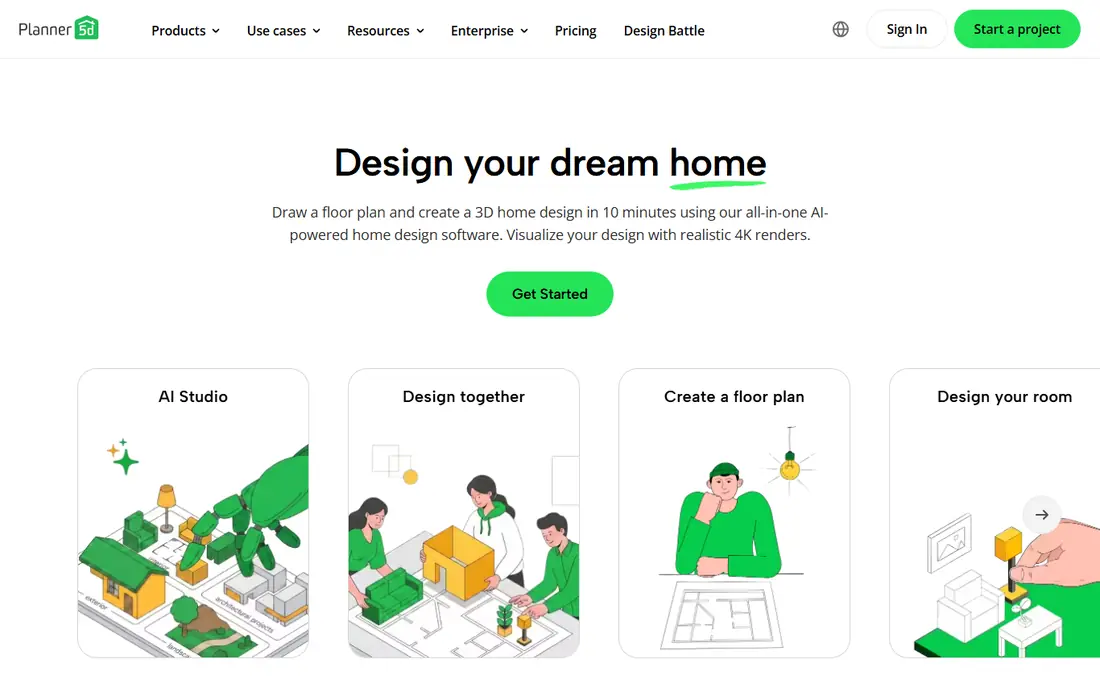
Planner 5D is the app we would hand to someone starting from an empty room or a rough sketch. You can draw a room, upload a floor plan, and let its AI tools turn that plan into an editable project, then furnish it in 2D or 3D. The catalog covers thousands of furniture and decor items, so you can test a sofa size and a layout before you spend money on either one.
The free plan allows unlimited projects with part of the catalog, which is enough to learn the layout of a room and try a few styles. Premium, at $4.99 per month when billed annually, opens the full catalog and standard renders. The honest catch is that photorealistic 4K renders and CAD export sit on the Professional tier, so heavy users and designers should check that price before they commit.
- AI floor plan recognition
- Large furniture catalog
- Works on web, iOS, and Android
- Best renders sit on higher tiers
- Some catalog items are paywalled
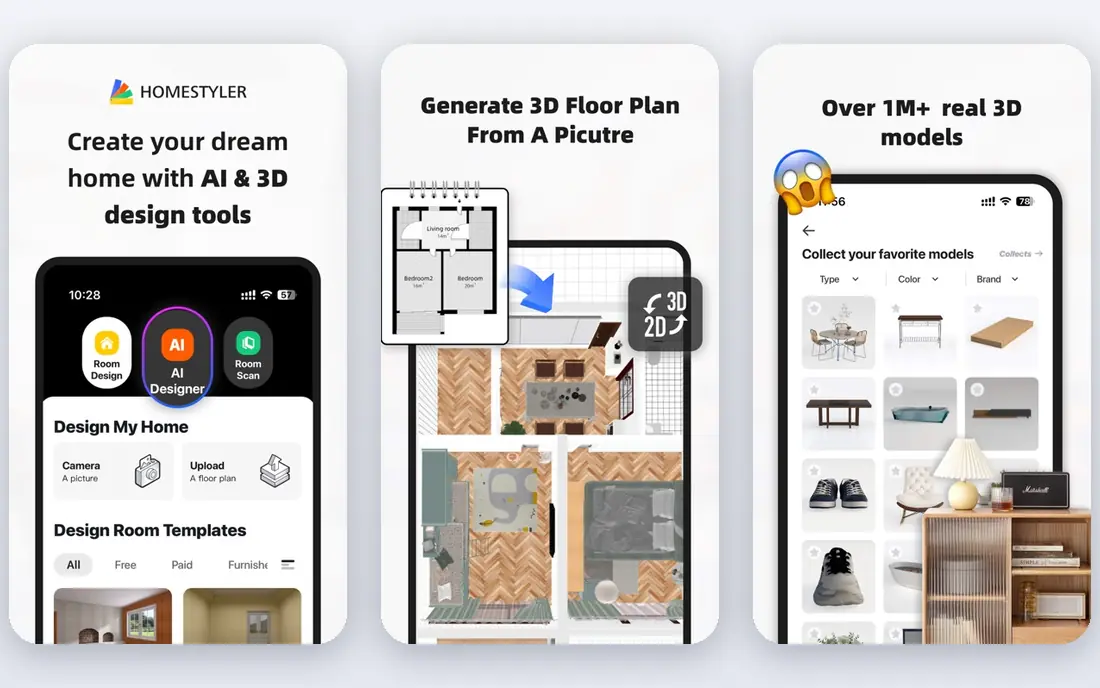
Homestyler suits renters and homeowners who want to see a room finished, not just planned. Its 3D tools let you build a room, place furniture from real brands, and view the result from several angles. That brand link matters, because a render is far more useful when the sofa in it is one you can actually buy in the size shown.
The free tier is generous for casual projects, with renders included at lower resolution. Paid plans raise render quality and add pro features, so the cost grows only if you need presentation quality work. The trade-off is a learning curve: the first room takes longer than a one-click AI restyle, but the result is closer to a plan you can act on.
- Free renders to try ideas
- 3D and floor plan tools
- Large brand furniture library
- Higher resolution renders cost extra
- Some advanced tools need a paid plan
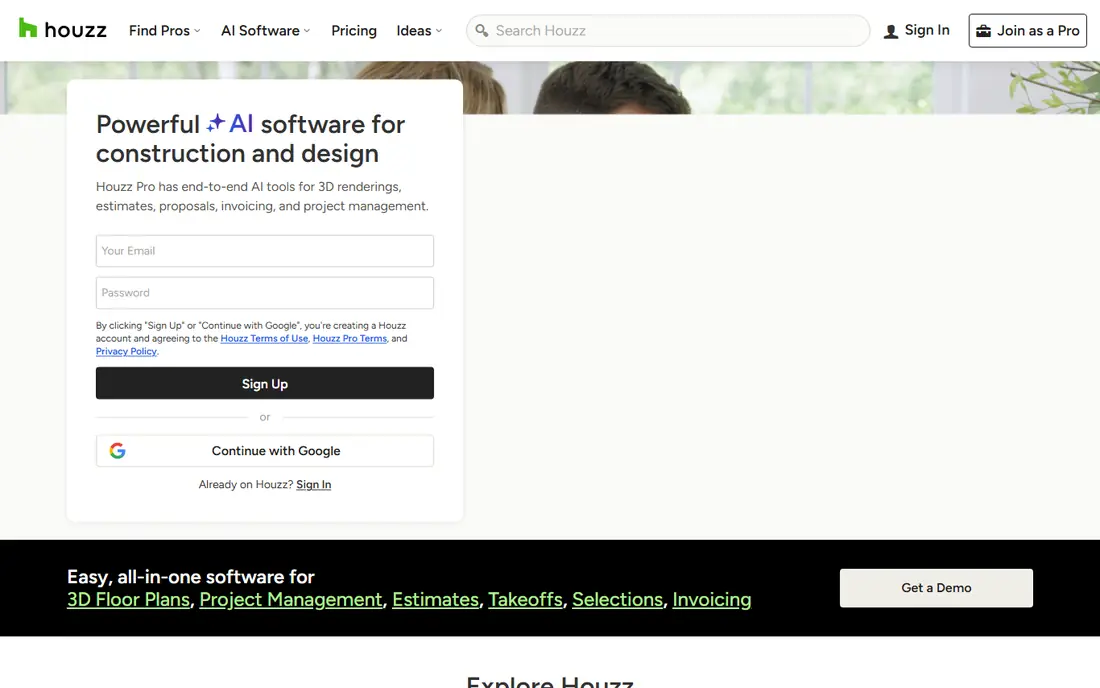
Houzz is less of an AI design studio and more of a very large idea book tied to a store. You can save photos by room and style, filter for products, and contact local designers and contractors from the same app. For someone who knows they like a warm modern kitchen but cannot name the pieces, that library is the fastest way to build a shortlist.
The app itself is free, and that makes it a good companion to a planning app rather than a replacement for one. You will not get a full AI redesign of your own room photo here, and the shopping side means prices and availability change often. Use Houzz to decide what you like, then confirm sizes and finishes on the product page before ordering.
- Huge photo library
- Shop real furniture and fixtures
- Find local pros
- AI features are limited
- Browsing can turn into a long shopping trip
RoomGPT is the best ai app for home decor when speed matters more than precision. Upload a photo of your room, pick a style such as modern, coastal, or industrial, and you get a restyled image in well under a minute in most cases. That makes it ideal for a first brainstorm, a rental refresh, or a listing photo idea.
The limit is clear and worth stating plainly. The output is a picture, not a floor plan, and the furniture in it may not exist at the size or price you need. Treat each result as a direction for color, layout, and mood, then rebuild the winning idea in Planner 5D or Homestyler before you buy. Credit packs mean heavy users should watch costs, since each restyle uses credits.
- Very fast results
- Many room styles
- Simple upload and pick workflow
- Results are images, not measured plans
- Furniture may not match real products
Interior AI fits people who need many restyled images, such as agents staging listings or landlords refreshing photos between tenants. Its virtual staging mode can furnish an empty room photo, and its style list covers the usual range from Scandinavian to mid-century modern. Running several styles on the same photo is a good way to compare moods side by side.
As with other photo restylers, the images are inspiration rather than a buying list. A chair that looks right in the render may be the wrong width for the real wall, so measure before you order. Pricing is credit based, so check how many renders a plan includes and whether unused credits carry over before you pay for a large pack.
- Many interior styles
- Virtual staging mode
- Fast batch restyles
- Output can vary between runs
- Not a substitute for measured design
Havenly is the pick when an app alone leaves you stuck between two good options. Its free AI tool can generate design ideas, and its paid packages connect you with a designer who refines the plan, picks products, and builds a shopping list. That human step helps with awkward rooms, mixed styles in one household, and budgets where every purchase has to earn its place.
The catch is price and pace. A designer package costs much more than a monthly app subscription, and the back and forth takes days rather than minutes. If you enjoy deciding yourself, Planner 5D or Homestyler will feel faster and cheaper. If you want a second opinion from a person who does this work daily, Havenly is worth the extra spend.
- Real designer guidance
- Free AI design tool
- Shopping lists tied to the design
- Full designer packages cost far more than an app
- Designer availability varies
magicplan solves the step most decor apps skip, which is getting the room dimensions right. You scan a room with your phone, and the app builds a floor plan you can edit, annotate, and share with a contractor or a designer. That plan then becomes the base for furniture choices, so you are less likely to order a sectional that blocks a doorway.
It is not a styling app first, and its decor catalog is thinner than Planner 5D or Homestyler. Think of it as the measuring tool in the kit, paired with a design app for the visual work. The free tier covers a small number of projects, and the Sketch plan starts at $12.99 per month for regular use.
- Creates floor plans from scans
- Exports plans and reports
- Useful for contractors
- Design and decor tools are limited
- Best value needs a paid plan
DecorMatters brings an augmented reality view to home decor, letting you place furniture into a live view of your own room. That is a useful check for scale and color, since a chair that looks fine in a catalog photo can feel bulky next to your actual rug and windows. The community feed also gives ideas from other users working with similar rooms.
AR previews still depend on phone sensors and room lighting, so treat them as a guide rather than a guarantee. The free tier covers basic use, while a subscription adds more features and removes limits. For shoppers who already know the piece they want, this is a strong final check before checkout.
- AR previews in your own space
- Community design ideas
- Furniture shopping links
- AR accuracy depends on your phone and lighting
- Some features need a subscription
How we picked these
We compared official feature pages, pricing pages, and app store listings, and we favored tools that still work in October 2026 and clearly state what the free tier covers. We looked for a mix of fast AI restyles, measured planning, and real product shopping, because no single app does all three well. We left out tools that only generate images with no path to a plan or a purchase, and we noted where a price is credit based rather than a flat monthly fee.
What to check before you pay for a decor app
Start with the job, not the feature list. If you need a quick style idea, a photo restyler is enough. If you need to order furniture, you need measurements and real product sizes, which means a planning app or magicplan plus a shopping step. Check whether renders carry a watermark on the free tier, whether exports work on your devices, and whether the catalog includes brands sold in the United States.
Match the app to the room
Small rooms reward planning tools, because a few inches decide if a layout works. Large or empty rooms reward staging tools, because seeing furniture in place helps you judge scale. Rental projects reward free tiers and AR previews, since you may not want a long subscription for one refresh. Renovation projects reward measured plans you can share with a contractor, even if the styling comes later.
Watch the credit trap
Photo restylers often sell credits, and a fun afternoon of styles can use a pack faster than expected. Before you buy, count how many rooms and styles you actually need, and test the free renders first. A planning app with a monthly fee is usually cheaper for a whole house project, while credits suit a single room or a single listing.
FAQ
What is the best ai home decor app for beginners?
Planner 5D is our pick for most beginners because it combines floor plans, AI furnishing, and a free tier in one place. Homestyler is a close second if realistic renders matter more than floor plan tools. Start free with either one and pay only when you need higher quality renders or the full catalog.
What is the best home decor ai app for restyling a photo?
RoomGPT and Interior AI are the fastest photo restylers, and both let you try several styles on the same room. They are best for ideas, color, and mood rather than exact shopping lists. Rebuild a winning look in a planning app with measured furniture before you order.
Can a decor app show real furniture in my room?
Yes, with limits. IKEA Kreativ places IKEA furniture in a scan of your room, Houzz links inspiration photos to real products, and DecorMatters uses AR to preview pieces in your space. Check the exact size, finish, and price on the retailer page, since app previews can differ from the delivered item.
Are AI home decor apps free?
Most offer a free tier or a free trial, but the best renders, full catalogs, and unlimited projects usually need a paid plan. Planner 5D and Homestyler both let you start free, which is enough to test a room or two. Credit based restylers charge per image, so read the credit terms before you buy a pack.
Do I need a measured floor plan before buying furniture?
We recommend it for large pieces such as sofas, beds, and dining tables. magicplan can build a plan from a phone scan, and Planner 5D can turn a floor plan into an editable project. A few minutes of measuring can prevent a return that costs far more in time and delivery fees.
Is Houzz a good AI app for home decor?
Houzz is better as an inspiration and shopping companion than as a pure AI design tool. Its photo library and product links help you find a style and buy real pieces, while Planner 5D or RoomGPT handle the AI planning and restyling work. Many readers will use Houzz alongside one of those apps rather than instead of them.
Sources
- https://planner5d.com/blog/best-home-design-apps/
- https://planner5d.com/blog/top-ai-interior-design-tools/
- https://www.bellavirtual.com/blogs/news/top-10-interior-design-apps-to-redefine-your-home
- https://www.homestyler.com
- https://www.houzz.com
- https://www.roomgpt.io
- https://interiorai.com
- https://havenly.com
- https://www.magicplan.app
- https://decormatters.com