Best AI Educational Platforms for Teachers in 2026: 8 Platforms Compared
We compared the best ai educational platforms for teachers on lesson planning, grading help, privacy and price, so teachers can save planning time safely.

- Editor's choice
 MagicSchool AI
Teachers who want one toolkit for many jobs
Starts at$8.33 per month billed annuallyVisit magicschool.aiFull review - Great alternative
 Brisk Teaching
Grading and planning inside Google Docs
Starts atSee websiteVisit briskteaching.comFull review - Also consider
 Khanmigo
US teachers using Khan Academy content
Starts atFree for US teachersVisit khanmigo.aiFull review
TL;DR:
- MagicSchool offers the widest teacher toolkit, while Brisk Teaching wins for teachers who live in Google Docs and Slides.
- Khanmigo is free for US teachers and ties AI help to Khan Academy lessons, which suits schools already using that content.
- Differentiation is the clearest split: Diffit and Eduaide handle leveled readings and varied student needs better than a general chatbot.
- Check privacy terms before classroom use: student data handling, district controls and whether student-facing features can be switched off.
Quick comparison
| Tool | Best for | Starts at | Free plan? | |
|---|---|---|---|---|
| MagicSchool AI | Teachers who want one toolkit for many jobs | $8.33 per month billed annually | Yes | Visit |
| Brisk Teaching | Grading and planning inside Google Docs | See website | Yes | Visit |
| Khanmigo | US teachers using Khan Academy content | Free for US teachers | Yes | Visit |
 Diffit | Same lesson at several reading levels | $14.99 per month | Yes | Visit |
 Eduaide.ai | Pedagogy details in the draft, not just an outline | $5.99 per month | Yes | Visit |
 Curipod | Live interactive lessons with student responses | See website | Yes | Visit |
 Education Copilot | Clean lesson documents, fast | See website | Yes | Visit |
 Canva for Education | Visual lessons, slides and classroom materials | Free for verified teachers | Yes | Visit |
The best ai educational platforms for teachers
AI tools for teachers should save planning and grading time without replacing teacher judgment or exposing student data. The platforms below were picked for classroom fit: lesson plans tied to standards, feedback tools, differentiation and controls a school can actually manage.
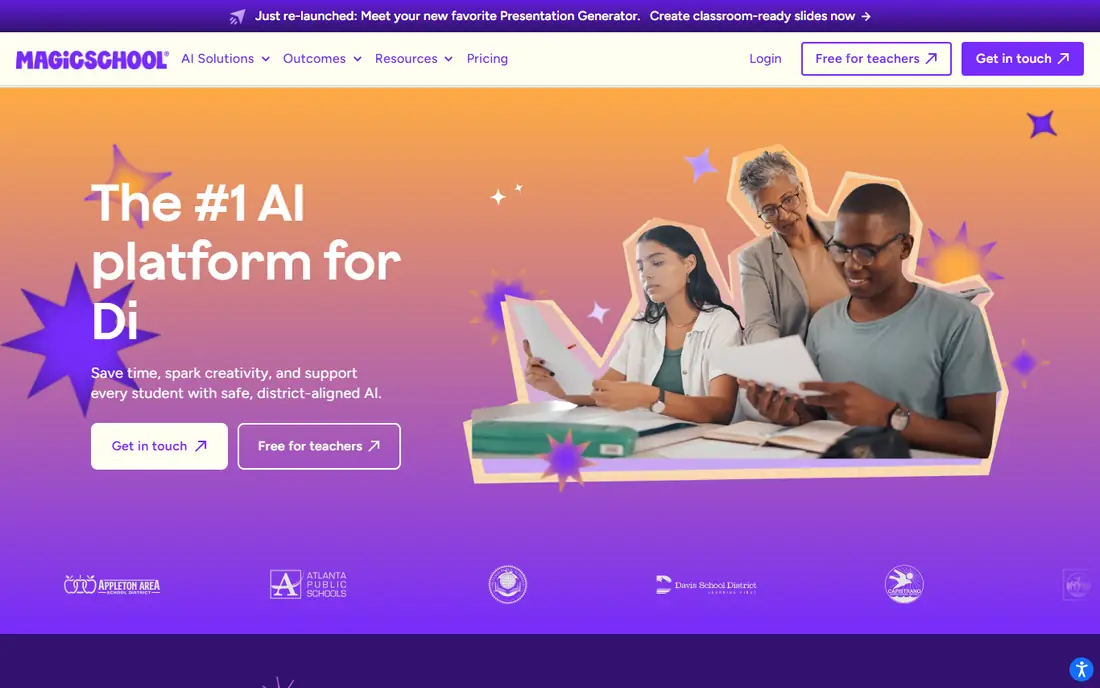
MagicSchool AI is our pick for most teachers because it covers the daily jobs in one place: lesson plans, unit plans, rubrics, quizzes, writing feedback, report card comments and differentiation. A teacher enters grade, subject, topic and standards, then gets a structured draft to edit rather than a blank page. That structure matters, since a vague outline saves little time.
The free tier covers a normal week of planning for many teachers, while the Plus plan raises usage limits. Schools should check district controls and student data terms before turning on student-facing tools. Used as a drafting aid that a teacher reviews and edits, MagicSchool saves the most time of any tool here.
- More than 80 teacher tools in one dashboard
- Lesson plans, rubrics and feedback
- Student tools with guardrails
- Free tier has usage limits
- Breadth can overwhelm a first-time user
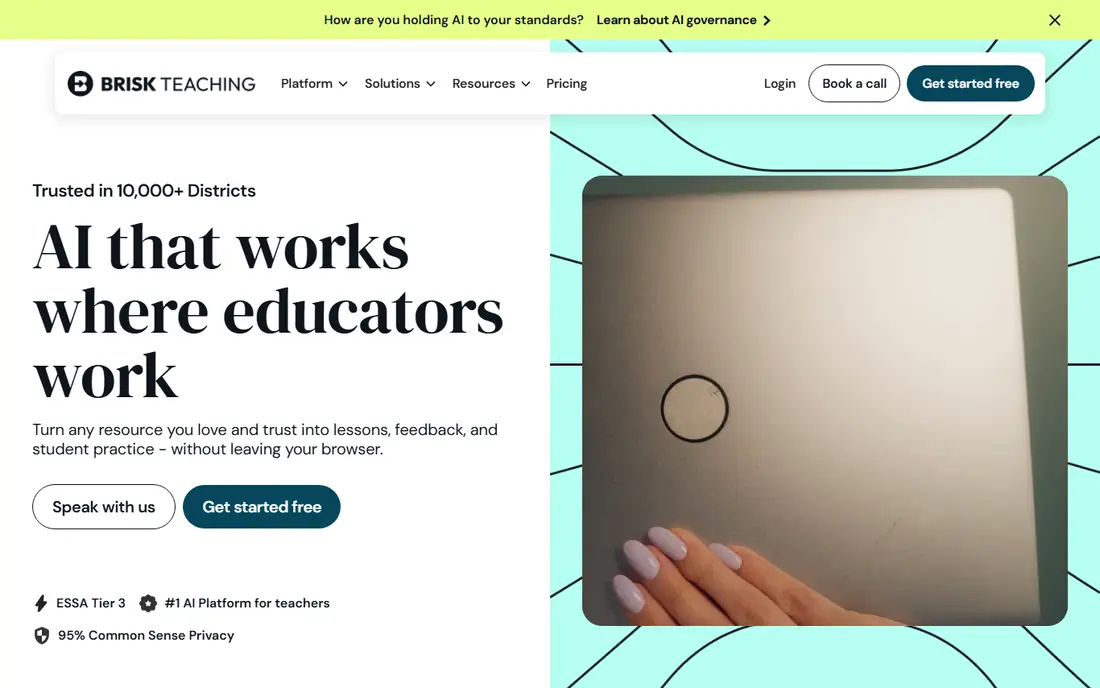
Brisk Teaching wins for teachers who already live in Google Docs and Slides. As a Chrome extension, it can generate lesson plans and quizzes, adjust reading levels and give rubric-based feedback inside the document itself, without opening a new tab for every job. Batch feedback for a folder of student work is a real time saver during grading weeks.
The trade-off is ecosystem fit. Schools on Microsoft tools will get less value, and district plans are quoted. For a Google school, Brisk removes the copy-and-paste step that makes many AI tools feel like extra work. Feedback stays where the student work already lives.
- Works as a Chrome extension in Docs and Slides
- Rubric-based feedback
- Lesson and quiz creation
- Best for Google Workspace schools
- Paid pricing is not listed as a single simple price
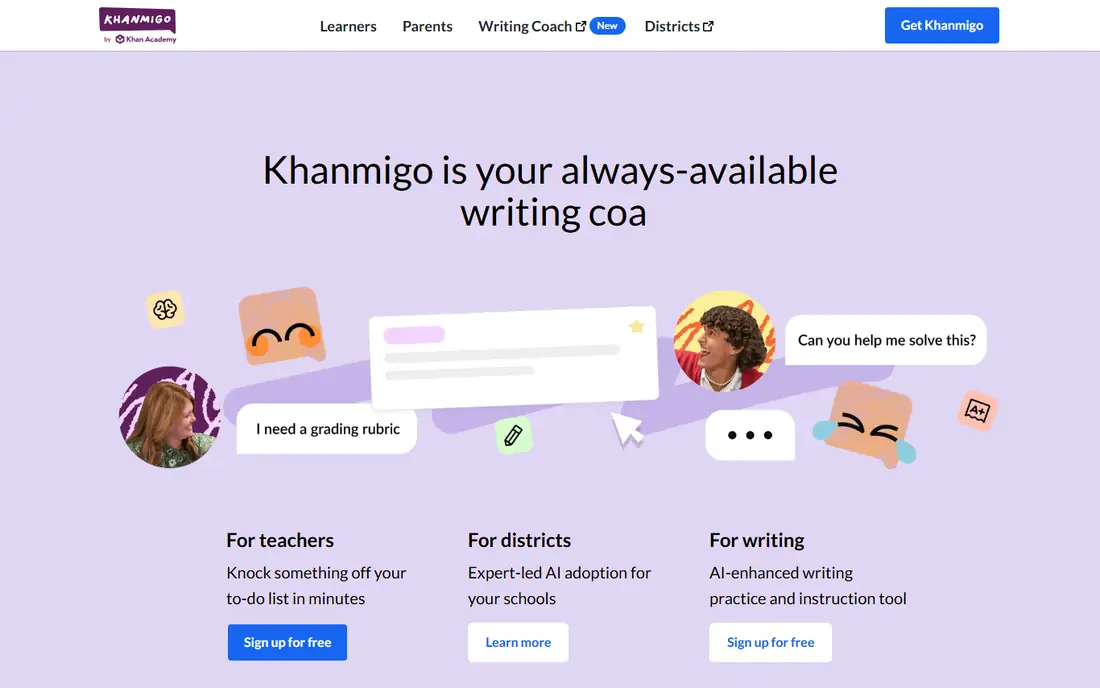
Khanmigo, from Khan Academy, gives US teachers free tools for lesson plans, objectives, rubrics, exit tickets and administrative drafts. For learners, it acts as a tutor that guides rather than giving answers outright, built around Khan Academy videos and practice. That link to a known curriculum is a strength for schools already using Khan Academy.
Learner access beyond teacher tools runs through district deals or paid family plans, so a teacher cannot assume every student gets the tutor free. Khanmigo also works best inside Khan material, not as a general tool for any PDF or worksheet. For Khan schools, it is a strong free addition. For other schools, a broader toolkit may fit better.
- Free teacher tools
- Tied to Khan Academy lessons
- Socratic tutoring approach for learners
- Learner plans are paid or district-based
- Tutoring is tied to Khan content, not any worksheet
Diffit answers a specific classroom need: one topic, several reading levels. A teacher can generate a passage at a lower or higher level, add vocabulary support and build questions, so students with different reading strengths can study the same content. That differentiation is hard to do by hand for every lesson, and Diffit does it in minutes.
Diffit does not try to be a full planning suite, so teachers will still need another tool for unit plans or grading. For inclusion and reading support, though, it is the sharpest tool here. Schools with many multilingual learners or wide reading ranges should test it with a real unit before judging it on a single passage.
- Fast leveled readings and summaries
- Vocabulary and question sets
- Good for multilingual learners
- Narrower than a full toolkit
- Monthly price is higher than some rivals
Eduaide.ai appeals to teachers who want pedagogy in the draft itself. Plans can follow frameworks such as 5E, backward design or Universal Design for Learning, and the tool offers worksheets, graphic organizers, games and assessments from the same prompt set. That depth helps a teacher who wants a plan that reads like a lesson, not a list of headings.
The interface packs in many options, so new users should start with one resource type and learn it well. The paid price is low compared with rivals, which makes Eduaide a good second tool alongside a broader platform. For lesson quality per dollar, it is hard to beat.
- Many resource types with frameworks like 5E and UDL
- Leveled readings
- Low paid price
- Interface is denser than MagicSchool
- Some features need a paid plan
Curipod turns a lesson into a live session where students write, vote and respond from their devices while the teacher sees results in real time. AI feedback during writing practice gives students a next step without waiting for the teacher to reach every desk. That live loop suits writing, discussion and formative checks.
Curipod depends on devices and connectivity, so a classroom without reliable wifi will struggle. It also fits live lessons better than homework or planning. For teachers who want participation data during the lesson itself, rather than after it, Curipod offers something a planning tool cannot.
- Students respond live from devices
- AI feedback during writing practice
- Polls and open responses
- Needs student devices and reliable wifi
- School plans are quoted
Education Copilot focuses on producing clean, usable documents quickly: lesson plans, handouts, quizzes and project outlines that a teacher can print or share without heavy editing. The workflow is simple, which helps a teacher who wants a solid draft in minutes and does not want to learn a large dashboard.
The toolset is narrower than MagicSchool or Eduaide, so teachers who need grading help or student tools will need a second platform. For document quality and speed, Education Copilot earns its place. It is a good fit for teachers who value a tidy handout over a long feature list.
- Print-ready lesson plans and handouts
- Standards-aligned drafts
- Simple workflow
- Smaller toolset than MagicSchool
- Pricing details vary by plan
Canva for Education is free for verified K-12 teachers and gives them the full design library for slides, posters, worksheets and classroom displays. AI features help generate and edit visuals and text, but the core value is design: a lesson that looks clear and engaging without design skill. Templates for classroom routines, presentations and parent materials save time every week.
Canva does not replace a lesson planner or a grading tool, so pair it with MagicSchool or Brisk for planning and feedback. For visual materials, though, no tool here matches its template range at a free teacher price. Verify teacher status through Canva, since the free education plan depends on that check.
- Free for verified K-12 teachers
- Huge template library
- Easy slides, posters and worksheets
- Not an AI lesson planner at its core
- AI features sit inside a design tool
How we picked these
We compared official pricing pages, feature lists and privacy documentation for AI tools built for teachers, not general chatbots. We favored tools with free teacher tiers, standards-aligned planning, differentiation or grading help, and education-specific privacy terms. We left out general AI chat apps, since classroom tools need guardrails, district controls and student data protections that a consumer chatbot does not promise.
What to check before you choose
Start with your school rules. Confirm whether student-facing AI is allowed, what data processing agreement is required, and whether single sign-on and rostering are available. A tool that is free for one teacher may still need district approval before students use it. When in doubt, use teacher-only features first and ask your district before turning on student tools.
Then test with a real lesson. Generate a plan for a topic you teach, check it for errors and bias, and edit it as you would for class. AI drafts can include factual mistakes or reading levels that miss the mark, so teacher review is not optional. The best tool is the one whose drafts need the least fixing for your subject.
Finally, count the time saved. Track planning and grading minutes for two weeks with the tool and two weeks without it. If a tool saves planning time but adds grading cleanup, it has not helped. Keep the tool that clearly cuts total work and improves lesson quality, and drop the rest.
FAQ
What is the best AI educational platform for teachers overall?
MagicSchool AI is the best overall pick for most teachers, since it covers lesson plans, rubrics, quizzes and feedback in one dashboard with a free tier. Brisk Teaching is better for Google Docs schools, and Khanmigo is better for schools already using Khan Academy. Test two tools with a real unit before choosing one.
Is Khanmigo really free for teachers?
Yes, Khanmigo teacher tools are free for US teachers, according to Khan Academy. Learner tutoring runs through district deals or paid family plans, so student access is not automatically free for every class. Check Khan Academy terms for your school type before planning a rollout.
Can AI tools grade student work for teachers?
Some tools, such as Brisk Teaching and MagicSchool, help with rubric-based feedback and draft comments, but teacher review remains essential. AI feedback can miss nuance, misread handwriting in scans, or apply a rubric unevenly. Use AI to draft feedback faster, then read and adjust it before it reaches students.
How do I keep student data safe with AI teacher tools?
Use teacher-only features until your district approves student use, check the data processing agreement, and confirm whether student data trains models. Prefer tools with education privacy commitments, single sign-on and controls to switch student features off. Never paste sensitive student records into a consumer chatbot.
What is the best AI tool for differentiated lessons?
Diffit is the strongest pick for leveled readings, since it generates the same content at several reading levels with vocabulary and questions. Eduaide also handles differentiation well, and MagicSchool includes differentiation tools in its wider set. For a class with a wide reading range, Diffit plus a planning tool is a strong pair.
Do AI lesson plans align with state standards?
Many tools, including MagicSchool, Eduaide and Khanmigo, let teachers select standards when generating plans. Alignment still needs a teacher check, since a generated plan can cite a standard loosely or miss a local requirement. Treat standards tags as a starting point and verify them against your district scope before teaching.