Best AI Enterprise Monitoring Software in 2026: Prices, Free Plans and 6 Picks
Shortlisting the best AI enterprise monitoring software? 6 products compared on cost, free access and ideal buyer. Read the caveats before you buy. Plain facts.
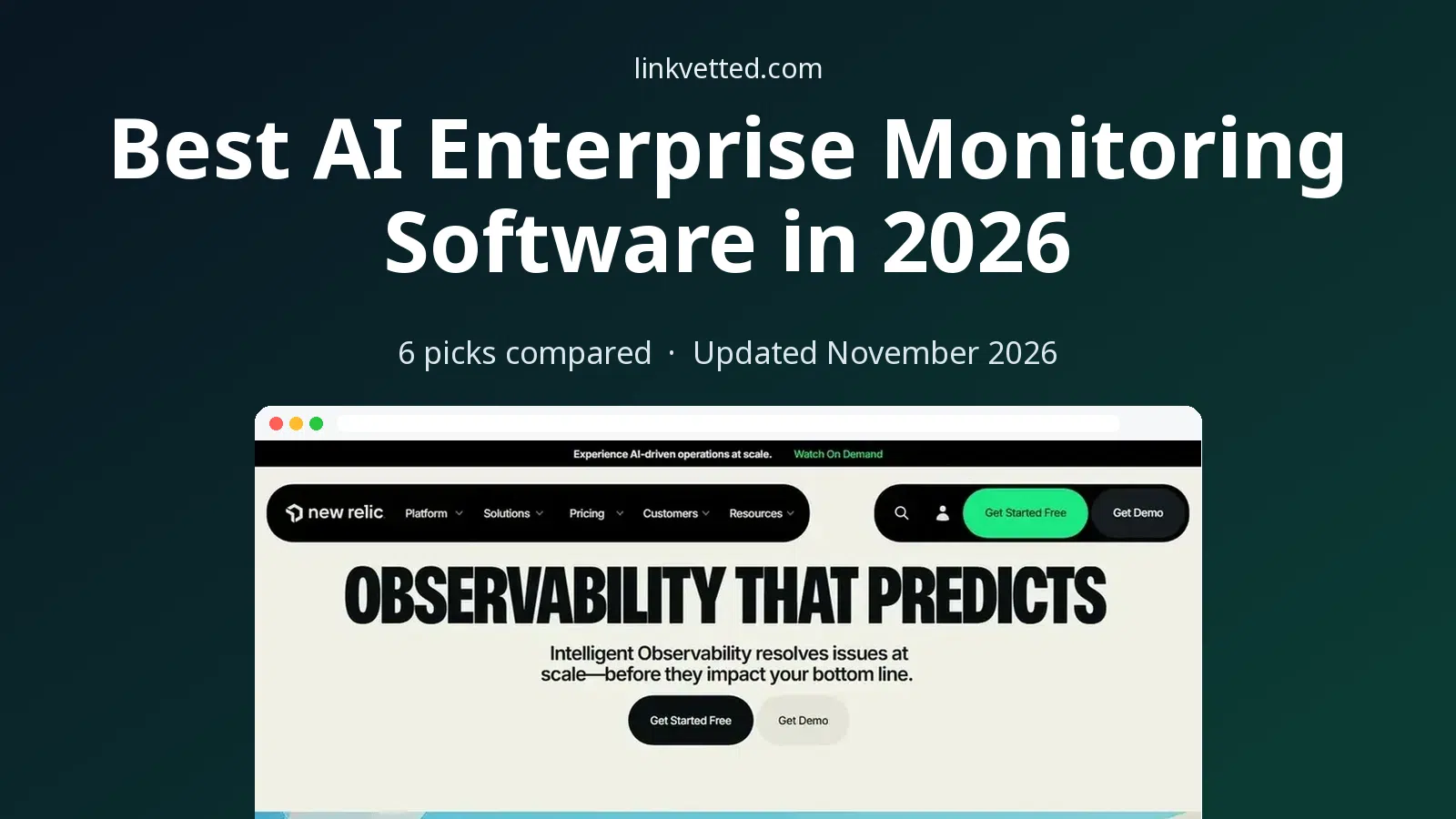
- Editor's choice
 New Relic
AI-powered telemetry correlation
Starts at$10 per user a monthVisit newrelic.comFull review - Great alternative
 AppDynamics
Unified observability across environments
Starts at$6 a month, per CPU core, billed annuallyVisit appdynamics.comFull review - Also considerSplunk Enterprise
Security and observability at scale
Starts at$6 a month, per CPU core, billed yearlyVisit splunk.comFull review
Direct answer
This list puts New Relic first for AI-powered telemetry correlation. Listed starting prices: New Relic from $10 per user a month, AppDynamics from $6 a month, per CPU core, billed annually and Splunk Enterprise from $6 a month, per CPU core, billed yearly. AppDynamics fits unified observability across environments; Splunk Enterprise fits security and observability at scale. The remaining 3 options are covered below with prices and limits.
TL;DR:
- The list opens with New Relic, aimed at AI-powered telemetry correlation.
- SolarWinds Observability comes with a trade-off: may lack deep AI automation.
- SolarWinds Observability is the lowest-priced starter here at $2 per node per month.
- Datadog is the one to check for cloud monitoring as a service.
- 3 of 6 tools offer a free plan: New Relic, AppDynamics, Splunk Enterprise.
Last checked November 2026. Prices and plan details were read from the vendors' own pages in November 2026; vendors change plans often, so confirm the current price on the vendor site before you buy.
Quick comparison
| Tool | Best for | Starts at | Free plan? | |
|---|---|---|---|---|
| New Relic | AI-powered telemetry correlation | $10 per user a month | Yes | Visit |
| AppDynamics | Unified observability across environments | $6 a month, per CPU core, billed annually | Yes | Visit |
| Splunk Enterprise | Security and observability at scale | $6 a month, per CPU core, billed yearly | Yes | Visit |
| SolarWinds Observability | Straightforward hybrid IT observability | $2 per node per month | Free trial | Visit |
 Dynatrace | AI-driven observability and automation | $7 per host a month | Free trial | Visit |
 Datadog | Cloud monitoring as a service | $8 per committer per month | Free trial | Visit |
AI Enterprise Monitoring Software profiles
Choosing AI enterprise monitoring software usually comes down to price, fit and limits. This LinkVetted guide sets 6 tools side by side on those three points, with the facts kept short and checkable.
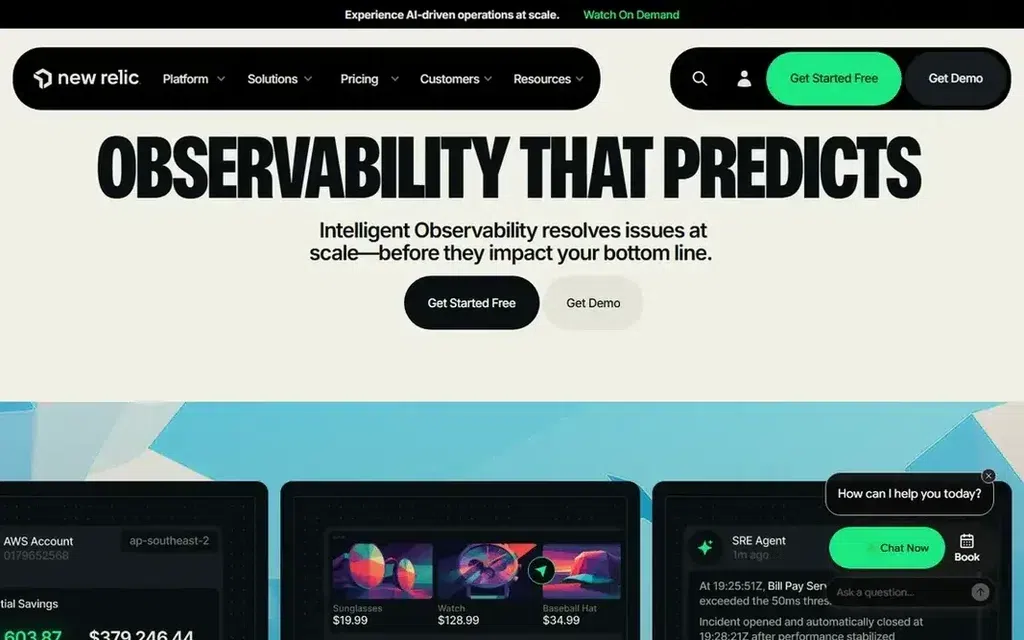
Think of New Relic for AI-powered telemetry correlation. New Relic is an AI-powered observability system that correlates telemetry across your whole stack, helping you isolate the root cause and cut MTTR.
If you need deep security and observability unified at petabyte scale, Splunk Enterprise is an alternative. Worth adding: organizations concentrated on quicker incident resolution frequently consider it a solid candidate. On cost, New Relic starts like this: $10 per user per month. New Relic includes a free tier.
What to check first: Can be complicated for beginners.
- Correlates telemetry across stack
- AI-powered observability
- May need tuning for custom stacks
Where AppDynamics fits: unified observability across environments. AppDynamics, now part of the Splunk Observability portfolio, gives unified observability across any environment and stack.
It helps ensure resilience of digital systems, identify problems proactively, find root causes, and resolve them quick. Starting cost for AppDynamics: $6 per month, per CPU core, billed annually. AppDynamics includes a free tier.
Where it is weaker: Can be complicated to deploy.
- Quick root-cause resolution
- Proactive problem identification
- Part of Splunk portfolio may mean changes
Splunk Enterprise
Best for: Security and observability at scale
Splunk Enterprise serves security and observability at scale. Splunk Enterprise is a data product for security, observability, and AI that brings together security and observability at petabyte scale for trusted AI. It is built to stop threats and prevent downtime at machine speed.
Limits to weigh: Can be resource-intensive.
Enterprises with large data volumes and a have to correlate security with operations frequently choose it. Also, if you want more straightforward cloud monitoring, Datadog may be simpler to start with. On cost, Splunk Enterprise starts like this: $6 per month, per CPU core, billed annually. A free plan is available with Splunk Enterprise.
- Unifies security and observability
- Petabyte-scale data system
- Needs expertise to operate
SolarWinds Observability
Best for: Straightforward hybrid IT observability
SolarWinds Observability makes the most sense for straightforward hybrid IT observability. SolarWinds Observability supplies straightforward, feature-rich, secure hybrid IT observability and IT management software built to accelerate your transformation. Organizations prioritizing simplicity in IT management commonly consider it.
Honest limits: May lack deep AI automation.
It may lack the deep AI-driven automation of products like Dynatrace. If you need petabyte-scale security and observability, Splunk Enterprise is a better fit. SolarWinds Observability starts at: $2 per node per month. Free plan details: Free trial.
- Secure observability and management
- Straightforward and capable hybrid IT
- Can be less suited for petabyte scale
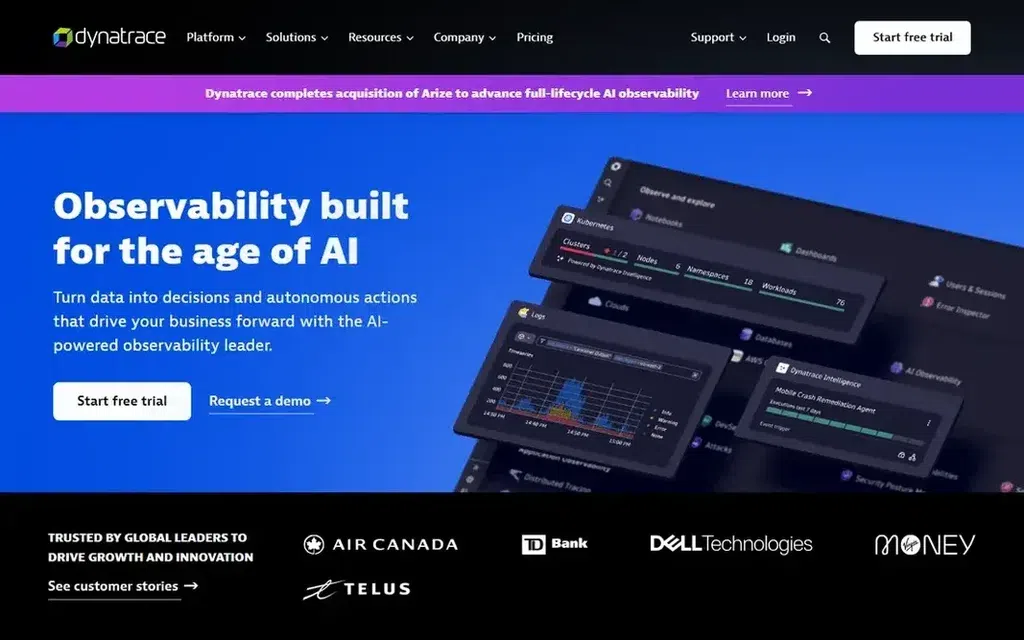
For AI-driven observability and automation, Dynatrace is a natural candidate. It is aimed at enterprises that want to innovate quicker and operate more efficiently with AI-driven insights. Teams centred on business outcomes and automatic remediation commonly find it compelling.
What Dynatrace does well: Single system for outcomes.
Downsides: Needs planning for full adoption.
Beyond that, the breadth of the product can be heavy for smaller teams or those without dedicated observability staff. Dynatrace is best when you can invest in its full AI and automation capabilities. In practice, if you need more straightforward hybrid IT monitoring, SolarWinds Observability may be simpler to adopt. Starting cost for Dynatrace: $7 per host per month. On free options: Free trial.
- Merges automation and security
- Observability aimed at AI era
- May be heavy for small teams
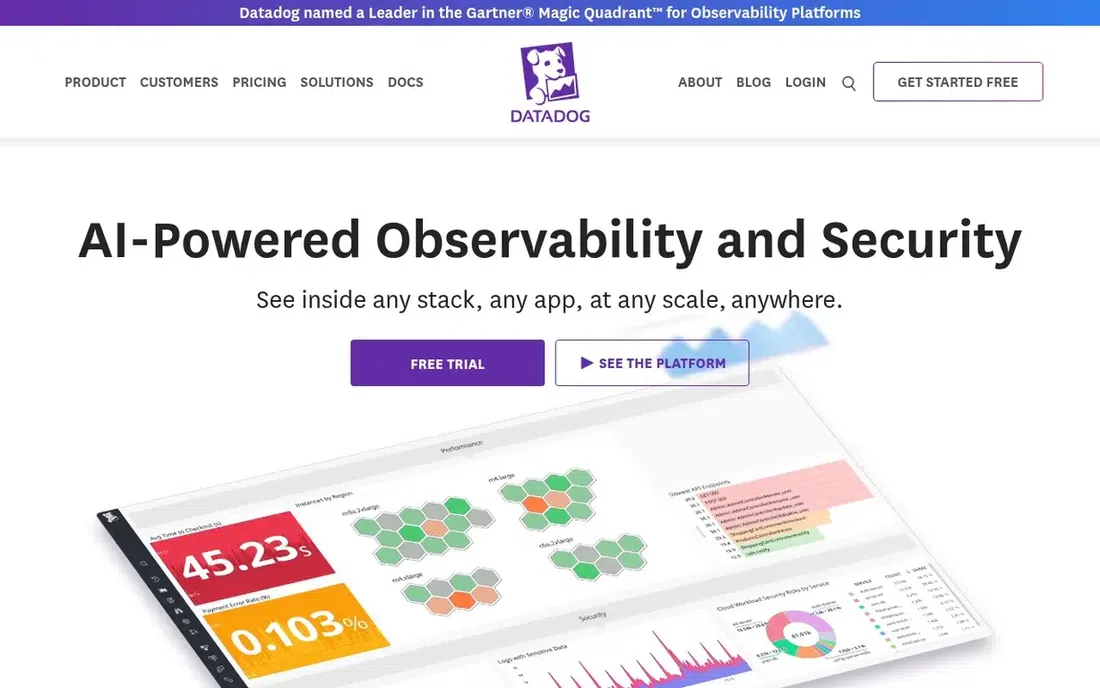
Think of Datadog for cloud monitoring as a service. It suits teams that want a single pane of glass for cloud infrastructure and application performance, with AI-assisted insights to spot anomalies.
Beyond that, Datadog fits teams that value unified cloud metrics over niche depth. Datadog pricing: $8 per committer per month. Trial and free access: Free trial.
Where it falls short: Can be complicated to tune at scale.
- Cloud monitoring as a service
- Wide visibility across tools
- May need extras for niche needs
Selection criteria
For each of the 6 tools we noted price, free plan or trial, fit for AI enterprise monitoring software and the main limit, using vendor pages and documentation. Figures are shown as the vendors publish them. Billing terms, seat minimums and add-ons can change the real cost. We ordered the tools by general fit, then by how clearly pricing is shown, then by free access. A buyer with unusual needs may reorder them.
A buyer's checklist
- Prices are a starting point; SolarWinds Observability shows $2 per node per month to start, so verify what your seat count would cost.
- Check what the free option really includes: New Relic, AppDynamics and Splunk Enterprise offer a free plan, and usage caps differ.
- Use real work to test the free trial from SolarWinds Observability, Dynatrace and Datadog, rather than a demo project.
- Before choosing New Relic, weigh its main limit: may need tuning for custom stacks.
- Make sure Splunk Enterprise lets you export your data in a format another tool can read.
- Look at the renewal terms for Dynatrace: auto-renewal, notice periods and price changes can matter more than the first-year price.
FAQ
Can these tools monitor both security and observability?
Some systems, like Splunk Enterprise, unify security and observability at petabyte scale. Others focus more on application performance or hybrid IT. Check each vendor's capabilities to match your security requirements.
Is New Relic the right pick for everyone comparing AI enterprise monitoring software?
No single tool suits every team. New Relic comes first because it fits AI-powered telemetry correlation, while AppDynamics suits unified observability across environments and Splunk Enterprise suits security and observability at scale. Match the tool to your own size, budget and workflow before deciding.
How do I choose between Datadog and Dynatrace?
Datadog is solid for cloud monitoring as a service with unified metrics. Consider your need for wide cloud visibility compared with deep AI-driven automation.
Can I try these options before paying?
Often, yes. New Relic, AppDynamics and Splunk Enterprise have a free plan and SolarWinds Observability, Dynatrace and Datadog offer a free trial. Use your own data and a real task during the test, and check what the free tier or trial limits before you rely on it.
How are the tools for AI enterprise monitoring software ordered?
New Relic sits first and Datadog last because the order follows typical fit for AI enterprise monitoring software, then price clarity and free access. It is a judgement call, so read each profile for fit and limits.
What is the cheapest option for AI enterprise monitoring software in this list?
On published monthly entry prices, SolarWinds Observability is the lowest here at $2 per node per month. Entry price is only part of the cost, because seats, add-ons and billing terms can change the total.
Sources
- https://newrelic.com
- https://www.appdynamics.com
- https://www.splunk.com
- https://www.solarwinds.com
- https://www.dynatrace.com
- https://www.datadoghq.com