Best AI Tools for Teachers in 2026: 9 Tools Compared
Compare the best AI tools for teachers in 2026, from lesson planning and grading feedback to tutoring and visuals, with free plans and privacy notes included.
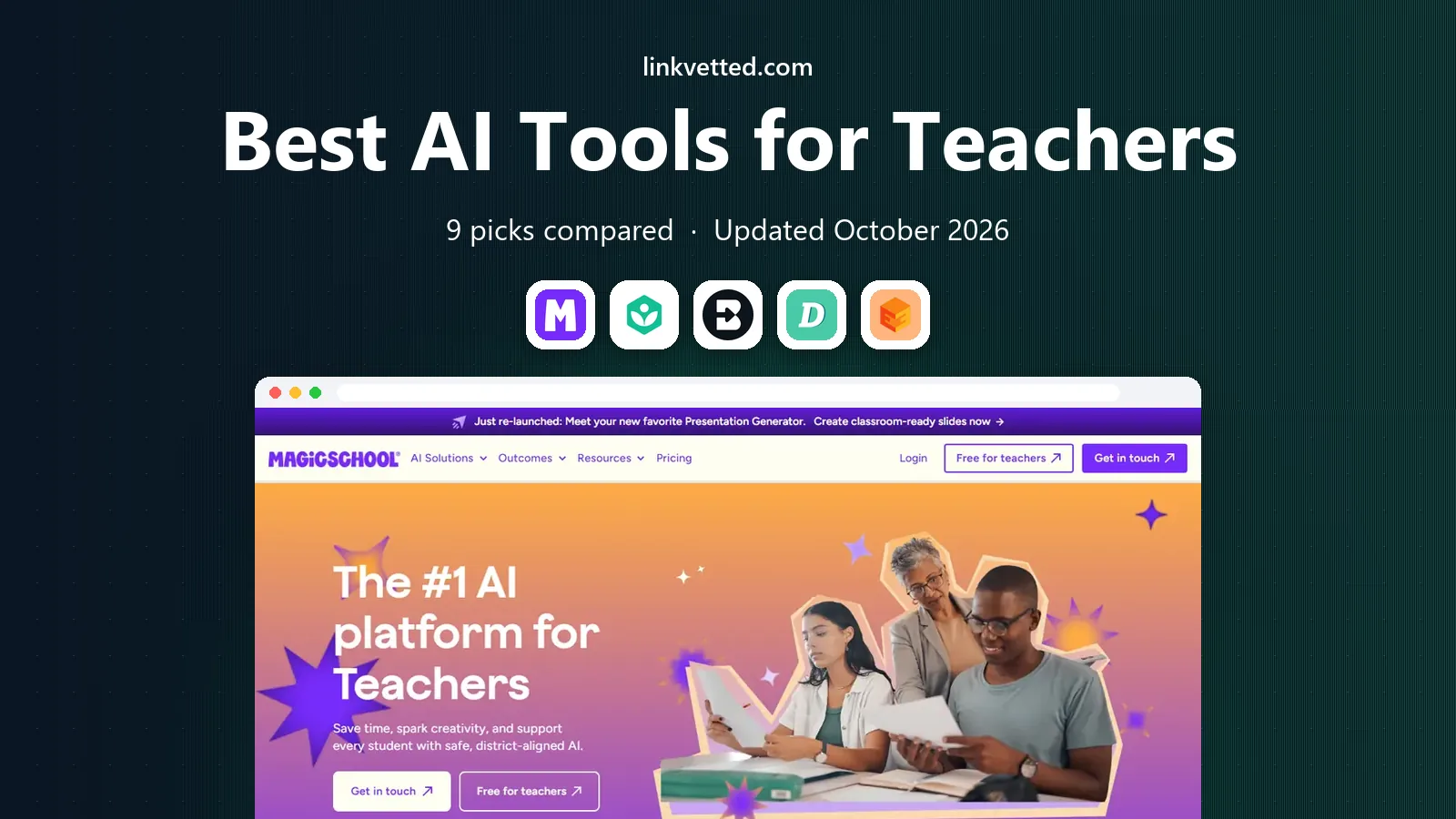
- Editor's choice
 MagicSchool AI
broad teacher toolkit
Starts atFreeVisit magicschool.aiFull review - Great alternative
 Khanmigo
tutoring and teacher planning
Starts atFreeVisit khanacademy.orgFull review - Also consider
 Brisk Teaching
feedback inside Google Docs
Starts atFreeVisit briskteaching.comFull review
TL;DR:
- The best teacher AI tools save time on planning, feedback, and differentiation, not by replacing teacher judgment.
- Free plans are genuinely useful for many teachers, but usage limits and district approvals matter before school-wide use.
- Tools built for education tend to handle student privacy more carefully than general chatbots, so check district policy first.
- Most teachers end up with two or three tools, one for planning, one for feedback inside docs, and one for student practice.
Quick comparison
| Tool | Best for | Starts at | Free plan? | |
|---|---|---|---|---|
| MagicSchool AI | broad teacher toolkit | Free | Yes | Visit |
| Khanmigo | tutoring and teacher planning | Free | Yes | Visit |
| Brisk Teaching | feedback inside Google Docs | Free | Yes | Visit |
 Diffit | leveled reading passages | Free | Yes | Visit |
 Eduaide.ai | pedagogy-first planning | Free | Yes | Visit |
 Curipod | live interactive lessons | Free | Yes | Visit |
 Canva for Education | slides and visual materials | Free | Yes | Visit |
 Gemini in Classroom | Google Workspace schools | See website | Yes | Visit |
 Wayground | quizzes and interactive practice | Free | Yes | Visit |
The best AI tools for teachers
The best AI tools for teachers help with the work that eats evenings, lesson drafts, rubrics, feedback, and differentiated readings, while leaving the teaching decisions to the teacher. This list covers planning, feedback, tutoring, and visuals, with free plans and privacy notes so you can trial tools that fit your school rules.

MagicSchool AI is the broadest toolkit here, with tools for lesson plans, quizzes, rubrics, report-card comments, differentiation, and draft IEP goals, plus student tools in a separate, teacher-controlled space. You enter grade, subject, topic, and standards, and you get a structured draft with objectives, materials, activities, and assessment ideas, which you then edit to fit your class. That breadth is why many teachers start here and only add a second tool later.
The free plan covers a normal week of planning for many teachers, while the paid Plus plan adds higher usage for heavy users. Outputs still need review, since AI can miss a standard, invent a detail, or pitch work at the wrong level. For a teacher who wants one dashboard for most planning jobs, MagicSchool is our pick for most people.
- More than 80 teacher tools in one dashboard
- Lesson plans, rubrics, and IEP drafts
- Education-focused privacy stance
- Free plan has usage limits
- Quality still needs teacher review before classroom use

Khanmigo stands out because it is built as a tutor, not only as a text generator. It coaches students with questions and hints rather than handing over answers, which fits classroom practice better than a general chatbot. Teachers can also use it for lesson planning and activity ideas tied to Khan Academy material, and teacher access is free in the US, which removes a common budget barrier.
Learner and parent access outside the teacher offer is paid, and district-wide student access is a separate purchase, so a school should check its own Khan Academy arrangement. Subject coverage is also stronger in maths and some sciences than in every topic. For tutoring and guided practice, Khanmigo is a strong, pedagogy-first choice.
- Free for teachers in the US
- Socratic tutoring that coaches rather than giving answers
- Tied to Khan Academy content
- Student tutor access for districts is a separate purchase
- Coverage varies by subject

Brisk Teaching is a browser extension that lives inside the tools teachers already open, which is its main advantage. You can highlight a paragraph in a Google Doc and ask Brisk to level it, quiz it, or give rubric-based feedback right there, without copying text into a separate app. That low friction matters, since the best tool is often the one a teacher actually opens during a busy marking session.
The free tier includes many tools with daily limits, and the paid Pro plan adds more usage, while school and district plans add admin controls. Brisk fits best in a Google Workspace school, and teachers on other platforms will get less value. For feedback inside Docs, Brisk is a practical second tool alongside MagicSchool.
- Works inside Docs, Slides, PDFs, and YouTube
- Rubric-based feedback without switching tabs
- Free tier with many tools
- Tied to Google Workspace and Chrome or Edge
- Paid Pro pricing varies by plan
Diffit solves a specific, time-consuming job, turning a topic into a reading passage at a chosen level, with questions and vocabulary to match. That helps teachers differentiate for a mixed class without writing three versions of the same text by hand. It is especially useful for multilingual learners and for classes where reading levels vary widely within one room.
The free plan generates passages and questions, but resource history is limited, so a teacher who builds a large library should consider the paid plan. Reading level labels are a guide, not a guarantee, so a teacher should still read the passage before handing it out. For differentiation, Diffit is one of the most focused tools available.
- Leveled passages, questions, and vocabulary in minutes
- Good for multilingual learners
- Resource history on paid plans
- Free plan limits resource history
- Output needs checking for reading level accuracy
Eduaide.ai appeals to teachers who want planning templates shaped by teaching frameworks, not only by a prompt. It offers a wide range of resource types, from worksheets and rubrics to tests and lesson sequences, with options for depth of knowledge and other pedagogy choices. The paid Pro plan is low-cost compared with many rivals, which suits a teacher paying out of pocket.
The free plan is limited to a modest number of generations a month, so a heavy planner will hit the cap. Eduaide is also a smaller vendor than MagicSchool, with a smaller community and fewer integrations. For a teacher who values pedagogy options and a low paid price, Eduaide is a worthwhile alternative to the broadest toolkit.
- Many resource types with pedagogy options
- Worksheets, rubrics, and tests
- Low-cost paid plan
- Free plan has a monthly generation limit
- Smaller vendor than MagicSchool
Curipod is built for live, interactive lessons where students write and respond on their devices while the teacher guides the session. AI feedback arrives in real time, which helps a teacher spot misunderstandings during the lesson rather than after marking. Weekly writing-practice sessions renew on the free tier, with unlimited student writers, which makes it easy to trial with a full class.
School and district plans are priced by quote, so a single teacher may not know the full cost until a school conversation happens. Curipod also does not replace a planning toolkit, since its strength is live delivery. For engagement and live writing practice, Curipod is a distinct, useful addition to a teacher stack.
- Live lessons with student writing and real-time feedback
- Unlimited student writers on free sessions
- Good for engagement
- Paid school and district plans are by quote
- Best for live lessons, not for static planning
Canva for Education gives verified K-12 teachers and students free access to Canva, including its design tools and AI features for slides, posters, infographics, and worksheets. A teacher can turn a lesson into a polished slide deck or a visual handout without design training, and share materials directly with a class. That visual polish helps for presentations, displays, and student projects.
Access requires verification as a K-12 teacher, so higher education or private tutors may not qualify for the free education tier. Canva also helps with design and visuals, not with lesson sequencing or grading, so it complements rather than replaces MagicSchool or Brisk. For visual materials, it is the clear free pick for eligible teachers.
- Free for verified K-12 teachers and students
- Slides, posters, and worksheets with AI design help
- Classroom sharing
- Verification is required
- AI features are design-focused, not lesson-planning focused
Gemini in Classroom brings Google AI help into Workspace for Education, where many schools already run Docs, Slides, and Classroom. Teachers can draft rubrics from files, get help with lesson materials, and work inside Classroom without a separate account, which lowers the barrier for a whole school. That integration is the main reason to choose it over a standalone tool.
Availability depends on the school's Workspace edition, since some features need Education Plus or a paid add-on, and district admins control which features are turned on. A teacher in a Google school should check with IT before planning a lesson around a feature that may not be enabled. For Google schools, Gemini in Classroom is a natural, low-friction option.
- Built into Google Workspace for Education
- Helps with rubrics, drafts, and Classroom tasks
- No separate login for many schools
- Some features need Education Plus or an add-on
- District admin controls decide what is available
Wayground, formerly Quizizz, is best for quick quizzes and interactive practice that check understanding during or after a lesson. Its free Starter plan includes AI help for creating activities, and its library of ready-made quizzes saves time for common topics. Teachers can run live games, homework, and formative checks, with results that show which students need follow-up.
The free plan limits how many activities you can store, so a teacher who builds a large bank will need a paid plan, whose price varies by region. Wayground is also a practice tool, not a full planning suite, so it pairs well with MagicSchool for planning and Brisk for feedback. For fast, engaging checks for understanding, Wayground is a solid pick.
- Free Starter plan with AI quiz help
- Large library of ready-made activities
- Good for formative checks
- Free plan limits activity storage
- Individual paid pricing varies by region
How we picked these
We compared official product pages, pricing pages, free tier terms, and public comparisons, and we favoured tools built for teachers or with a clear education offer, rather than general chatbots alone. We looked for a mix of planning, feedback, tutoring, differentiation, live lessons, and visuals, and we checked free plan limits and district pricing where relevant. We also weighed privacy, since tools that handle student data need district approval and clear data terms.
We did not claim that AI output is classroom-ready without review. Every tool above can produce errors, miss a standard, or pitch work at the wrong level, so teacher review remains part of the workflow, and that limit shapes our recommendations.
How to choose AI tools for your classroom
Start with your biggest time drain. If planning takes your evenings, trial MagicSchool or Eduaide. If marking feedback takes longest, trial Brisk inside Docs. If reading levels vary widely, trial Diffit. If student practice needs a tutor, check Khanmigo and your district's access. Picking one job first avoids a stack of tools that all do a little of everything and none of it well.
Then check school rules before you use a tool with students. Ask IT about approved tools, student data handling, and age limits, and avoid entering student names or sensitive data into a tool that has not been approved. Trial a tool with one class for two weeks, review its outputs carefully, and keep what saves real time without lowering the quality of your materials.
FAQ
What are the best AI tools for teachers for free?
MagicSchool, Khanmigo for teachers, Brisk Teaching, Diffit, Eduaide, Curipod, Canva for Education for verified K-12 teachers, and Wayground all offer free tiers that cover real classroom work. Free limits differ, so a teacher who plans daily may need a paid plan sooner than one who plans weekly.
Which AI tools are best for teachers for lesson planning?
MagicSchool is the broadest lesson planning toolkit, Eduaide is a strong pedagogy-first alternative, and Diffit is best for leveled reading passages within a plan. Gemini in Classroom suits Google Workspace schools, while Brisk helps refine a plan inside Docs.
What is the best AI tool for teachers for grading?
Brisk Teaching is best for rubric-based feedback inside Google Docs, since it works where the student work already lives. No AI tool should assign a final grade without teacher review, and feedback drafts should always be checked for accuracy and fairness before they reach students.
Are AI tools for teachers safe for student data?
It depends on the tool and your district approval. Education-focused tools often state that student data is not used for model training and offer district controls, while general chatbots may not offer the same terms. Check your district policy and the vendor privacy page before entering student data.
What is the best AI education tool for tutoring students?
Khanmigo leads for tutoring, since it coaches with questions rather than giving answers and ties to Khan Academy content. Wayground suits quiz practice, while Curipod suits live writing practice, so the best tutoring pick depends on whether you need coaching, practice, or live feedback.
Do teachers need to pay for AI tools?
Many teachers do not need to pay at first, since free tiers from MagicSchool, Brisk, Diffit, and others cover a normal week of work. Paid plans help heavy users, district rollouts, and teachers who need higher limits, longer history, or admin controls.