The 5 Best AI Demo Software in 2026, Ranked
Compare 5 picks for the best AI demo software, with prices, free plans and who each fits. Strengths and gaps are listed per tool. Skim the table first.
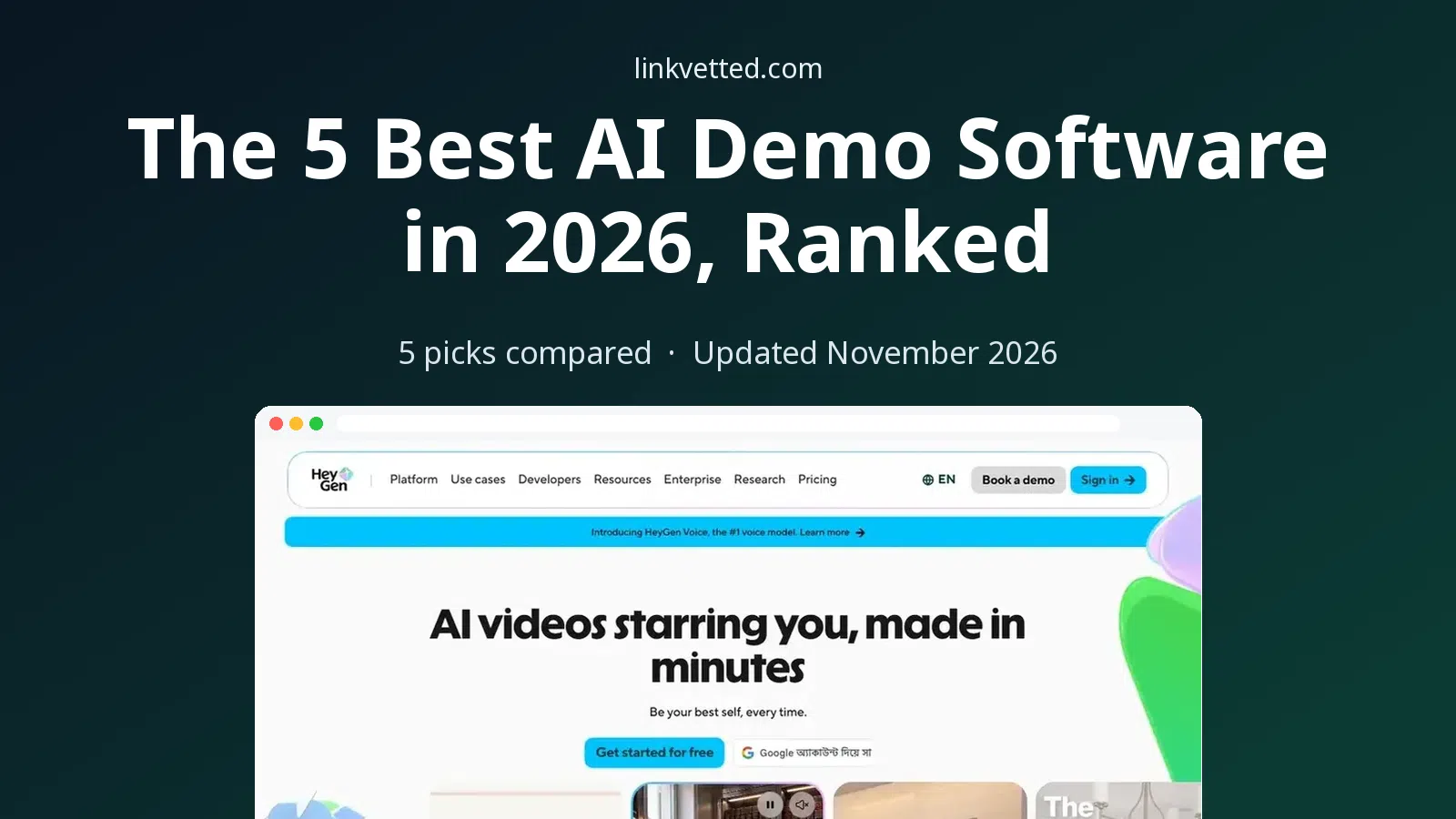
- Editor's choice
 HeyGen
Personal avatar videos without filming
Starts at$29 a monthVisit heygen.comFull review - Great alternative
 Pictory
Script and document to video demos
Starts at$12.50 per month, billed annuallyVisit pictory.aiFull review - Also consider
 D-ID
AI generated video creation product
Starts atSee websiteVisit d-id.comFull review
Direct answer
HeyGen is the first pick on this list for personal avatar videos without filming. Listed starting prices: HeyGen from $29 a month, Pictory from $12.50 per month, billed annually and Descript from $16 per person per month. Alternatives: Pictory for script and document to video demos, and D-ID for AI generated video creation platform. The other 2 tools in the list cover narrower or pricier cases.
TL;DR:
- This list starts with HeyGen, which is built for personal avatar videos without filming.
- Synthesia fits business training and communication videos.
- One limit worth knowing about Pictory: scene planning may need refinement.
- The lowest published monthly entry price here is $12.50 per month, billed annually, from Pictory.
- Free plans exist at 3 of 5 tools (HeyGen, Descript, Synthesia).
Last checked November 2026. Prices and plan details were read from the vendors' own pages in November 2026; vendors change plans often, so confirm the current price on the vendor site before you buy.
Quick comparison
| Tool | Best for | Starts at | Free plan? | |
|---|---|---|---|---|
| HeyGen | Personal avatar videos without filming | $29 a month | Yes | Visit |
| Pictory | Script and document to video demos | $12.50 per month, billed annually | Free trial | Visit |
| D-ID | AI generated video creation product | See website | Free trial | Visit |
 Descript | Text-based video and audio editing | $16 per person per month | Yes | Visit |
 Synthesia | Business training and communication videos | $19 per month | Yes | Visit |
The full AI demo software list
This LinkVetted guide covers 5 options for AI demo software. Each profile lists a starting price, free plan details, strengths and drawbacks, so you can drop poor fits quickly.
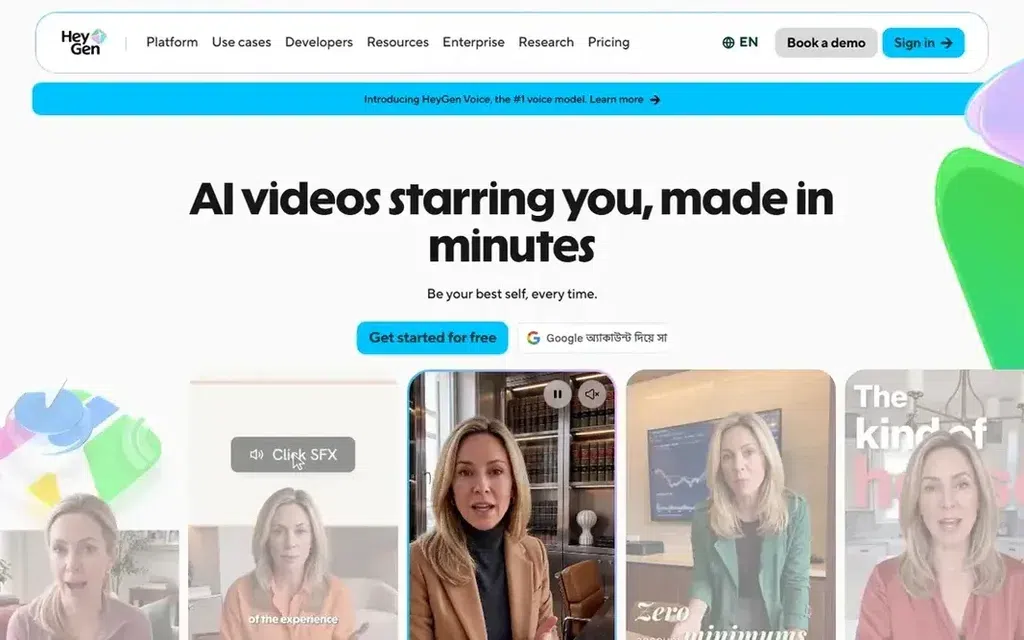
Think of HeyGen for personal avatar videos without filming. If your primary need is repurposing written content, another choice may fit better.
Choose HeyGen when a recognizable personal presenter is central to your demos. What you pay to start with HeyGen: $29 per month. HeyGen includes a free tier.
The main drawbacks: Personal avatar setup may take effort.
- Confident presentations
- Personal avatar approach cuts repeat filming
- Not centred on document conversion
Pictory is aimed squarely at script and document to video demos. Pictory is an AI video agent and generator that can start from a description, script, URL, PowerPoint, or audio. As for the details, choose Pictory when your source material is a script, slide deck, or document instead of a filmed presenter.
Downsides: Less emphasis on personal avatars.
In daily use, since the AI plans scenes, you should expect to review and adjust output to match your intent. In practice, the system is not centered on personal avatar creation. Entry price for Pictory: $12.50 per month, billed annually. Free plan details: Free trial.
- Or audio
- Adaptable input choices
- Scene planning may need refinement
D-ID works best for AI generated video creation system. D-ID presents itself as an AI generated video creation platform and also introduces NUI, a Natural User Interface aimed at changing how people interact with digital content.
Where it is weaker: Feature details vary by use case.
In daily use, the product is a general choice for those exploring AI-driven video creation. D-ID shows no starting price here, so confirm the cost on the vendor site. Trial and free access: Free trial.
- Centred on AI generated video
- Positioned for interactive digital experiences
- Wide positioning can be less specific
Descript is a good fit for text-based video and audio editing. Descript is an AI video and audio editor that makes editing as simple as editing text.
Downsides: Less focused on document conversion.
More specifically, pick Descript when text-based editing speed is the priority. Starting cost for Descript: $16 per person per month. A free plan is available with Descript.
- Records, transcribes, edits, publishes
- Edit video by editing text
- Not an avatar video generator
Synthesia works best for business training and communication videos. Synthesia is an AI video product targeted at business use, notably communicating, training, and upskilling teams. It supports numerous languages, which makes it a fit for organizations that require consistent messaging across regions.
Points against: Less suited to personal avatar style.
More specifically, consider Synthesia when training and internal communication are the priority. Teams looking for a structured way to produce demo and training content without filming may find it a solid starting point. Its business focus means it may feel heavy for casual or personal video projects. Synthesia cost at the entry level: $19 per month. A free plan is available with Synthesia.
- Supports plenty of languages for global teams
- Established system for AI video creation
- May be more than needed for straightforward demos
Our selection method
Selection started from tools commonly considered for AI demo software, then narrowed to 5 that have clear pricing information or a clear quote process. Where a vendor does not publish a price, the entry says quote. Where a price depends on seats or billing term, the entry says so. We ordered the tools by general fit, then by how clearly pricing is shown, then by free access. A buyer with unusual needs may reorder them.
A buyer's checklist
- Ask D-ID for a written quote, since no starting price is shown.
- Read the fine print on the free plans from HeyGen, Descript and Synthesia; seat, project and feature caps differ.
- Run a trial of Pictory and D-ID with real work before paying for a year; your own workflow is the best test.
- Read the limits listed for HeyGen first: personal avatar setup may take effort.
- Run a one or two week pilot of Pictory with the people who will use it every day.
- See whether Synthesia offers onboarding or training, and whether it is included in the price.
FAQ
Do these tools publish their prices?
Not all of them. D-ID publishes no starting price, so expect a quote request for it. The rest, HeyGen included, show a starting price, though seats and billing terms still change the final cost. Prices, free plan details and limits for all 5 tools in this AI demo software roundup sit on the individual cards above.
Can I try these options before paying?
Often, yes. HeyGen, Descript and Synthesia have a free plan and Pictory and D-ID offer a free trial. Use your own data and a real task during the test, and check what the free tier or trial limits before you rely on it.
How are the tools for AI demo software ordered?
HeyGen sits first and Synthesia last because the order follows typical fit for AI demo software, then price clarity and free access. It is a judgement call, so read each profile for fit and limits.
What is the cheapest option for AI demo software in this list?
On published monthly entry prices, Pictory is the lowest here at $12.50 per month, billed annually. Entry price is only part of the cost, because seats, add-ons and billing terms can change the total. Each of the 5 options in this AI demo software guide has its own card above with the price, free plan and limits.
Sources
- https://www.heygen.com
- https://pictory.ai
- https://www.d-id.com
- https://www.descript.com
- https://www.synthesia.io