Best Agentic Analytics Software for Remote Teams in 2026: Prices, Free Plans and 6 Picks
Best agentic analytics software for remote teams: 6 tools compared on price, free plans and fit. Details on cost, catches and fit. Full profiles inside.
- Editor's choice
 Qlik Sense
Data integration plus analytics
Starts atSee websiteVisit qlik.comFull review - Great alternative
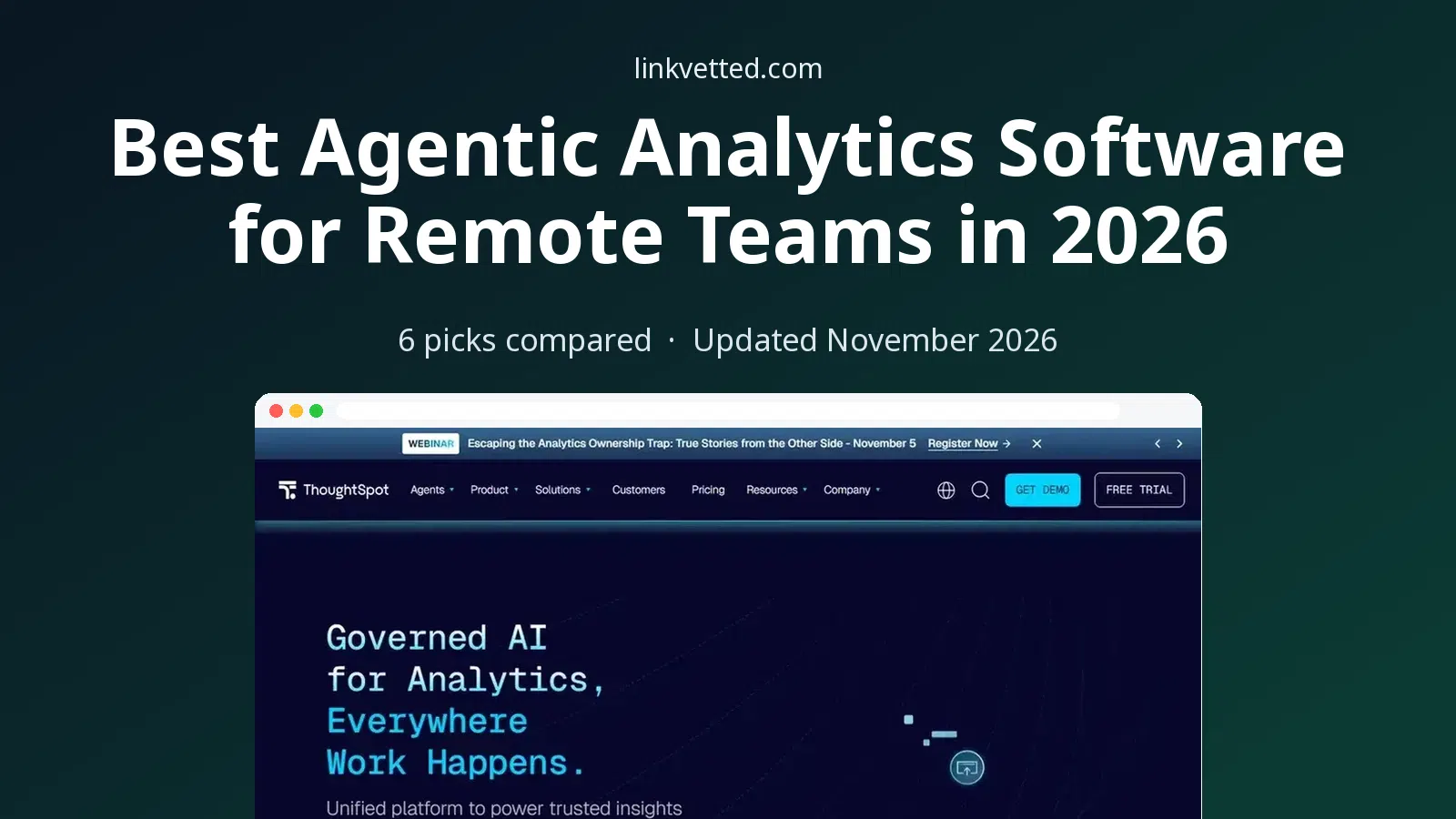
 ThoughtSpot
AI agents and automatic insights
Starts at$25 per user a monthVisit thoughtspot.comFull review - Also consider
 Tableau
Visual exploration and sharing
Starts at$15 per user per monthVisit tableau.comFull review
Direct answer
If you need data integration plus analytics, Qlik Sense is the first tool to look at here. Listed starting prices: ThoughtSpot from $25 per user a month and Tableau from $15 per user per month. ThoughtSpot is better for AI agents and automatic insights, and Tableau is better for visual exploration and sharing. Details, prices and limits for the rest of the 6 tools are below.
TL;DR:
- Qlik Sense is the opening pick, best for data integration plus analytics.
- Only Tableau offers a free plan among these 6 tools.
- The cheapest monthly starting price in the list is $15 per user per month, offered by Tableau.
- One limit worth knowing about Qlik Sense: product scope can feel complicated.
Last checked November 2026. Prices and plan details were read from the vendors' own pages in November 2026; vendors change plans often, so confirm the current price on the vendor site before you buy.
Quick comparison
| Tool | Best for | Starts at | Free plan? | |
|---|---|---|---|---|
| Qlik Sense | Data integration plus analytics | See website | Not stated | Visit |
| ThoughtSpot | AI agents and automatic insights | $25 per user a month | Free trial | Visit |
| Tableau | Visual exploration and sharing | $15 per user per month | Yes | Visit |
 Databricks | Unified data and AI foundation | See website | Not stated | Visit |
 Google Looker | Trusted semantic layer with agents | See website | Not stated | Visit |
 Sisense | Embedded analytics in products | See website | Free trial | Visit |
Every option for agentic analytics software for remote teams explained
This LinkVetted guide covers 6 agentic analytics software for remote teams. Each profile lists a starting price, free plan details, strengths and drawbacks, so you can drop poor fits quickly.
Where Qlik Sense fits: data integration plus analytics. Qlik, now with Talend, gives a data fabric and next-level insights through end-to-end data integration, data quality and analytics.
For everyday use, if your data is already clean and centralized, a lighter analytics tool may be the more direct choice. In practice, remote teams that require to link and prepare data before analyzing it may value having integration and quality work near the analytics layer, which supports more steady agentic output downstream. This comparison lists no price for Qlik Sense; ask the vendor. As for free access: Not stated.
What to check first: Product scope can feel complicated.
- End-to-end integration and quality tools
- Data fabric approach with Talend
- Integration work needs ownership
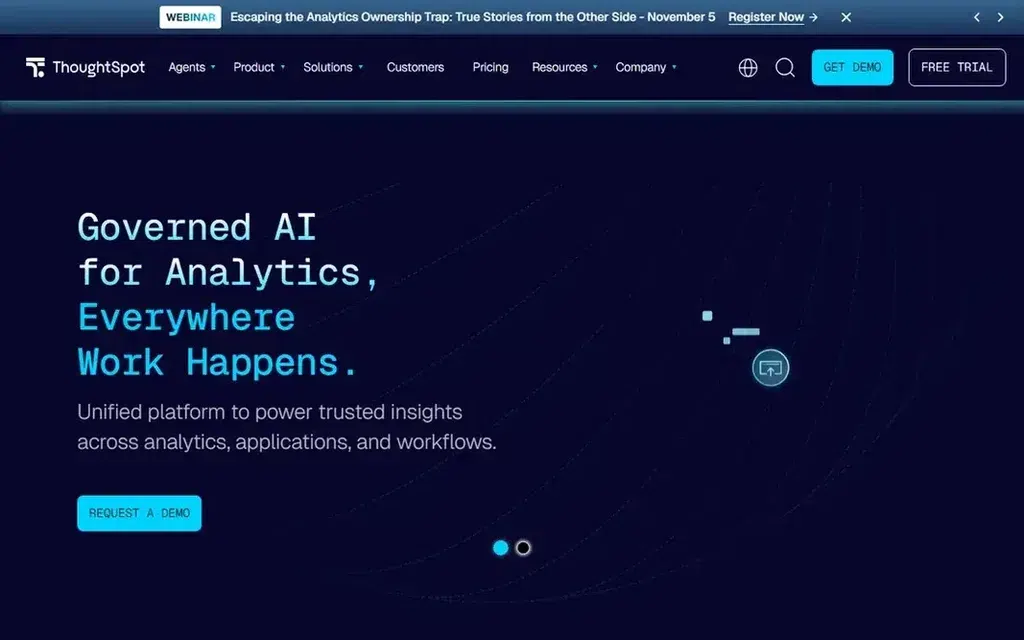
ThoughtSpot is a good fit for AI agents and automatic insights. ThoughtSpot presents itself as an agentic analytics product that turns insights into action through AI agents, automatic insights and embedded intelligence.
Worth adding: remote teams that want to ask questions in natural language and let agents surface patterns may find the focus handy, notably when analysts are spread across time zones and cannot answer every request live. If your team chiefly needs static dashboards or a wide data system, a different choice may fit better. Price to start with ThoughtSpot: $25 per user per month. On free options: Free trial.
Drawbacks to consider: Agent output still needs business context.
- Agentic analytics system built around AI agents
- Embedded intelligence choices
- Deep modeling may need dedicated owners
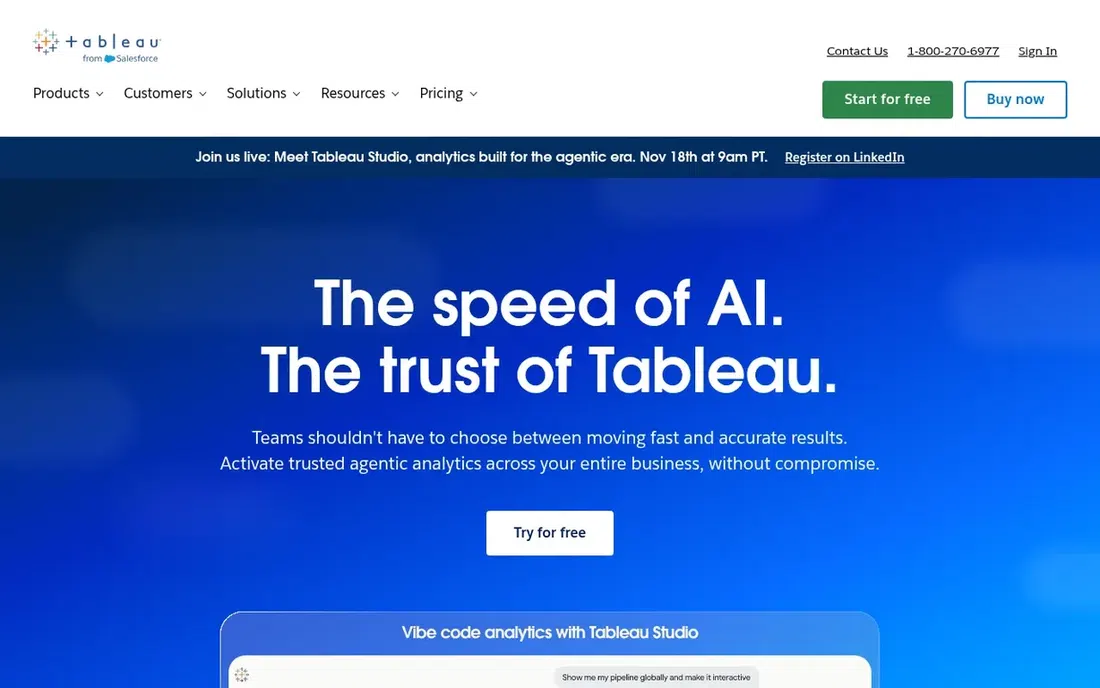
Tableau works best for visual exploration and sharing. For remote teams, that visual and shareable approach supports async review, since colleagues in different locations can explore charts and pass findings along without a live meeting.
Drawbacks to consider: Governance needs deliberate setup.
Tableau is most solid as a visualization and business intelligence tool, so agentic analysis is one part of a broader system instead of the entire story. Tableau starts at: $15 per user per month. Tableau includes a free tier.
- Drag-and-drop visualization building
- Sharing with a click
- Agentic features are one part of a wider tool
In short, Databricks is for unified data and AI foundation. Databricks supplies a unified product for data, analytics and AI, built around a data-centric approach. It brings ETL, data warehousing, governance and AI work onto the Data + AI Platform, so agentic analytics can sit close to governed data.
Downsides: Setup and governance take planning.
On top of that, choose something more straightforward when the goal is fast visualization instead of a full data product. Worth adding: the breadth is also the catch: teams without data engineering capacity may find the product heavy to operate, and governance work needs planning before agents are handy. Databricks does not show a starting price in this comparison, so check the vendor site for current pricing. Free options: Not stated.
What users get: analytics and AI on one product.
- Merges data
- Data-centric approach for AI workloads
- Wide product can need specialist skills
Google Looker is a good fit for trusted semantic layer with agents. Looker is Google Cloud agentic business intelligence and embedded analytics, built to unify metrics through a trusted semantic layer and Gemini agents.
The main drawbacks: Semantic modeling needs upfront work.
From a buyer's view, the semantic layer is valuable but demands upfront modeling discipline. Embedded analytics also lets teams put insights inside their own products. Google Looker does not show a starting price in this comparison, so check the vendor site for current pricing. Trial and free access: Not stated.
- Embedded analytics from Google Cloud
- Gemini agents support agentic analysis
- Tied to Google Cloud ecosystem
For embedded analytics in products, Sisense is a natural candidate. Sisense provides AI-powered embedded analytics meant to unlock insights and convert data into revenue, with pro-code, low-code and no-code adaptability.
What works well: Pro-code.
Worth adding: embedding analytics takes development effort and continuing maintenance. Sisense does not show a starting price in this comparison, so check the vendor site for current pricing. Trial and free access: Free trial. Honest limits: Embedding needs development effort.
- AI-powered embedded analytics
- Aims to turn data into revenue
- Less suited to pure internal reporting
How we chose
Before you commit
- Get a written quote from Qlik Sense, Databricks, Google Looker and Sisense; the list shows no starting price for them.
- Look at the free plan from Tableau closely: its caps decide whether it is usable for real work.
- Take the trial from ThoughtSpot and Sisense and push a live task through it before you pay.
- Before choosing Qlik Sense, weigh its main limit: product scope can feel complicated.
- Confirm that Sisense connects to the apps your team already uses, on the plan you would actually buy.
- Check the support hours and onboarding help ThoughtSpot offers; smaller vendors vary a lot here.
FAQ
Do these tools publish their prices?
Not all of them. Qlik Sense, Databricks, Google Looker and Sisense publish no starting price, so expect a quote request for those. The rest, ThoughtSpot included, show a starting price, though seats and billing terms still change the final cost.
How are the tools for agentic analytics software for remote teams ordered?
Qlik Sense sits first and Sisense last because the order follows typical fit for agentic analytics software for remote teams, then price clarity and free access. It is a judgement call, so read each profile for fit and limits.
What is the cheapest option for agentic analytics software for remote teams in this list?
On published monthly entry prices, Tableau is the lowest here at $15 per user per month. Entry price is only part of the cost, because seats, add-ons and billing terms can change the total. For the full picture, the cards above cover all 6 entries of this agentic analytics software for remote teams list, including price, free plan and limits.
How does a semantic layer help distributed teams?
Google Looker flags this approach with Gemini agents, which helps remote colleagues avoid conflicting numbers when they analyze the same business questions.
Which options for agentic analytics software for remote teams have a free plan?
Tableau is the only tool in this list with a free plan. Free plans usually cap users, projects or features, so check the limits on the vendor page. Several others offer a trial instead. Prices, free plan details and limits for all 6 tools in this agentic analytics software for remote teams roundup sit on the individual cards above.
Sources
- https://www.qlik.com
- https://www.thoughtspot.com
- https://www.tableau.com
- https://www.databricks.com
- https://cloud.google.com/looker
- https://www.sisense.com
Related guides
- Best Agentic Analytics Platforms for Data Analytics in 2026: 8 Platforms Compared
- Choosing Account-Based Analytics Software for Remote Teams in 2026: 5 Options Compared
- The 6 Best Big Data Analytics Software for Remote Teams in 2026, Ranked
- 5 Best Business Intelligence Software for Remote Teams for 2026, Vetted and Compared