Choosing Accessibility Testing Software in 2026: 6 Options Compared
Best accessibility testing software in 2026: 6 tools with starting prices, free plans and limits. Each listing flags where it falls short. Details below.
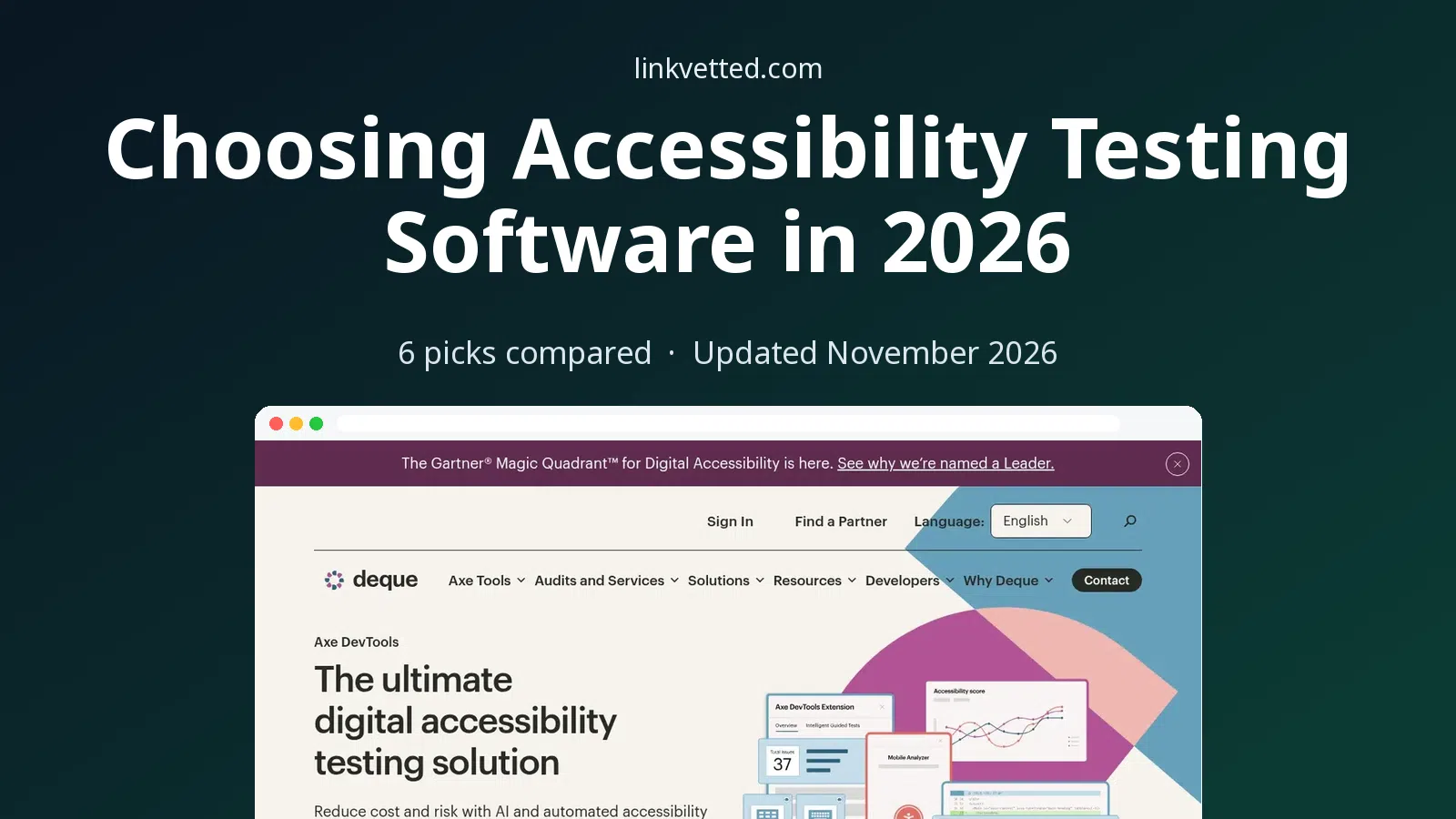
- Editor's choiceBrowserStack Accessibility Testing
Screen reader access and scheduled monitoring
Starts at$29 a monthVisit browserstack.comFull review - Great alternativeLambdaTest Accessibility Testing
Scanning web and native apps on real devices
Starts at$15 a month billed yearlyVisit lambdatest.comFull review - Also consider
 Deque axe DevTools
Automatic accessibility in existing test runs
Starts atSee websiteVisit deque.comFull review
Direct answer
BrowserStack Accessibility Testing leads the list, best for screen reader access and scheduled monitoring. Listed starting prices: BrowserStack Accessibility Testing from $29 a month, LambdaTest Accessibility Testing from $15 a month billed yearly and AccessiBe from $59 a month. Look at LambdaTest Accessibility Testing for scanning web and native apps on real devices, and at Deque axe DevTools for automatic accessibility in existing test runs. The full list of 6 tools follows, with prices and free plan facts.
TL;DR:
- The list opens with BrowserStack Accessibility Testing, aimed at screen reader access and scheduled monitoring.
- LambdaTest Accessibility Testing has the lowest monthly starting price in this list: $15 per month billed annually.
- Just one of the 6 tools, LambdaTest Accessibility Testing, has a free plan.
- UserWay is the one to check for improving UX toward WCAG conformance.
- The main caution on Siteimprove: wide suite can be complicated to learn.
Last checked November 2026. Prices and plan details were read from the vendors' own pages in November 2026; vendors change plans often, so confirm the current price on the vendor site before you buy.
Quick comparison
| Tool | Best for | Starts at | Free plan? | |
|---|---|---|---|---|
| BrowserStack Accessibility Testing | Screen reader access and scheduled monitoring | $29 a month | Free trial | Visit |
| LambdaTest Accessibility Testing | Scanning web and native apps on real devices | $15 a month billed yearly | Yes | Visit |
| Deque axe DevTools | Automatic accessibility in existing test runs | See website | Not stated | Visit |
 Siteimprove | Accessibility alongside analytics and SEO | See website | Not stated | Visit |
 AccessiBe | AI-assisted accessibility with expert services | $59 a month | Free trial | Visit |
 UserWay | Improving UX toward WCAG conformance | $490 a year | Free trial | Visit |
6 options for accessibility testing software in detail
Choosing accessibility testing software usually comes down to price, fit and limits. This LinkVetted guide sets 6 tools side by side on those three points, with the facts kept short and checkable.
BrowserStack Accessibility Testing
Best for: Screen reader access and scheduled monitoring
BrowserStack Accessibility Testing is a good fit for screen reader access and scheduled monitoring. Teams not otherwise using the system may see less benefit from keeping testing consolidated.
Limits to weigh: Concentrated on testing instead of remediation.
On cost, BrowserStack Accessibility Testing starts like this: $29 per month. On free options: Free trial.
- Automation SDK and scheduled monitoring
- Aims at WCAG and ADA compliance
- Best value for teams already testing on the product
LambdaTest Accessibility Testing
Best for: Scanning web and native apps on real devices
LambdaTest Accessibility Testing is built with scanning web and native apps on real devices in mind. LambdaTest Accessibility Testing scans websites and native iOS and Android apps for issues against WCAG and regional accessibility standards, running on real devices and screen readers. Consider LambdaTest when device-realistic scanning suits your existing testing setup.
As for the details, teams needing broad reporting or content governance may want a dedicated product. Automatic scans flag detectable problems but cannot confirm whether a page is genuinely usable, so manual validation remains important. Starting cost for LambdaTest Accessibility Testing: $15 per month billed annually. Free access exists with LambdaTest Accessibility Testing.
Where it is weaker: Scanning still needs manual validation.
- Runs on real devices and screen readers
- Scans web and native iOS and Android apps
- Feature depth varies by standard
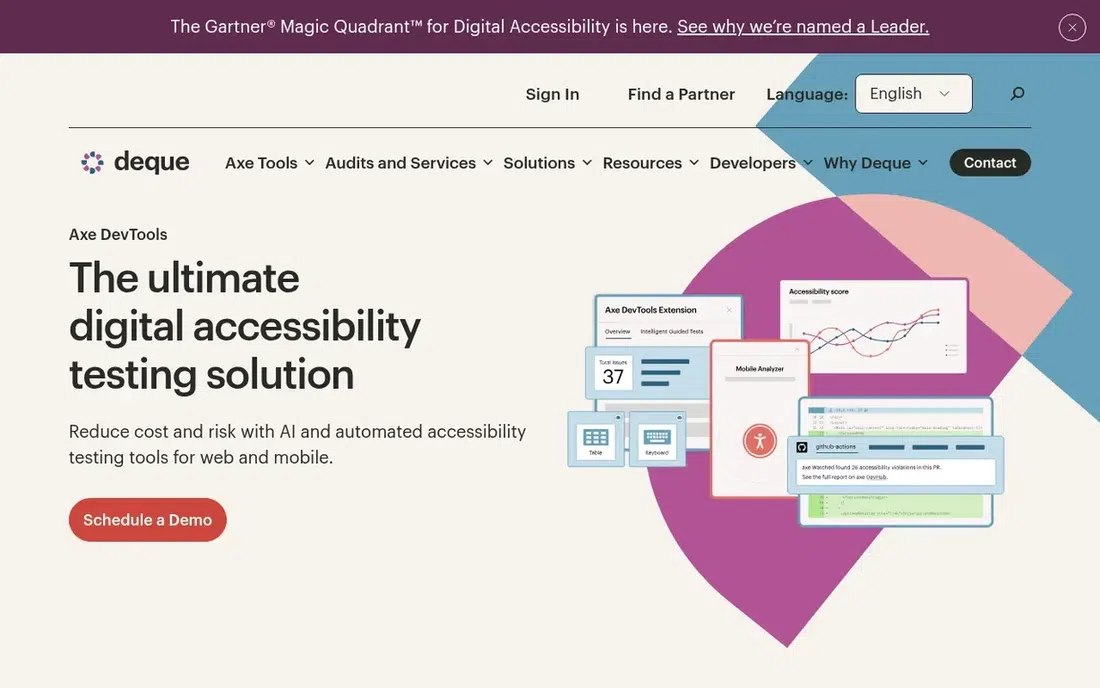
Deque axe DevTools is aimed squarely at automatic accessibility in existing test runs. Deque axe DevTools is built to fold accessibility testing into the automatic testing process teams already run.
From a buyer's view, teams without automatic test infrastructure may find the initial integration heavier. Automation catches plenty of rule-based issues but cannot judge meaning, context, or overall usability, so human review stays necessary. Check the vendor site for Deque axe DevTools pricing; none is listed in this comparison. On free options: Not stated.
Where it is weaker: Manual review still needed for some issues.
- Integrates into automatic testing workflows
- Toolkits for web, iOS, Android
- Needs setup within test suites
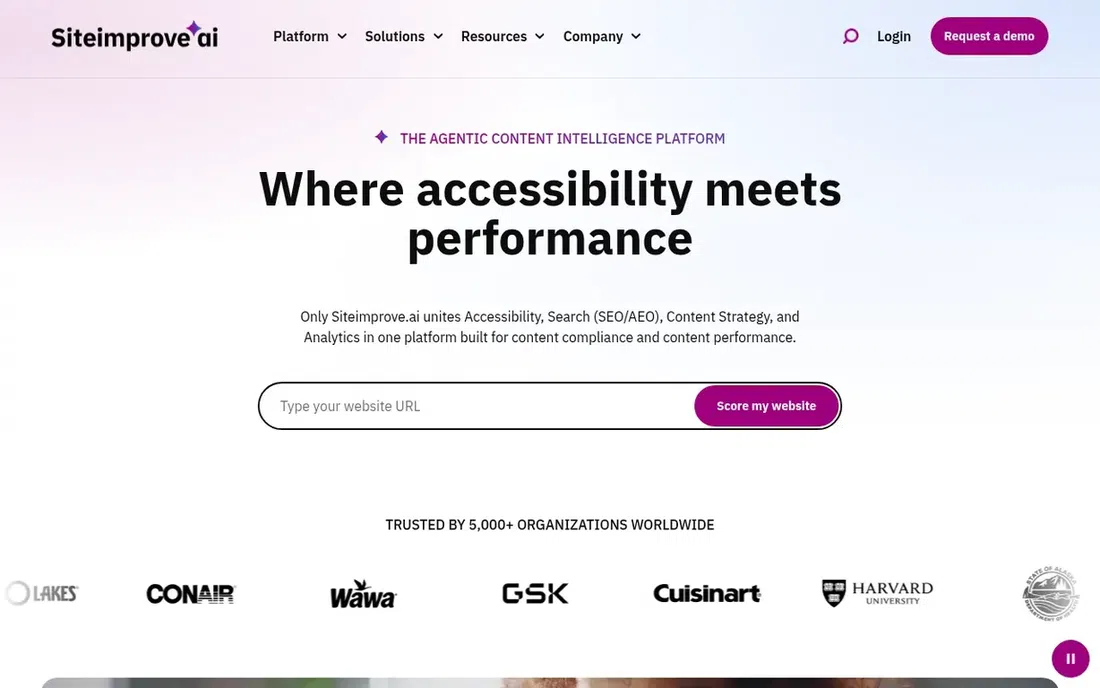
Think of Siteimprove for Accessibility alongside analytics and SEO. Learning the full product takes time.
From a buyer's view, Siteimprove describes its Agentic Content Intelligence as uniting accessibility, analytics, SEO, and content strategy to proactively optimize and govern the digital experience. Since accessibility sits within a bigger content intelligence suite, teams wanting a dedicated testing-only tool may find it wide. Siteimprove shows no starting price here, so confirm the cost on the vendor site. Trial and free access: Not stated.
Where it falls short: Accessibility is one part of a bigger system.
- Supports proactive optimization
- Governs the digital experience
- Wide suite can be complicated to learn
AccessiBe was built for AI-assisted accessibility with expert services. AccessiBe presents itself as an accessibility product combining AI, developer tools, and expert services to support continuing accessibility and ADA and EAA compliance in adherence to WCAG. That mix can appeal to organizations wanting automatic help plus access to specialists.
Honest limits: Automatic approaches draw scrutiny from experts.
It tends to fit companies that require to present progress on compliance whereas they work through remediation. For everyday use, AI-driven remediation is debated among accessibility practitioners, who caution that automatic fixes alone seldom achieve full conformance. In daily use, teams with mature engineering practices may prefer tools that integrate straight into development and test workflows. Entry price for AccessiBe: $59 per month. Trial and free access: Free trial.
- Developer tools, services
- Merges AI
- Underlying code still needs attention
UserWay is aimed squarely at improving UX toward WCAG conformance. Tools that adjust pages at the front end cannot correct every underlying code issue, and accessibility experts usually stress source-level fixes.
From a buyer's view, treat such tools as a supplement, not a replacement, for remediation and manual testing. UserWay pricing: $490 per year. Free plan details: Free trial.
Where it is weaker: Not a substitute for code-level remediation.
- Options for any stage of the journey
- Aims at WCAG standards
- Overlay-style fixes have known limits
Our selection method
A buyer's checklist
- Ask Deque axe DevTools and Siteimprove for a written quote, since no starting price is shown.
- Look at the free plan from LambdaTest Accessibility Testing closely: its caps decide whether it is usable for real work.
- Use real work to test the free trial from BrowserStack Accessibility Testing, AccessiBe and UserWay, rather than a demo project.
- Before choosing BrowserStack Accessibility Testing, weigh its main limit: centred on testing instead of remediation.
- Ask Deque axe DevTools which support channels and response times come with the plan you would buy.
- Check whether the features you need in UserWay sit on the entry plan or only on higher tiers.
FAQ
Is BrowserStack Accessibility Testing the right pick for everyone comparing accessibility testing software?
No single tool suits every team. BrowserStack Accessibility Testing comes first because it fits screen reader access and scheduled monitoring, while LambdaTest Accessibility Testing suits scanning web and native apps on real devices and Deque axe DevTools suits automated accessibility in existing test runs. Match the tool to your own size, budget and workflow before deciding.
Which options for accessibility testing software have a free plan?
LambdaTest Accessibility Testing is the only tool in this list with a free plan. Free plans usually cap users, projects or features, so check the limits on the vendor page. Several others offer a trial instead.
What is the cheapest option for accessibility testing software in this list?
On published monthly entry prices, LambdaTest Accessibility Testing is the lowest here at $15 per month billed annually. Entry price is only part of the cost, because seats, add-ons and billing terms can change the total.
What should content-heavy organizations consider?
That can suit teams that want accessibility governed alongside other content quality efforts instead of as a standalone audit.
Can I try these options before paying?
Often, yes. LambdaTest Accessibility Testing has a free plan and BrowserStack Accessibility Testing, AccessiBe and UserWay offer a free trial. Use your own data and a real task during the test, and check what the free tier or trial limits before you rely on it.
Sources
- https://www.browserstack.com/accessibility-testing
- https://www.lambdatest.com/accessibility-testing
- https://www.deque.com/axe/devtools
- https://www.siteimprove.com
- https://accessibe.com
- https://userway.org