Best Access Management Software for Freelancers (2026): 6 Picks Checked on Vendor Pages
6 best access management software for freelancers, compared on pricing, free plans and best-fit use. Includes honest limits for each tool. Updated for 2026.
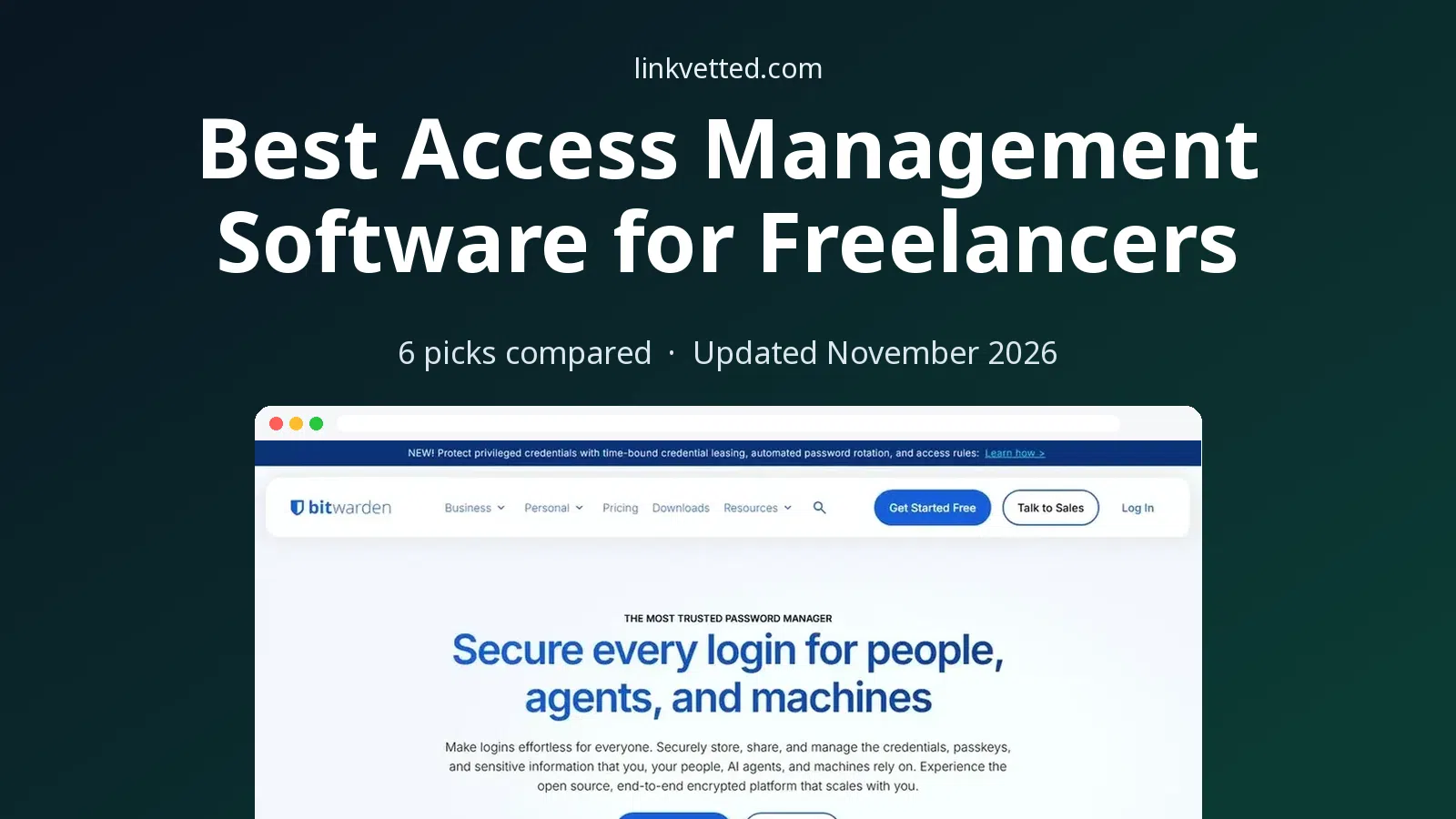
- Editor's choice
 Okta
Identity and authentication systems
Starts at$6 per user a monthVisit okta.comFull review - Great alternative
 Bitwarden
Open source credential management
Starts at$1.65 a monthVisit bitwarden.comFull review - Also consider
 Dashlane
Credential protection for individuals and firms
Starts at$4 per user a monthVisit dashlane.comFull review
Direct answer
Start with Okta if you need identity and authentication systems. Listed starting prices: Okta from $6 per user a month, Bitwarden from $1.65 a month and Dashlane from $4 per user a month. Bitwarden is better for open source credential management, and Dashlane is better for credential protection for individuals and firms. The full list of 6 tools follows, with prices and free plan facts.
TL;DR:
- This list starts with Okta, which is built for identity and authentication platforms.
- For the cheapest start, look at Bitwarden: $1.65 per month.
- Keeper is the one to check for privileged access and secrets control.
- Dashlane comes with a trade-off: details vary by level.
Last checked November 2026. Prices and plan details were read from the vendors' own pages in November 2026; vendors change plans often, so confirm the current price on the vendor site before you buy.
Quick comparison
| Tool | Best for | Starts at | Free plan? | |
|---|---|---|---|---|
| Okta | Identity and authentication systems | $6 per user a month | Free trial | Visit |
| Bitwarden | Open source credential management | $1.65 a month | Yes | Visit |
| Dashlane | Credential protection for individuals and firms | $4 per user a month | Free trial | Visit |
 1Password | All-in-one password and access management | See website | Not stated | Visit |
 LastPass | Password management with shadow IT visibility | See website | Free trial | Visit |
 Keeper | Privileged access and secrets control | See website | Free trial | Visit |
Access Management Software for Freelancers compared in detail
LinkVetted compared 6 access management software for freelancers. The goal is a practical shortlist: published prices, free plan facts, best-fit use cases and honest limits for every entry.
Okta is aimed squarely at identity and authentication systems. Okta gives you identity products, including Auth0, that enable secure access, authentication, and automation.
In practice, configuration assumes some identity and security knowledge. Price to start with Okta: $6 per user per month. Free options: Free trial.
Limits to weigh: Designed for organizations, not solo users.
- Secure access and authentication
- Automation support
- Requires identity expertise to configure
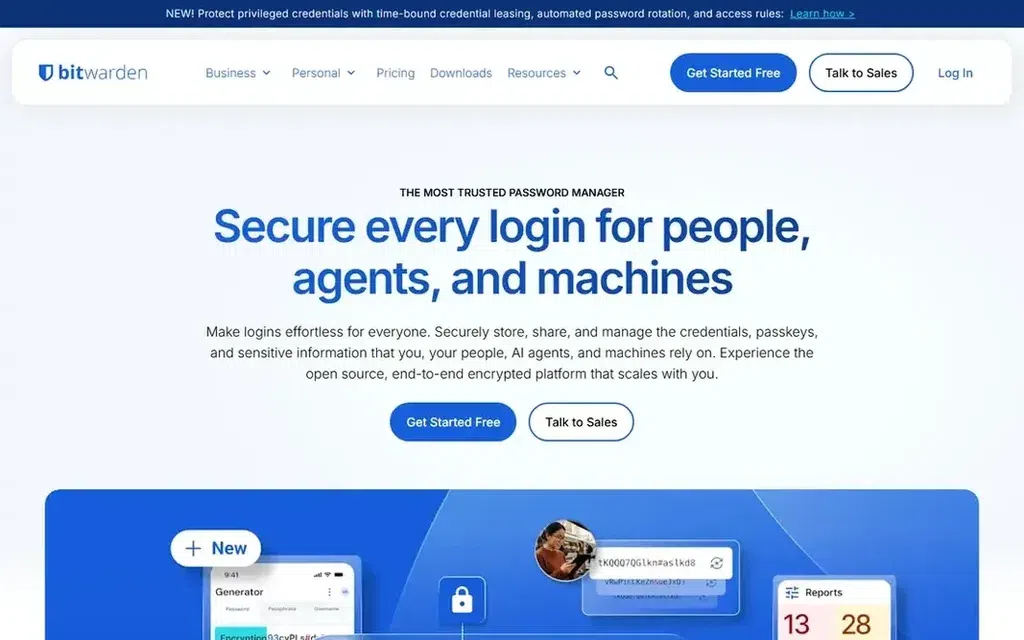
Bitwarden is aimed squarely at open source credential management. Bitwarden is an open source password manager for individuals, teams, and enterprises, storing passwords, passkeys, and secrets. More specifically, if you need deep identity governance or single sign-on across plenty of apps, a dedicated identity system is a better match.
In daily use, pick Bitwarden when open source credentials management is the priority. Worth adding: some of the more advanced sharing and administrative controls are pitched at teams, so a solo freelancer may not use everything. Bitwarden cost at the entry level: $1.65 per month. You can start on Bitwarden without paying.
Limits to weigh: Interface is functional instead of refined.
- Serves individuals and teams
- Open source and transparent
- Advanced access controls suit bigger teams
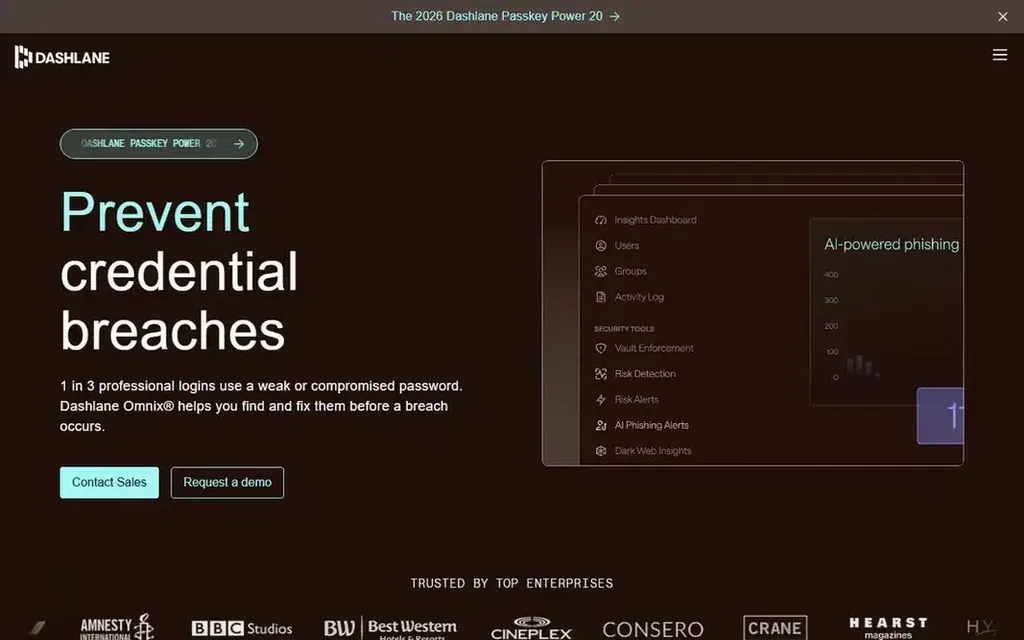
Dashlane is designed for credential protection for individuals and companies. Dashlane describes itself as a password management and credential security product for enterprises, companies, and individuals. As for the details, feature depth can differ between individual and business use, so check what applies to you.
Choose it when credential protection is the primary requirement. For freelancers, the appeal is straightforward credential protection that covers logins without requiring a full identity infrastructure. The starting price for Dashlane: $4 per user per month. Free options: Free trial.
Where it is weaker: Less emphasis on secrets management.
- Positioned as a protection system
- Serves individuals and firms
- Details vary by level
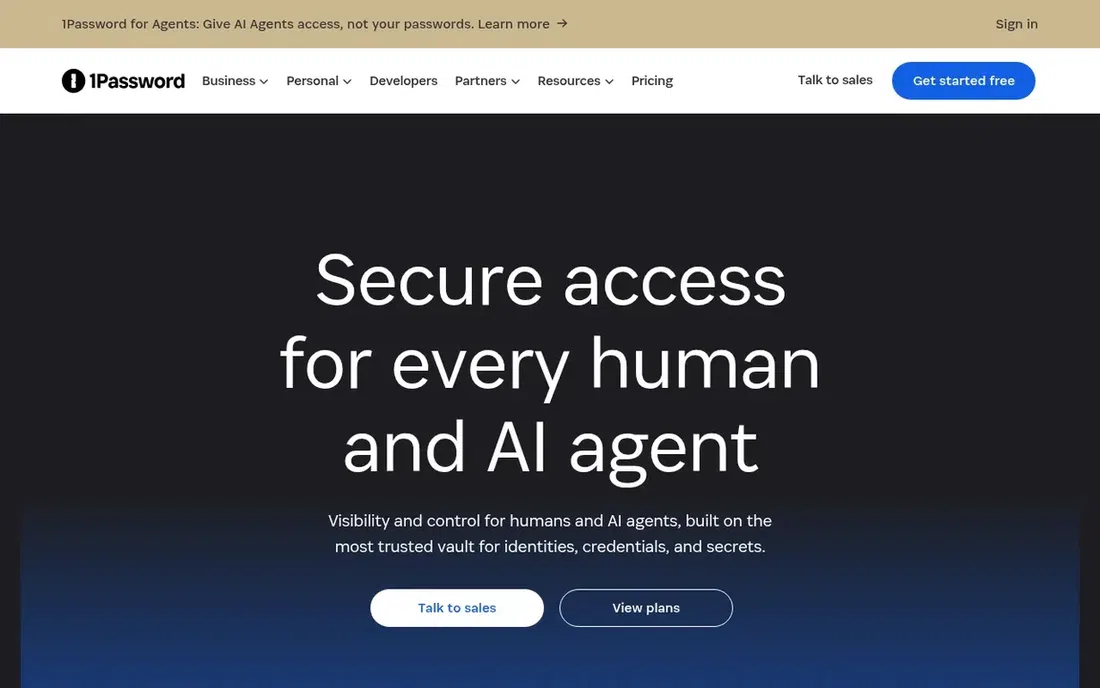
1Password is aimed squarely at all-in-one password and access management. Since its strengths lean toward team and enterprise use, a freelancer with straightforward needs may find parts of the system beyond what they use. In practice, for a freelancer, that means one place to store client credentials, protect secrets, and handle app access as work expands.
Main advantages: app access.
Where it falls short: Full access features lean toward teams.
1Password is a password manager that also manages secrets and access management, positioning itself for everyone from expanding teams to large enterprises. Choose 1Password when you expect to add collaborators or run app and AI tool access over time. 1Password shows no starting price here, so confirm the cost on the vendor site. Free options: Not stated.
- Scales from small teams to enterprise
- Merges passwords, secrets
- More than a solo freelancer may need
Pick LastPass if this describes you: password management with shadow IT visibility. Freelancers who want credential management plus awareness of which apps are in use may find the additional visibility handy, notably when collaborating with clients. On top of that, if you want a lean tool focused purely on storing credentials, a more straightforward choice could suit you better.
The main drawbacks: Governance features target employers.
LastPass is a password manager that secures logins and layers on shadow IT visibility and AI governance across the SaaS and AI tools employees use. It produces strong passwords and keeps them in an encrypted vault. LastPass shows no starting price here, so confirm the cost on the vendor site. Free options: Free trial.
- Layers on shadow IT visibility
- Contains AI governance features
- Solo use may not need the extras
Keeper is designed for privileged access and secrets control. Pick Keeper when privileged access and secrets control are central to your client work.
What to check first: Wide scope can be complicated to set up.
Freelancers who run sensitive client systems or need more solid controls around privileged accounts will find more depth here than in an entry-level password manager. Keeper shows no starting price here, so confirm the cost on the vendor site. On free options: Free trial. Where Keeper stands out: remote connections, endpoints.
- Spans secrets
- Unified control plane for privileged access
- Heavier than usual freelancer needs
How these tools were picked
We compared the tools on published pricing, free plan or trial availability, feature coverage for access management software for freelancers, and the limits each vendor documents. Plan names, prices and limits change often. Treat the figures here as a starting point and verify them with the vendor. We ordered the tools by general fit, then by how clearly pricing is shown, then by free access. A buyer with unusual needs may reorder them.
A buyer's checklist
- Ask 1Password, LastPass and Keeper for a written quote, since no starting price is shown.
- Test the free plan from Bitwarden against your real workload before relying on it.
- Run a trial of Okta, Dashlane, LastPass and Keeper with real work before paying for a year; your own workflow is the best test.
- Before choosing Okta, weigh its main limit: designed for organizations, not solo users.
- The entry price of Dashlane is only the starting point; model the full cost with seats and extras.
- Check whether the features you need in Keeper sit on the entry plan or only on higher tiers.
FAQ
Which options for access management software for freelancers have a free plan?
Bitwarden is the only tool in this list with a free plan. Free plans usually cap users, projects or features, so check the limits on the vendor page. Several others offer a trial instead. Each of the 6 options in this access management software for freelancers guide has its own card above with the price, free plan and limits.
Can I try these tools before paying?
Often, yes. Bitwarden has a free plan and Okta, Dashlane, LastPass and Keeper offer a free trial. Use your own data and a real task during the test, and check what the free tier or trial limits before you rely on it.
Do freelancers really need access management software?
Freelancers commonly hold client logins, shared credentials, and personal accounts, which makes a password manager or access tool worthwhile. A dedicated tool keeps credentials organized and simpler to share safely.
Is Okta the right pick for everyone comparing access management software for freelancers?
No single tool suits every team. Okta comes first because it fits identity and authentication platforms, while Bitwarden suits open source credential management and Dashlane suits credential protection for individuals and businesses. Match the tool to your own size, budget and workflow before deciding.
Do these tools publish their prices?
Not all of them. 1Password, LastPass and Keeper publish no starting price, so expect a quote request for those. The rest, Okta included, show a starting price, though seats and billing terms still change the final cost.
Can I switch tools later without losing my data?
Before committing, confirm the export choices and how shared items transfer. Checking portability at the start avoids lock-in if your needs change.
Sources
- https://www.okta.com
- https://bitwarden.com
- https://www.dashlane.com
- https://1password.com
- https://www.lastpass.com
- https://www.keepersecurity.com