Top Axcient Alternatives in 2026: 5 Picks Ranked
Comparing Axcient alternatives? 5 contenders, each with entry cost, free tier and best-fit buyer. Includes honest limits for each tool. See which fits.
- Editor's choice
 Acronis Cyber Protect
Integrated backup and cybersecurity
Starts atPricing on requestVisit acronis.comFull review - Great alternative
 Rubrik
Enterprise cyber resilience
Starts atPricing on requestVisit rubrik.comFull review - Also considerVeeam Backup & Replication
Full backup and replication
Starts atPricing on requestVisit veeam.comFull review
Direct answer
Start with Acronis Cyber Protect if you need integrated backup and cybersecurity. Rubrik is better for enterprise cyber resilience, and Veeam Backup & Replication is better for comprehensive backup and replication. The other 2 tools in the list cover narrower or pricier cases. None of these vendors publish plan prices, so pricing is on request for every option.
TL;DR:
- Top of the list is Acronis Cyber Protect, which targets integrated backup and cybersecurity.
- What to know about Veeam Backup & Replication first: can be complicated to configure.
- None of the 5 tools, from Acronis Cyber Protect to Datto SIRIS, has a free plan, so budget for a subscription or use a trial.
- Datto SIRIS fits MSPs needing business continuity.
- No starting price is shown for any of the 5 tools, Acronis Cyber Protect and Datto SIRIS included, so plan time for sales calls.
Last checked November 2026. Pricing on request: vendors did not publish plan prices when this guide was last checked (November 2026), so ask each vendor for a written quote.
Quick comparison
| Tool | Best for | Starts at | Free plan? | |
|---|---|---|---|---|
| Acronis Cyber Protect | Integrated backup and cybersecurity | Pricing on request | Not stated | Visit |
| Rubrik | Enterprise cyber resilience | Pricing on request | Not stated | Visit |
| Veeam Backup & Replication | Full backup and replication | Pricing on request | Not stated | Visit |
| N-able Backup | MSPs and IT departments | Pricing on request | Not stated | Visit |
 Datto SIRIS | MSPs needing business continuity | Pricing on request | Not stated | Visit |
The full Axcient list
If you are comparing Axcient, this page covers 5 tools in one place: what each is best for, what it costs to start, whether it has a free plan, and the main limit to know about.
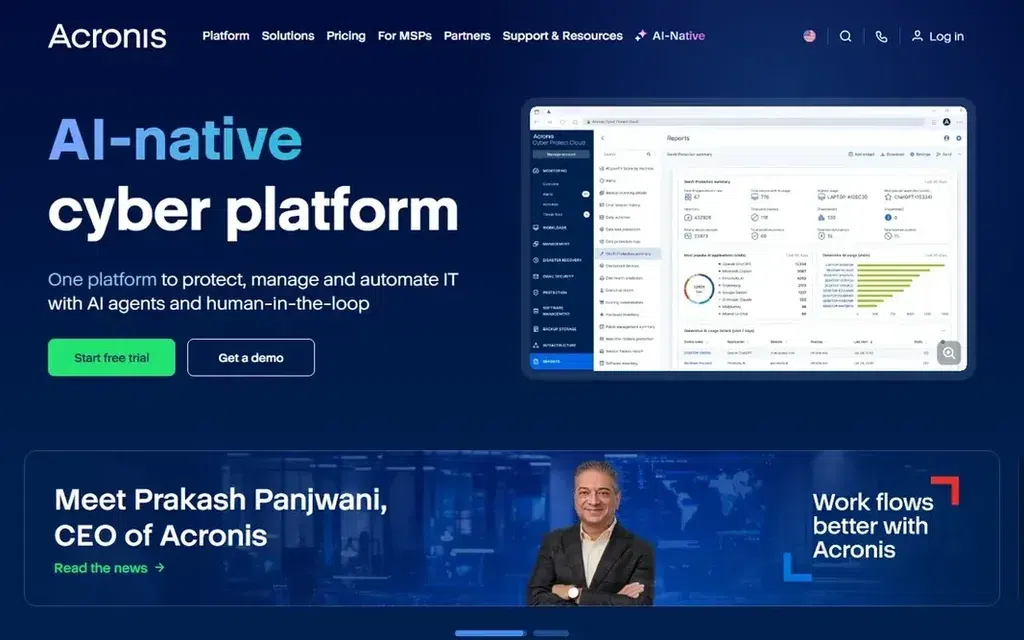
Acronis Cyber Protect targets integrated backup and cybersecurity. It uses AI-powered features to protect workloads for both MSPs and companies. This option is a strong match for organizations looking to consolidate their data protection and security stack, reducing complexity and improving efficiency.
Trade-offs to know: Security features may overlap with existing tools.
Consider Acronis if you want an all-in-one approach. The wide feature set may be more than some firms need, and the interface can be dense. If you already have separate security and backup tools, integration might be redundant. Acronis Cyber Protect shows no starting price here, so confirm the cost on the vendor site. As for free access: Not stated.
- Merges backup with AI-powered security
- Bundles endpoint management
- Interface can be overwhelming
Rubrik works best for enterprise cyber resilience. The option is well suited to large organizations that need advanced security and recovery capabilities at scale. Deployment needs careful planning.
If you need a more straightforward backup option, look elsewhere. Worth adding: Rubrik is designed for enterprises, so it may be too complicated and expensive for small or mid-size firms. Rubrik does not show a starting price in this comparison, so check the vendor site for current pricing. Trial and free access: Not stated.
Trade-offs to know: Complicated deployment.
- Machine-speed restoration
- Immutable backups for ransomware recovery
- Enterprise-oriented pricing
Veeam Backup & Replication
Best for: Full backup and replication
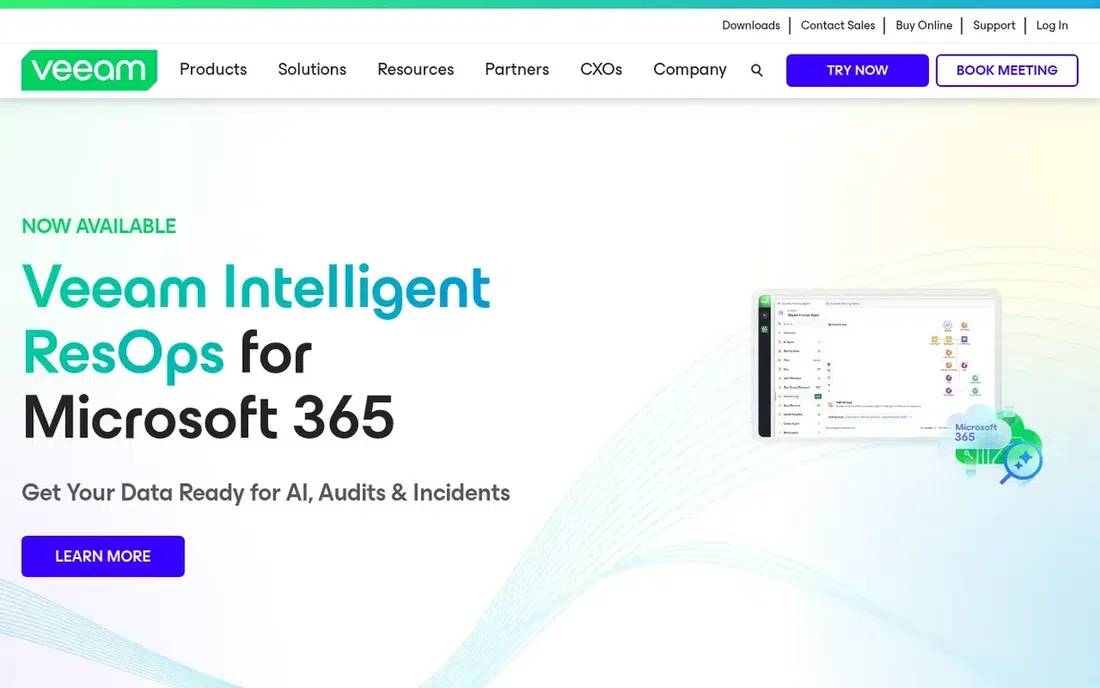
Veeam Backup & Replication serves full backup and replication. Veeam Backup & Replication is a widely used option for backup and replication across virtual, physical, and cloud environments. It emphasizes cyber resilience, helping organizations recover from ransomware and other threats.
From a buyer's view, if you prioritize simplicity over depth of features, consider a more simplified alternative. Veeam can be complicated to set up and handle, frequently requiring specialized knowledge. This comparison lists no price for Veeam Backup & Replication; ask the vendor. Trial and free access: Not stated.
Where it is weaker: Can be complicated to configure.
- Wide workload support across virtual, physical, cloud
- Solid cyber resilience features
- May require dedicated training
N-able Backup
Best for: MSPs and IT departments
Where N-able Backup fits: MSPs and IT departments. N-able Backup is part of N-able's suite of IT management and security options, offering data protection for MSPs and IT departments. It gives you dependable backup and recovery for endpoints and servers, with integration into remote monitoring and management tools.
Watch-outs: May need training to completely utilize.
This makes it a solid fit for service providers seeking a unified product. For everyday use, consider it if you value integration with RMM. More specifically, N-able Backup is geared toward MSPs and IT professionals, so small firms without dedicated IT staff may find it challenging. N-able Backup shows no starting price here, so confirm the cost on the vendor site. On free options: Not stated.
- Scalable for expanding companies
- Integrated with remote monitoring
- Concentrated on MSPs and IT teams
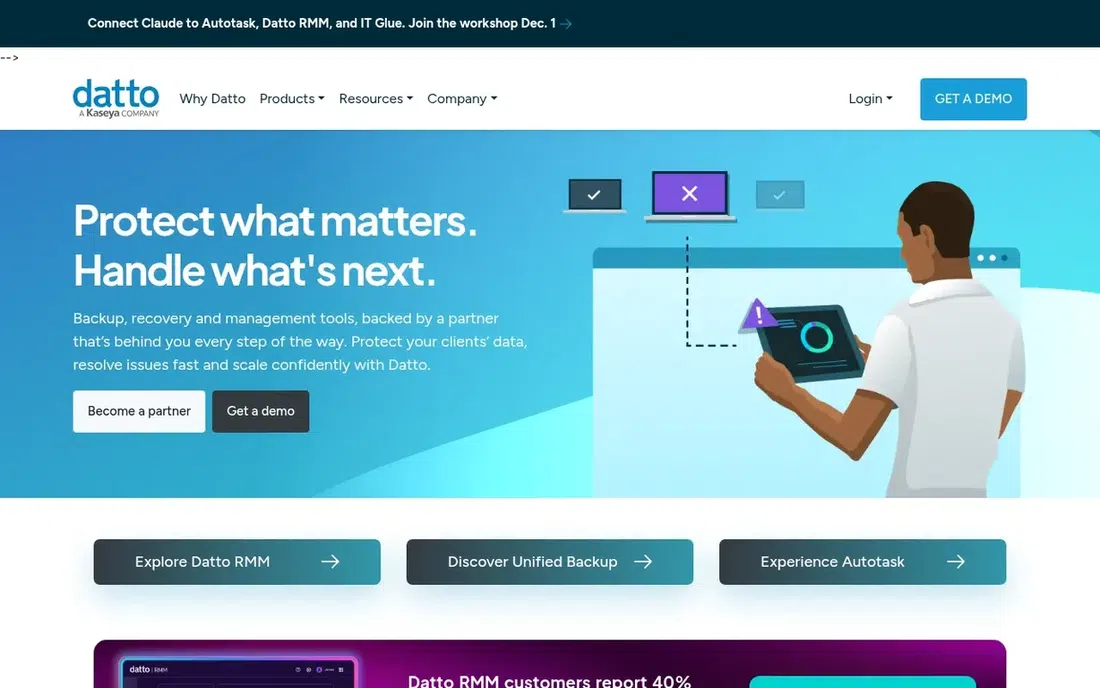
Datto SIRIS targets MSPs needing business continuity. It supplies backup, recovery, and networking capabilities to ensure minimal downtime. The system is well-suited for MSPs that require to deliver dependable data protection services to their clients.
As for the details, Datto SIRIS is tailored for the MSP model, so organizations seeking a direct, self-managed solution might find it less adaptable. It may also be less economical for small firms without a MSP. Check the vendor site for Datto SIRIS pricing; none is listed in this comparison. Free plan details: Not stated.
Honest limits: May not fit direct enterprise use.
- Steady disaster recovery
- Purpose-built for managed service providers
- Primarily made for MSPs
Our selection method
Before you commit
- Confirm the entry price with every vendor: no tool from Acronis Cyber Protect to Datto SIRIS shows a fixed starting price.
- Read the limits listed for Acronis Cyber Protect first: security features may overlap with existing tools.
- Verify that exporting from Rubrik is possible on your plan and covers all your records.
- Price Datto SIRIS for your actual team size; headline prices rarely include add-ons or overage.
- Find out what support Acronis Cyber Protect includes on your plan, and whether onboarding help costs extra.
FAQ
What should I look for in an Axcient alternative?
Also evaluate ease of management and support for your environment. Each tool here has different strengths, so match them to your priorities.
Does any tool for Axcient here have a free plan?
A permanent free plan is not offered by Acronis Cyber Protect, Datto SIRIS or the other tools here. Plan a short evaluation period instead.
Is Acronis Cyber Protect the right pick for everyone comparing Axcient?
No single tool suits every team. Acronis Cyber Protect comes first because it fits integrated backup and cybersecurity, while Rubrik suits enterprise cyber resilience and Veeam Backup & Replication suits comprehensive backup and replication. Match the tool to your own size, budget and workflow before deciding.
How are the tools for Axcient ordered?
Acronis Cyber Protect sits first and Datto SIRIS last because the order follows typical fit for Axcient, then price clarity and free access. It is a judgement call, so read each profile for fit and limits.
Do these tools publish their prices?
No. None of the tools, from Acronis Cyber Protect to Datto SIRIS, shows a fixed starting price here, so budget time for quotes.
Sources
- https://www.acronis.com
- https://www.rubrik.com
- https://www.veeam.com
- https://www.n-able.com
- https://www.datto.com