Top Avail Alternatives in 2026: 5 Picks Ranked
Compare 5 picks for Avail alternatives, with prices, free plans and who each fits. Fit and flaws are laid out for each entry. Built for quick decisions.
- Editor's choice
 Trello
Straightforward board-based task tracking
Starts at$5 per user per monthVisit trello.comFull review - Great alternative
 Monday.com
AI workspace for mixed human and agent work
Starts at$9 per seat a monthVisit monday.comFull review - Also consider
 Smartsheet
Governed enterprise execution at scale
Starts at$12 per Member/monthVisit smartsheet.comFull review
Direct answer
Trello leads the list, best for straightforward board-based task tracking. Listed starting prices: Trello from $5 per user per month, Monday.com from $9 per seat a month and Smartsheet from $12 per Member/month. Monday.com is better for AI workspace for mixed human and agent work, and Smartsheet is better for governed enterprise execution at scale. All 5 tools are compared below on price, free plan and limits.
TL;DR:
- The list opens with Trello, aimed at straightforward board-based task tracking.
- A free plan is available from 4 of the 5 tools: Trello, Monday.com, ClickUp, Asana.
- For the cheapest start, look at Trello: $5 per user per month.
- The main caution on Monday.com: wide scope can need onboarding time.
- Asana is the one to check for wide project and workflow management.
Last checked November 2026. Prices and plan details were read from the vendors' own pages in November 2026; vendors change plans often, so confirm the current price on the vendor site before you buy.
Quick comparison
| Tool | Best for | Starts at | Free plan? | |
|---|---|---|---|---|
| Trello | Straightforward board-based task tracking | $5 per user per month | Yes | Visit |
| Monday.com | AI workspace for mixed human and agent work | $9 per seat a month | Yes | Visit |
| Smartsheet | Governed enterprise execution at scale | $12 per Member/month | Not stated | Visit |
 ClickUp | All-in-one productivity with tasks and docs | $9 per user a month | Yes | Visit |
 Asana | Wide project and workflow management | $10.99 per user per month | Yes | Visit |
The full Avail list
LinkVetted put together this guide to Avail for readers who want a clear shortlist without reading every vendor page. It compares 5 tools on starting price, free plans, who each one suits and where each one falls short.
Trello makes the most sense for straightforward board-based task tracking. Trello centres on capturing, organizing and tackling to-dos from anywhere, using boards, an inbox and planner views. It is built to cut clutter and keep individuals and small teams efficient, including on mobile.
Organizations needing enterprise governance should look at heavier systems. As for the details, choose Trello when quick, straightforward task tracking is the goal. On cost, Trello starts like this: $5 per user per month. Trello has a free plan.
What to check first: Less suited to complicated program management.
- Works across desktop and mobile
- Simple capture and organization of to-dos
- Depends on boards rather than deep reporting
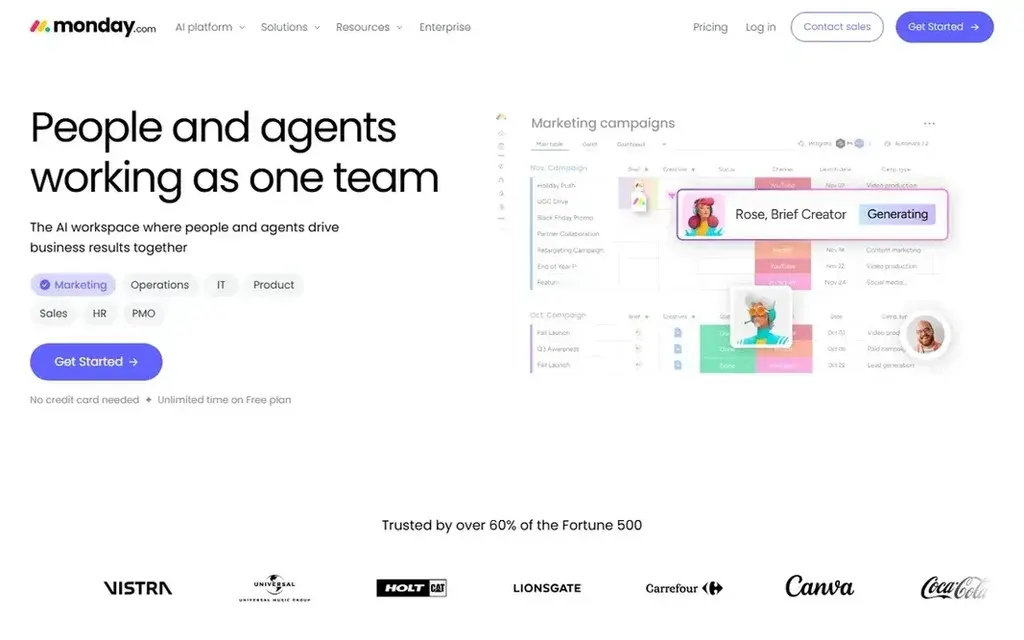
Monday.com is designed for AI workspace for mixed human and agent work. Monday.com describes itself as an AI workspace for people and agents, where teams execute, handle and operate together to drive business results.
It leans on configurable boards and workflows to organize work across departments. Monday.com starts at: $9 per seat per month. Monday.com has a free plan.
Where it is weaker: Wide scope can need onboarding time.
- Positions AI agents alongside people
- Management and operations
- Best value emerges with defined workflows
Smartsheet makes the most sense for governed enterprise execution at scale. Smartsheet's enterprise orientation means smaller teams may not need its governance features. Choose Smartsheet when visibility and control across enterprise work are the priority.
More specifically, Smartsheet describes itself as the execution hub for enterprise work, where people and AI get work done together with the governance and visibility enterprises need. It organizes work in a structured, sheet-like way that numerous operations teams find familiar. Smartsheet starts at: $12 per Member/month. As for free access: Not stated.
Drawbacks to consider: Enterprise focus may suit bigger teams.
- Execution hub for people and AI
- Emphasizes governance and visibility
- Spreadsheet-style approach takes adjustment
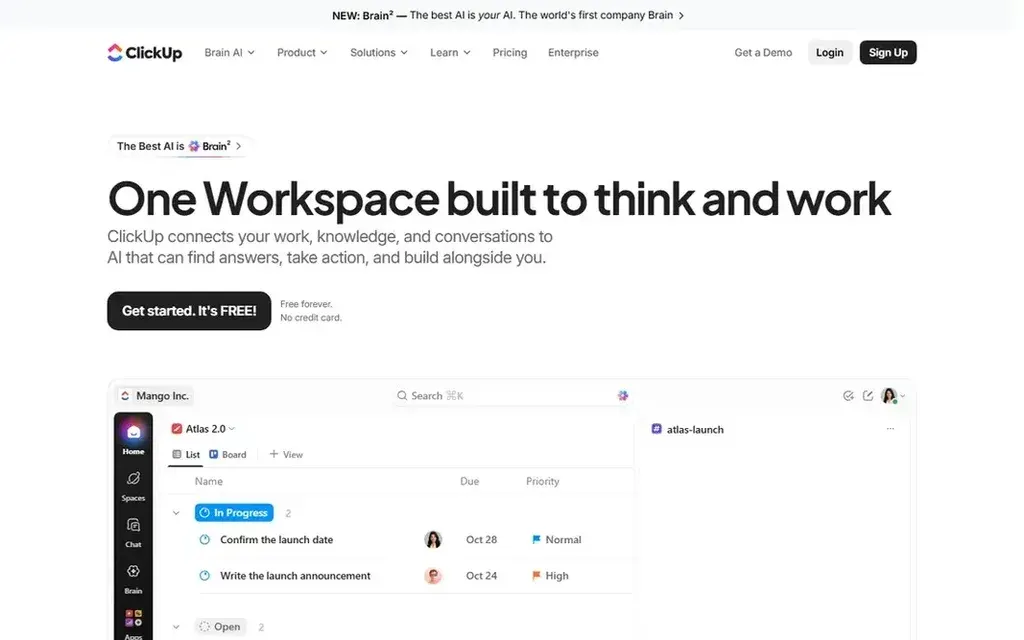
Choose ClickUp for all-in-one productivity with tasks and docs. ClickUp bills itself as the everything app for work, bringing tasks, docs, goals and chat into one place. Its mission is to make the world more productive, and the product converges software, AI and humans.
Teams wanting a narrowly focused tool may prefer something more straightforward. More specifically, the all-in-one approach means a broad surface area, and new users may need time to find the right views. What you pay to start with ClickUp: $9 per user per month. A free plan is available with ClickUp.
Limits to weigh: Plenty of features can overwhelm new users.
- Goals and chat
- Aims to replace multiple separate tools
- Configuration choices add setup effort
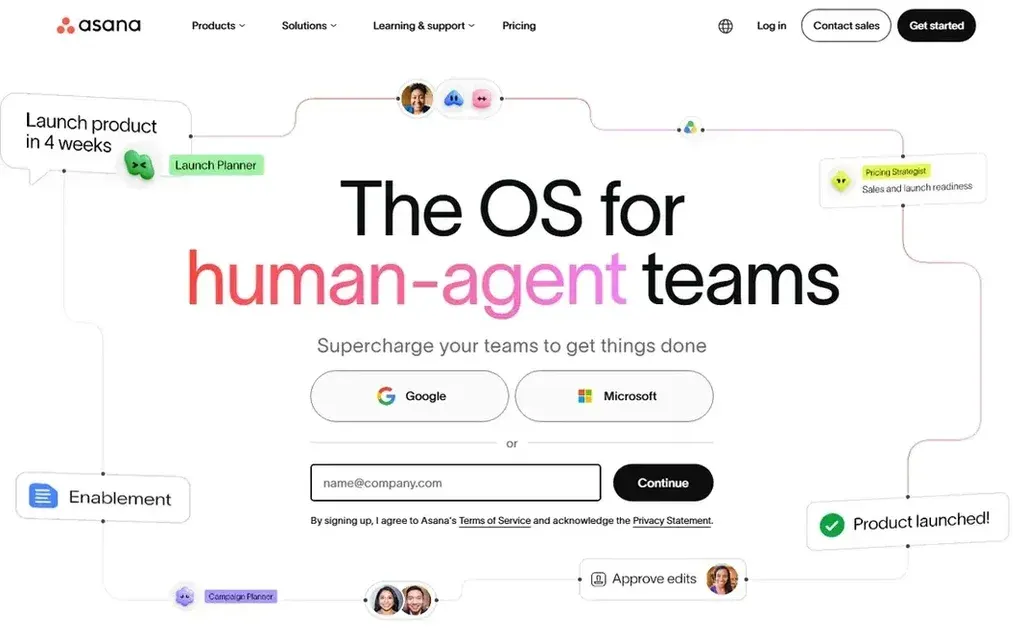
Asana is designed for wide project and workflow management. Teams wanting a single bundled app for docs and chat may prefer a more consolidated choice.
What to check first: Setup needs deliberate configuration.
Choose Asana when coordinated project execution is the priority. From a buyer's view, since Asana aims at broad workflow coverage, lighter teams may find more structure than they need for entry-level to-do tracking. Entry price for Asana: $10.99 per user per month. Asana has a free plan.
- Frames workflows for both people and AI agents
- Automation and execution together
- Feature depth can feel heavy for small teams
How we built this list
For each of the 5 tools we noted price, free plan or trial, fit for Avail and the main limit, using vendor pages and documentation. Plan names, prices and limits change often. Treat the figures here as a starting point and verify them with the vendor. Position on the page reflects fit for a typical buyer first, with price clarity and free access breaking ties. Treat it as a guide, not a ruling.
Before you commit
- Confirm the entry price on the vendor page: Trello starts at $5 per user per month, but seat counts and billing terms change the total.
- Look at free plan limits closely: Trello, Monday.com, ClickUp and Asana have one, and the caps decide whether it is usable for real work.
- Before choosing Trello, weigh its main limit: less suited to complicated program management.
- Compare total cost, not headline price: for Smartsheet, add extra seats, add-ons and any usage-based charges.
- Look at which plan of Asana unlocks the features you need; entry tiers are often cut down.
FAQ
What is the cheapest option for Avail in this list?
On published monthly entry prices, Trello is the lowest here at $5 per user per month. Entry price is only part of the cost, because seats, add-ons and billing terms can change the total.
Do these tools publish their prices?
Yes. Every tool from Trello to Asana shows a starting price, though seats, add-ons and billing terms still change the final cost.
Which alternative is easiest for straightforward task tracking?
Trello is the simplest choice here, built around boards, an inbox and planner views for capturing to-dos. It fits individuals and small teams that want quick adoption.
Can I try these tools before paying?
Often, yes. Trello, Monday.com, ClickUp and Asana have a free plan. Use your own data and a real task during the test, and check what the free tier or trial limits before you rely on it.
Is Trello the right pick for everyone comparing Avail?
No single tool suits every team. Trello comes first because it fits simple board-based task tracking, while Monday.com suits AI workspace for mixed human and agent work and Smartsheet suits governed enterprise execution at scale. Match the tool to your own size, budget and workflow before deciding.
Sources
- https://trello.com
- https://monday.com
- https://www.smartsheet.com
- https://clickup.com
- https://asana.com