Top AutoIt Alternatives in 2026: 5 Picks Ranked
5 products for AutoIt alternatives, ranked by fit, with starting costs and free tiers. SikuliX leads the list for image-based GUI automation. No filler.
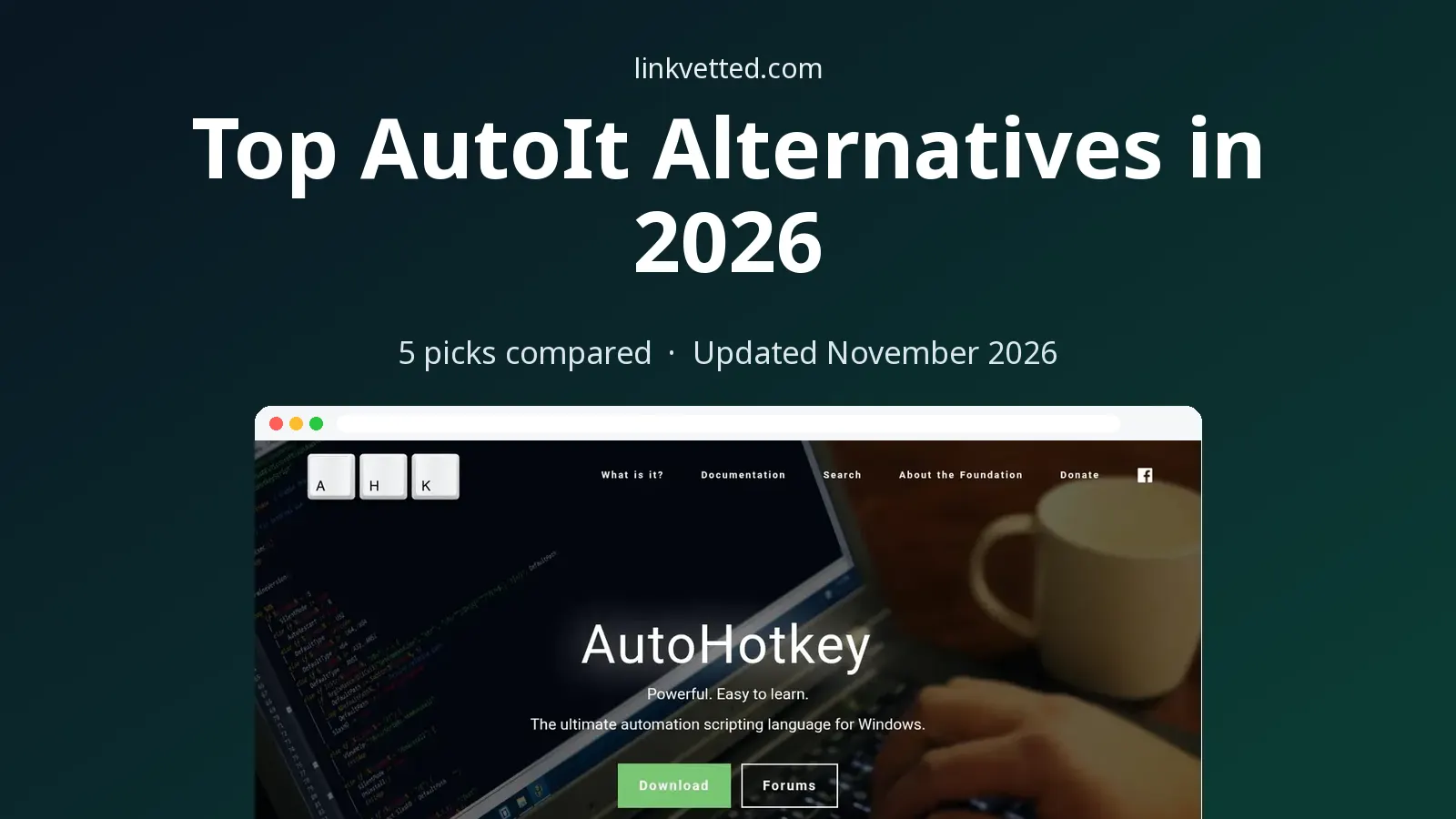
- Editor's choiceSikuliX
Image-based GUI automation
Starts atSee websiteVisit sikulix.comFull review - Great alternativeRoboTask
No-code Windows task automation
Starts at$149 one-timeVisit robotask.comFull review - Also considerAutoHotkey
Free keyboard and mouse macros
Starts atSee websiteVisit autohotkey.comFull review
Direct answer
This list puts SikuliX first for image-based GUI automation. Listed starting prices: RoboTask from $149 one-time and UiPath from $25 a month. Look at RoboTask for no-code Windows task automation, and at AutoHotkey for free keyboard and mouse macros. The remaining 2 options are covered below with prices and limits.
TL;DR:
- This list starts with SikuliX, which is built for image-based GUI automation.
- UiPath fits enterprise business process automation.
- UiPath has the lowest monthly starting price in this list: $25 per month.
- What to know about SikuliX first: relies on screen appearance.
- RoboTask, UiPath: these are the 2 tools out of 5 that offer a free plan.
Last checked November 2026. Prices and plan details were read from the vendors' own pages in November 2026; vendors change plans often, so confirm the current price on the vendor site before you buy.
Quick comparison
| Tool | Best for | Starts at | Free plan? | |
|---|---|---|---|---|
| SikuliX | Image-based GUI automation | See website | Not stated | Visit |
| RoboTask | No-code Windows task automation | $149 one-time | Yes | Visit |
| AutoHotkey | Free keyboard and mouse macros | See website | Not stated | Visit |
 Python | General-purpose scripting and automation | See website | Not stated | Visit |
 UiPath | Enterprise business process automation | $25 a month | Yes | Visit |
Our 5 picks for AutoIt
LinkVetted compared 5 tools for AutoIt. The goal is a practical shortlist: published prices, free plan facts, best-fit use cases and honest limits for every entry.
SikuliX
Best for: Image-based GUI automation
Where SikuliX fits: image-based GUI automation. For pure hotkey and macro work, AutoHotkey is simpler.
Limits to weigh: Setup can be involved.
For everyday use, SikuliX is widely known for automating graphical user interfaces by recognizing images on the screen. More specifically, image-based automation can be sensitive to resolution, themes and layout changes, so maintenance may be higher than with script-based tools. Pricing for SikuliX is not stated here, so ask the vendor for current figures. Free options: Not stated. Main advantages: Scriptable.
- Works with on-screen elements
- Visual recognition approach
- Relies on screen appearance
RoboTask
Best for: No-code Windows task automation
In short, RoboTask is for no-code Windows task automation. If you want a free scripting tool, AutoHotkey remains the closer AutoIt alternative. RoboTask automates series of tasks on a Windows computer, from straightforward macros to complicated workflows with conditional logic, loops and variables.
Where it falls short: Windows-only.
It needs no code and runs as a service, which fits users who prefer a visual approach to desktop automation. RoboTask is Windows-specific and is a commercial product, so budget and product constraints matter. Price to start with RoboTask: $149 one-time. A free plan is available with RoboTask.
- Loops and variables
- Conditional logic
- Commercial product
AutoHotkey
Best for: Free keyboard and mouse macros
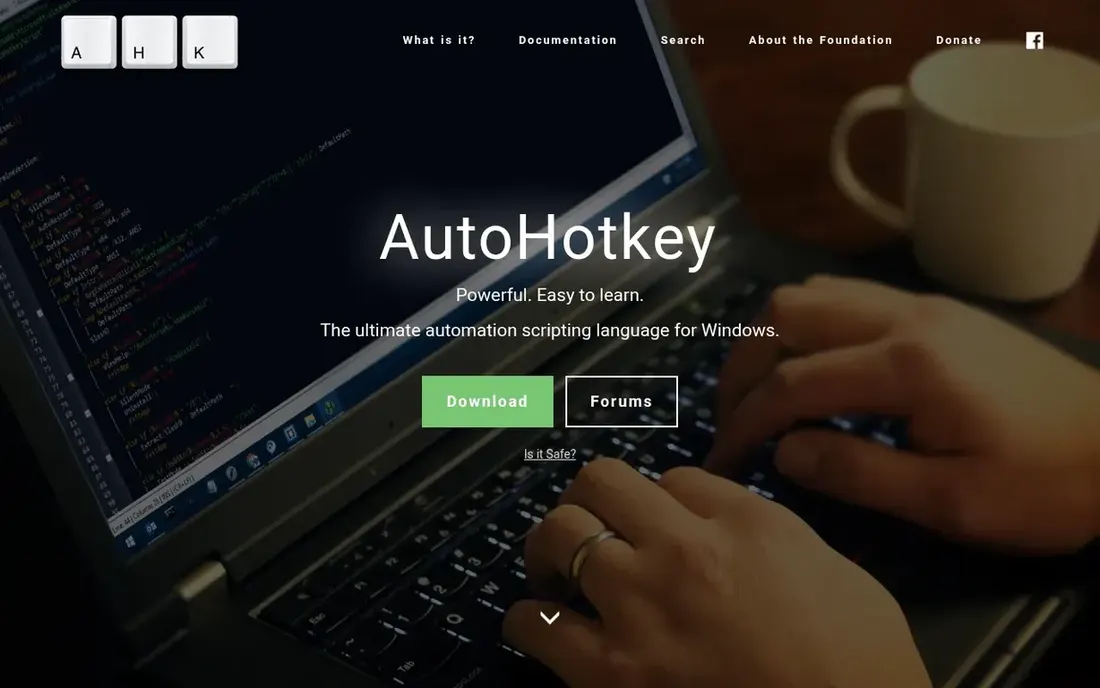
AutoHotkey works best for free keyboard and mouse macros. AutoHotkey is a free keyboard macro program that supports hotkeys for the keyboard, mouse and joystick.
It can expand abbreviations as you type them through its AutoText feature, making it a direct alternative for numerous AutoIt macro tasks. In daily use, the tool is centered on Windows and its scripting model, so cross-platform needs or complicated application automation may call for something else. This comparison lists no price for AutoHotkey; ask the vendor. Free access: Not stated.
Highlights: mouse and joystick. Where it falls short: Windows-focused.
- Hotkeys for keyboard
- Free keyboard macro program
- Scripting knowledge helps
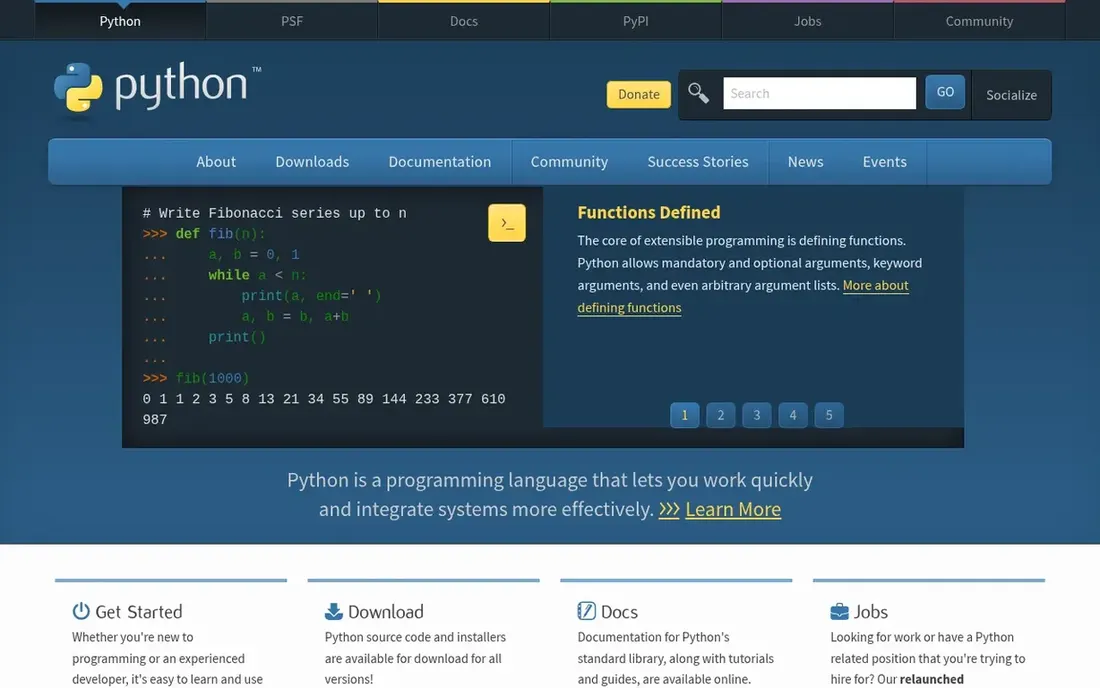
In short, Python is for general-purpose scripting and automation. Python is a general-purpose programming language with a deep ecosystem that can be used for desktop automation, file handling and much more.
Trade-offs to know: Needs programming knowledge.
From a buyer's view, Python does not offer built-in hotkey or macro features from day one, so straightforward AutoIt-style tasks may need extra libraries. For fast keyboard macros with minimal setup, AutoHotkey is commonly more direct. Python shows no starting price here, so confirm the cost on the vendor site. Free options: Not stated.
- Widely used general-purpose language
- Large standard library
- Not a dedicated macro tool
Pick UiPath if this describes you: enterprise business process automation. The product is pitched at enterprise operations, so it can be more than a solo user needs for straightforward AutoIt-style scripts.
Downsides: Enterprise-oriented setup.
What users get: compliant outcomes; System for orchestration and automation. UiPath offers a system for business orchestration and automation, enabling AI agents, robots and people to deliver secure, compliant outcomes at scale. From a buyer's view, for light personal automation, AutoHotkey or RoboTask are more direct choices. UiPath starts at: $25 per month. UiPath offers a free plan.
- Supports robots and AI agents
- Focus on secure
- Heavier than straightforward macro tools
How these tools were picked
For each of the 5 tools we noted price, free plan or trial, fit for AutoIt and the main limit, using vendor pages and documentation. Treat prices as a snapshot: vendors change plans often, so check the vendor site for the figure that applies today. The ranking is editorial: typical fit first, then clear pricing, then free access. If your needs are unusual, read the profiles rather than relying on position.
Things to verify first
- Confirm the entry price on the vendor page. For SikuliX, AutoHotkey and Python that means a quote rather than a fixed price.
- Check what the free option really includes: RoboTask and UiPath offer a free plan, and usage caps differ.
- Before choosing SikuliX, weigh its main limit: relies on screen appearance.
- Ask Python which support channels and response times come with the plan you would buy.
- Confirm minimum seats and billing terms with SikuliX before you commit to an annual plan.
FAQ
What is the best free alternative to AutoIt for straightforward macros?
For most readers this guide would start with SikuliX, built for image-based GUI automation. RoboTask is the alternative for no-code Windows task automation, and AutoHotkey for free keyboard and mouse macros. The right answer depends on budget and workflow.
How are the tools for AutoIt ordered?
SikuliX sits first and UiPath last because the order follows typical fit for AutoIt, then price clarity and free access. It is a judgement call, so read each profile for fit and limits.
Is SikuliX the right pick for everyone comparing AutoIt?
No single tool suits every team. SikuliX comes first because it fits image-based GUI automation, while RoboTask suits no-code Windows task automation and AutoHotkey suits free keyboard and mouse macros. Match the tool to your own size, budget and workflow before deciding.
What is the cheapest option for AutoIt in this list?
On published monthly entry prices, UiPath is the lowest here at $25 per month. Entry price is only part of the cost, because seats, add-ons and billing terms can change the total. For the full picture, the cards above cover all 5 entries of this AutoIt alternatives list, including price, free plan and limits.
Does RoboTask need programming knowledge?
RoboTask is described as a no-code tool that automates tasks through workflows with conditional logic, loops and variables. It runs as a service on Windows and is targeted at users who prefer a visual approach.
Can Python replace AutoIt for Windows automation?
Even so, it does not bundle built-in hotkey or macro features, so straightforward desktop macros may need additional libraries. AutoHotkey is frequently more direct for those cases.
Sources
- https://sikulix.com
- https://www.robotask.com
- https://www.autohotkey.com
- https://www.python.org
- https://www.uipath.com