Best Artisan Alternatives for 2026 (5 Compared)
5 products for Artisan alternatives, ranked by fit, with starting costs and free tiers. Short, factual notes on every option. A comparison table is included.
- Editor's choice
 Axure RP
In-depth prototypes and specifications
Starts at$29 per user per monthVisit axure.comFull review - Great alternative
 Balsamiq
Quick, focused wireframing
Starts at$16 per editor a monthVisit balsamiq.comFull review - Also consider
 Framer
Design-to-website publishing
Starts at$10 a monthVisit framer.comFull review
Direct answer
Axure RP is the first pick on this list for in-depth prototypes and specifications. Listed starting prices: Axure RP from $29 per user per month, Balsamiq from $16 per editor a month and Framer from $10 a month. Balsamiq is the stronger choice for fast, focused wireframing, while Framer suits design-to-website publishing. The remaining 2 options are covered below with prices and limits.
TL;DR:
- Axure RP is the opening pick, best for in-depth prototypes and specifications.
- Figma is the lowest-priced starter here at $3 per month.
- Framer stands alone as the one tool in this list with a free plan.
- Balsamiq comes with a trade-off: not intended for high-fidelity design.
- For collaborative design and development, Figma is worth a look.
Last checked November 2026. Prices and plan details were read from the vendors' own pages in November 2026; vendors change plans often, so confirm the current price on the vendor site before you buy.
Quick comparison
| Tool | Best for | Starts at | Free plan? | |
|---|---|---|---|---|
| Axure RP | In-depth prototypes and specifications | $29 per user per month | Not stated | Visit |
| Balsamiq | Quick, focused wireframing | $16 per editor a month | Free trial | Visit |
| Framer | Design-to-website publishing | $10 a month | Yes | Visit |
 Sketch | Designer-centric prototyping and handoff | $12 per editor per month | Free trial | Visit |
 Figma | Collaborative design and development | $3 a month | Not stated | Visit |
5 options for Artisan in detail
LinkVetted put together this guide to Artisan for readers who want a clear shortlist without reading every vendor page. It compares 5 tools on starting price, free plans, who each one suits and where each one falls short.
Pick Axure RP if this describes you: in-depth prototypes and specifications. Axure RP is an all-in-one software design tool for creating prototypes, specifications and diagrams.
The tool's depth can mean a steeper ramp-up time, and its interface may feel heavy for fast wireframes. Pick Axure RP when rigorous specification and diagramming are part of your regular workflow. Axure RP pricing: $29 per user per month. On free options: Not stated.
Strengths: All-in-one design tool. Limits to weigh: Steeper ramp-up time.
- Specs and diagrams in one
- Suited to complicated UX documentation
- Interface can feel dense for straightforward work
Balsamiq makes the most sense for fast, focused wireframing. Balsamiq supplies wireframing and prototyping tools meant to remove friction.
It is pitched at product, tech and business minds who want to sketch, test and refine UI rapidly. Balsamiq is not made for high-fidelity mockups or complicated interactive prototypes. Price to start with Balsamiq: $16 per editor per month. Trial and free access: Free trial.
What to check first: Restricted advanced prototyping features.
- Low-friction interface
- Targeted at product and business minds
- Not intended for high-fidelity design
Think of Framer for design-to-website publishing. Framer is a website builder with a design agent that takes you from idea to launch. Teams needing deep prototyping for software products might choose a different tool.
Select Framer when your primary goal is designing and launching a website. Beyond that, changes remain editable, and hosting, CMS, analytics, SEO and AEO are built in. Framer starts at: $10 per month. You can start on Framer without paying.
Watch-outs: Website focus may not suit app design.
- Editable changes after publishing
- Analytics and SEO built in
- Feature set geared toward publishing
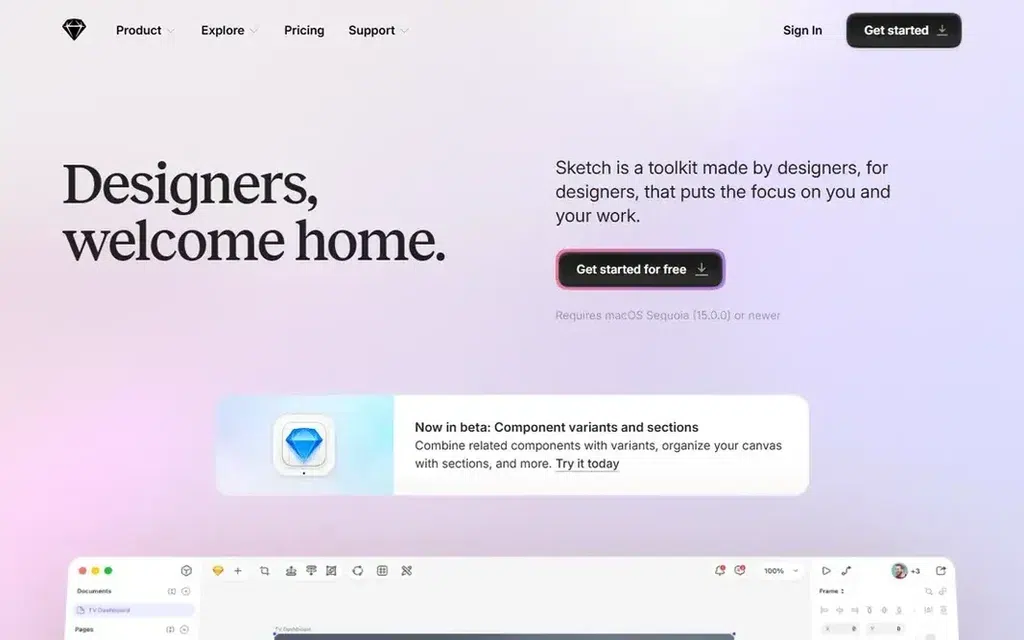
Sketch is a good fit for designer-centric prototyping and handoff. Sketch is positioned as a tool made by designers, for designers, with a focus on the work itself. It supports design, prototyping, collaboration and handoff, which makes it right for individual designers and studios that want a simplified, designer-first environment.
Consider Sketch if you are a Mac-based designer who values a focused toolset over an all-in-one canvas. The homepage emphasizes putting the focus back on you and your work. Sketch pricing: $12 per editor per month. Free options: Free trial.
Where it falls short: Mac-only product.
- Built by designers for designers
- Handoff support included
- Smaller ecosystem than some rivals
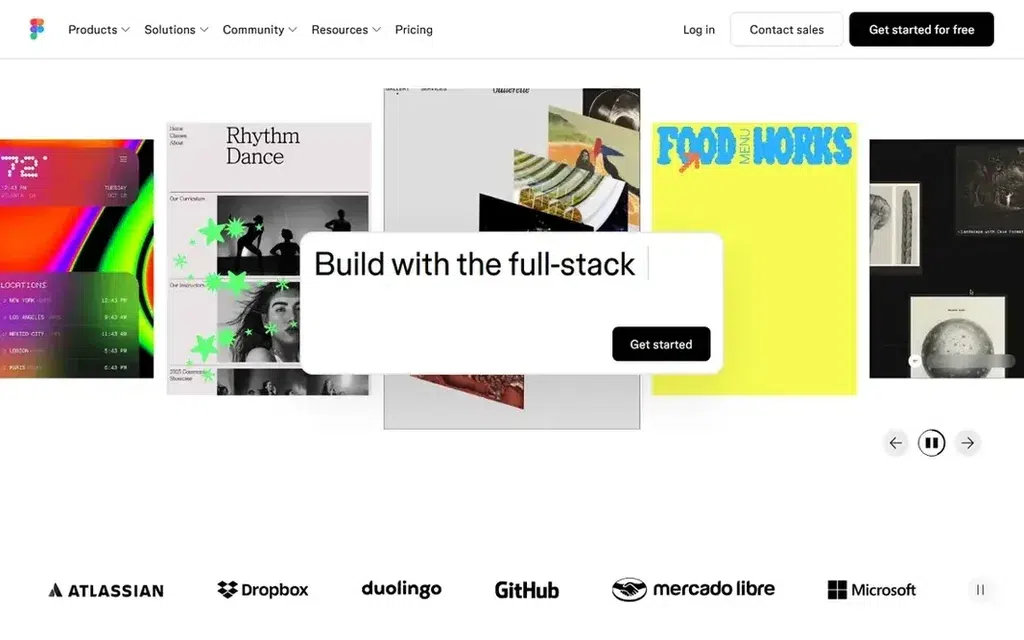
Pick Figma if this describes you: collaborative design and development. Teams can move from first idea to shipped product in one place, making it a good fit for cross-functional groups that require shared visibility.
For everyday use, teams seeking a strictly offline or single-designer tool might prefer a more focused choice. For everyday use, choose Figma when collaboration and an integrated design-to-code pipeline are central to your process. Figma pricing: $3 per month. Free access: Not stated.
The main drawbacks: Browser-based performance relies on connection.
- Design
- Code and AI in one canvas
- Wide feature set can overwhelm beginners
How these tools were picked
For each of the 5 tools we noted price, free plan or trial, fit for Artisan and the main limit, using vendor pages and documentation. Where a vendor does not publish a price, the entry says quote. Where a price depends on seats or billing term, the entry says so. We ordered the tools by general fit, then by how clearly pricing is shown, then by free access. A buyer with unusual needs may reorder them.
What to check before you buy
- Confirm the entry price on the vendor page: Figma starts at $3 per month, but seat counts and billing terms change the total.
- Test the free plan from Framer against your real workload before relying on it.
- Take the trial from Balsamiq and Sketch and push a live task through it before you pay.
- Read the limits listed for Axure RP first: steeper ramp-up time.
- Let daily users try Figma on real work; their feedback beats any feature checklist.
- Look at the help docs and support options for Framer before you commit.
FAQ
Do these tools publish their prices?
Yes. Every tool from Axure RP to Figma shows a starting price, though seats, add-ons and billing terms still change the final cost.
How are the tools for Artisan ordered?
Axure RP sits first and Figma last because the order follows typical fit for Artisan, then price clarity and free access. It is a judgement call, so read each profile for fit and limits.
Is there a free choice among these alternatives?
Pricing and plan details vary by vendor and are shown on their respective sites. Some tools may offer restricted free versions, but you should check each vendor's current offerings. This comparison does not bundle pricing information.
Can I use these tools for website design and publishing?
Framer is specifically built as a website builder with hosting, CMS and SEO features. Choose based on whether you need publishing capabilities or design adaptability.
What is the cheapest option for Artisan in this list?
On published monthly entry prices, Figma is the lowest here at $3 per month. Entry price is only part of the cost, because seats, add-ons and billing terms can change the total. All 5 picks in this Artisan alternatives comparison list a starting price, free plan details and the main limits on their cards above.
Which options for Artisan have a free plan?
Framer is the only tool in this list with a free plan. Free plans usually cap users, projects or features, so check the limits on the vendor page. Several others offer a trial instead. For the full picture, the cards above cover all 5 entries of this Artisan alternatives list, including price, free plan and limits.
Sources
- https://www.axure.com
- https://balsamiq.com
- https://www.framer.com
- https://www.sketch.com
- https://www.figma.com