Best ASPM Tools in 2026: 8 Tools Compared
Compare the best aspm tools for application security posture management, risk graphs, pipeline security and fixes, with 2026 pricing notes for buyers.

- Editor's choice
 Apiiro
Risk-graph depth
Starts atSee websiteVisit apiiro.comFull review - Great alternative
 ArmorCode
Aggregating existing scanners
Starts atSee websiteVisit armorcode.comFull review - Also consider
 Cycode
Native plus third-party scanning
Starts atSee websiteVisit cycode.comFull review
TL;DR:
- Apiiro leads for risk-graph depth and code-to-cloud context, while ArmorCode leads for aggregating many existing scanners.
- Cycode and OX Security suit teams that want native scanning plus posture in one platform.
- Aikido Security is the clearest value pick, with a usable free plan and paid plans from $300 per month.
- Snyk AppRisk and DefectDojo suit teams already on those platforms or needing open-source control.
- ASPM works best when findings have owners, deadlines and fix workflows, not just a dashboard.
Quick comparison
| Tool | Best for | Starts at | Free plan? | |
|---|---|---|---|---|
| Apiiro | Risk-graph depth | See website | No | Visit |
| ArmorCode | Aggregating existing scanners | See website | No | Visit |
| Cycode | Native plus third-party scanning | See website | No | Visit |
 OX Security | Code-to-runtime risk | See website | No | Visit |
 Aikido Security | Value all-in-one scanning | Free | Yes | Visit |
 Legit Security | Pipeline and delivery security | See website | No | Visit |
 Snyk AppRisk | Snyk-native posture | See website | Yes | Visit |
 DefectDojo | Open-source posture management | Free | Yes | Visit |
The best ASPM tools
We compared the best ASPM tools on risk correlation, scanner coverage, pipeline security, remediation workflows and price. ASPM stands for application security posture management, and the best ASPM software connects findings to application context so teams fix real risk first.
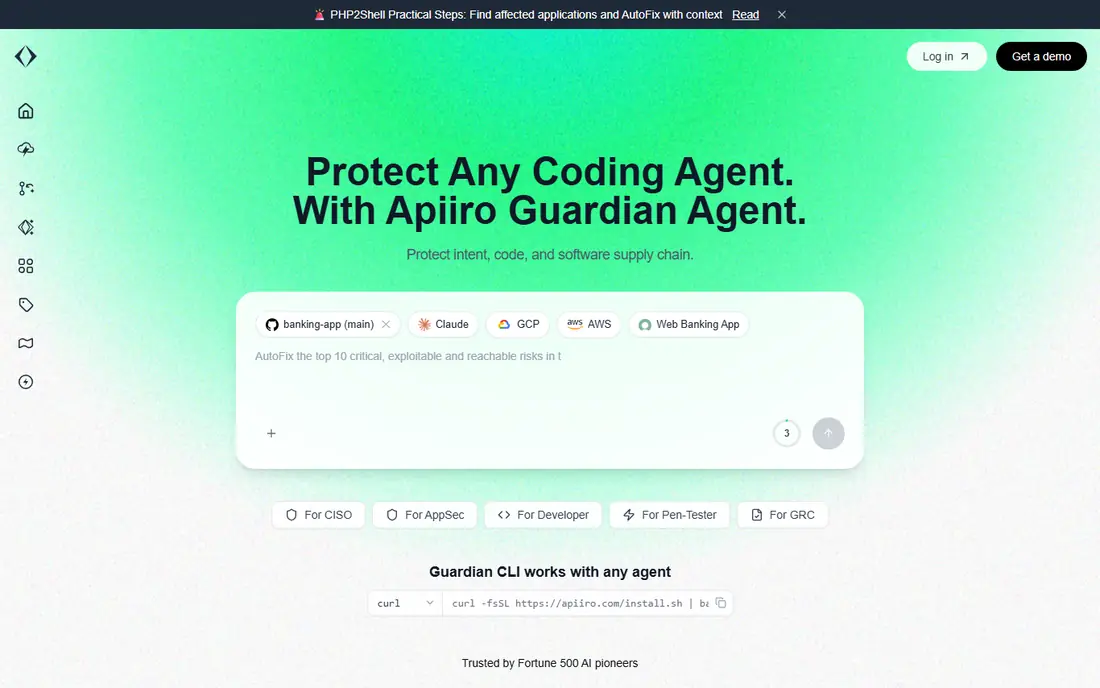
Apiiro suits enterprises that want deep context for each risk. It maps code, supply chain and deployment into a risk graph, and highlights material changes that alter risk, rather than treating every code change the same. That context helps security teams explain why one finding matters more than hundreds of others.
The drawback is cost and process. Pricing is by quote, and implementation fits larger security teams better than small startups. For organizations with many applications and a formal AppSec program, Apiiro offers depth that simpler aggregators lack.
- Material-change detection
- Code-to-cloud attack path context
- Strong governance features
- Pricing by quote
- Enterprise buying process
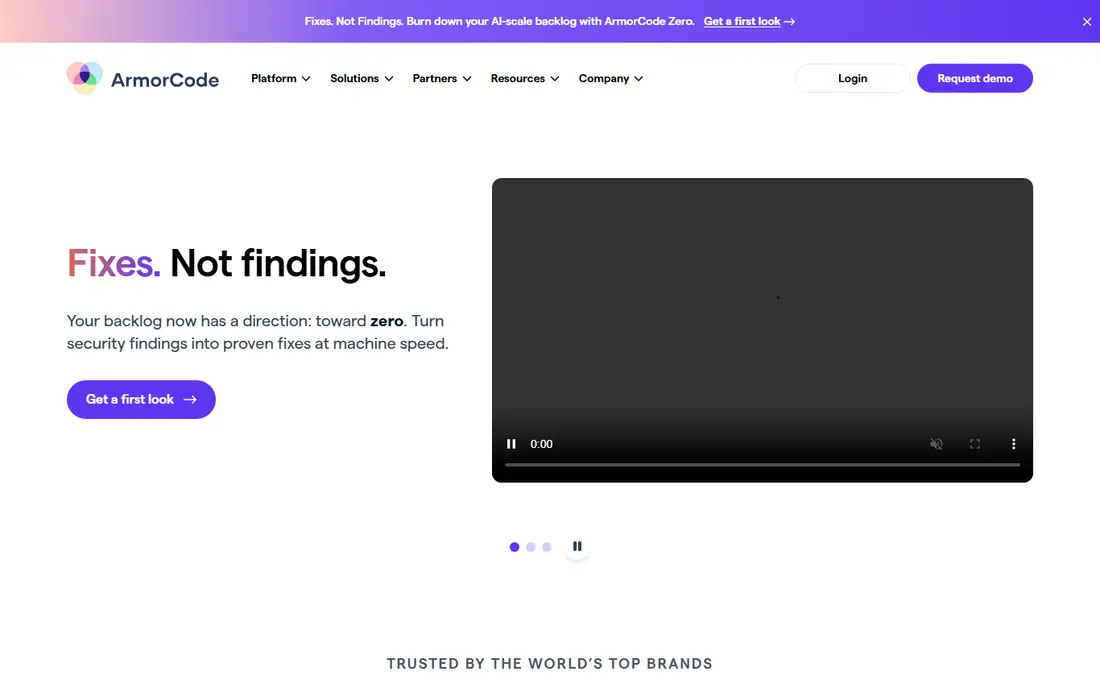
ArmorCode suits teams that already run many scanners and need one prioritized queue. It ingests findings from a large connector set, correlates duplicates, and routes work to owners with automation. That helps when the problem is too many dashboards, not too few scanners.
ArmorCode does not replace deep native scanning for every team. If you have few scanners, a native platform such as Cycode or Aikido may offer more value. If you have many tools and need governance, ArmorCode is a strong hub.
- Broad connector coverage
- Findings correlation and deduplication
- Workflow automation
- Pricing by quote
- Value depends on scanners you already run
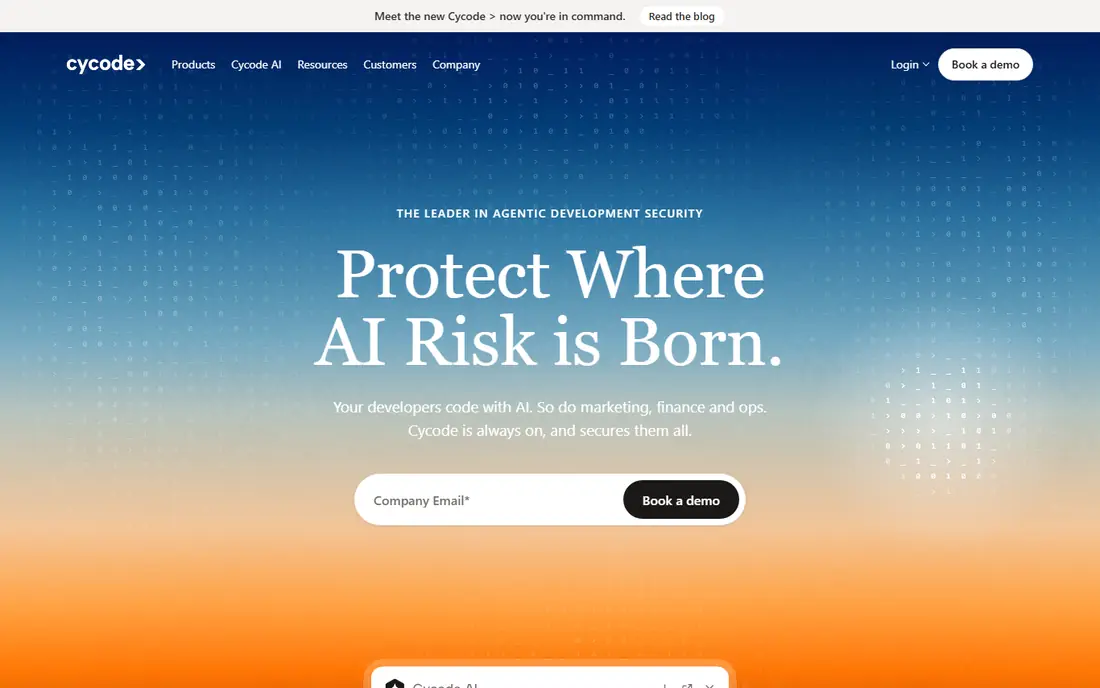
Cycode suits teams that want to consolidate onto native engines while keeping third-party scanners they trust. Its Risk Intelligence Graph connects code, pipeline and cloud context, so findings are ranked by real risk rather than raw severity. Native engines cover secrets, dependencies, static analysis and infrastructure as code.
The trade-off is depth. A specialist scanner may beat Cycode on one engine, so teams should test the engines they care about most. For mixed migration plans, Cycode offers flexibility without forcing a full rip-and-replace.
- Native SAST, SCA, secrets and IaC engines
- Third-party ingestion
- Risk Intelligence Graph
- Pricing by quote
- Per-engine depth varies
OX Security suits teams that want to cut findings to what is genuinely exploitable. It maps code to runtime, uses evidence-based scoring, and manages software bills of materials and pipeline security. That focus helps developers trust the queue, because fewer low-risk findings reach them.
OX is enterprise-focused, so small teams may find Aikido or DefectDojo easier to adopt. For larger teams with complex supply chains, OX offers a clear prioritization model.
- Code-to-cloud mapping
- Exploitability-first prioritization
- Pipeline and SBOM features
- Pricing by quote
- Enterprise focus
Aikido Security suits small and mid-size teams that want one console for code and cloud scanning without enterprise pricing. The free Developer plan covers two users, ten repositories and two container images, with scans for code, dependencies, secrets, infrastructure as code, containers and cloud posture. AutoFix can create reviewable pull requests for some issues.
The free plan limits rescan cadence and AutoFix, and paid plans start at $300 per month for Basic. For a single-app team, the free tier is genuinely usable for evaluation and early use. For larger teams, compare Aikido total cost against Cycode or Apiiro at your repository count.
- Free Developer plan
- Code, dependency, secrets and cloud scanning
- Reviewable AutoFix pull requests
- Free plan rescans every three days
- Paid plans start at $300 per month
Legit Security suits teams worried about the delivery pipeline itself, including source control, CI and CD and developer workflows. It maps the software factory, flags risky pipeline configurations, and helps teams govern how code moves to production. That lens catches risks that code scanners alone miss.
Legit is less of a general scanner bundle than Aikido or Cycode, so teams may pair it with specialist scanners. Choose Legit when pipeline integrity is your main gap, not when you need a single scanner for everything.
- Pipeline and factory security focus
- AI-native posture features
- Automation for delivery estates
- Pricing by quote
- Less known for broad native scanning depth
Snyk AppRisk suits teams already using Snyk for dependencies, code or containers. It adds posture context to Snyk findings, helping teams prioritize across applications and see risk in developer workflows. A free tier helps teams test Snyk before committing to paid plans.
Teams not on Snyk will get less value, since AppRisk is built around Snyk data. For Snyk users, though, it avoids adding another separate dashboard and keeps fixes close to pull requests.
- Native Snyk scanning context
- Developer-friendly workflows
- Free tier for testing
- Best value inside the Snyk platform
- Posture depth varies by Snyk plan
DefectDojo suits teams that want open-source control over posture management. It is self-hosted, reads over 200 scanner report formats, and gives teams a central place to track, deduplicate and assign findings. For regulated or cost-sensitive teams, that control matters.
The cost is operational. Your team must host, update and maintain DefectDojo, and build workflows around it. Teams without DevSecOps capacity may prefer a managed platform such as Aikido or Cycode.
- Open-source and self-hosted
- Reads many scanner report formats
- No license cost for the core
- Needs setup and maintenance
- No vendor support without a paid option
How we picked these
We compared official feature and pricing pages, plus public reviews, for ASPM platforms still sold in October 2026. We favored tools that connect findings to application, pipeline or runtime context, not single scanners with no posture layer. We kept a mix of enterprise, value and open-source options.
How to choose an ASPM tool
Start with what you already run. If you have many scanners, an aggregator such as ArmorCode may help fastest. If you have few scanners, a native platform such as Cycode, OX or Aikido may reduce tool count. Next, decide who owns fixes, because a queue without owners will not improve posture.
Pilot with one team first
Run a pilot with one volunteer team for a month before mandating a tool. Tune rules, gate only new critical findings at first, and review false positives with engineering present. A pilot that earns trust will spread faster than a mandate that blocks merges on day one.
Measure fix rate, not finding count
Finding count can rise when you add scanners, even as risk falls. Track time to fix for exploitable findings, repeat findings and coverage by repository. Those measures show whether posture is improving, not just whether more alerts exist.
Give every finding an owner and a deadline
A prioritized queue still fails if no one owns the work. Assign each application a security owner, set deadlines by risk level, and track overdue items in the same tracker developers already use. Review the queue weekly at first, then monthly once the backlog is stable, and retire rules that produce only noise. Ownership and deadlines turn ASPM from a reporting exercise into a steady reduction in real risk across the applications your team ships.
Review posture trends over time
A single snapshot of findings does not show whether security is improving. Track posture trends by application, team and risk level over several months, and look for repeat findings that return after a fix. Repeat findings often point to a missing test, a shared library or a process gap, rather than a single coding error. Sharing trend data with engineering leaders helps them see progress and support the fixes that matter most.
FAQ
What is the best ASPM software?
Apiiro is our pick for risk-graph depth, ArmorCode for aggregating many scanners, and Cycode for a native plus ingestion mix. Aikido Security is the best value pick, while DefectDojo suits open-source teams. The best ASPM software for your team depends on your scanner estate and team size.
What does ASPM stand for?
ASPM stands for application security posture management. It unifies security findings across the software development lifecycle, adds application and pipeline context, and helps teams prioritize and fix real risks. It differs from a single scanner, which only finds one type of issue.
Do I need ASPM if I already use SAST, DAST and SCA tools?
Yes, in many cases. Those tools detect issues, while ASPM connects them, deduplicates them, adds context and routes them to owners. Without that layer, teams face alert fatigue and conflicting queues across tools.
Is there a free ASPM tool?
DefectDojo is free and open-source, and Aikido Security offers a free Developer plan. Snyk also offers a free tier that can support AppRisk evaluation. Free options work well for small teams, but larger teams often need paid support, automation and governance.
How is ASPM different from CNAPP?
CNAPP focuses mainly on cloud infrastructure and workloads, while ASPM focuses on applications, code, pipelines and supply chain. Many vendors now bundle both, so check whether a platform covers code-to-cloud or only cloud posture before buying.