Best Assessment Software for University Departments (2026): 6 Picks Checked on Vendor Pages
Searching for the best assessment software for university departments? Here are 6 options with prices and free plans. Real limits included. Plain facts.
- Editor's choice
 Gradescope
Efficient grading of paper-based work
Starts atPricing on requestVisit gradescope.comFull review - Great alternative
 Moodle
Configurable open-source LMS
Starts atPricing on requestVisit moodle.comFull review - Also consider
 D2L Brightspace
AI-enhanced learning and assessment
Starts atPricing on requestVisit d2l.comFull review
Direct answer
Gradescope leads the list, best for efficient grading of paper-based work. If your case is different, Moodle suits customizable open-source LMS and D2L Brightspace suits AI-enhanced learning and assessment. Details, prices and limits for the rest of the 6 tools are below. None of these vendors publish plan prices, so pricing is on request for every option.
TL;DR:
- Gradescope is the opening pick, best for efficient grading of paper-based work.
- Blackboard Learn suits established LMS for course assessment.
- Every tool from Gradescope to Blackboard Learn works by quote, with no list price shown.
- None of the 6 tools, from Gradescope to Blackboard Learn, has a free plan, so budget for a subscription or use a trial.
- The main caution on D2L Brightspace: AI features may need orientation.
Last checked November 2026. Pricing on request: vendors did not publish plan prices when this guide was last checked (November 2026), so ask each vendor for a written quote.
Quick comparison
| Tool | Best for | Starts at | Free plan? | |
|---|---|---|---|---|
| Gradescope | Efficient grading of paper-based work | Pricing on request | Not stated | Visit |
| Moodle | Configurable open-source LMS | Pricing on request | Not stated | Visit |
| D2L Brightspace | AI-enhanced learning and assessment | Pricing on request | Not stated | Visit |
 ExamSoft | Secure exam delivery and reporting | Pricing on request | Not stated | Visit |
 Canvas | Approachable LMS with assessment tools | Pricing on request | Not stated | Visit |
 Blackboard Learn | Established LMS for course assessment | Pricing on request | Not stated | Visit |
The best assessment software for university departments
If you are comparing assessment software for university departments, this page covers 6 tools in one place: what each is best for, what it costs to start, whether it has a free plan, and the main limit to know about.
Gradescope works best for efficient grading of paper-based work. Faculty who want to accelerate grading without changing their assignment format may find it especially handy.
What to check first: May not replace a full assessment system.
Check the vendor site for Gradescope pricing; none is listed in this comparison. As for free access: Not stated.
- Offers insight into student learning
- Works with existing assignments
- Concentrated on grading instead of exam delivery
Choose Moodle for configurable open-source LMS. Units with technical support available and a desire for adaptability may find Moodle a solid choice for assessment within a broader learning ecosystem. For everyday use, the high customizability can also lead to complexity if not managed carefully.
Watch-outs: Customization can add complexity.
Moodle is an open-source learning management system known for being highly configurable and widely used across education, enterprise, and public sector organizations. From a buyer's view, departments seeking a completely managed, turnkey assessment option might prefer a hosted system instead. Worth adding: Moodle usually needs technical administration and hosting, which can be a burden for departments without IT support. This comparison lists no price for Moodle; ask the vendor. As for free access: Not stated.
- Built-in quiz and assessment tools
- Open-source adaptability
- Needs technical administration
Pick D2L Brightspace if this describes you: AI-enhanced learning and assessment. D2L Brightspace is a learning platform with built-in AI, made for universities, schools, associations, training organizations, and companies.
As for the details, Brightspace is a good match for units seeking a thorough learning system with AI capabilities integrated into teaching and assessment. As for the details, the AI features may need orientation and thoughtful configuration to be handy for assessment. This comparison lists no price for D2L Brightspace; ask the vendor. Free plan details: Not stated.
Trade-offs to know: Assessment depth varies by configuration.
- Built-in AI tools
- Full learning product
- AI features may need orientation
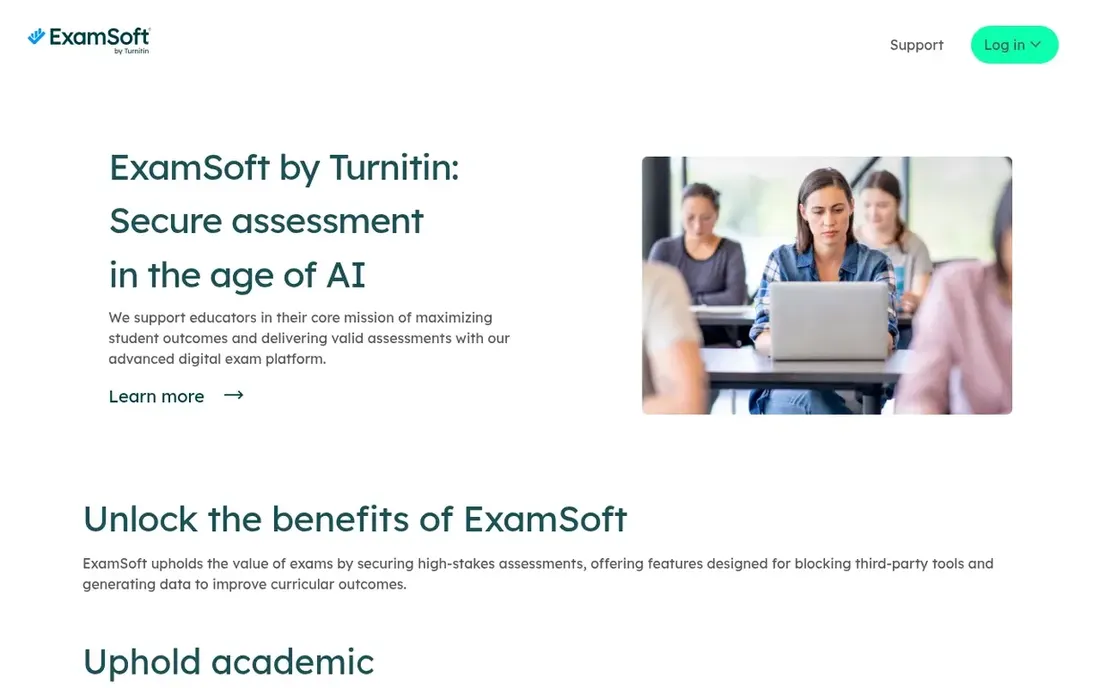
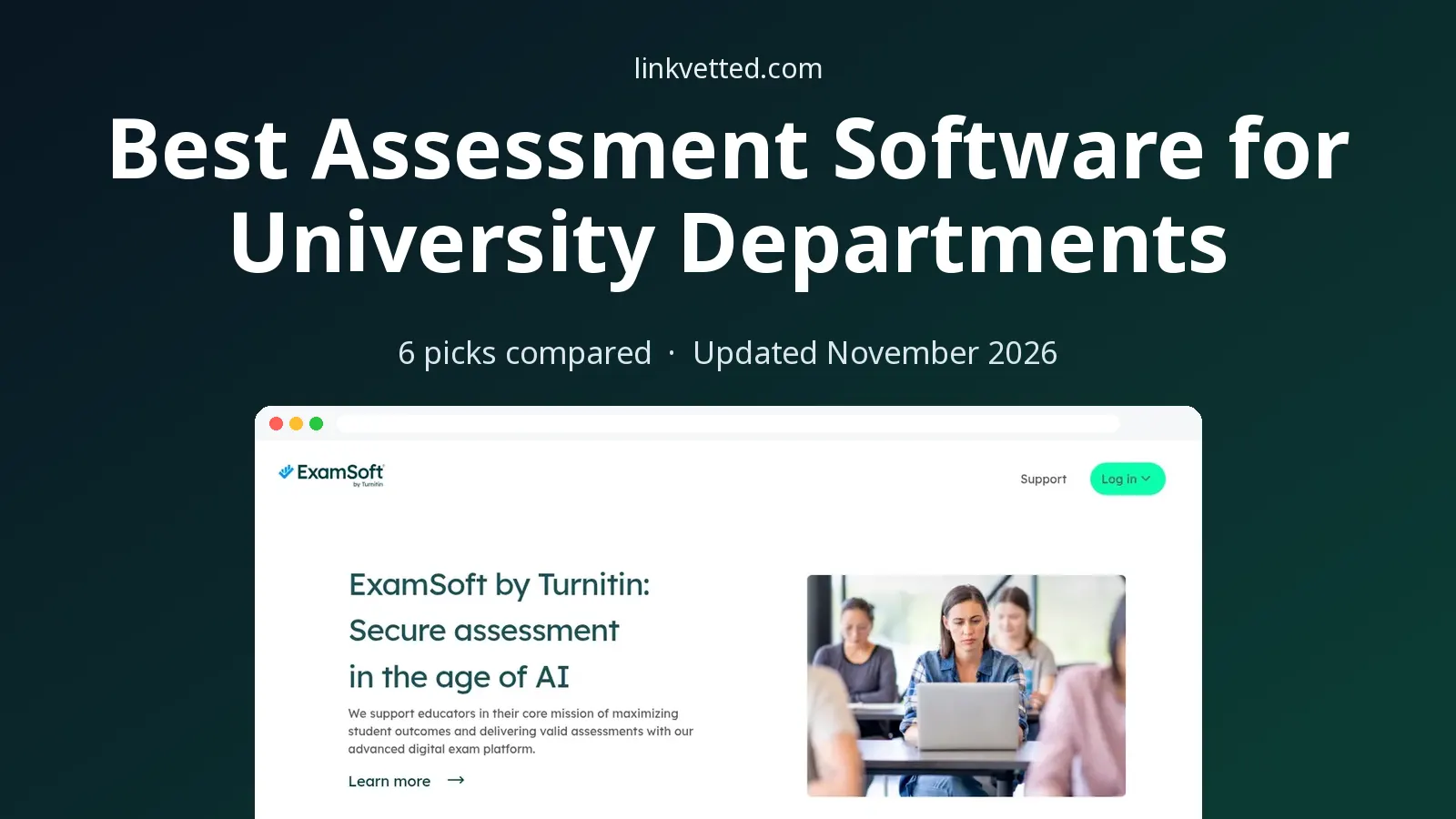
ExamSoft targets secure exam delivery and reporting. ExamSoft is an assessment system aimed at academic institutions that want to boost student learning through secure assessment tools.
Points against: Restricted general LMS features.
It emphasizes data, insights, and reports, making it a fit for departments that require reliable exam delivery and meaningful analytics. Also, since ExamSoft is specialized for assessments, it may not replace a full learning management system for course content and discussion. No starting price is listed for ExamSoft here; confirm pricing on the vendor site. Trial and free access: Not stated.
- Focus on secure assessment tools
- Gives you data, insights
- May be more than needed for low-stakes quizzes
Canvas is a good fit for approachable LMS with assessment tools. Canvas by Instructure is a learning management system known for being approachable and built to ease teaching and enhance student learning.
Limits to weigh: Assessment depth may not match dedicated exam tools.
It contains assessment features like quizzes and assignments within the broader course environment. In daily use, the decision frequently relies on whether the priority is an all-in-one teaching hub or specialized exam delivery. Canvas does not show a starting price in this comparison, so check the vendor site for current pricing. Free plan details: Not stated.
- Built-in assessment features
- Approachable interface
- Needs LMS adoption
Blackboard Learn makes the most sense for established LMS for course assessment. It supplies tools for tests, assignments, and grade management within the course environment. Some users find the interface complicated, and assessment features may need configuration to match departmental workflows.
Honest limits: Assessment tools may need configuration.
Beyond that, Blackboard Learn is best suited to institutions that value a thorough, established product over a light tool. Departments already using Blackboard or seeking a full-featured LMS for teaching and assessment may find it a natural fit. More specifically, departments wanting a more straightforward or more modern assessment experience might compare other LMS choices. Check the vendor site for Blackboard Learn pricing; none is listed in this comparison. Free plan details: Not stated.
- Widely used in higher education
- Supports assessments within courses
- Interface can feel complicated for some users
How we compared the tools
For each of the 6 tools we noted price, free plan or trial, fit for assessment software for university departments and the main limit, using vendor pages and documentation. Seat minimums, billing terms and add-ons can move the real cost, so the starting prices here are a guide and not a quote. Tools are placed by general fit for assessment software for university departments, with price clarity and free access as tie-breakers. A different team can reasonably rank them differently.
Things to verify first
- Confirm the entry price with every vendor: no tool from Gradescope to Blackboard Learn shows a fixed starting price.
- Read the limits listed for Gradescope first: centred on grading instead of exam delivery.
- Ask the daily users to test Blackboard Learn on a live task before you roll it out to everyone.
- Confirm the exact Canvas plan that includes your must-have features.
- Before you load data into D2L Brightspace, check what an export looks like and who can run it.
FAQ
Do these tools publish their prices?
No. None of the tools, from Gradescope to Blackboard Learn, shows a fixed starting price here, so budget time for quotes.
How are the tools for assessment software for university departments ordered?
The order follows typical fit for assessment software for university departments, with Gradescope first and Blackboard Learn last, then price clarity and free access. It is editorial judgement, not a score, so another team could rank the tools differently.
Is Gradescope the right pick for everyone comparing assessment software for university departments?
No single tool suits every team. Gradescope comes first because it fits efficient grading of paper-based work, while Moodle suits customizable open-source LMS and D2L Brightspace suits AI-enhanced learning and assessment. Match the tool to your own size, budget and workflow before deciding.
Can I try these tools before paying?
Not by default. None of the tools, from Gradescope to Blackboard Learn, lists a free plan or a free trial here, so ask each vendor for a demo before committing.
Sources
- https://www.gradescope.com
- https://moodle.com
- https://www.d2l.com
- https://examsoft.com
- https://www.instructure.com/canvas
- https://www.anthology.com