Best Asset Panda Alternatives in 2026: 8 Asset Tracking Tools Compared
Explore asset panda alternatives for tracking equipment, IT devices and maintenance, with UpKeep, Fiix, MaintainX and more compared on price and features.
- Editor's choice
 UpKeep
Small and mid-size maintenance teams
Starts at$24 per user per monthVisit upkeep.comFull review - Great alternative
 MaintainX
Mobile-first frontline teams
Starts at$20 per user per monthVisit maintainx.comFull review - Also consider
 Fiix
Preventive maintenance on a budget
Starts at$45 per user per monthVisit fiixsoftware.comFull review
TL;DR:
- UpKeep at $24 per user per month and MaintainX from $20 per user per month are the easiest starting points for maintenance-led teams.
- Fiix at $45 per user per month suits manufacturing teams that need preventive maintenance, while its free plan helps small teams start.
- Sortly and Snipe-IT suit tracking jobs where knowing location and assignment matters more than work orders and repair schedules.
- Limble, EZO and eMaint suit growing or regulated teams, but pricing is mostly quote-based, so get a figure for your user count.
Quick comparison
| Tool | Best for | Starts at | Free plan? | |
|---|---|---|---|---|
| UpKeep | Small and mid-size maintenance teams | $24 per user per month | Free trial | Visit |
| MaintainX | Mobile-first frontline teams | $20 per user per month | Yes | Visit |
| Fiix | Preventive maintenance on a budget | $45 per user per month | Yes | Visit |
 Limble CMMS | Easy setup for maintenance crews | See website | Free trial | Visit |
 Sortly | Simple inventory and asset tracking | See website | Yes | Visit |
 Snipe-IT | IT and device tracking, self-hosted | See website | Yes | Visit |
 EZO | Asset lifecycle and reservations | See website | Free trial | Visit |
 eMaint | Regulated and reliability-led maintenance | See website | No | Visit |
The best Asset Panda alternatives
Asset Panda focuses on tracking assets with barcodes, locations and custom fields. These eight alternatives split into two groups: maintenance platforms that track assets plus work orders, and pure trackers that focus on location, assignment and inventory. We compared asset records, mobile use, work orders, reporting and pricing.
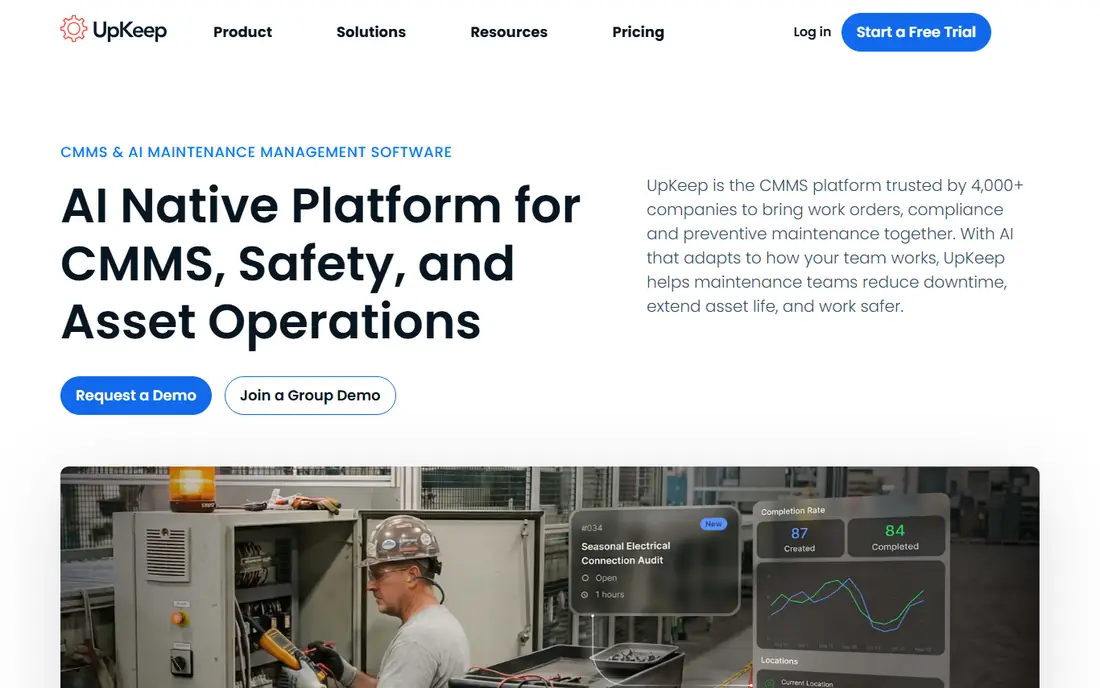
UpKeep is a practical first switch for teams moving off spreadsheets or a pure tracker. Technicians can receive work orders on their phones, log completed work, scan assets and see maintenance history at the asset. Managers get a clear view of open work, overdue preventive tasks and asset costs without a complex setup.
The pricing model needs attention when many staff need access. Essential starts at $24 per user per month and Premium at $55, so a large team pays more than a small crew. Requester accounts and trial access help, but check who needs a paid seat before you sign. For SMB maintenance teams, UpKeep balances ease and depth well.
- Clear Essential plan at $24 per user per month
- Strong mobile app for technicians
- Work orders, preventive schedules and reporting included
- Costs rise as more staff need paid seats
- Customisation is lighter than enterprise platforms
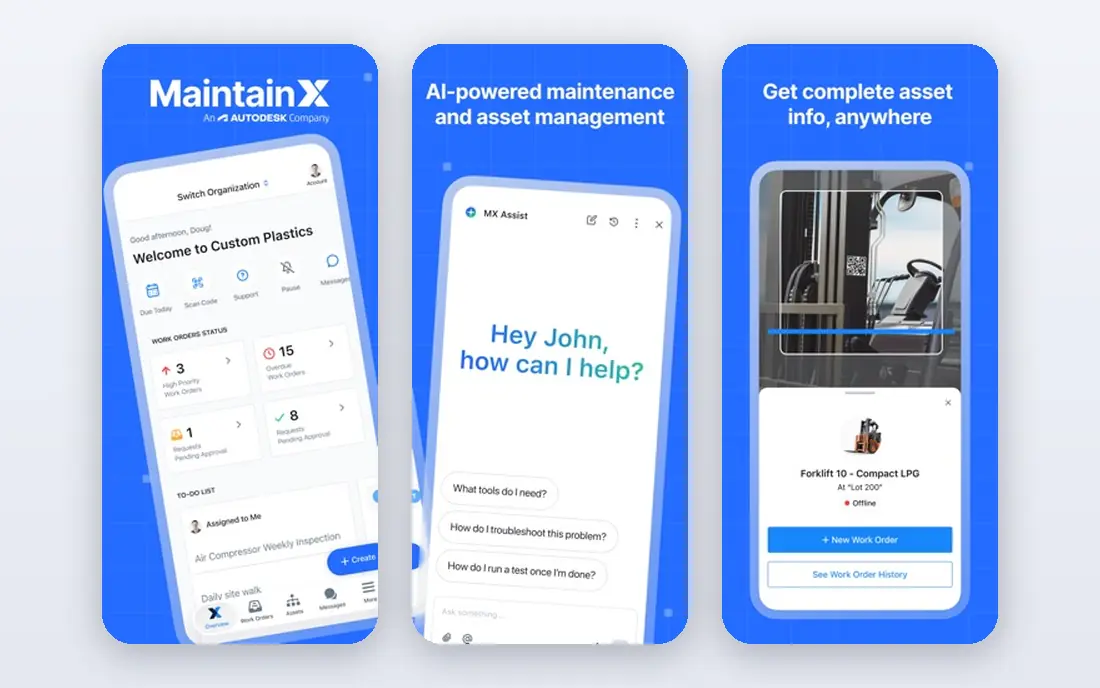
MaintainX is built around the phone in a technician's pocket. Work orders, procedures, checklists and messaging live in one mobile workflow, which helps multi-shift teams hand work over cleanly. The free Basic plan lets small teams start without a contract, and requesters can submit work without a paid seat.
Advanced compliance, audit trails and reporting sit on Premium tiers, so regulated teams should price those plans, not just Essential. For frontline teams that need fast adoption, MaintainX is one of the easiest tools to roll out. Test the mobile app with your least tech-friendly technicians, since adoption is where maintenance software usually succeeds or fails.
- Free Basic plan for small teams
- Excellent mobile experience
- Requester accounts free
- Essential from $20 per user per month billed annually
- Compliance and advanced reporting need Premium plans
- Less enterprise depth than Maximo or eMaint
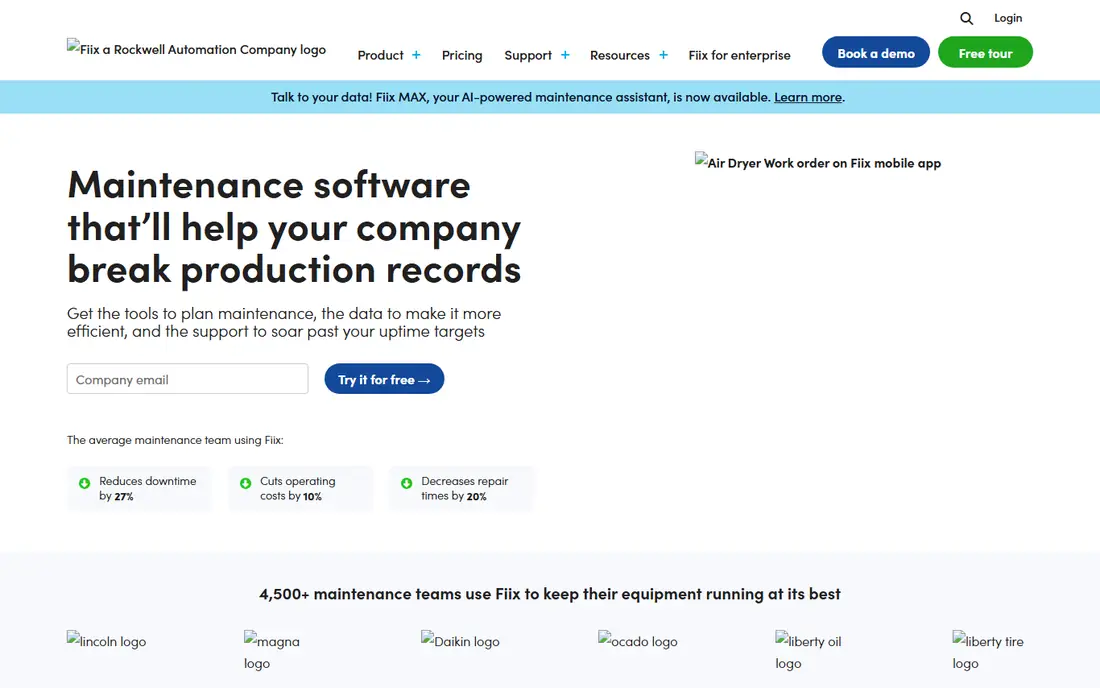
Fiix suits manufacturing and industrial teams that want preventive maintenance without enterprise cost. The free plan covers basic work orders and asset records, while Basic at $45 per user per month adds unlimited preventive maintenance and more reporting. Professional at $75 adds deeper scheduling and integrations, including Rockwell links for some plants.
The free plan is a real starting point, not just a trial, but teams that need API access, advanced analytics or multi-site controls will move up quickly. Fiix is a good middle ground: stronger than a simple tracker, cheaper than enterprise EAM. Check which features sit in each tier before you map your workflow to it.
- Free plan with no credit card required
- Basic at $45 and Professional at $75 per user per month
- Unlimited preventive tasks on paid plans
- Advanced reporting and API access need higher tiers
- Enterprise pricing is custom
Limble is often picked for speed of setup. Maintenance crews can build asset hierarchies, set preventive schedules and start logging work orders without a long implementation project. Support quality is frequently praised in public reviews, which matters when a small team has no IT staff to lean on.
Reporting limits are the main watch point, since key reports may need Premium plans. Pricing also needs a quote or a trial conversation to confirm for your team size. If your priority is getting a maintenance system live in weeks, not months, Limble is a strong candidate. Compare its reporting with Fiix before you commit if dashboards matter to you.
- Known for easy setup and strong support
- Deep asset hierarchies for growing teams
- Mobile work orders and preventive schedules
- Pricing is not published in a single clear tier list
- Reporting is a known weak spot on lower plans
Sortly is the closest pure tracker here to Asset Panda's core job. You can create items, add photos and custom fields, scan barcodes, track locations and quantities, and see who has what. That simplicity suits supply rooms, tool cribs, event gear and small equipment fleets where maintenance schedules are secondary.
Teams that need preventive maintenance, technician dispatch and repair history will find Sortly thin. It is best for tracking and inventory, not for running a maintenance department. If your main question is where an item is and who holds it, Sortly gives a fast, low-cost answer. If your main question is when it was last serviced, pick a CMMS instead.
- Simple visual inventory and asset tracking
- Barcode and QR scanning
- Free plan for small inventories
- Not a full maintenance platform
- Work order and preventive features are limited compared with CMMS tools
Snipe-IT suits IT teams tracking laptops, tablets, monitors and licences. It handles check-in and check-out, locations, people assignment, depreciation and role-based access, which covers the core IT asset job well. The open source version can be hosted by your own team, which appeals to organisations with strict data control needs.
Self-hosting is also the catch. You need someone to install, update and back it up, and the hosted service is a separate offer with its own pricing. Teams without IT support may prefer a cloud tracker such as Sortly. For IT departments that want control and a proven asset model, Snipe-IT is a respected and affordable choice.
- Open source and self-hosted option
- Strong IT asset fields including depreciation and check-in and check-out
- Barcode labels and import tools
- Needs hosting and IT care for the self-hosted version
- Hosted pricing and support differ from the open source build
EZO, formerly EZOfficeInventory, covers the full asset lifecycle in one place. Teams can track custody, reservations, maintenance, audits and disposal, which suits schools, hospitals, rental firms and companies with shared equipment. Per-item pricing with unlimited users helps when many staff need to check items in and out.
Counting items correctly matters, since pricing scales with item volume rather than seats. Large fleets should get a quote based on true item count, including spares and consumables if they will be tracked. For organisations that lend equipment or manage custody chains, EZO is a strong alternative to a simple barcode tracker.
- Full lifecycle view from purchase to disposal
- Reservations and custody tracking
- Unlimited users on per-item pricing in some plans
- Pricing is per item, so large fleets need careful counting
- Maintenance depth varies by plan
eMaint suits mid-market and regulated teams that need more control than a simple CMMS offers. It handles asset hierarchies, work orders, parts inventory, calibration and compliance reporting, with analytics on asset performance and maintenance costs. That depth helps reliability teams prove that inspections and repairs happened on schedule.
The trade-off is complexity. Setup, customisation and training take longer than in UpKeep or MaintainX, and pricing is not published as a simple tier. Teams with straightforward maintenance needs may find it more than they require. For regulated plants and facilities where audit trails matter, eMaint is a credible step up from SMB tools.
- Highly customisable work orders, inventory and reporting
- Calibration and compliance tools
- Reliability-focused analytics
- Steeper learning curve
- Implementation and training costs can be higher than SMB tools
How we picked these
We compared official product and pricing pages, asset and work order features, mobile apps and public reviews for tools that track physical or IT assets. We included both CMMS platforms and pure trackers, since Asset Panda buyers split between those needs. Prices are vendor-published figures where available, and marked See website where vendors use quotes or where listings conflict.
Tracker or maintenance system: how to decide
Ask one question first: what breaks if you get it wrong. If the risk is losing track of where equipment is, a tracker such as Sortly, Snipe-IT or EZO is enough. If the risk is missing a safety inspection, a failed machine or an audit finding, you need a maintenance system with work orders, preventive schedules and history, such as UpKeep, Fiix or MaintainX.
Next, count who needs access and how. Technicians need mobile work orders, requesters need a simple way to report faults, and managers need reports. Tools that charge per user get expensive when every requester needs a seat, so check free requester options. Finally, test barcode scanning in your real environment, since poor lighting, damaged labels and gloves all affect scanning in practice.
Data to prepare before migration
Export your asset list with serial numbers, locations, owners and purchase dates, and clean duplicates before import. Decide on a barcode or QR standard and label format, and agree on location names that match how staff actually talk about sites. A clean import saves weeks of fixes later, and it gives you a reliable baseline for audits.
FAQ
What is the best Asset Panda alternative for small teams?
UpKeep and MaintainX suit most small maintenance teams, with UpKeep from $24 per user per month and MaintainX from $20 per user per month billed annually. Sortly suits small teams that only need tracking, not maintenance. Start with your main job, tracking or maintenance, then shortlist from there.
Is there a free Asset Panda alternative?
Yes. Fiix and MaintainX both offer free plans, and Snipe-IT offers an open source self-hosted version. Free plans cover basic tracking and work orders, but advanced reporting, API access and compliance tools usually need paid tiers. Check the free plan limits for asset count and users.
Do these tools support barcode scanning?
Most do, including Sortly, Snipe-IT, UpKeep, Fiix and MaintainX, through phone cameras or external scanners. Check whether barcode labels can be printed from the tool and whether scanning works offline in your buildings. Test with your actual labels and devices before you buy.
Can I track IT assets and facilities equipment in one tool?
Yes, though the fit varies. UpKeep, Fiix and eMaint handle mixed facilities and equipment well, while Snipe-IT is strongest for IT devices and licences. EZO handles mixed fleets with custody and reservations. Avoid forcing a pure IT tool to run a maintenance department, or vice versa.
How long does it take to switch asset software?
Small inventories can migrate in one to two weeks, while larger fleets with maintenance history take four to eight weeks. The main work is cleaning asset data, printing labels and training staff. Run the new tool alongside the old one for a short period when you can, to catch missing assets early.