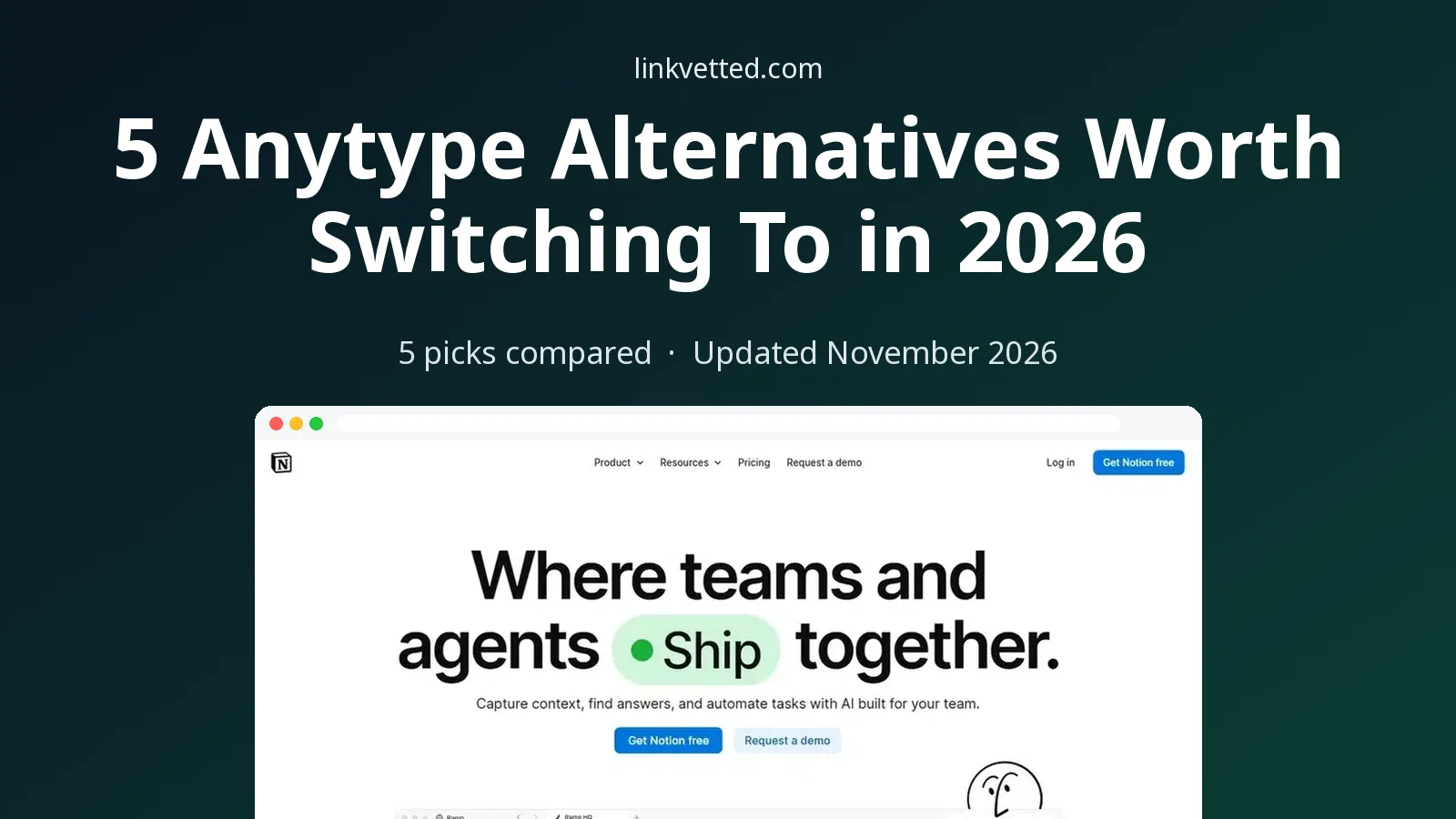
5 Anytype Alternatives Worth Switching To in 2026
Shortlisting Anytype alternatives? 5 products compared on cost, free access and ideal buyer. Clear notes on pricing gaps and limits. Refreshed for 2026.
- Editor's choice
 Microsoft OneNote
Free note-taking across devices
Starts atSee websiteVisit onenote.comFull review - Great alternative
 Evernote
Capturing ideas and tasks
Starts atSee websiteVisit evernote.comFull review - Also consider
 Notion
All-in-one AI workspace
Starts at$10 per member per monthVisit notion.soFull review
Direct answer
Microsoft OneNote comes first here, mainly for free note-taking across devices. Listed starting prices: Notion from $10 per member per month, Obsidian from $4 per user per month and Craft from $4.8 a month. Alternatives: Evernote for capturing ideas and tasks, and Notion for all-in-one AI workspace. Details, prices and limits for the rest of the 5 tools are below.
TL;DR:
- The list opens with Microsoft OneNote, aimed at free note-taking across devices.
- The cheapest monthly starting price in the list is $4 per user per month, offered by Obsidian.
- For refined notes and tasks, Craft is worth a look.
- One limit worth knowing about Notion: can feel complicated for straightforward notes.
Last checked November 2026. Prices and plan details were read from the vendors' own pages in November 2026; vendors change plans often, so confirm the current price on the vendor site before you buy.
Quick comparison
| Tool | Best for | Starts at | Free plan? | |
|---|---|---|---|---|
| Microsoft OneNote | Free note-taking across devices | See website | Not stated | Visit |
| Evernote | Capturing ideas and tasks | See website | Yes | Visit |
| Notion | All-in-one AI workspace | $10 per member per month | Yes | Visit |
 Obsidian | Private linked note-taking | $4 per user per month | Yes | Visit |
 Craft | Refined notes and tasks | $4.8 a month | Yes | Visit |
Every option for Anytype explained
LinkVetted compared 5 tools for Anytype. The goal is a practical shortlist: published prices, free plan facts, best-fit use cases and honest limits for every entry.
Microsoft OneNote makes the most sense for free note-taking across devices. It fits students, professionals and teams already using Microsoft tools who want a familiar, accessible notes system.
Where it is weaker: Less adaptable for databases.
More specifically, OneNote is not made for building custom databases or app-like docs. No starting price is listed for Microsoft OneNote here; confirm pricing on the vendor site. Free access: Not stated.
- Web clipping and organization
- Free web version
- Interface can feel dated to some
Choose Evernote for capturing ideas and tasks. The homepage centres on making sure nothing falls through the cracks.
On top of that, pick Evernote for straightforward, steady capture and organization. Beyond that, Evernote is a note-taking app that helps you capture and prioritize ideas, projects and to-do lists. No starting price is listed for Evernote here; confirm pricing on the vendor site. A free plan is available with Evernote.
Watch-outs: May need subscription for advanced use.
- Web clipping
- Organization of projects
- Restricted database features
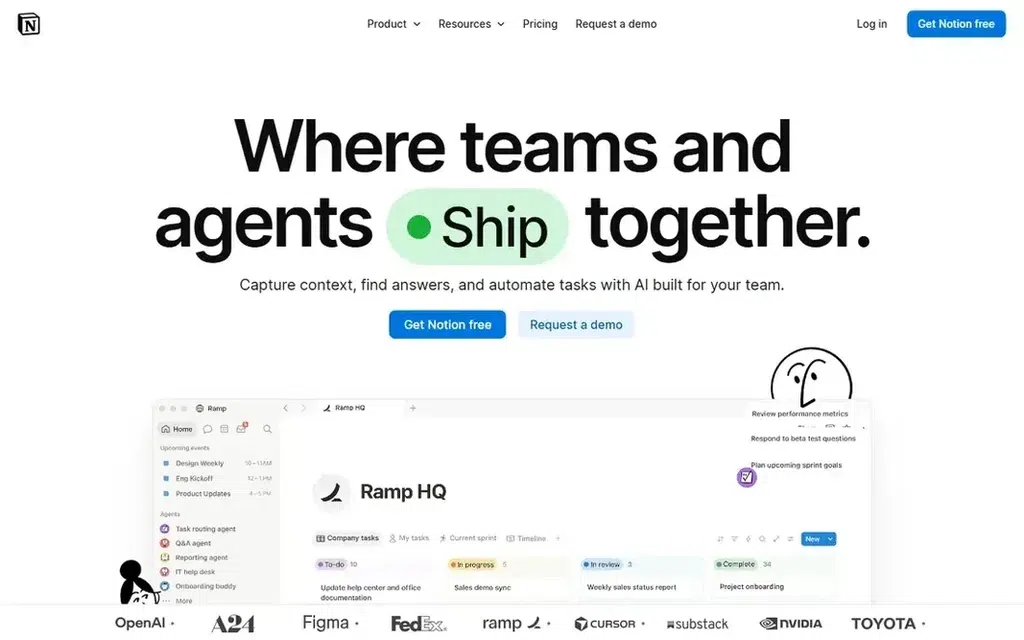
In short, Notion is for all-in-one AI workspace. If you prefer local files or a lighter editor, Obsidian or Craft may suit you better.
Where it falls short: Needs internet for full features.
Notion is an AI workspace that merges notes, docs, databases and automation. From a buyer's view, the product can feel heavy for fast note-taking and may require setup to match a straightforward notes workflow. Notion starts at: $10 per member per month. You can start on Notion without paying.
- AI agents and cross-app search
- Adaptable docs and databases
- Can feel complicated for straightforward notes
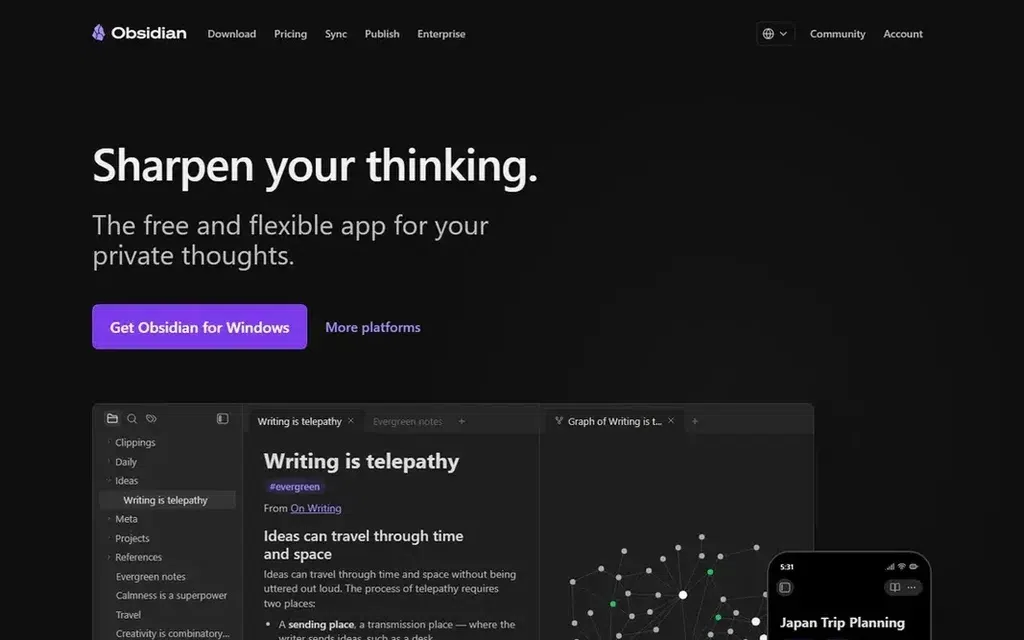
Obsidian is aimed squarely at private linked note-taking. Obsidian is a free and adaptable app for private thoughts, built around local files and linked notes. From a buyer's view, pick Obsidian for privacy and linked thinking.
Trade-offs to know: No built-in live collaboration.
Worth adding: Obsidian lacks built-in live collaboration and cloud sync by default, so teams may need additional tools. Worth adding: the homepage emphasizes sharpening thinking through a private, configurable environment. Starting cost for Obsidian: $4 per user per month. A free plan is available with Obsidian.
- Adaptable linking and plugins
- Local-first files
- Needs setup for advanced use
Choose Craft for refined notes and tasks. In practice, Craft is less oriented toward database-style organization or team wikis.
Pick Craft for elegant personal notes and tasks across devices. From a buyer's view, the homepage flags a free notes app with premium features available. Starting cost for Craft: $4.8 per month. A free plan is available with Craft.
Best features of Craft: Merges notes. Watch-outs: Less concentrated on databases.
- Clean interface
- Tasks and docs
- Premium features need payment
How we built this list
The comparison looks at four things: starting price, free access, how well the feature set matches Anytype, and the main limit of each tool. Seat minimums, billing terms and add-ons can move the real cost, so the starting prices here are a guide and not a quote. Order on the page follows fit for the typical buyer first, then price transparency and free access. Your own requirements should decide the final pick.
Questions to settle before buying
- Confirm the entry price on the vendor page. For Microsoft OneNote and Evernote that means a quote rather than a fixed price.
- Read the fine print on the free plans from Evernote, Notion, Obsidian and Craft; seat, project and feature caps differ.
- Read the limits listed for Microsoft OneNote first: less flexible for databases.
- Ask Notion how an export works before you move any records in; an easy exit lowers the risk.
- Pick one real project and run it in Evernote first; a small pilot shows fit faster than a checklist.
FAQ
How are the tools for Anytype ordered?
The order follows typical fit for Anytype, with Microsoft OneNote first and Craft last, then price clarity and free access. It is editorial judgement, not a score, so another team could rank the tools differently.
Can I migrate my Anytype content to these tools?
Numerous note apps support import from typical formats like Markdown or HTML. Testing with a small export first can help you plan a migration.
Do these tools publish their prices?
Not all of them. Microsoft OneNote and Evernote publish no starting price, so expect a quote request for those. The rest, Notion included, show a starting price, though seats and billing terms still change the final cost. All 5 picks in this Anytype alternatives comparison list a starting price, free plan details and the main limits on their cards above.
Which options for Anytype have a free plan?
On this list, Evernote, Notion, Obsidian and Craft include a free plan. Caps on seats, usage or features are common, so test the free plan against your real workload.
What is the best Anytype alternative for teams?
For most readers this guide would start with Microsoft OneNote, built for free note-taking across devices. Evernote is the alternative for capturing ideas and tasks, and Notion for all-in-one AI workspace. The right answer depends on budget and workflow.
Can I try these tools before paying?
Often, yes. Evernote, Notion, Obsidian and Craft have a free plan. Use your own data and a real task during the test, and check what the free tier or trial limits before you rely on it.
Sources
- https://www.onenote.com
- https://evernote.com
- https://www.notion.so
- https://obsidian.md
- https://www.craft.do