5 Amazing Marvin Alternatives Worth Switching To in 2026
Amazing Marvin alternatives: 5 tools compared on price, free plans and fit. ClickUp opens the ranking for all-in-one work management. Jump to the table.
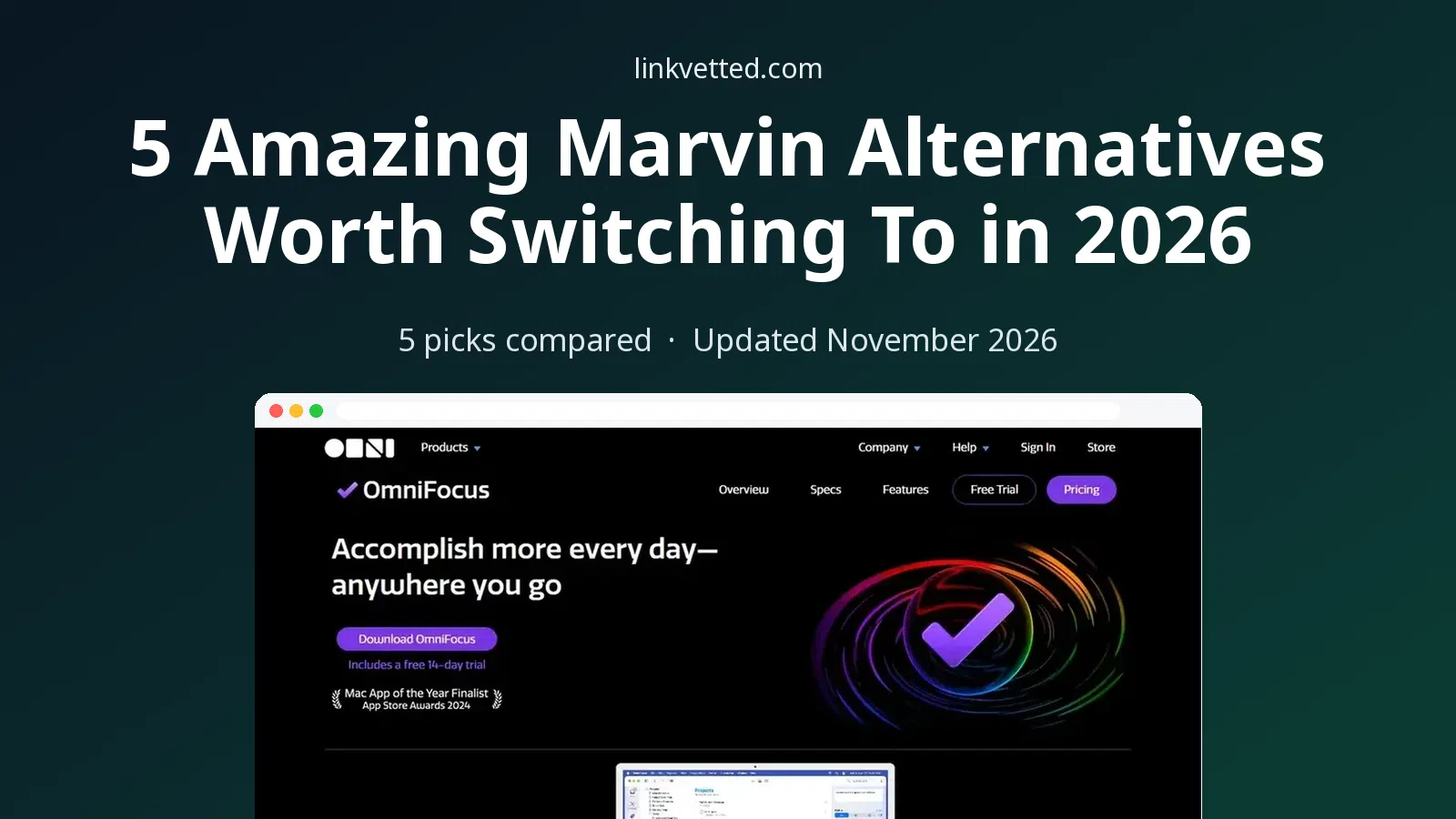
- Editor's choice
 ClickUp
All-in-one work management
Starts at$9 per user per monthVisit clickup.comFull review - Great alternativeOmniFocus
Professionals needing rigorous task management
Starts at$4.99 a monthVisit omnigroup.comFull review - Also consider
 Todoist
Straightforward, steady task capture
Starts at$5 per monthVisit todoist.comFull review
Direct answer
Start with ClickUp if you need all-in-one work management. Listed starting prices: ClickUp from $9 per user per month, OmniFocus from $4.99 a month and Todoist from $5 per month. OmniFocus is better for professionals needing rigorous task management, and Todoist is better for straightforward, steady task capture. Details, prices and limits for the rest of the 5 tools are below.
TL;DR:
- The list opens with ClickUp, aimed at all-in-one work management.
- 4 of 5 tools offer a free plan: ClickUp, Todoist, TickTick, Notion.
- What to know about Todoist first: less configurable than Marvin.
- Notion suits custom workspaces with docs and AI.
- Starting prices begin at $4.99 per month with OmniFocus.
Last checked November 2026. Prices and plan details were read from the vendors' own pages in November 2026; vendors change plans often, so confirm the current price on the vendor site before you buy.
Quick comparison
| Tool | Best for | Starts at | Free plan? | |
|---|---|---|---|---|
| ClickUp | All-in-one work management | $9 per user per month | Yes | Visit |
| OmniFocus | Professionals needing rigorous task management | $4.99 a month | Free trial | Visit |
| Todoist | Straightforward, steady task capture | $5 per month | Yes | Visit |
 TickTick | Tasks, calendar, and habits together | $49.99 per year | Yes | Visit |
 Notion | Custom workspaces with docs and AI | $10 per member a month | Yes | Visit |
The full Amazing Marvin list
This LinkVetted guide covers 5 options for Amazing Marvin. Each profile lists a starting price, free plan details, strengths and drawbacks, so you can drop poor fits quickly.
Pick ClickUp if this describes you: all-in-one work management. The broad feature set means more configuration and a ramp-up time, which can slow down individuals who just want a personal task list. For a lighter personal system, Todoist or TickTick stay more straightforward.
What to check first: Can feel overwhelming.
For Marvin users who require to bring a team along, it replaces scattered tools with a single workspace. Pick ClickUp when team workflows are central. On cost, ClickUp starts like this: $9 per user per month. Free access exists with ClickUp.
- Tasks, docs, goals, chat
- Wide feature set
- Setup takes effort
OmniFocus
Best for: Professionals needing rigorous task management
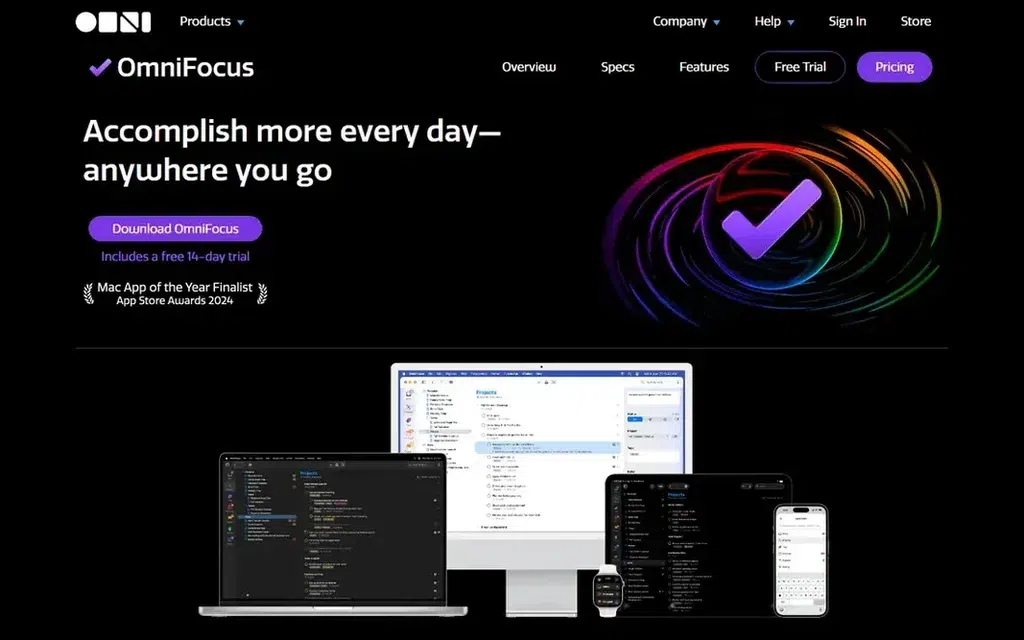
OmniFocus is a good fit for professionals needing rigorous task management. It appeals to people who want a disciplined, structured system instead of a light checklist.
From a buyer's view, OmniFocus assumes a commitment to learning its structure, which can be heavy for casual users or small teams wanting shared work. The starting price for OmniFocus: $4.99 per month. On free options: Free trial.
Honest limits: Less suited to casual users.
- Designed for busy professionals
- Focus on accomplishing more daily
- Steeper ramp-up time
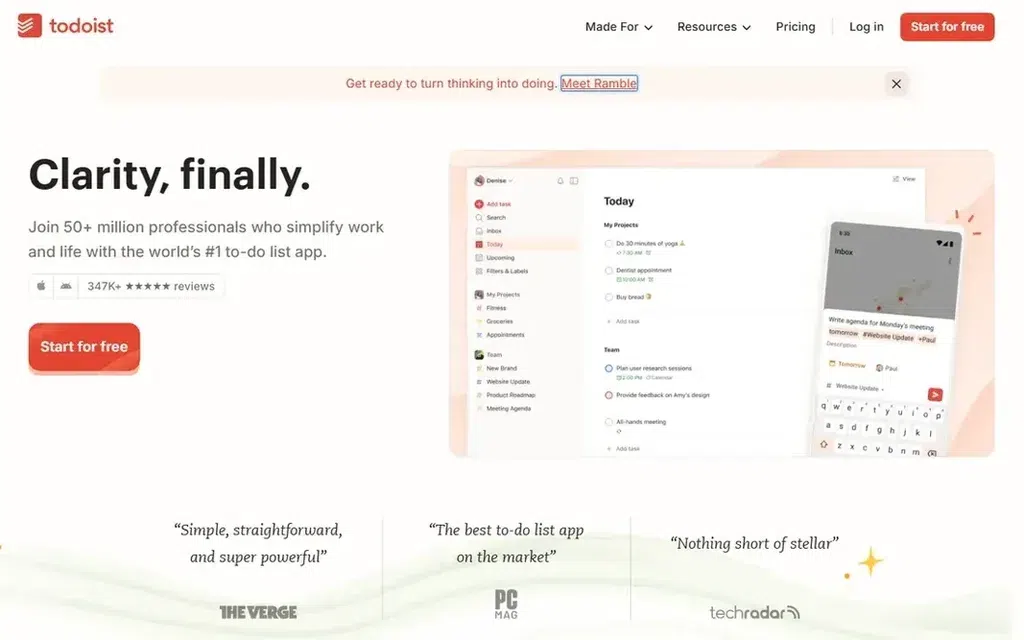
Choose Todoist for simple, steady task capture. Todoist is a to-do list app for organizing work and life, positioned for both individuals and teams. Its appeal is simplicity: fast task entry, clear lists, and a familiar interface that does not demand heavy setup.
Drawbacks to consider: Less configurable than Marvin.
In daily use, if you left Amazing Marvin due to customization overload, Todoist provides a more direct path to capturing and completing tasks without building a system first. Todoist is less adaptable than Marvin for people who want deep workflow customization or elaborate habit tracking. Todoist cost at the entry level: $5 per month. A free plan is available with Todoist.
- Works for individuals and teams
- Clean to-do list interface
- Lighter on habit tracking
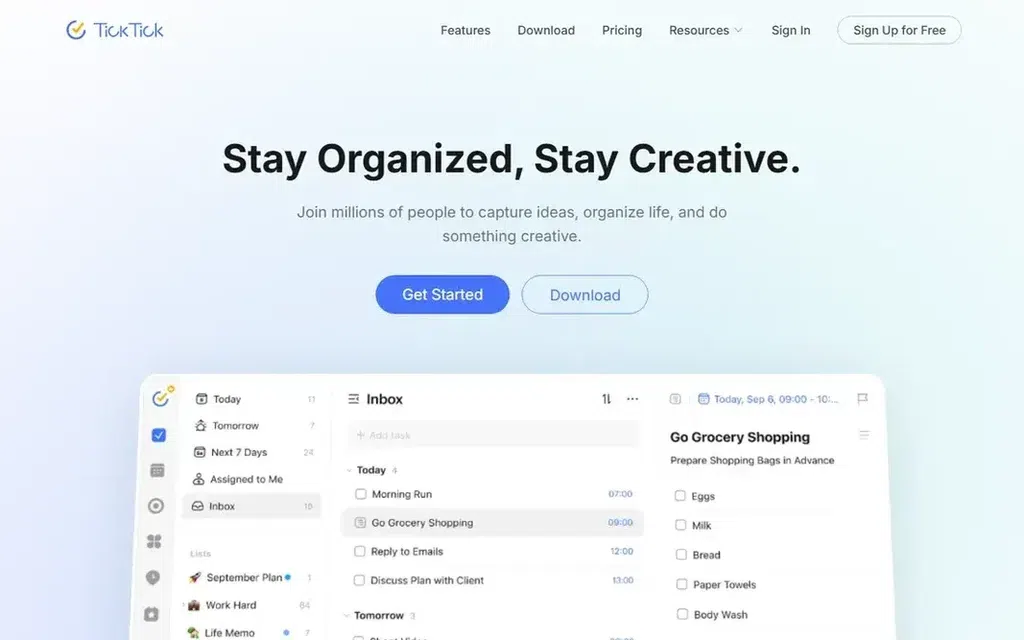
TickTick is built with tasks, calendar, and habits together in mind. TickTick presents itself as an all-in-one productivity app for managing tasks, calendars, and habits with syncing across devices. That combination makes it a natural landing spot for Marvin users who want multiple planning tools in one place instead of separate apps.
In daily use, the breadth of features can make TickTick feel crowded compared to a plain to-do list. It supplies less deep customization than Marvin. Price to start with TickTick: $49.99 per year. You can start on TickTick without paying.
Where it is weaker: Fewer deep customization choices.
- Bundles habit tracking
- Syncs across devices
- Interface can feel busy
In short, Notion is for custom workspaces with docs and AI. Notion is an AI workspace where teams build custom setups, search across apps, and automate busywork.
It is less of a ready-made to-do app than Todoist or TickTick. Starting cost for Notion: $10 per member per month. You can start on Notion without paying.
Downsides: Needs building your own system.
- Adaptable workspace building
- Docs and tasks together
- Can become complicated
How we compared the tools
Selection started from tools commonly considered for Amazing Marvin, then narrowed to 5 that have clear pricing information or a clear quote process. Plan names, prices and limits change often. Treat the figures here as a starting point and verify them with the vendor. Order on the page follows fit for the typical buyer first, then price transparency and free access. Your own requirements should decide the final pick.
Before you commit
- Check the vendor page for the current price: OmniFocus starts at $4.99 per month here, and seats or billing terms can move it.
- Read the fine print on the free plans from ClickUp, Todoist, TickTick and Notion; seat, project and feature caps differ.
- Use real work to test the free trial from OmniFocus, rather than a demo project.
- Read the limits listed for ClickUp first: can feel overwhelming.
- Compare total cost, not headline price: for Todoist, add extra seats, add-ons and any usage-based charges.
- A short pilot of TickTick with your real workflow tells you more than a feature table.
FAQ
Which alternatives are best for team workflows?
Start with ClickUp if you need all-in-one work management. OmniFocus is the better match for professionals needing rigorous task management, and Todoist for straightforward, dependable task capture. The best choice depends on budget, team size and workflow.
Is ClickUp the right pick for everyone comparing Amazing Marvin?
No single tool suits every team. ClickUp comes first because it fits all-in-one work management, while OmniFocus suits professionals needing rigorous task management and Todoist suits simple, reliable task capture. Match the tool to your own size, budget and workflow before deciding.
Can I try these tools before paying?
Often, yes. ClickUp, Todoist, TickTick and Notion have a free plan and OmniFocus offers a free trial. Use your own data and a real task during the test, and check what the free tier or trial limits before you rely on it.
Do these tools publish their prices?
Yes. Every tool from ClickUp to Notion shows a starting price, though seats, add-ons and billing terms still change the final cost.
What is the cheapest option for Amazing Marvin in this list?
On published monthly entry prices, OmniFocus is the lowest here at $4.99 per month. Entry price is only part of the cost, because seats, add-ons and billing terms can change the total.
Sources
- https://clickup.com
- https://www.omnigroup.com/omnifocus
- https://todoist.com
- https://ticktick.com
- https://www.notion.com