Best Animoto Alternatives in 2026: 9 Video Makers Compared
Best animoto alternatives in 2026: Canva, Kapwing, Clipchamp, InVideo and more for slideshow videos, marketing clips and social video compared in detail.
- Editor's choice
 Canva
Design plus video
Starts atFreeVisit canva.comFull review - Great alternative
 Adobe Express
Quick branded video
Starts atFreeVisit adobe.comFull review - Also consider
 Kapwing
Browser team editing
Starts atFreeVisit kapwing.comFull review
TL;DR:
- Canva is our pick for most small businesses, because it pairs video with design, templates and brand tools in one free plan.
- Clipchamp suits Windows and Microsoft users who want free 1080p exports with no watermark.
- Kapwing and VEED suit browser-based team editing, while InVideo and Renderforest suit template-led marketing video.
- Animoto is built for fast slideshow and marketing videos, so the closest replacements are template tools, not full professional editors.
- Free plans differ on watermarks, export length and resolution, so test one real video on each shortlisted tool before you pay.
Quick comparison
| Tool | Best for | Starts at | Free plan? | |
|---|---|---|---|---|
| Canva | Design plus video | Free | Yes | Visit |
| Adobe Express | Quick branded video | Free | Yes | Visit |
| Kapwing | Browser team editing | Free | Yes | Visit |
 Clipchamp | Free simple editing | Free | Yes | Visit |
 InVideo | Template marketing video | $9 per month | Yes | Visit |
 Renderforest | Logo and promo video | See website | Yes | Visit |
 Lumen5 | Blog to video | See website | Yes | Visit |
 VEED | All-in-one browser video | Free | Yes | Visit |
 CapCut | Short-form social video | Free | Yes | Visit |
The best Animoto alternatives
Animoto turns photos, clips and music into slideshow-style marketing videos quickly, with templates for business, education and events. These alternatives cover the same job, from design-led video to browser editing and short-form social clips.
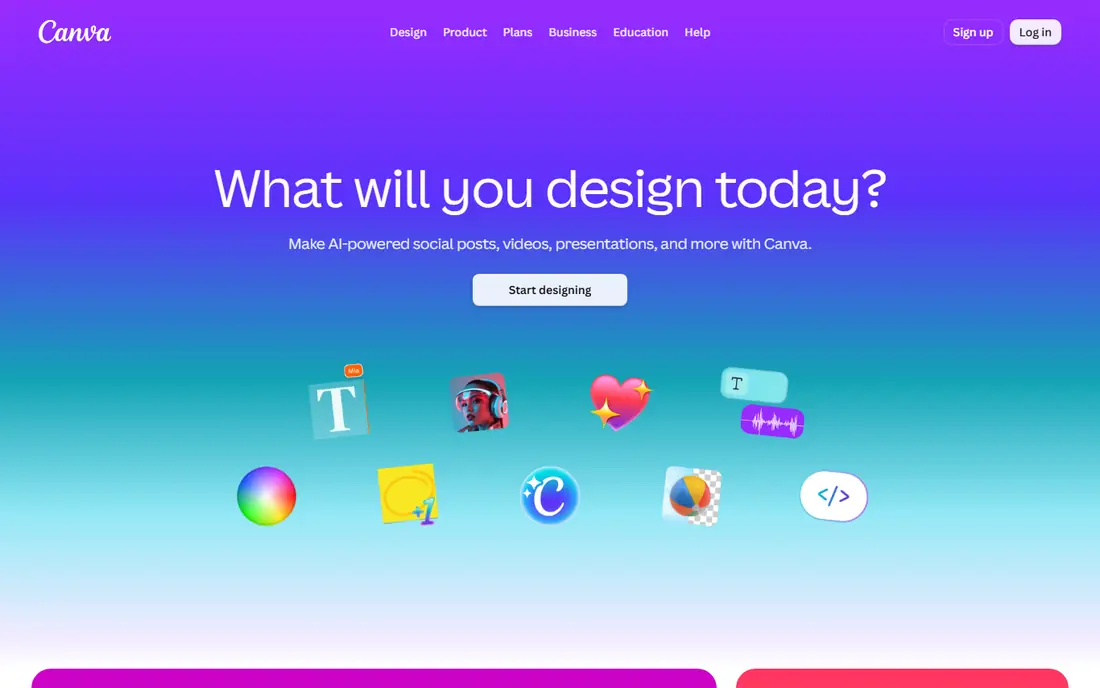
Canva is our pick for most small businesses leaving Animoto, because video sits inside a design tool you may already use for social posts, presentations and print. Templates cover promos, slideshows, product launches and events, and you can add photos, clips, text, music and brand colours in one place. The free plan exports at 1080p for free items, while Pro is listed at $15 per month or $120 per year for one person.
The limit is editing depth. Canva will not match a timeline editor for precise cuts, colour work or audio mixing, and premium photos, videos and music need Pro. For fast marketing video, social clips and slideshow-style promos, Canva is faster and more flexible than Animoto, especially if your brand already lives in Canva.
- Huge template library
- Video inside a full design suite
- Free plan with 1080p exports on free items
- Video editing is simpler than a dedicated editor
- Pro needed for premium assets
- AI allowance is pooled
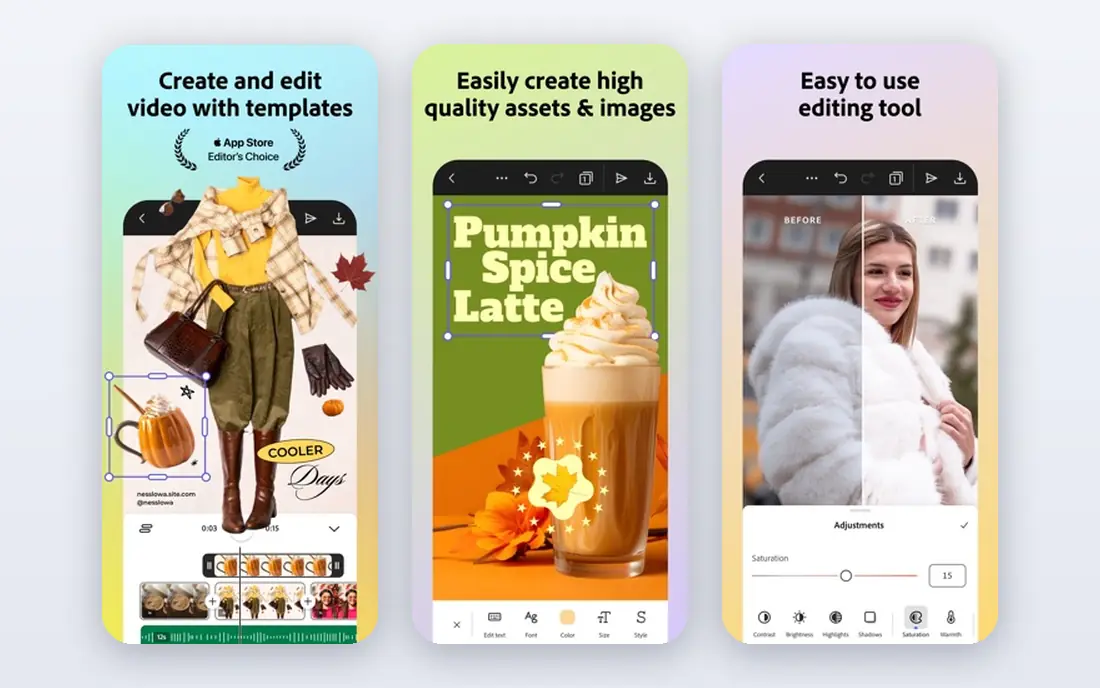
Adobe Express is a quick design and video tool for branded social content, promos and slideshows. Templates, stock photos, fonts and Adobe assets help small teams produce polished clips without learning a full editor, and brand kits on paid plans keep colours and logos consistent. The free plan exports at 1080p for free items, with Pro listed near $11.33 per month billed annually in recent comparisons.
For a long or complex edit, Adobe Express will feel limited next to Premiere Pro or a dedicated browser editor. For a short promo, a product teaser or a social slideshow, it is fast, clean and well suited to teams that already use Adobe fonts and stock. Test a real promo on the free plan before you pay for Pro.
- Adobe templates and stock assets
- Brand kits on paid plans
- Free plan with 1080p exports on free items
- Video features are simpler than Premiere
- Pro from about $11.33 per month billed annually
- Some assets need a paid plan
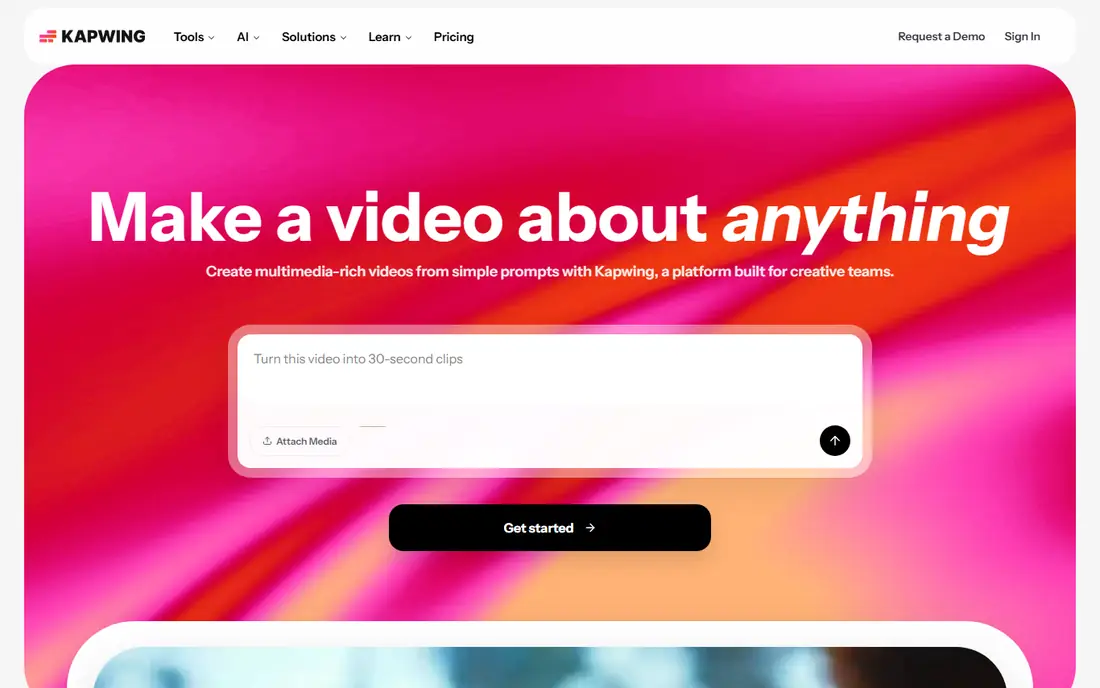
Kapwing is a browser video editor for small teams that need to trim, caption, resize and publish social video together. The timeline, subtitle tools and templates suit marketing teams, creators and educators, and cloud projects make review and sharing simple. The free plan exports watermarked video at 720p, up to 4 minutes, with projects kept for 3 days, while Pro is $16 per member per month billed annually.
The free limits mean Kapwing is best tested with a short clip, not a long project. Paid plans add 4K export, longer exports and larger uploads, which suit regular publishing. If you need team editing in a browser and can accept the free caps for testing, Kapwing is a strong Animoto alternative for social video.
- Browser timeline with collaboration
- Subtitles, trimming and templates
- AI tools for clips and captions
- Free exports are watermarked at 720p and 4 minutes
- Pro $16 per member per month billed annually
- Projects kept 3 days on free plan
Clipchamp is the best free pick for simple, clean video. Its free plan exports at up to 1080p with no watermark and unlimited exports, and it includes AI subtitles, voiceovers and silence removal, which cover the most common needs for a promo or slideshow video. Premium features such as 4K export come through a Microsoft 365 Personal or Family subscription, listed at $99.99 and $129.99 per year in recent comparisons.
Clipchamp has fewer marketing templates than Canva or Animoto, so template-led users may need to build more from scratch. For a solo creator or small business that wants free, watermark-free exports and a simple timeline, Clipchamp beats most free tools on value. Windows and Chrome users will find it easiest to use.
- Free exports up to 1080p with no watermark
- AI subtitles, voiceovers and silence removal
- Simple timeline
- Premium 4K needs Microsoft 365
- No standalone paid price on its page
- Fewer templates than Canva
InVideo is a template-led marketing video tool, close in spirit to Animoto, with thousands of templates for promos, ads, explainers and social clips. AI generation uses monthly credits, listed at 190 credits for Basic, 1,000 for Pro and 3,000 for Ultra in current documentation, with generation cost depending on model, length and resolution. Basic is listed at $9 per month on monthly billing, while Pro is $30 per seat per month in recent checks, so confirm the live page.
The free plan is for testing, with watermarked exports and a small weekly allowance. InVideo suits teams that publish marketing video often and want templates plus AI generation in one place. For a single slideshow video, Canva or Clipchamp free may be enough. For regular ad and promo production, InVideo templates save time.
- Large template library for marketing video
- AI video generation with credits
- Stock media included
- Free exports are watermarked with a small weekly allowance
- Basic $9 per month on monthly billing
- Credits do not roll over
Renderforest is known for logo animations, intros, explainer templates and promo videos, which makes it a natural Animoto alternative for branding and launch content. Beginners can pick a template, swap in a logo, text and colours, and export a short video without learning a timeline editor. The same account also covers website building and mockups, which helps small businesses that need several assets at once.
Pricing varies by plan, export quality and commercial use, so check the current Renderforest pricing page for the tier you need. Free exports are limited, and advanced editing is thinner than in Kapwing or VEED. For a logo reveal, an intro or a short promo, Renderforest is fast and effective. For longer storytelling, pick a timeline editor instead.
- Logo animations, intros and promo templates
- Website and mockup tools in the same account
- Easy for beginners
- Pricing varies by plan and export quality
- Free exports are limited
- Advanced editing is limited
Lumen5 turns written content into video, which suits marketing teams that already publish blogs, newsletters and case studies. You paste text or a link, pick a template and style, and Lumen5 builds scenes with stock video, text and music, ready for social channels. That text-to-video path is faster than building a slideshow by hand for every post.
The trade-off is control. Scene timing, media choice and pacing follow templates, so a highly custom brand video will need a timeline editor. Pricing varies by plan, so check the live Lumen5 pricing page, and test the free tier with a real blog post. For content teams that need many short social videos from written posts, Lumen5 is a practical Animoto alternative.
- Turns blog posts and text into video
- Templates for social and marketing
- Stock media included
- Pricing needs a current check
- Free plan is limited
- Less control than a timeline editor
VEED is an all-in-one browser editor with subtitles, translation, AI voices, avatars and templates, plus a straightforward timeline for trimming and publishing. That range suits creators, educators and marketing teams that need captions and translation as well as editing. The free plan exports watermarked video at 720p, while Creator is listed at $12 per user per month billed annually.
For a simple slideshow, VEED may offer more than you need, and its free caps will push regular publishers to a paid plan. For teams that caption every video, translate clips or add AI voiceovers, VEED saves buying separate tools. Test subtitles and translation on a real clip before you commit, since accuracy varies by language and audio quality.
- Browser editing plus subtitles, translation and AI voices
- Templates for social video
- Free plan for testing
- Free exports are watermarked at 720p
- Creator from $12 per user per month billed annually
- Longer videos need higher tiers
CapCut is the short-form social pick, with templates, effects, captions and music built for TikTok, Reels and Shorts. Mobile and web editing make it easy to cut a vertical promo on a phone, then finish it on a desktop, and the free plan covers basic editing for casual creators. Pro is listed near $19.99 per month in recent comparisons, though CapCut notes that final pricing varies by region, device and promotion, so check the checkout price.
CapCut style leans trend-led and social, which may not suit a formal corporate video or a long slideshow. For social-first marketing, product teasers and event clips, it is fast and popular for a reason. Use CapCut for short-form output, and pair it with Canva or Clipchamp for longer, brand-led video.
- Strong short-form templates and effects
- Mobile plus web editing
- Free plan for basic use
- Pro pricing varies by region and device
- Some features need a paid plan
- Trend-led style may not suit corporate video
How we picked these
We compared official feature pages, pricing pages and reputable 2026 video editor comparisons, keeping only tools that exist and work in October 2026 and that cover slideshow, template or browser video for marketing and social use. Prices are stated where vendors publish them and marked See website where pricing varies by region or plan. We did not claim hands-on editing tests that did not happen.
How to choose an Animoto alternative
Start with the video type. A slideshow promo suits Canva, InVideo or Renderforest, while a captioned social clip suits Kapwing, VEED or CapCut. A simple free edit suits Clipchamp, while a blog-to-video workflow suits Lumen5. Picking a full timeline editor for a slideshow job, or a slideshow tool for a documentary edit, will waste time in both directions.
Check watermarks, length and resolution before you build
Free plans hide their limits in export settings. Kapwing free stops at 4 minutes and 720p with a watermark, VEED free is similar, and Clipchamp free gives 1080p with no watermark, which is rare. Build your longest real video on the free plan first, export it, and check the watermark, length and resolution. That test tells you more than a feature list.
Keep music, stock and brand rights in mind
Templates and stock media save time, but licences vary by plan and use. Check whether a free plan allows commercial use, whether music is cleared for social ads, and whether your brand colours, fonts and logos stay consistent across exports. For client work or paid ads, a paid plan with a commercial licence is usually the safer choice.
FAQ
What is the best Animoto alternative?
Canva is the best overall Animoto alternative for small businesses, because it combines video templates with design, brand tools and a free plan. Clipchamp is best for free watermark-free editing, while InVideo is best for template-led marketing video at scale.
Is there a free Animoto alternative?
Yes. Canva, Clipchamp, Kapwing, VEED, CapCut, Adobe Express and others offer free plans, though most cap exports with watermarks, length or resolution limits. Clipchamp free is notable for 1080p exports with no watermark, while Canva free covers many slideshow needs.
Which Animoto alternative is best for slideshows?
Canva and InVideo are best for slideshow-style marketing video, since both offer templates, photos, text and music in a simple builder. Renderforest also suits slideshow promos and intros, while Clipchamp suits a simple photo-to-video edit with a timeline.
Can I use these tools for business marketing video?
Yes, most tools here are built for business marketing, social promos and product videos. Check commercial licences for stock media and music on your plan, especially for paid ads, and confirm export quality and branding options before you publish client work.
Do these tools work on mobile?
Canva, CapCut, VEED and others offer mobile apps or mobile web editing, while Kapwing, Clipchamp and InVideo work best in a browser on desktop. For on-the-go social video, CapCut and Canva mobile are strongest, while desktop browsers suit longer edits.
What is the difference between Animoto and a video editor?
Animoto focuses on fast template video from photos, clips and music, while a video editor such as Kapwing or VEED gives timeline control, captions, effects and precise cuts. Template tools are faster for promos, while editors are better for longer, custom video.