Amazon Q Business Alternatives in 2026: 5 Options Vetted
Shortlisting Amazon Q Business alternatives? 5 products compared on cost, free access and ideal buyer. Each listing flags where it falls short. Facts only.
- Editor's choice
 Cohere
Private, configurable enterprise models
Starts atSee websiteVisit cohere.comFull review - Great alternative
 Moveworks
Workforce support and task automation
Starts atSee websiteVisit moveworks.comFull review - Also consider
 Google Gemini for Workspace
Google Workspace generative AI features
Starts atSee websiteVisit workspace.google.comFull review
Direct answer
This list puts Cohere first for private, configurable enterprise models. Listed starting prices: Microsoft Copilot from $18.00 per user per month. Moveworks is the stronger choice for workforce support and task automation, while Google Gemini for Workspace suits Google Workspace generative AI features. All 5 tools are compared below on price, free plan and limits.
TL;DR:
- The list opens with Cohere, aimed at private, configurable enterprise models.
- None of the 5 tools, from Cohere to Microsoft Copilot, has a free plan, so budget for a subscription or use a trial.
- Microsoft Copilot is the lowest-priced starter here at $18.00 per user per month.
- What to know about Google Gemini for Workspace first: tied to Google Workspace adoption.
Last checked November 2026. Prices and plan details were read from the vendors' own pages in November 2026; vendors change plans often, so confirm the current price on the vendor site before you buy.
Quick comparison
| Tool | Best for | Starts at | Free plan? | |
|---|---|---|---|---|
| Cohere | Private, configurable enterprise models | See website | Not stated | Visit |
| Moveworks | Workforce support and task automation | See website | Not stated | Visit |
| Google Gemini for Workspace | Google Workspace generative AI features | See website | Not stated | Visit |
 Atlassian Rovo | Organizational knowledge in Atlassian environments | See website | Not stated | Visit |
 Microsoft Copilot | Microsoft 365 productivity assistance | $18.00 per user per month | Free trial | Visit |
The best Amazon Q Business
If you are comparing Amazon Q Business, this page covers 5 tools in one place: what each is best for, what it costs to start, whether it has a free plan, and the main limit to know about.
Cohere is designed for private, configurable enterprise models. Teams with engineering resources frequently treat it as a foundation for tailored applications. In daily use, choose Cohere when customization and private, secure deployment are central requirements.
In practice, Cohere builds models and AI options that help enterprises automate processes, enable employees and turn fragmented data into actionable insights. Organizations wanting an out-of-the-box assistant for everyday productivity may find suite tools quicker to adopt. Cohere shows no starting price here, so confirm the cost on the vendor site. Free access: Not stated.
The main drawbacks: Needs development effort.
- Secure and configurable positioning
- Turns fragmented data into insights
- More of a product than a ready assistant
Moveworks was built for workforce support and task automation. Moveworks is an AI assistant product for the whole workforce, meant to find answers immediately and automate tasks end to end across business apps.
In practice, the emphasis is on getting work done instead of only generating text. Its orientation toward support and automation means teams seeking wide document drafting may prefer a suite-native assistant. Pricing for Moveworks is not stated here, so ask the vendor for current figures. On free options: Not stated.
The main drawbacks: Needs integration with business apps.
- Automates tasks end to end
- Answers questions immediately across apps
- Concentrated on support and automation use cases
Google Gemini for Workspace
Best for: Google Workspace generative AI features
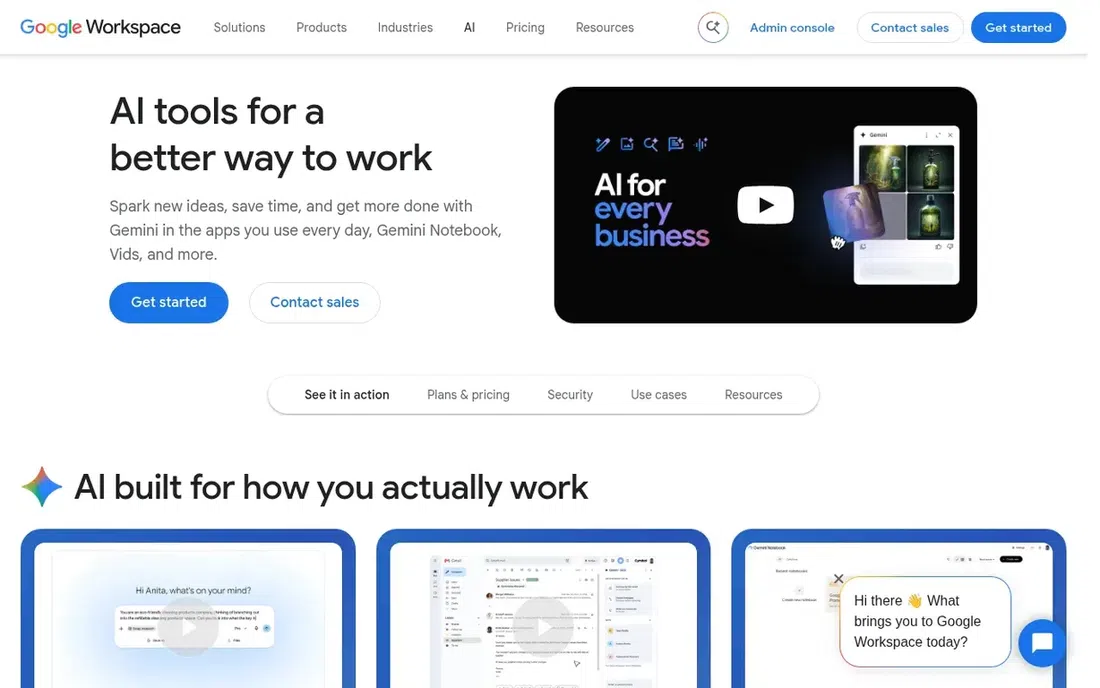
Google Gemini for Workspace is built with Google Workspace generative AI features in mind. Google Gemini for Workspace brings generative AI features into Gmail, Docs, Sheets and other Workspace apps. Also, employees who already collaborate in Docs and Sheets can adopt it with restricted workflow change.
Trade-offs to know: Tied to Google Workspace adoption.
Worth adding: feature availability can differ between apps, so check specifics for the tools you depend on. Beyond that, the value relies on how deeply your organization uses Google Workspace; mixed or Microsoft-heavy environments may find coverage uneven. Google Gemini for Workspace does not show a starting price in this comparison, so check the vendor site for current pricing. Free options: Not stated. Strengths: Generative AI for writing and analysis.
- Familiar Workspace interface
- Docs and Sheets
- Capabilities differ across apps
Atlassian Rovo is built with organizational knowledge in Atlassian environments in mind. Atlassian Rovo is Atlassian's generative AI offering for unlocking organizational knowledge.
Watch-outs: Most relevant to Atlassian-centric teams.
It suits teams that already run on Atlassian tools and want AI help finding and using information stored there. Atlassian Rovo does not show a starting price in this comparison, so check the vendor site for current pricing. As for free access: Not stated.
- Unlocks organizational knowledge with GenAI
- Geared toward knowledge discovery
- Broader data coverage needs connectors
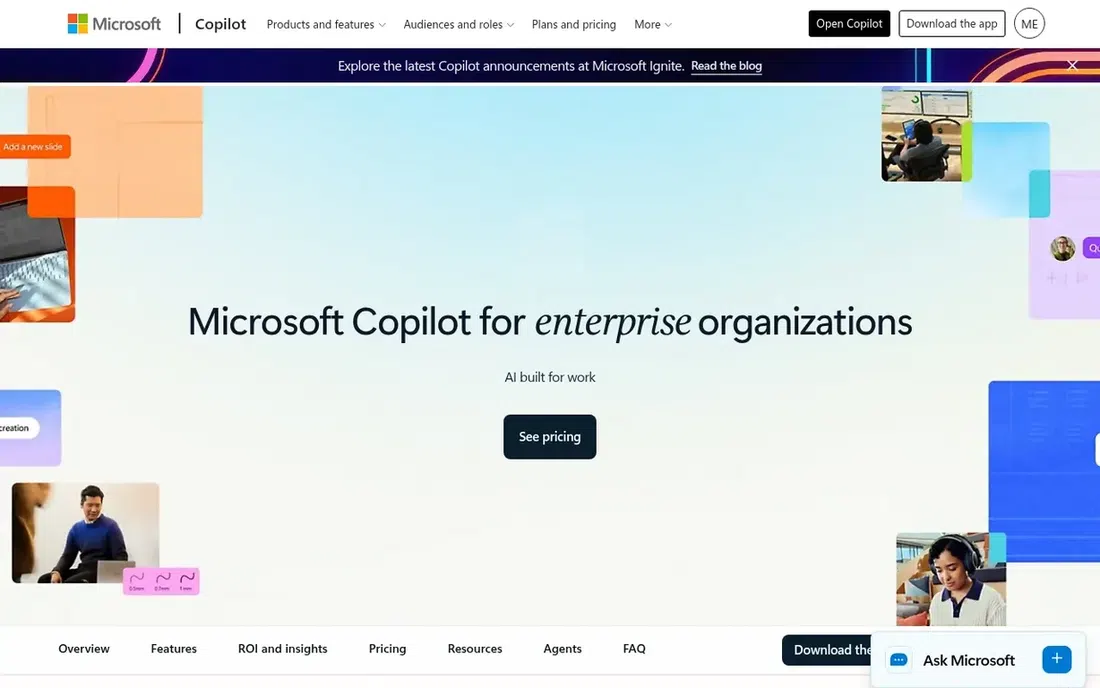
Microsoft Copilot works best for Microsoft 365 productivity assistance. Microsoft Copilot is Microsoft's enterprise AI assistant aimed at boosting productivity by automating tasks and generating content within everyday work. Teams looking to cut context switching between documents, email and meetings frequently find this approach practical.
Where it falls short: Feature depth varies by app.
Its strengths concentrate in the Microsoft ecosystem, so heavy users of other productivity suites may see less benefit. Also, governance and data handling rely on how your tenant is configured, which needs planning. Starting cost for Microsoft Copilot: $18.00 per user per month. As for free access: Free trial.
- Automates tasks and produces content
- Plugs into familiar Microsoft 365 apps
- Best value inside the Microsoft ecosystem
How we built this list
What to check before you buy
- Get a written quote from Cohere, Moveworks, Google Gemini for Workspace and Atlassian Rovo; the list shows no starting price for them.
- Take the trial from Microsoft Copilot and push a live task through it before you pay.
- Read the limits listed for Cohere first: more of a product than a ready assistant.
- Confirm the exact Google Gemini for Workspace plan that includes your must-have features.
- Pick one real project and run it in Moveworks first; a small pilot shows fit faster than a checklist.
FAQ
Can I try these tools before paying?
Often, yes. Microsoft Copilot offers a free trial. Use your own data and a real task during the test, and check what the free tier or trial limits before you rely on it. Prices, free plan details and limits for all 5 tools in this Amazon Q Business alternatives roundup sit on the individual cards above.
Do these tools publish their prices?
Not all of them. Cohere, Moveworks, Google Gemini for Workspace and Atlassian Rovo publish no starting price, so expect a quote request for those. The rest, Microsoft Copilot included, show a starting price, though seats and billing terms still change the final cost.
How are the tools for Amazon Q Business ordered?
Cohere sits first and Microsoft Copilot last because the order follows typical fit for Amazon Q Business, then price clarity and free access. It is a judgement call, so read each profile for fit and limits.
What should I check before choosing an alternative?
Confirm which business apps and content sources must be connected, how permissions are enforced, and whether you want a ready assistant or a build-it-yourself system.
What is the cheapest option for Amazon Q Business in this list?
On published monthly entry prices, Microsoft Copilot is the lowest here at $18.00 per user per month. Entry price is only part of the cost, because seats, add-ons and billing terms can change the total. Each of the 5 options in this Amazon Q Business alternatives guide has its own card above with the price, free plan and limits.
Sources
- https://cohere.com
- https://www.moveworks.com
- https://workspace.google.com/solutions/ai
- https://www.atlassian.com/platform/artificial-intelligence
- https://www.microsoft.com/en-us/microsoft-365/copilot/enterprise