Animaker Alternatives in 2026: 5 Options Vetted
Need Animaker alternatives? We compare 5 tools on cost, free access and who each suits. Clear notes on pricing gaps and limits. Updated November 2026.
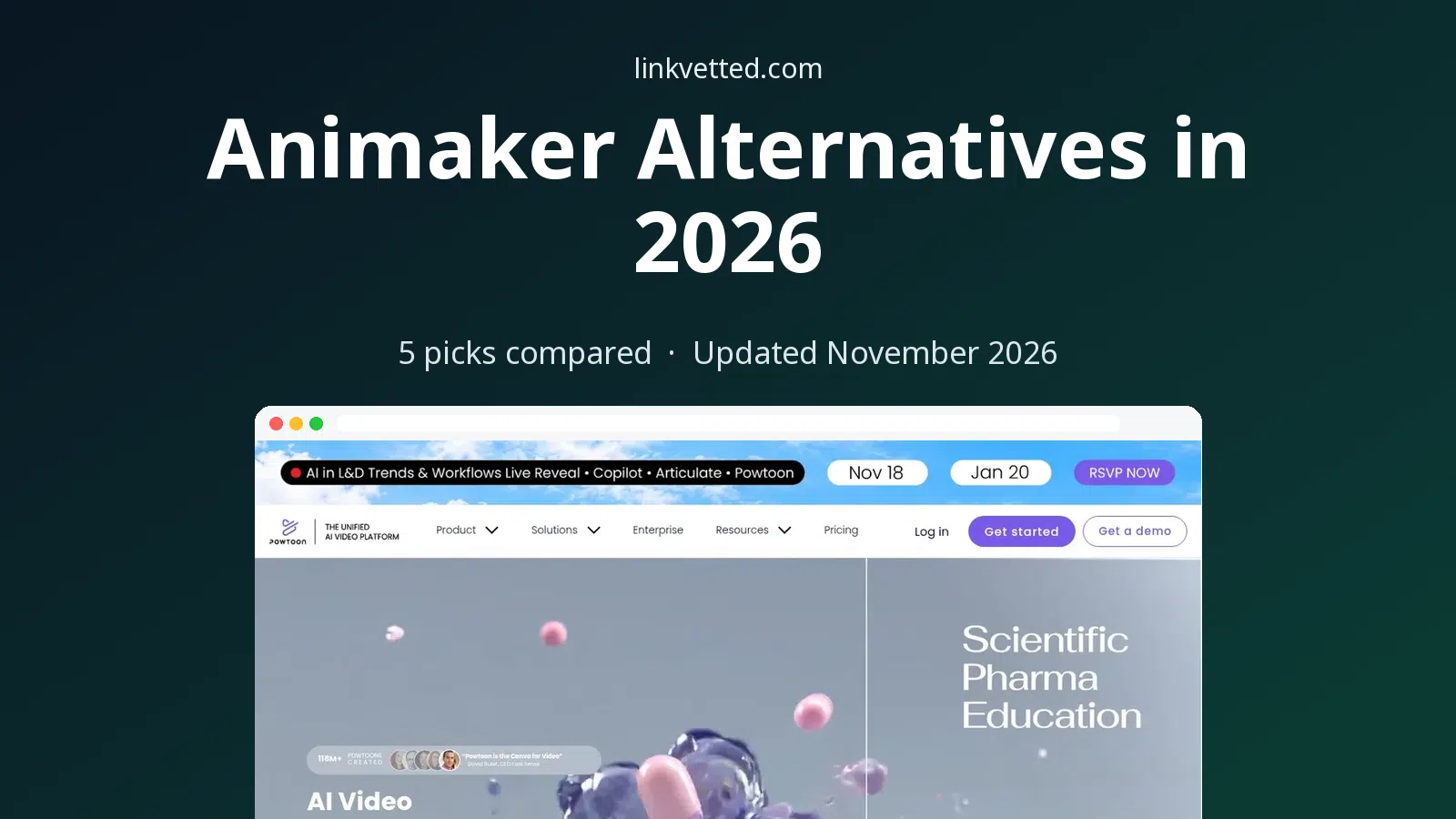
- Editor's choicePowtoon
Branded explainers and presentations
Starts at$8 a monthVisit powtoon.comFull review - Great alternative
 Vimeo
Hosting and watching video
Starts atSee websiteVisit vimeo.comFull review - Also consider
 Canva
General design with video
Starts atSee websiteVisit canva.comFull review
Direct answer
Our first pick is Powtoon, best for branded explainers and presentations. Listed starting prices: Powtoon from $8 a month, Vyond from $58 a month and Wideo from $59 per user per year. If your case is different, Vimeo suits hosting and watching video and Canva suits general design with video. Prices, free plans and limits for all 5 tools follow.
TL;DR:
- Number one here is Powtoon, a fit for branded explainers and presentations.
- What to know about Vimeo first: not an animation creation tool.
- The cheapest monthly starting price in the list is $8 per month, offered by Powtoon.
- Wideo fits animated videos and presentations.
- Free plans exist at 2 of 5 tools (Powtoon, Vimeo).
Last checked November 2026. Prices and plan details were read from the vendors' own pages in November 2026; vendors change plans often, so confirm the current price on the vendor site before you buy.
Quick comparison
| Tool | Best for | Starts at | Free plan? | |
|---|---|---|---|---|
| Powtoon | Branded explainers and presentations | $8 a month | Yes | Visit |
| Vimeo | Hosting and watching video | See website | Yes | Visit |
| Canva | General design with video | See website | Not stated | Visit |
 Vyond | Business and training videos | $58 a month | Free trial | Visit |
| Wideo | Animated videos and presentations | $59 per user per year | Free trial | Visit |
Animaker profiles
If you are comparing Animaker, this page covers 5 tools in one place: what each is best for, what it costs to start, whether it has a free plan, and the main limit to know about.
Powtoon
Best for: Branded explainers and presentations

Powtoon serves branded explainers and presentations. Powtoon presents itself as a unified AI video system for building business-ready branded videos and presentations rapidly. Also, choose Powtoon when explainer videos and branded presentations are the core deliverable.
What Powtoon does well: AI avatars and text-to-speech.
Document-to-video conversion, AI avatars, text-to-speech and AI translation are all named on its homepage, which makes it a capable choice for teams that turn written material into explainers or slide-style presentations and want branding to stay consistent across them. In daily use, the range of features means there is a lot to learn before output feels refined. The presentation-oriented approach may not fit every animation style. More specifically, creators who primarily want freeform design or a full website builder should compare other choices. Starting cost for Powtoon: $8 per month. You can start on Powtoon without paying. The main drawbacks: Presentation focus may not suit every video style.
- Doc-to-video conversion
- AI translation for wider reach
- Feature breadth can overwhelm new users
Where Vimeo fits: hosting and watching video. Vimeo does not build animated videos, so it cannot replace an authoring product.
From a buyer's view, keep it on the shortlist only when publishing and audience-facing playback are part of the plan. No starting price is listed for Vimeo here; confirm pricing on the vendor site. Vimeo has a free plan.
Watch-outs: Creation must happen elsewhere.
- Wide library of films and shorts
- Handy as a distribution destination
- Not an animation creation tool
Canva is built with general design with video in mind. Canva is a visual suite for creating social media posts, presentations, posters, videos, logos and more, as its homepage describes. Choose Canva when video is one format among numerous and speed matters more than animation depth.
Also, for people who already design in Canva, adding straightforward video to the same workspace is convenient. The template-driven approach keeps output consistent across formats. In practice, Canva is a general design tool, so character animation and advanced motion work are less developed than in dedicated video products. In daily use, teams producing training series or complex explainers should look at Vyond or Powtoon instead. Canva shows no starting price here, so confirm the cost on the vendor site. Trial and free access: Not stated.
What to check first: Animation depth is restricted compared with dedicated tools.
- Broad template-driven design range
- Video sits alongside other formats
- Not built around business training video
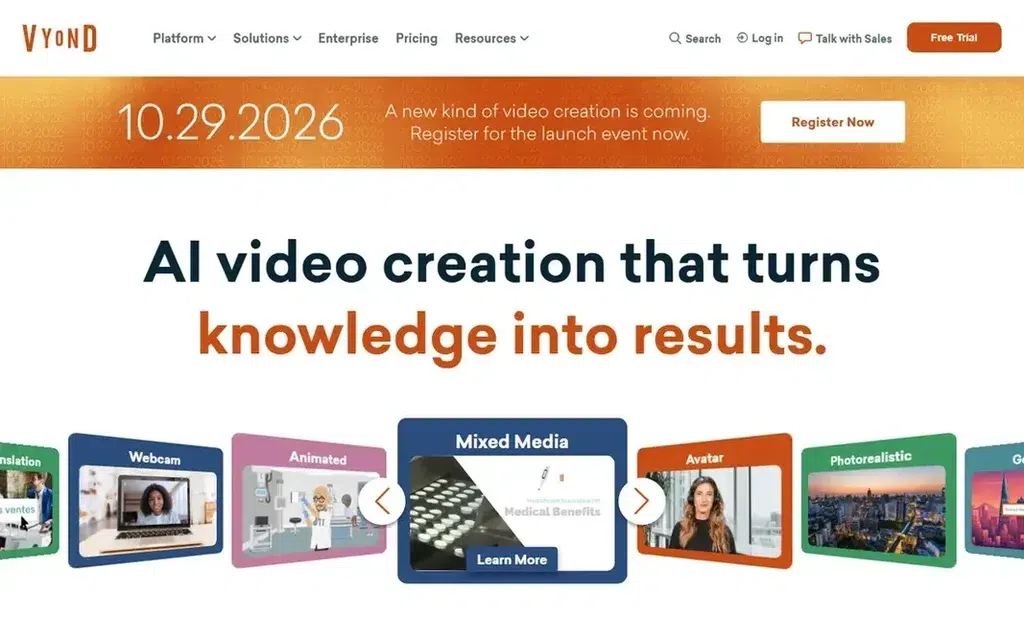
Vyond serves business and training videos. Its homepage describes creating videos in any style immediately and easily, which points to workplace training, internal communication and branded explainer content. From a buyer's view, anyone whose central goal is graphic design, social posts or website building should look at a broader creative suite instead.
Points against: Less suited to graphic design work.
Teams that require consistent, professional-looking output and want AI help with production are the clearest fit, notably when video is a recurring business need instead of a one-off creative experiment. More specifically, since the system is positioned around business use, casual creators or hobbyists may find it more than they need. Vyond pricing: $58 per month. On free options: Free trial.
- Several visual styles
- Designed for workplace content
- Business focus may feel heavy for casual creators
Wideo
Best for: Animated videos and presentations
Wideo is designed for animated videos and presentations. Users who require branding assets, documents and sites in one place may prefer a broader suite. Worth adding: Wideo is presented as a tool for creating professional animated videos and presentations.
Where it falls short: Narrower feature set than large suites.
It is a reasonable middle choice for small teams that require animation output and do not need website building or wide design features alongside it. Worth adding: pick Wideo when animated video and presentations are the entire job and a more straightforward, purpose-built tool is preferable to a sprawling system. Wideo pricing: $59 per user per year. Free access: Free trial.
- Centred on animated video output
- Also spans presentations
- Less handy outside video and slides
Our selection method
For each of the 5 tools we noted price, free plan or trial, fit for Animaker and the main limit, using vendor pages and documentation. Treat prices as a snapshot: vendors change plans often, so check the vendor site for the figure that applies today. The sequence is a judgement call: typical use case first, then pricing transparency, then free access. Use the profiles to check fit.
Things to verify first
- Get a written quote from Vimeo and Canva; the list shows no starting price for them.
- Read the fine print on the free plans from Powtoon and Vimeo; seat, project and feature caps differ.
- Run a trial of Vyond and Wideo with real work before paying for a year; your own workflow is the best test.
- Read the limits listed for Powtoon first: feature breadth can overwhelm new users.
- Test the integrations you rely on with Vimeo before committing; some connectors sit on upper tiers.
- A short pilot of Powtoon with your real workflow tells you more than a feature table.
FAQ
What is Vimeo doing in a list of animation tools?
Vimeo is a viewing and hosting product instead of a creation tool. It is included since publishing and distribution are part of numerous video workflows.
How are the tools for Animaker ordered?
Powtoon sits first and Wideo last because the order follows typical fit for Animaker, then price clarity and free access. It is a judgement call, so read each profile for fit and limits.
Which options for Animaker have a free plan?
Powtoon and Vimeo offer a free plan in this list. Free plans usually cap users, projects or features, so check the limits on the vendor page. Several others offer a trial instead.
Can I try these tools before paying?
Often, yes. Powtoon and Vimeo have a free plan and Vyond and Wideo offer a free trial. Use your own data and a real task during the test, and check what the free tier or trial limits before you rely on it.
Do these tools publish their prices?
Not all of them. Vimeo and Canva publish no starting price, so expect a quote request for those. The rest, Powtoon included, show a starting price, though seats and billing terms still change the final cost.
Can I use Canva rather than a dedicated animation tool?
Canva spans video alongside social posts, presentations and logos, so it does well when video is one format among numerous. Its animation depth is more restricted than dedicated products.
Sources
- https://www.powtoon.com
- https://vimeo.com
- https://www.canva.com
- https://www.vyond.com
- https://wideo.co