Best Active@ KillDisk Alternatives for 2026 (5 Compared)
Need Active@ KillDisk alternatives? We compare 5 tools on cost, free access and who each suits. The weak spots sit next to the strengths. Choose faster.
- Editor's choice
 Paragon Hard Disk Manager
Storage management and disaster recovery
Starts atSee websiteVisit paragon-software.comFull review - Great alternativeMiniTool Partition Wizard
Partition management and data care for Windows
Starts atSee websiteVisit minitool.comFull review - Also consider
 Acronis Cyber Protect Home Office
Integrated backup, cybersecurity, and data protection
Starts atSee websiteVisit acronis.comFull review
Direct answer
Paragon Hard Disk Manager comes first here, mainly for storage management and disaster recovery. Listed starting prices: EaseUS Partition Master from $19.90 a month. If your case is different, MiniTool Partition Wizard suits Partition management and data care for Windows and Acronis Cyber Protect Home Office suits integrated backup, cybersecurity, and data protection. The remaining 2 options are covered below with prices and limits.
TL;DR:
- The list opens with Paragon Hard Disk Manager, aimed at storage management and disaster recovery.
- Paragon Hard Disk Manager, AOMEI Partition Assistant and the 3 others all need a premium plan or a trial, since no free plan is listed.
- AOMEI Partition Assistant fits Partition management and backup for Windows and iPhone.
- One limit worth knowing about EaseUS Partition Master: data wiping is not the primary focus.
- EaseUS Partition Master has the lowest monthly starting price in this list: $19.90 per month.
Last checked November 2026. Prices and plan details were read from the vendors' own pages in November 2026; vendors change plans often, so confirm the current price on the vendor site before you buy.
Quick comparison
| Tool | Best for | Starts at | Free plan? | |
|---|---|---|---|---|
| Paragon Hard Disk Manager | Storage management and disaster recovery | See website | Not stated | Visit |
| MiniTool Partition Wizard | Partition management and data care for Windows | See website | Not stated | Visit |
| Acronis Cyber Protect Home Office | Integrated backup, cybersecurity, and data protection | See website | Not stated | Visit |
| EaseUS Partition Master | Partition management with data recovery and backup | $19.90 a month | Not stated | Visit |
| AOMEI Partition Assistant | Partition management and backup for Windows and iPhone | See website | Not stated | Visit |
5 options for Active@ KillDisk in detail
Choosing Active@ KillDisk usually comes down to price, fit and limits. This LinkVetted guide sets 5 tools side by side on those three points, with the facts kept short and checkable.
Paragon Hard Disk Manager
Best for: Storage management and disaster recovery
Paragon Hard Disk Manager was built for storage management and disaster recovery. Paragon Hard Disk Manager is a suite for storage and file system management, data safety, and disaster recovery, pitched at home and business users, IT professionals, and OEM providers.
It supplies tools for partitioning, backup, and recovery, and may contain data wiping features as part of its broader functionality. It is also more complicated and geared toward full storage management. No starting price is listed for Paragon Hard Disk Manager here; confirm pricing on the vendor site. Free access: Not stated.
Where it falls short: Data destruction is part of a bigger suite.
- Contains data safety and disaster recovery tools
- Full storage and file system management
- May be complicated for straightforward wiping tasks
MiniTool Partition Wizard
Best for: Partition management and data care for Windows
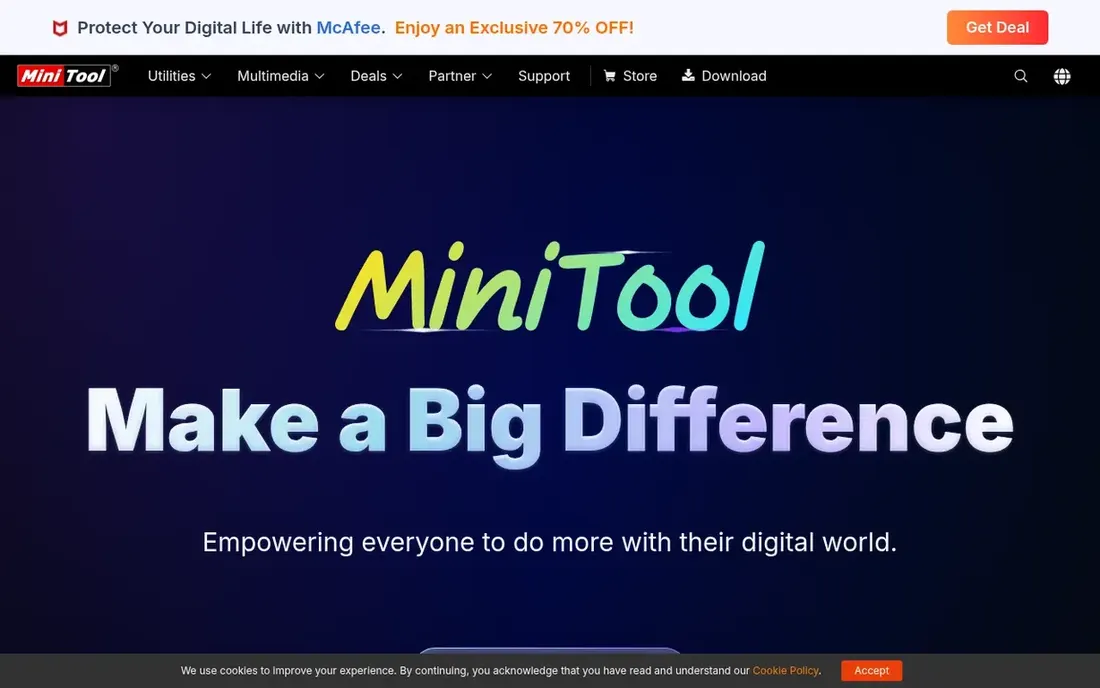
MiniTool Partition Wizard is aimed squarely at Partition management and data care for Windows. MiniTool Partition Wizard is a Windows software that provides partition management, data recovery, backup, and other utilities.
Pricing for MiniTool Partition Wizard is not stated here, so ask the vendor for current figures. Free plan details: Not stated.
Points against: Data wiping is a secondary feature.
- Bundles data recovery and backup
- Full partition management features
- May lack advanced erasure standards
Acronis Cyber Protect Home Office
Best for: Integrated backup, cybersecurity, and data protection
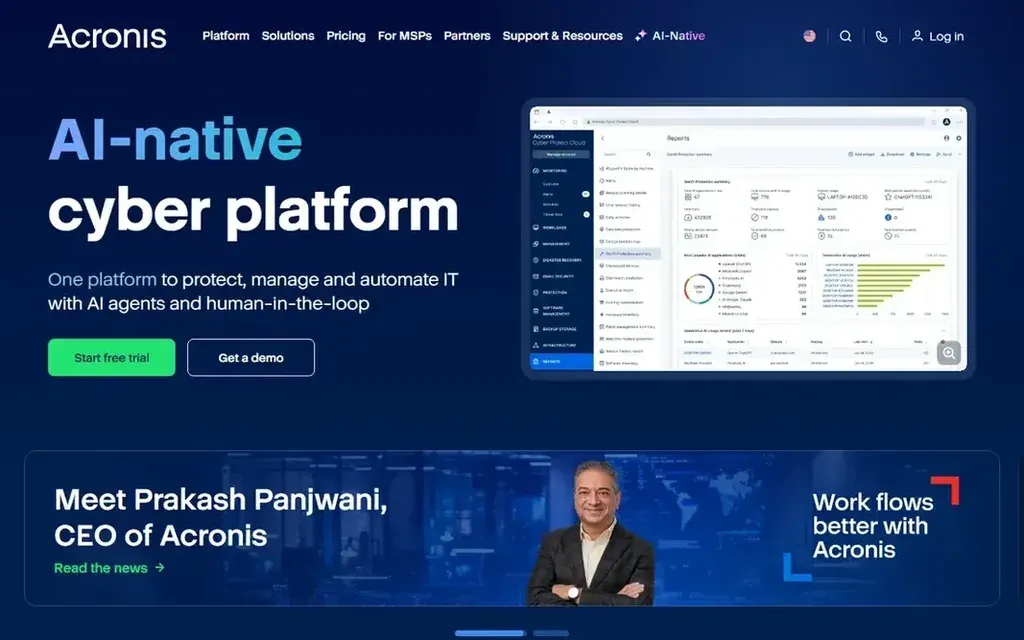
Acronis Cyber Protect Home Office was built for integrated backup, cybersecurity, and data protection. Acronis Cyber Protect Home Office is a full option that integrates backup, cybersecurity, and endpoint management with AI-powered features. It is built to protect workloads for companies and MSPs, simplifying IT operations.
Downsides: May be complicated for straightforward disk wiping.
Whereas it bundles data protection tools, it may also offer secure deletion capabilities as part of its suite. It is also geared toward broader cyber protection, which might be overkill if you only have to erase drives. Check the vendor site for Acronis Cyber Protect Home Office pricing; none is listed in this comparison. Free plan details: Not stated.
- Merges backup, anti-malware
- A good match for home and business use
- Focused more on protection than destruction
EaseUS Partition Master
Best for: Partition management with data recovery and backup
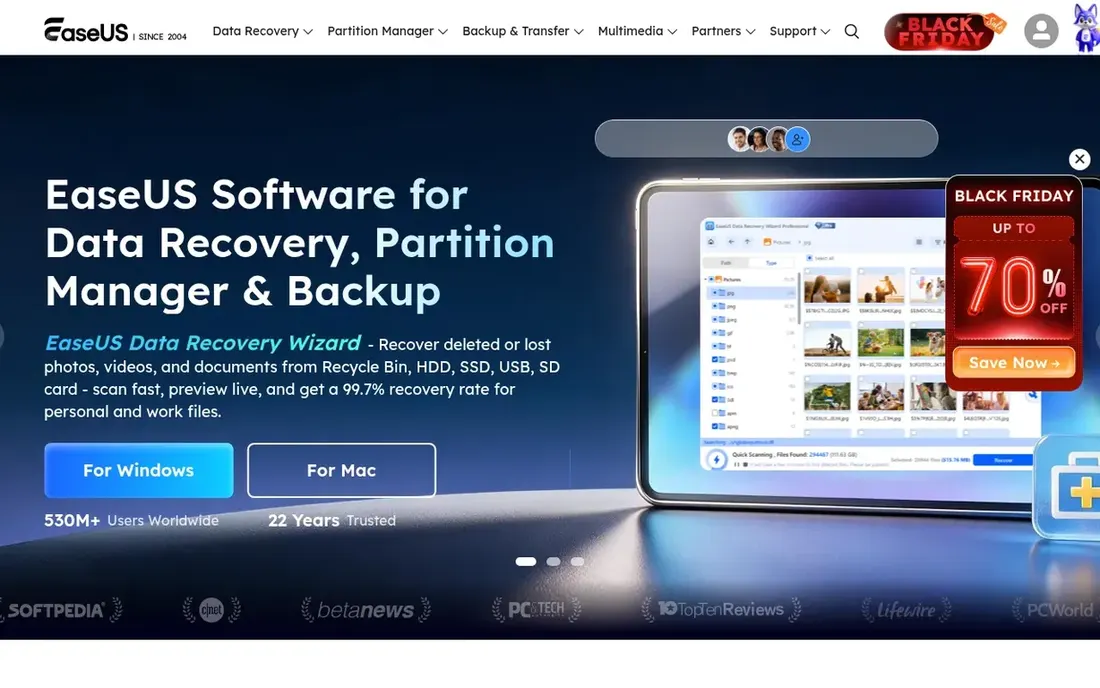
EaseUS Partition Master was built for Partition management with data recovery and backup. EaseUS Partition Master is a versatile utility for Windows that deals with partition management, data recovery, backup, and transfer.
Trade-offs to know: May need extra tools for certified erasure.
It permits users to resize, merge, clone, and convert partitions, making it a handy tool for disk organization. As for the details, EaseUS is better for those who require a multi-purpose partition manager with entry-level wiping choices. EaseUS Partition Master cost at the entry level: $19.90 per month. As for free access: Not stated.
- Approachable interface for Windows
- Gives you data recovery and backup utilities
- Data wiping is not the primary focus
AOMEI Partition Assistant
Best for: Partition management and backup for Windows and iPhone
Choose AOMEI Partition Assistant for Partition management and backup for Windows and iPhone. AOMEI Partition Assistant is a disk partition manager that also offers backup and restore software for Windows and iPhone, along with centralized business backup solutions.
Points against: Data destruction is not the central feature.
It lets users to handle partitions, perform backups, and transfer data. For everyday use, the tool is not primarily made for secure data erasure, so its wiping capabilities might be entry-level. AOMEI Partition Assistant shows no starting price here, so confirm the cost on the vendor site. Trial and free access: Not stated.
- Supplies backup and restore for Windows and iPhone
- Centralized business backup option available
- May need separate tools for certified wiping
How we chose
For each of the 5 tools we noted price, free plan or trial, fit for Active@ KillDisk and the main limit, using vendor pages and documentation. Where a price is missing, the vendor does not list one publicly or ties it to a quote. Always confirm before budgeting. The sequence is a judgement call: typical use case first, then pricing transparency, then free access. Use the profiles to check fit.
Pre-purchase checklist
- Confirm the entry price on the vendor page. For Paragon Hard Disk Manager, MiniTool Partition Wizard, Acronis Cyber Protect Home Office and AOMEI Partition Assistant that means a quote rather than a fixed price.
- Read the limits listed for Paragon Hard Disk Manager first: may be complicated for straightforward wiping tasks.
- Test how quickly Acronis Cyber Protect Home Office answers a pre-sales question; it hints at how support will feel later.
- Add up seats, add-ons and usage charges for AOMEI Partition Assistant before comparing it with cheaper entries.
- Find out whether the entry plan of EaseUS Partition Master covers your must-haves or only a trimmed-down version.
FAQ
Does any tool for Active@ KillDisk here have a free plan?
A permanent free plan is not offered by Paragon Hard Disk Manager, AOMEI Partition Assistant or the other tools here. Plan a short evaluation period instead.
Are there free alternatives to Active@ KillDisk?
Some tools may offer free versions or trials, but features can be restricted. For dependable secure erasure, dedicated premium tools are frequently recommended.
What is the best alternative to Active@ KillDisk for secure data destruction?
Paragon Hard Disk Manager comes first here and is built for storage management and disaster recovery. Buyers with other needs may prefer MiniTool Partition Wizard (for Partition management and data care for Windows) or Acronis Cyber Protect Home Office (for integrated backup, cybersecurity, and data protection). Compare costs and limits first.
How does Paragon Hard Disk Manager compare to Active@ KillDisk?
Paragon Hard Disk Manager is a full storage management suite that bundles data safety and disaster recovery, and may offer wiping features. Active@ KillDisk is more concentrated on data destruction. Paragon is better for users who require broader disk management alongside erasure.
Do these tools publish their prices?
Not all of them. Paragon Hard Disk Manager, MiniTool Partition Wizard, Acronis Cyber Protect Home Office and AOMEI Partition Assistant publish no starting price, so expect a quote request for those. The rest, EaseUS Partition Master included, show a starting price, though seats and billing terms still change the final cost.
Is Paragon Hard Disk Manager the right pick for everyone comparing Active@ KillDisk?
No single tool suits every team. Paragon Hard Disk Manager comes first because it fits storage management and disaster recovery, while MiniTool Partition Wizard suits Partition management and data care for Windows and Acronis Cyber Protect Home Office suits integrated backup, cybersecurity, and data protection. Match the tool to your own size, budget and workflow before deciding.
Sources
- https://www.paragon-software.com
- https://www.minitool.com
- https://www.acronis.com
- https://www.easeus.com
- https://www.aomeitech.com