Best Acunetix Alternatives in 2026: 8 Web Vulnerability Scanners Compared
Looking for acunetix alternatives? We compared 8 web vulnerability scanners on DAST coverage, APIs, automation, pricing and fit for small teams. See our guide.
- Editor's choice
 Burp Suite
Manual web penetration testing
Starts atSee websiteVisit portswigger.netFull review - Great alternative
 OWASP ZAP
Free automated web scanning
Starts atFreeVisit zaproxy.orgFull review - Also consider
 Invicti
Automated web and API scanning
Starts atSee websiteVisit invicti.comFull review
TL;DR:
- Acunetix, now Invicti Web plus API, is a dynamic scanner for websites and APIs, so the best replacements focus on web and API testing, not only network scans.
- OWASP ZAP is free and powerful for skilled teams, while Burp Suite suits manual penetration testing and Detectify suits continuous automated scanning.
- Scan only systems you own or have written permission to test, since unauthorized scanning can break the law and disrupt services.
- Pricing is often quote-based for enterprise scanners, so confirm what counts as a target, site or scan before you compare quotes.
Quick comparison
| Tool | Best for | Starts at | Free plan? | |
|---|---|---|---|---|
| Burp Suite | Manual web penetration testing | See website | Yes | Visit |
| OWASP ZAP | Free automated web scanning | Free | Yes | Visit |
| Invicti | Automated web and API scanning | See website | No | Visit |
 Detectify | Continuous surface monitoring | See website | No | Visit |
 Tenable Nessus | Network plus web app checks | See website | No | Visit |
 Qualys WAS | Enterprise web app scanning | See website | No | Visit |
 Intruder | Automated vulnerability scanning | See website | No | Visit |
 StackHawk | API and app scanning in CI | See website | Yes | Visit |
The best Acunetix alternatives
Acunetix scans websites and APIs for flaws such as SQL injection and cross-site scripting, and it is now sold as part of Invicti. These eight tools cover the same ground, from free open source scanners to managed enterprise platforms.
Burp Suite is the standard tool for manual web penetration testing, and it is the pick when a skilled tester, not only an automated scan, must find flaws. The Community edition is free and includes the proxy and manual tools, while Professional adds the automated scanner and advanced features. Testers use it to intercept requests, replay them with changes, and probe how an app handles edge cases.
The catch is that Burp is a tester tool first, not a set-and-forget scanner. A team without security skills will get less value from it than from Detectify or Intruder, which run scheduled scans and report in plainer language. For a security team that does manual testing alongside automation, Burp belongs in the toolkit even when another scanner runs scheduled checks.
- Industry-standard manual testing tools
- Proxy, repeater and intruder workflows
- Large extension library
- Automated scanning needs the paid edition
- Learning curve for beginners
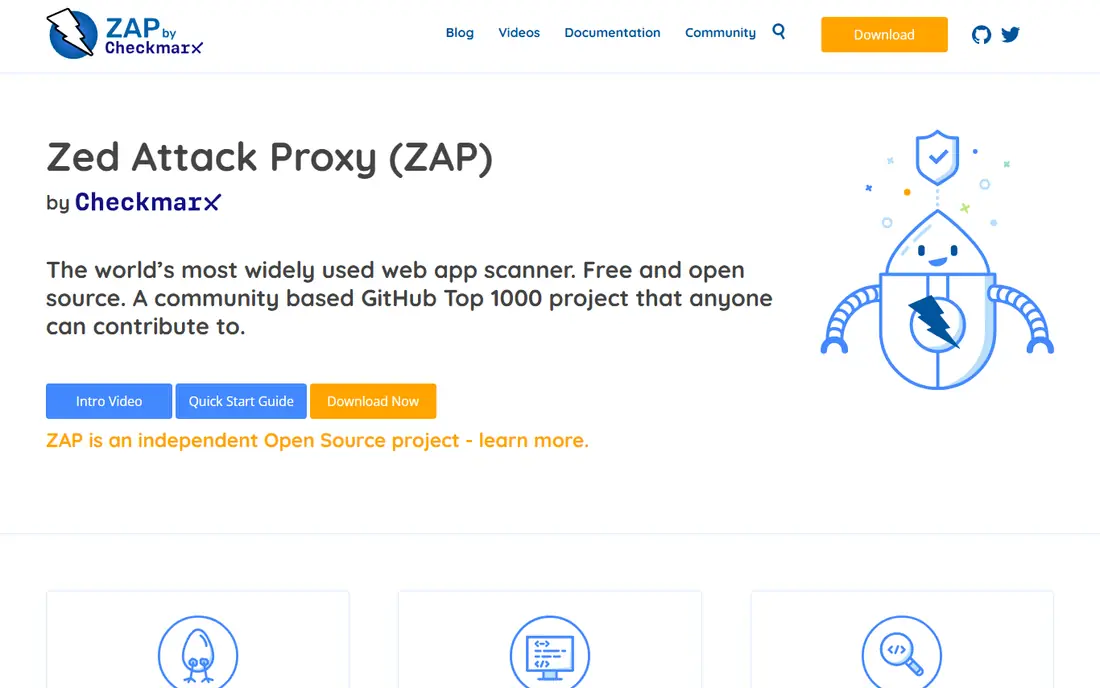
OWASP ZAP, often called ZAP, is the best free Acunetix alternative for teams with technical skills. It can spider a site, run active scans for common web flaws, and act as a proxy for manual testing. It integrates with CI pipelines, so teams can run baseline scans on every build without paying a license fee.
The trade-off is effort. ZAP needs configuration for authenticated areas, modern single-page apps and API scans, and results need review to separate real flaws from noise. There is no vendor support line unless you buy help elsewhere. For a skilled team on a tight budget, ZAP delivers serious value. For a team that wants managed results and support, a paid scanner will save time.
- Free and open source
- Automated scanner plus manual proxy
- Active community and add-ons
- Needs tuning to reduce false positives
- No vendor support contract by default
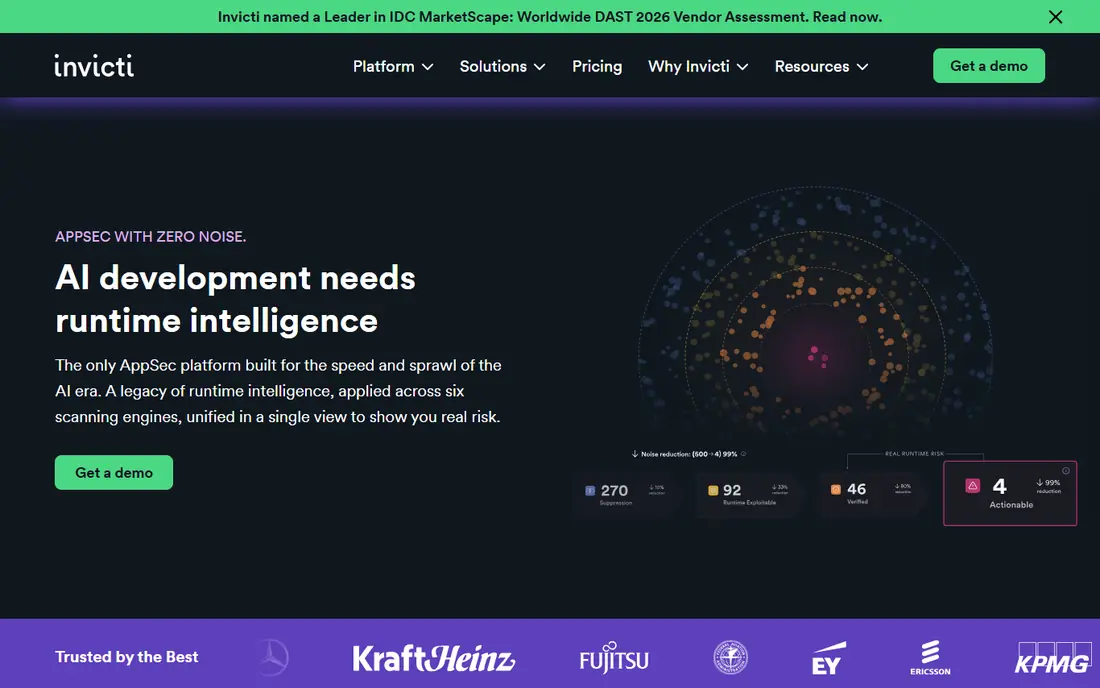
Invicti is included because Acunetix is now part of Invicti, and many teams searching for Acunetix alternatives are really comparing Invicti itself. The platform scans websites and APIs, verifies many findings with proof-based checks, and offers both cloud and on-premises deployment. That verification step matters, since it cuts the time teams spend chasing false alarms.
Pricing is quote-only, which makes it harder to compare quickly, and the Acunetix to Invicti naming change still causes confusion in older reviews. If you liked Acunetix but left over price or licensing, compare Invicti quotes against Detectify and Intruder before ruling it out. If you want a simpler buying process, a tool with published pricing may suit you better.
- Proof-based scanning to reduce false positives
- Web and API coverage
- On-premises and cloud options
- Quote-only pricing
- Acunetix branding can confuse buyers
Detectify suits teams that want continuous scanning without running a scanner themselves. It monitors your public web assets, discovers subdomains and services you may have forgotten, and scans for known flaws and misconfigurations. Setup is simpler than Burp or ZAP, and reports are written for developers who must fix issues, not only for security specialists.
The limit is pricing transparency and scope. Plans are often quoted, and costs for many sites need modeling. Detectify is also stronger for external web surface monitoring than for deep authenticated app logic. For a small web team that wants always-on coverage with low admin effort, Detectify is a strong pick.
- Continuous monitoring and asset discovery
- Clear remediation guidance
- Easy setup for web teams
- Quote-based pricing for many plans
- Multi-site costs need careful modeling
Tenable Nessus is best known for network vulnerability scanning, but Nessus Expert adds web application scanning for a limited number of domains, plus external assessment features. That makes it a good fit for teams that already need network, host and cloud checks, and want basic web coverage in the same tool. Nessus Professional covers network and host scanning, while Expert adds the web layer.
The catch is depth. Nessus is not a pure dynamic web scanner like Acunetix, so deep web logic flaws and complex authenticated flows are better handled by Burp, ZAP or Invicti. Choose Nessus when you need broad infrastructure coverage first, with web checks as a useful addition. Choose a dedicated web scanner when web apps are the main risk.
- Broad vulnerability coverage
- Long track record
- Agent and agentless scanning
- Web app scanning needs the Expert tier
- Network focus differs from pure DAST tools
Qualys Web Application Scanning, or WAS, fits enterprises already using Qualys for vulnerability management. It scans websites and APIs on a schedule, reports flaws with remediation detail, and feeds results into the wider Qualys platform for tracking and compliance reporting. That integration helps large teams that must show audit trails across many assets.
The downside is scale and buying complexity. Pricing is quote-only, and the full Qualys platform is more than a small team needs for one website. For an enterprise with hundreds of assets and compliance duties, Qualys WAS is a natural fit. For a single app or a handful of sites, Detectify or Intruder will be simpler and cheaper to run.
- Part of a broad Qualys platform
- Scheduled web scans
- Enterprise reporting and compliance views
- Quote-only pricing
- Platform breadth can feel heavy for small teams
Intruder suits small and mid-size teams that want automated scanning without a security specialist on staff. It runs network and web checks, monitors for new exposures, and presents results with fix guidance in plain language. That makes it easier for a developer or IT generalist to act on findings than a raw scanner output.
The limit is manual depth. Intruder automates well, but it does not replace a manual penetration test for complex business logic flaws. Pricing also depends on targets and plan details, so get a quote for your real asset count. For continuous automated coverage on a modest budget, Intruder is a practical Acunetix alternative.
- Automated network and web checks
- Continuous monitoring
- Clear reports for smaller teams
- Less manual testing depth than Burp
- Pricing varies by targets and plan
StackHawk is built for developers who want security scans inside their build pipeline. It scans web apps and APIs as code changes, reports flaws with fix context, and prices per person rather than per app or per scan on some plans. That model suits teams with many services, since adding an app does not add a new scan fee.
The trade-off is enterprise breadth. StackHawk is less of a full vulnerability management platform than Qualys or Tenable, and compliance reporting is lighter. For a development team that wants fast feedback in CI, StackHawk is an excellent fit. For a central security team managing hundreds of assets, a broader platform may suit better.
- Developer-friendly CI scanning
- API and modern app coverage
- Per-person pricing without per-app fees
- Smaller enterprise feature set than Qualys or Invicti
- Best value shows for dev teams
How we picked these
We compared official product pages, pricing pages and October 2026 scanner comparisons, and kept only tools that currently scan websites, web apps or APIs for security flaws. We favored tools with a clear web or API focus, and we noted where network scanning is the main strength, since that changes fit. We did not invent prices, so entries marked See website reflect vendors that price by targets, seats or quote. We also stressed lawful use, since scanning requires ownership or written permission.
How to run web scans safely
Start with scope. List every domain, subdomain, API and staging environment you own, and get written permission for any third-party system you plan to test. Run first scans in a staging environment when you can, since active scans can create test data, trigger alerts or strain a fragile app. Then move to production with rate limits and a maintenance window if the app is sensitive.
Next, handle authentication properly. Many serious flaws hide behind login, so configure authenticated scanning for real user roles, and use test accounts that cannot change production data. Finally, build a fix loop, with severity, owner and retest steps, since a scan report that no one acts on does not reduce risk. Retest fixed flaws before closing them, and keep scan history for audits.
What to check in a trial
Run the scanner against a staging app with known flaws, and count true positives, false positives and missed issues. Check API coverage, authenticated scanning, CI integration and report quality. A scanner that finds many issues but buries them in noise will slow your team more than a quieter, more accurate tool.
FAQ
Is Acunetix now called Invicti?
Acunetix by Invicti is now sold as Invicti Web plus API in many contexts, after Invicti brought its web scanning products together. Older reviews and pages may still use the Acunetix name, so check the current Invicti product page for the latest naming.
What is the best free Acunetix alternative?
OWASP ZAP is the best free option, with automated scanning, a manual proxy and CI support at no license cost. It needs technical setup and tuning, so it suits teams with security or developer skills.
Can I scan a website I do not own?
No, not without written permission from the owner. Unauthorized scanning can be unlawful and can disrupt services, so limit scans to systems you own or have explicit permission to test.
Do I still need a penetration test if I use a scanner?
Yes, for important apps. Scanners find known flaw patterns well, but manual testers find business logic flaws, chained issues and context-specific risks that automated scans often miss.
Which scanner is best for APIs?
StackHawk and Invicti both handle API scanning well, with StackHawk fitting developer CI workflows and Invicti fitting broader enterprise web and API programs. Test with your real API spec, including authenticated endpoints, before choosing.