Best 2short.ai Alternatives for 2026 (5 Compared)
Weighing 2short.ai alternatives? We lined up 5 products by cost, free access and fit. Includes honest limits for each tool. Last reviewed November 2026.
- Editor's choice
 Veed
Produce and edit in one workflow
Starts atSee websiteVisit veed.ioFull review - Great alternative
 Kapwing
Prompt-to-project video creation
Starts at$16 a monthVisit kapwing.comFull review - Also consider
 Descript
Text-based editing of video and audio
Starts at$16 per person per monthVisit descript.comFull review
Direct answer
If you need create and edit in one workflow, Veed is the first tool to look at here. Listed starting prices: Kapwing from $16 a month, Descript from $16 per person per month and Riverside from $24 a month. Kapwing is better for prompt-to-project video creation, and Descript is better for text-based editing of video and audio. The other 2 tools in the list cover narrower or pricier cases.
TL;DR:
- Number one here is Veed, a fit for generate and edit in one workflow.
- For turning long videos into vertical clips, Klap is worth a look.
- The lowest published monthly entry price here is $14.50 per month, from Klap.
- Before buying Kapwing, weigh this: prompt output still needs review.
Last checked November 2026. Prices and plan details were read from the vendors' own pages in November 2026; vendors change plans often, so confirm the current price on the vendor site before you buy.
Quick comparison
| Tool | Best for | Starts at | Free plan? | |
|---|---|---|---|---|
| Veed | Produce and edit in one workflow | See website | Not stated | Visit |
| Kapwing | Prompt-to-project video creation | $16 a month | Yes | Visit |
| Descript | Text-based editing of video and audio | $16 per person per month | Yes | Visit |
 Riverside | Recording and editing podcast video | $24 a month | Yes | Visit |
 Klap | Turning long videos into vertical clips | $14.50 per month | Not stated | Visit |
The 5 tools in detail
Choosing 2short.ai usually comes down to price, fit and limits. This LinkVetted guide sets 5 tools side by side on those three points, with the facts kept short and checkable.
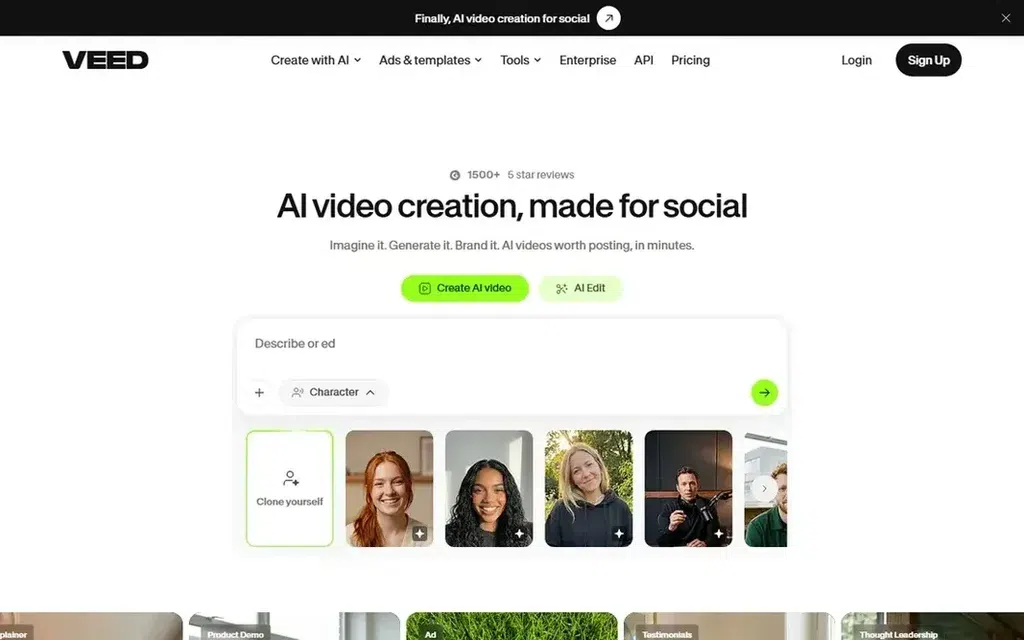
Veed is a good fit for produce and edit in one workflow. The breadth of features means setup and learning take time, and output quality relies on your source footage. More specifically, if your only goal is auto-captioning raw clips, a more straightforward tool may be enough, but Veed fits teams handling several video tasks in one place.
Honest limits: Best results need source footage planning.
Veed is an AI video creation system built around a generate-and-edit workflow. It supports talking heads, AI-assisted editing, dubbing and subtitles, which suits marketers and solopreneurs who require to produce and localize short videos without a large production team. Veed does not show a starting price in this comparison, so check the vendor site for current pricing. On free options: Not stated.
- Dubbing and subtitle support
- Aimed at marketers and solopreneurs
- Numerous features to learn
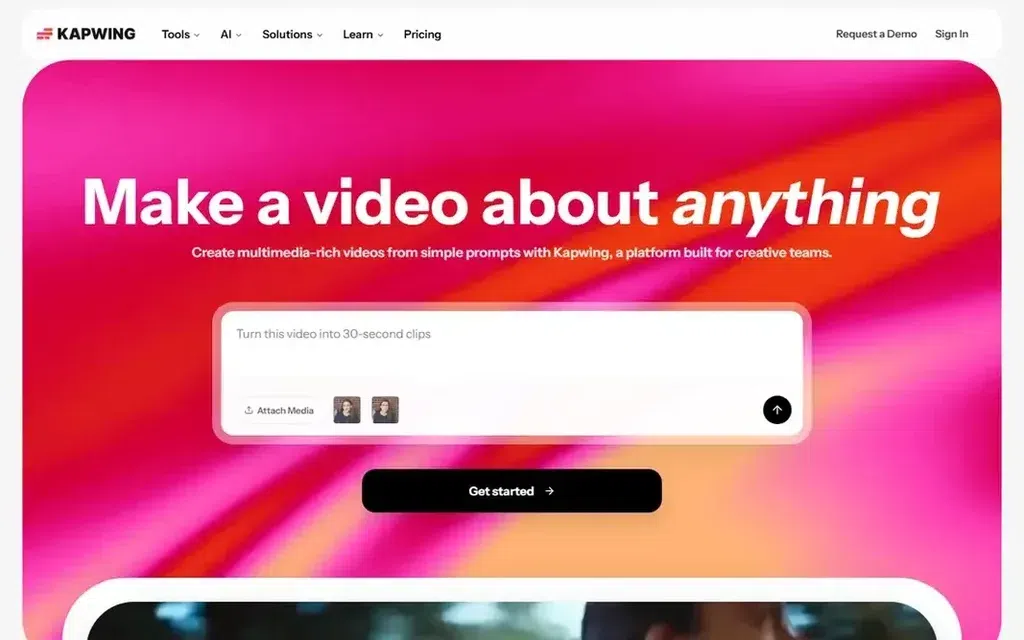
Pick Kapwing if this describes you: prompt-to-project video creation. Generated projects generally need manual refinement, so expect to review pacing, text and framing before publishing.
Drawbacks to consider: Wide feature set can overwhelm beginners.
It suits modern creators and social teams producing content across multiple channels who want generation and editing in one place instead of separate apps. Kapwing pricing: $16 per month. Kapwing includes a free tier.
- Create full video projects from a prompt
- Browser-based editing workflow
- Prompt output still needs review
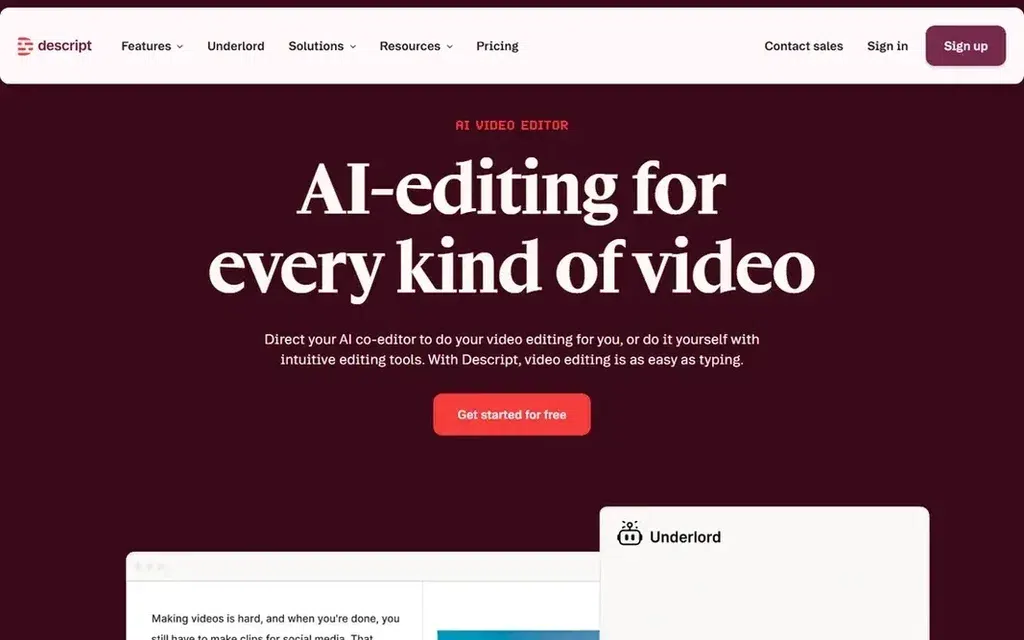
Choose Descript for text-based editing of video and audio. Descript is an AI video and audio editor that makes editing as simple as editing text.
What to check first: Not built primarily as a clipping tool.
If your primary need is quick vertical clipping with styled captions, a dedicated clipping tool may fit better, whereas Descript rewards people editing full episodes. On cost, Descript starts like this: $16 per person per month. Free access exists with Descript.
Upsides: Record.
- Takes care of both video and audio projects
- Transcribe and publish in one tool
- Ramp-up time for advanced edits
Riverside was built for recording and editing podcast video. It is centered on recording and editing conversations, so dedicated clipping and caption styling are not its central focus.
If you already have finished long videos and only need shorts extracted, a clipping tool may be more direct, whereas Riverside fits end-to-end podcast production. The starting price for Riverside: $24 per month. Riverside includes a free tier.
Honest limits: Recording quality relies on connections.
- Online studio for recording
- Made for conversations and podcasts
- Not a dedicated clipping tool
In short, Klap is for turning long videos into vertical clips. Klap is an AI clipping tool that turns long videos into vertical shorts for TikTok, Reels and Shorts, adding virality scores, active-speaker reframing, captions and scheduling.
Watch-outs: Clip selection may need manual review.
Klap pricing: $14.50 per month. Free plan details: Not stated.
- Active-speaker reframing
- Captions and scheduling included
- Relies on quality of source video
Selection criteria
Pre-purchase checklist
- Ask Veed for a written quote, since no starting price is shown.
- Read the fine print on the free plans from Kapwing, Descript and Riverside; seat, project and feature caps differ.
- Before choosing Veed, weigh its main limit: plenty of features to learn.
- Work out what Klap costs with your real seat count, add-ons and usage, not just the entry price.
- Before you load data into Veed, check what an export looks like and who can run it.
FAQ
Which options for 2short.ai have a free plan?
On this list, Kapwing, Descript and Riverside include a free plan. Caps on seats, usage or features are common, so test the free plan against your real workload.
Is Veed the right pick for everyone comparing 2short.ai?
No single tool suits every team. Veed comes first because it fits generate and edit in one workflow, while Kapwing suits prompt-to-project video creation and Descript suits text-based editing of video and audio. Match the tool to your own size, budget and workflow before deciding.
Can I edit long podcasts and still make shorts?
Descript and Riverside suit long-form podcast recording and editing, whereas Klap is meant to extract vertical shorts from long videos.
Do these tools replace manual editing entirely?
No. AI-generated cuts, captions and clips usually benefit from a review pass for pacing, framing and accuracy. Treat automation as a first draft and confirm output before publishing.
Can I try these tools before paying?
Often, yes. Kapwing, Descript and Riverside have a free plan. Use your own data and a real task during the test, and check what the free tier or trial limits before you rely on it.
What is the cheapest option for 2short.ai in this list?
On published monthly entry prices, Klap is the lowest here at $14.50 per month. Entry price is only part of the cost, because seats, add-ons and billing terms can change the total.
Sources
- https://www.veed.io
- https://www.kapwing.com
- https://www.descript.com
- https://riverside.fm
- https://klap.app