Switching From Xodo? 5 Alternatives for 2026
Xodo alternatives in 2026: 5 contenders with entry costs and free tiers. For quick online PDF conversions and edits, begin with Smallpdf. Jump to the table.
- Editor's choice
 Smallpdf
Fast online PDF conversions and edits
Starts atSee websiteVisit smallpdf.comFull review - Great alternative
 iLovePDF
Free online PDF tools for everyday tasks
Starts at$4 a monthVisit ilovepdf.comFull review - Also consider
 Soda PDF
Desktop and online PDF adaptability
Starts atSee websiteVisit sodapdf.comFull review
Direct answer
If you need fast online PDF conversions and edits, Smallpdf is the first tool to look at here. iLovePDF is the stronger choice for free online PDF tools for everyday tasks, while Soda PDF suits desktop and online PDF adaptability. Listed starting prices: iLovePDF from $4 a month. Prices, free plans and limits for all 5 tools follow.
TL;DR:
- This list starts with Smallpdf, which is built for fast online PDF conversions and edits.
- For the cheapest start, look at iLovePDF: $4 per month.
- Check the limits for iLovePDF before you commit: no advanced editing features.
- For full PDF editing and sharing, Adobe Acrobat Pro is worth a look.
- iLovePDF stands alone as the one tool in this list with a free plan.
Last checked November 2026. Prices and plan details were read from the vendors' own pages in November 2026; vendors change plans often, so confirm the current price on the vendor site before you buy.
Quick comparison
| Tool | Best for | Starts at | Free plan? | |
|---|---|---|---|---|
| Smallpdf | Fast online PDF conversions and edits | See website | Not stated | Visit |
| iLovePDF | Free online PDF tools for everyday tasks | $4 a month | Yes | Visit |
| Soda PDF | Desktop and online PDF adaptability | See website | Not stated | Visit |
 Foxit PDF Editor | AI-assisted PDF editing and signing | See website | Not stated | Visit |
 Adobe Acrobat Pro | Thorough PDF editing and sharing | See website | Not stated | Visit |
5 options for Xodo in detail
If you are comparing Xodo, this page covers 5 tools in one place: what each is best for, what it costs to start, whether it has a free plan, and the main limit to know about.
Pick Smallpdf if this describes you: fast online PDF conversions and edits. Smallpdf is an online system that makes it simple to convert and edit PDF files, solving PDF problems in one place.
What to check first: Restricted advanced editing.
In practice, choose Smallpdf for straightforward online tasks when speed and simplicity matter more than a full feature set. From a buyer's view, the homepage flags a free solution, making it accessible for individuals and casual users who don't want to install software. Pricing for Smallpdf is not stated here, so ask the vendor for current figures. Trial and free access: Not stated.
- Free to use
- Straightforward online product
- Needs internet connection
iLovePDF targets free online PDF tools for everyday tasks. iLovePDF is an online service to work with PDF files fully free and simple to use, offering tools to merge, split, compress, convert, and more.
In practice, the homepage emphasizes simplicity and a broad set of entry-level tools, making it a widely used choice for casual and everyday PDF work. Beyond that, pick iLovePDF at no cost, quick online tasks when you don't need a full PDF editor. iLovePDF starts at: $4 per month. iLovePDF includes a free tier.
What to check first: No advanced editing features.
- Straightforward to use
- Fully free online service
- Internet connection required
Choose Soda PDF for desktop and online PDF adaptability. It suits users who want adaptability to work in a browser or installed application.
The homepage emphasizes simplicity and accessibility, making it a decent choice for individuals and small teams that require to deal with PDFs without a steep ramp-up time. No starting price is listed for Soda PDF here; confirm pricing on the vendor site. Free access: Not stated.
Honest limits: Advanced features may need payment.
- Easy-to-use interface
- Available on desktop and online
- Online version may have limits
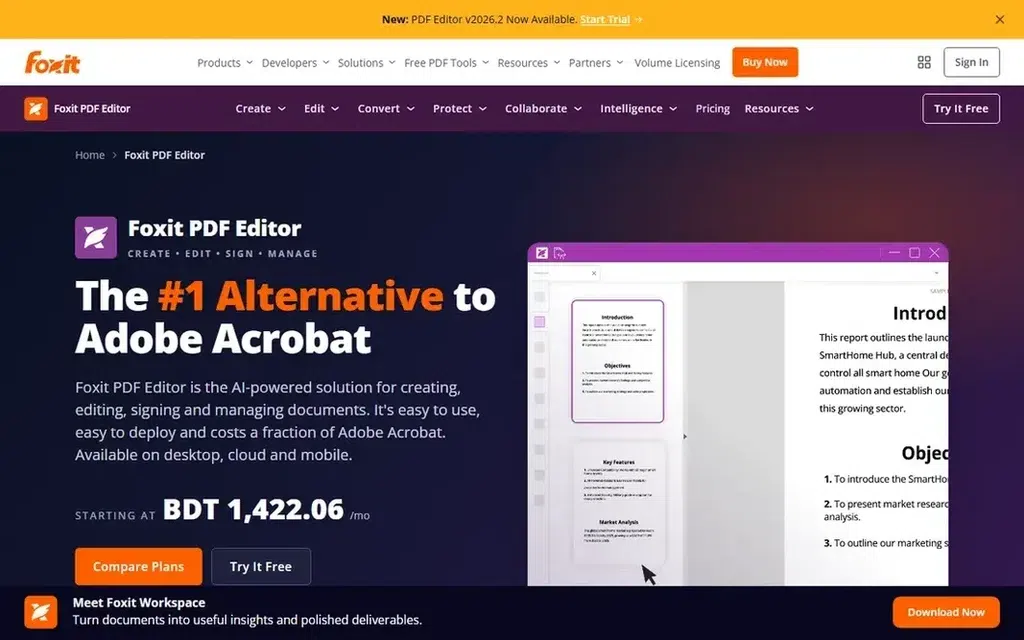
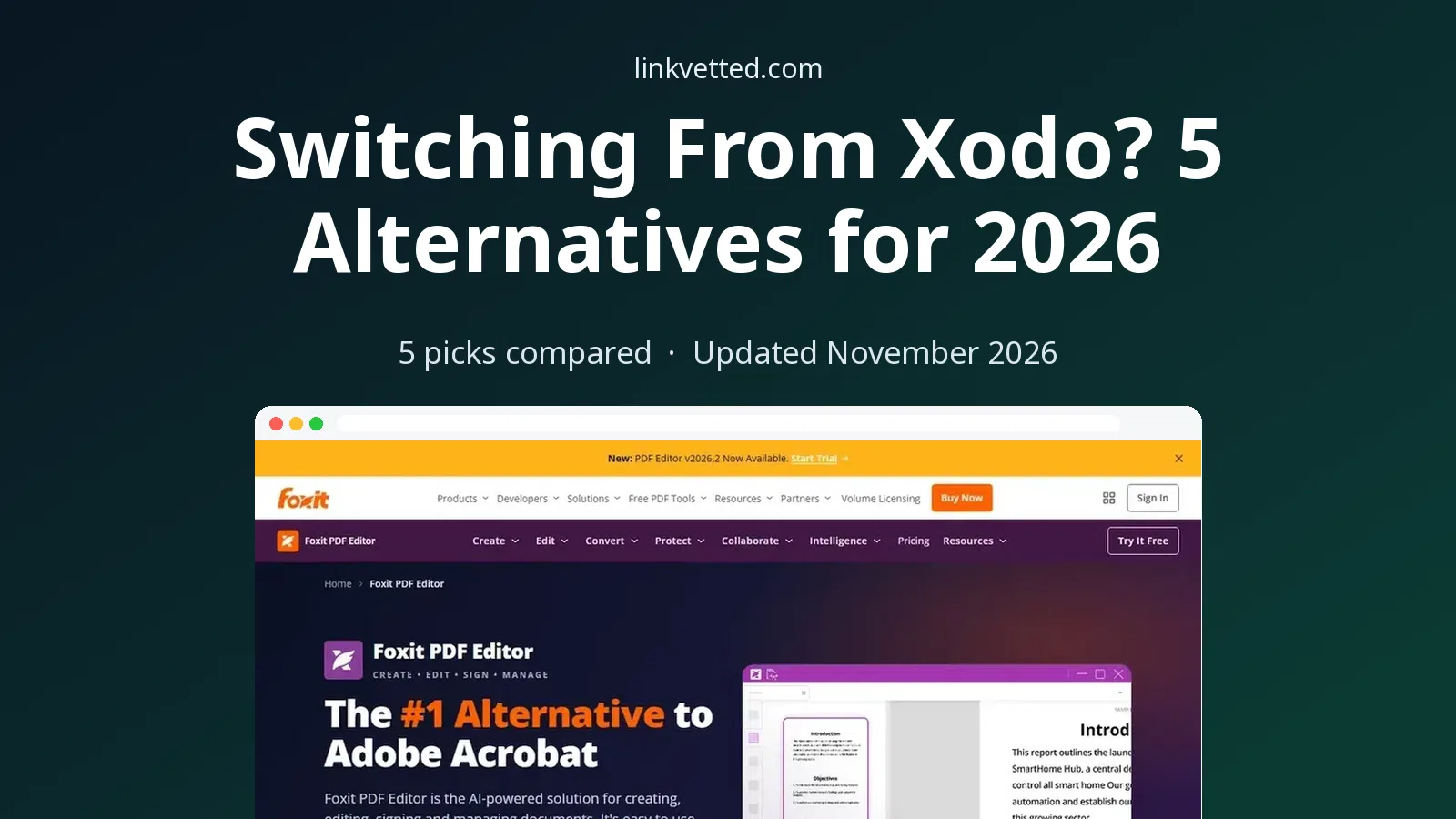
Foxit PDF Editor works best for AI-assisted PDF editing and signing. It is positioned as an alternative to Adobe and fits users who want a capable desktop editor with modern features.
Where it is weaker: Some advanced features may need a premium plan.
As for the details, Whereas Foxit gives you plenty of features, some may be gated behind a premium plan, and the interface can be complicated for beginners. Choose Foxit when you want a feature-rich desktop editor that emphasizes AI and signing capabilities. Pricing for Foxit PDF Editor is not stated here, so ask the vendor for current figures. Free access: Not stated.
- Alternative to Adobe
- AI-powered editing features
- Interface can take time to learn
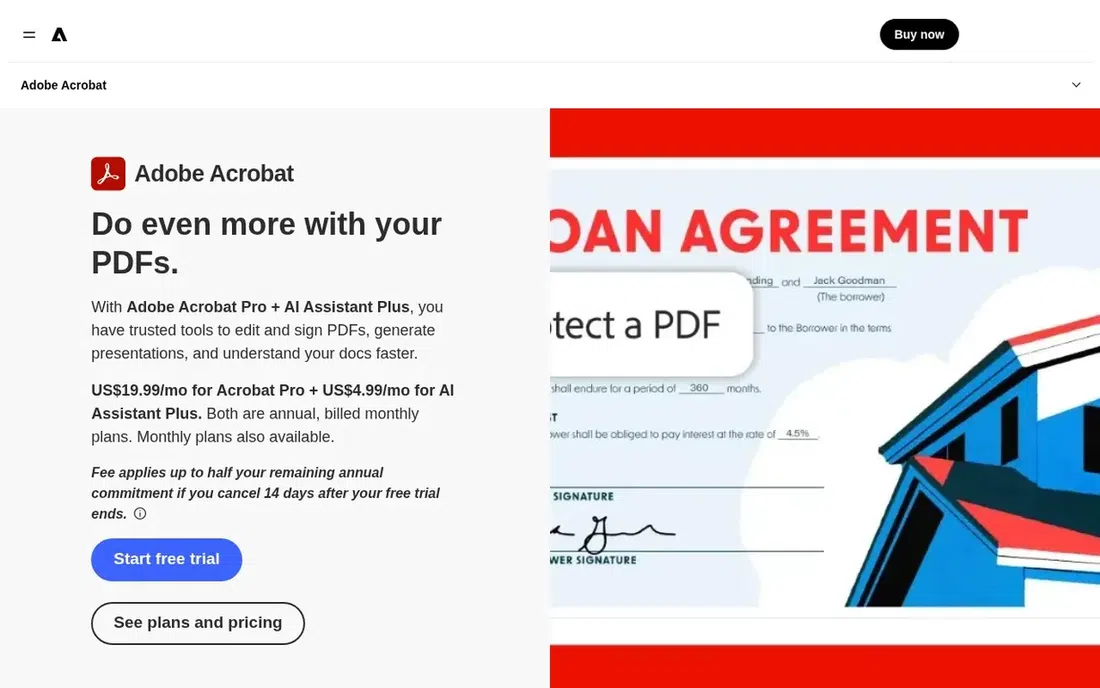
Adobe Acrobat Pro works best for full PDF editing and sharing. The homepage flags staying productive with the latest features, making it a strong choice for users who want a complete, established tool for everyday PDF work. In daily use, if you prefer a light online tool for fast conversions, a service like Smallpdf or iLovePDF might be a better fit.
Drawbacks to consider: May need a subscription.
In practice, the software can be demanding on system resources and may not suit users who only need occasional, straightforward PDF tasks. Also, consider Acrobat Pro when you need a deep feature set and are ready to invest in a full desktop option. Adobe Acrobat Pro shows no starting price here, so confirm the cost on the vendor site. Free options: Not stated.
- Share and collaborate on documents
- Full PDF editing and conversion
- Can be resource-intensive
Selection criteria
LinkVetted looked at what each vendor publishes: pricing, plan limits, feature coverage for Xodo and stated drawbacks. No hands-on testing is claimed. Seat minimums, billing terms and add-ons can move the real cost, so the starting prices here are a guide and not a quote. The order reflects how well each tool fits the most common buying scenario for Xodo, then price clarity, then free plan access. It is a starting point, not a verdict.
What to check before you buy
- Get a written quote from Smallpdf, Soda PDF, Foxit PDF Editor and Adobe Acrobat Pro; the list shows no starting price for them.
- Test the free plan from iLovePDF against your real workload before relying on it.
- Read the limits listed for Smallpdf first: restricted advanced editing.
- Read the plan comparison for Soda PDF carefully; key features often start on a higher tier.
- Make sure Foxit PDF Editor lets you export your data in a format another tool can read.
FAQ
Can I try these tools before paying?
Often, yes. iLovePDF has a free plan. Use your own data and a real task during the test, and check what the free tier or trial limits before you rely on it. Each of the 5 options in this Xodo alternatives guide has its own card above with the price, free plan and limits.
How are the tools for Xodo ordered?
The order follows typical fit for Xodo, with Smallpdf first and Adobe Acrobat Pro last, then price clarity and free access. It is editorial judgement, not a score, so another team could rank the tools differently.
Is Smallpdf the right pick for everyone comparing Xodo?
No single tool suits every team. Smallpdf comes first because it fits quick online PDF conversions and edits, while iLovePDF suits free online PDF tools for everyday tasks and Soda PDF suits desktop and online PDF flexibility. Match the tool to your own size, budget and workflow before deciding.
Can I use these PDF tools on both desktop and online?
Most others are either primarily desktop (like Adobe Acrobat Pro) or online (like Smallpdf). Check each tool's availability to match your workflow.
Which Xodo alternative is best for signing documents?
Smallpdf comes first here and is built for fast online PDF conversions and edits. Buyers with other needs may prefer iLovePDF (for free online PDF tools for everyday tasks) or Soda PDF (for desktop and online PDF adaptability). Compare costs and limits first.
Are there free alternatives to Xodo for entry-level PDF tasks?
They are well suited to fast tasks but lack advanced editing. For more features, desktop editors like Soda PDF may be better.
Sources
- https://smallpdf.com
- https://www.ilovepdf.com
- https://www.sodapdf.com
- https://www.foxit.com/pdf-editor
- https://www.adobe.com/acrobat/acrobat-pro.html