Text Messaging Service for Schools in 2026: The 5 Best Options Side by Side
5 best text messaging service for schools, with entry costs, free tiers and the buyer each one serves. Prices and drawbacks included. Read before you buy.
- Editor's choice
 ClassDojo
Classroom communication and behavior tracking
Starts atSee websiteVisit classdojo.comFull review - Great alternative
 Remind
Teachers and community group communication
Starts atSee websiteVisit remind.comFull review - Also considerParentSquare
Full K-12 family engagement
Starts atSee websiteVisit parentsquare.comFull review
Direct answer
ClassDojo comes first here, mainly for classroom communication and behavior tracking. Listed starting prices: Apptegy from $7,500 + $3.80 per student. Remind fits teachers and community group communication; ParentSquare fits full K-12 family engagement. Prices, free plans and limits for all 5 tools follow.
TL;DR:
- The list opens with ClassDojo, aimed at classroom communication and behavior tracking.
- One limit worth knowing about ParentSquare: may be more than small schools need.
- ClassDojo, Remind, ParentSquare and TalkingPoints: pricing is by quote only, so plan time for a sales conversation.
- None of the 5 tools, from ClassDojo to Apptegy, has a free plan, so budget for a subscription or use a trial.
Last checked November 2026. Prices and plan details were read from the vendors' own pages in November 2026; vendors change plans often, so confirm the current price on the vendor site before you buy.
Quick comparison
| Tool | Best for | Starts at | Free plan? | |
|---|---|---|---|---|
| ClassDojo | Classroom communication and behavior tracking | See website | Not stated | Visit |
| Remind | Teachers and community group communication | See website | Not stated | Visit |
| ParentSquare | Full K-12 family engagement | See website | Not stated | Visit |
| TalkingPoints | Translated family communication | See website | Not stated | Visit |
| Apptegy | All-in-one district branding and communications | $7,500 + $3.80 per student | Not stated | Visit |
Text Messaging Service for Schools profiles
If you are comparing text messaging service for schools, this page covers 5 tools in one place: what each is best for, what it costs to start, whether it has a free plan, and the main limit to know about.
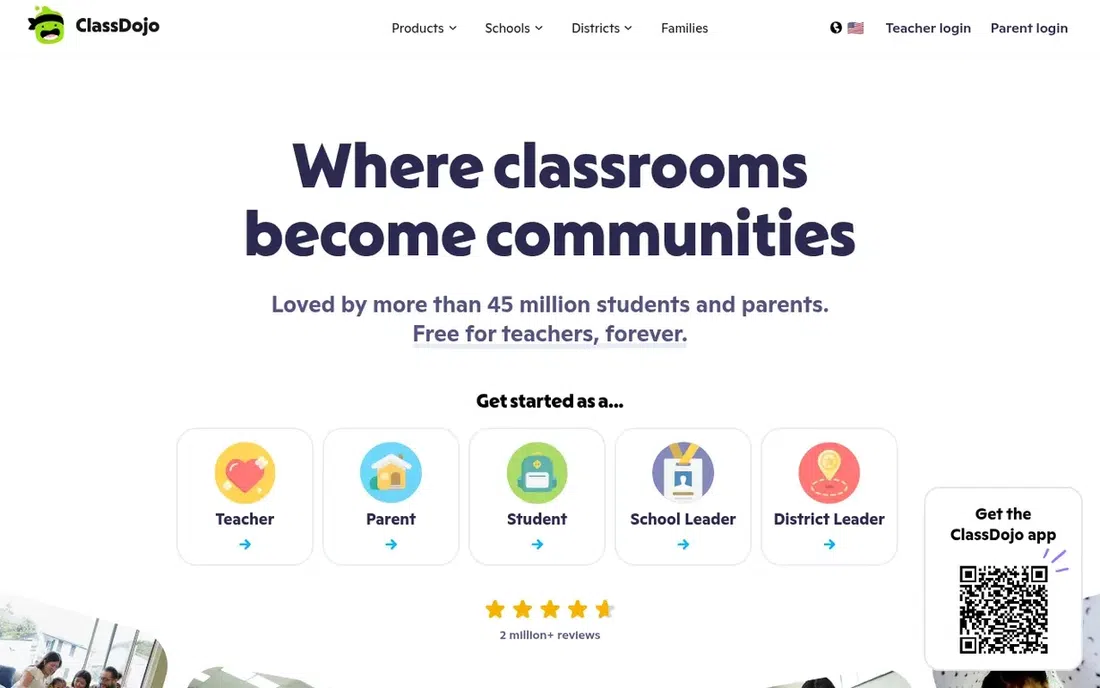
In short, ClassDojo is for classroom communication and behavior tracking. Consider ClassDojo for classroom-level engagement, but look to other tools for school-wide messaging. As for the details, teachers looking for an engaging, classroom-centered tool will appreciate its simplicity and extra features beyond messaging.
Beyond that, ClassDojo links K-12 teachers with families through free classroom communication, behavior tracking, and student portfolios. On top of that, ClassDojo is built for individual classrooms instead of district-wide communication. So it may not meet the needs of schools seeking a centralized messaging system. It also lacks some advanced features like emergency alerts or SIS integration. ClassDojo shows no starting price here, so confirm the cost on the vendor site. Trial and free access: Not stated.
Downsides: May not contain advanced messaging features.
- Contains behavior tracking and student portfolios
- Free classroom communication
- Primarily classroom-focused, not district-wide
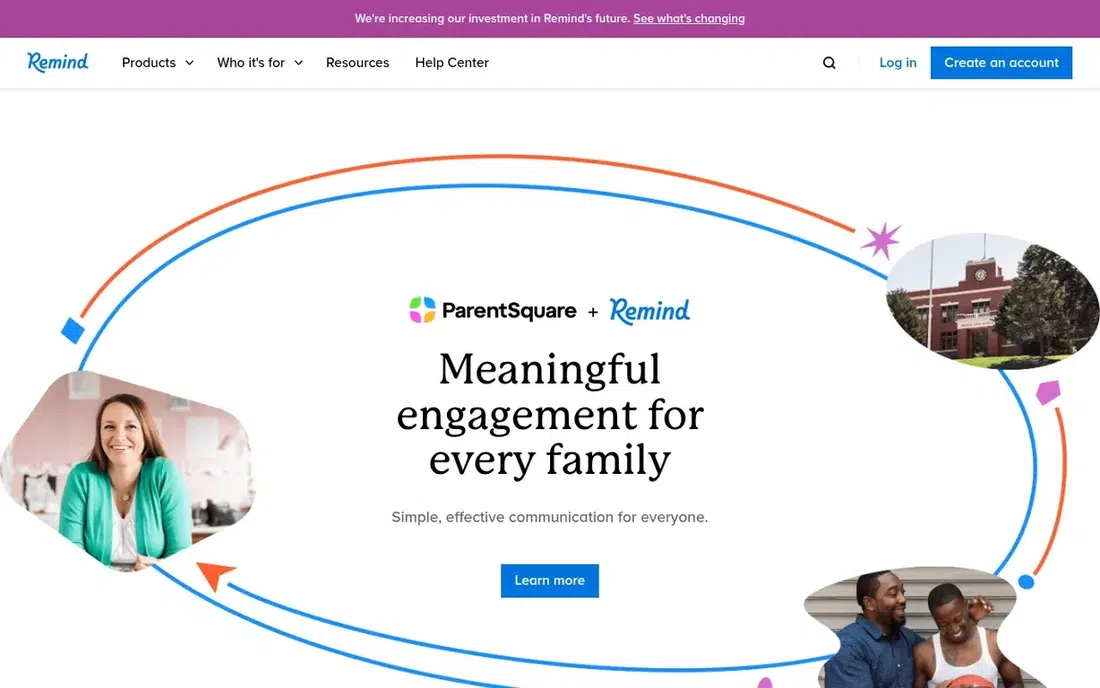
Remind targets teachers and community group communication. Remind is a communication product made for teachers and organizations outside of K-12 schools and districts, including youth organizations, sports programs, and nonprofits. It allows educators to send messages to students and parents rapidly.
Teachers who want a straightforward messaging tool for their classroom or group will find Remind accessible and approachable. Also, if you need a district-level option, consider a product designed for that purpose. On top of that, for K-12 schools and districts, Remind notes that those are served by ParentSquare, so district-wide deployments may have to look elsewhere. Pricing for Remind is not stated here, so ask the vendor for current figures. As for free access: Not stated.
What to check first: May lack advanced district-wide features.
- Supports two-way communication
- Also serves youth organizations and nonprofits
- K-12 schools and districts are served by ParentSquare
ParentSquare
Best for: Full K-12 family engagement
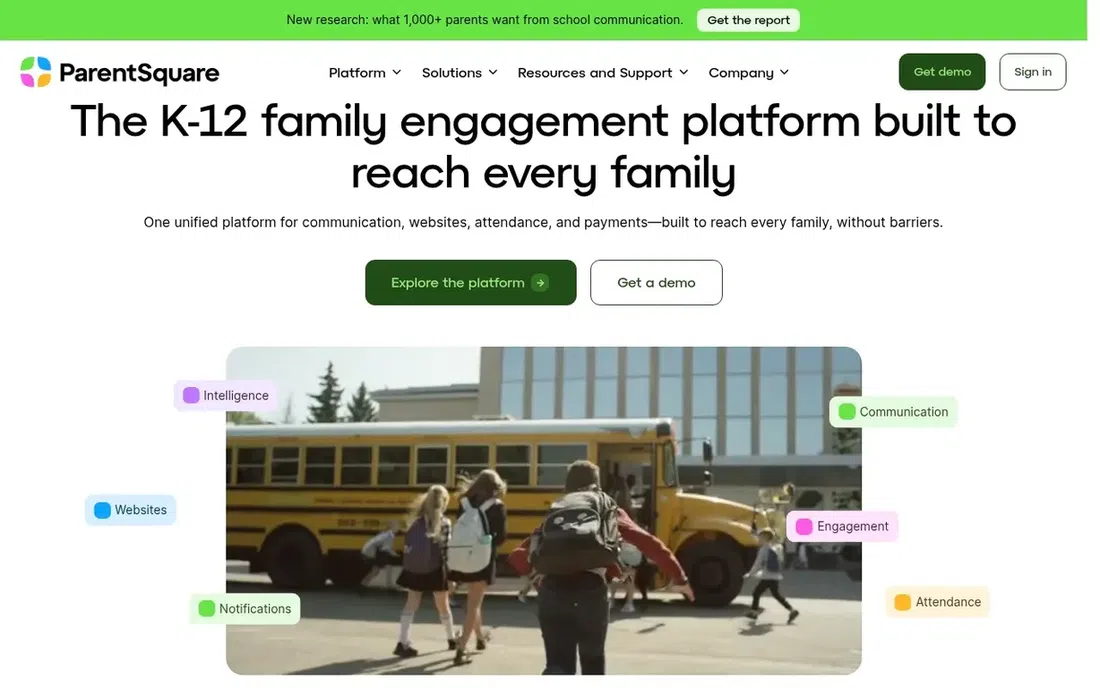
ParentSquare is built with thorough K-12 family engagement in mind. Smaller schools or those with restricted IT resources might prefer a more straightforward tool.
Honest limits: May be more than small schools need.
ParentSquare shows no starting price here, so confirm the cost on the vendor site. Free plan details: Not stated.
- Designed specifically for K-12 schools and districts
- Reaches families through multiple channels
- Needs setup and training
TalkingPoints
Best for: Translated family communication
Where TalkingPoints fits: translated family communication. Consider TalkingPoints when translation is a priority, but check if it connects with your existing systems. Schools with diverse multilingual populations will find it especially handy for ensuring all families receive and can respond to messages.
What works well: Two-way translated messaging.
Also, in-depth feature information is not readily available on its homepage, so schools should verify capabilities straight. It may not offer the full suite of district-wide tools like attendance or payments. TalkingPoints is a communication system that centres on connecting educators with families through translated messages. It lets teachers and schools to send texts in several languages, helping bridge language barriers. Pricing for TalkingPoints is not stated here, so ask the vendor for current figures. Free plan details: Not stated.
Downsides: May not include all district needs.
- Straightforward for parents to use
- Helps reach multilingual families
- Restricted public information on features
Apptegy
Best for: All-in-one district branding and communications
Where Apptegy fits: all-in-one district branding and communications. Apptegy is an all-in-one K-12 communications platform that includes a district website, mobile app, and messaging to bring the school community closer together on brand. It is aimed at districts that want to handle their public presence and communication in one place.
Apptegy's thorough approach may be more than small schools or those seeking only text messaging need. It also needs continuing content management for the website and app. In practice, schools concentrated on branding and unified communications will find Apptegy a capable choice. Entry price for Apptegy: $7,500 + $3.80 per student. Free options: Not stated.
What to check first: May be overkill for small schools.
- Merges website
- Focus on brand consistency
- Needs content management effort
How we built this list
LinkVetted looked at what each vendor publishes: pricing, plan limits, feature coverage for text messaging service for schools and stated drawbacks. No hands-on testing is claimed. Where a vendor does not publish a price, the entry says quote. Where a price depends on seats or billing term, the entry says so. Order on the page follows fit for the typical buyer first, then price transparency and free access. Your own requirements should decide the final pick.
Pre-purchase checklist
- Ask ClassDojo, Remind, ParentSquare and TalkingPoints for a written quote, since no starting price is shown.
- Read the limits listed for ClassDojo first: primarily classroom-focused, not district-wide.
- Map your must-have features to a specific ClassDojo plan before you compare prices.
- Confirm you can export your data from Remind, so leaving later does not mean losing records.
- Involve the people who will use Apptegy daily; a short pilot beats a long feature checklist.
FAQ
Can I try these tools before paying?
Not by default. None of the tools, from ClassDojo to Apptegy, lists a free plan or a free trial here, so ask each vendor for a demo before committing.
Do these tools publish their prices?
Not all of them. ClassDojo, Remind, ParentSquare and TalkingPoints publish no starting price, so expect a quote request for those. The rest, Apptegy included, show a starting price, though seats and billing terms still change the final cost.
What is the best text messaging service for schools?
Start with ClassDojo if you need classroom communication and behavior tracking. Remind is the better match for teachers and community group communication, and ParentSquare for full K-12 family engagement. The best choice depends on budget, team size and workflow.
Does any tool for text messaging service for schools here have a free plan?
No tool in this list, ClassDojo and Apptegy included, has a permanent free plan. Trials and quotes are the usual route, so plan a short evaluation period.
How are the text messaging service for schools ordered?
The order follows typical fit for text messaging service for schools, with ClassDojo first and Apptegy last, then price clarity and free access. It is editorial judgement, not a score, so another team could rank the tools differently.
Sources
- https://www.classdojo.com
- https://www.remind.com
- https://www.parentsquare.com
- https://www.talkingpts.org
- https://www.apptegy.com