Switching From PDFescape? 5 Alternatives for 2026
5 tools for PDFescape alternatives, compared on pricing, free plans and best-fit use. We put iLovePDF first for fast online PDF utilities. Real limits included.
- Editor's choice
 iLovePDF
Fast online PDF utilities
Starts at$4 a monthVisit ilovepdf.comFull review - Great alternative
 Foxit PDF Editor
Editing, converting and signing PDFs
Starts atSee websiteVisit foxit.comFull review - Also consider
 Soda PDF
Desktop and online PDF work
Starts atSee websiteVisit sodapdf.comFull review
Direct answer
iLovePDF leads the list, best for quick online PDF utilities. Listed starting prices: iLovePDF from $4 a month. If your case is different, Foxit PDF Editor suits editing, converting and signing PDFs and Soda PDF suits desktop and online PDF work. Prices, free plans and limits for all 5 tools follow.
TL;DR:
- The list opens with iLovePDF, aimed at fast online PDF utilities.
- Smallpdf suits straightforward browser-based PDF tasks.
- The cheapest monthly starting price in the list is $4 per month, offered by iLovePDF.
- Before buying Soda PDF, weigh this: online features vary by task.
- iLovePDF is the only tool of the 5 with a free plan.
Last checked November 2026. Prices and plan details were read from the vendors' own pages in November 2026; vendors change plans often, so confirm the current price on the vendor site before you buy.
Quick comparison
| Tool | Best for | Starts at | Free plan? | |
|---|---|---|---|---|
| iLovePDF | Fast online PDF utilities | $4 a month | Yes | Visit |
| Foxit PDF Editor | Editing, converting and signing PDFs | See website | Not stated | Visit |
| Soda PDF | Desktop and online PDF work | See website | Not stated | Visit |
 Adobe Acrobat | Full document creation and editing | See website | Not stated | Visit |
 Smallpdf | Straightforward browser-based PDF tasks | See website | Not stated | Visit |
The 5 tools in detail
LinkVetted compared 5 tools for PDFescape. The goal is a practical shortlist: published prices, free plan facts, best-fit use cases and honest limits for every entry.
iLovePDF targets fast online PDF utilities. iLovePDF is an online service for working with PDF files, offering tasks like merging, splitting, compressing and converting Office files to PDF. Pick iLovePDF when straightforward, fast online tasks are the primary requirement.
Highlights: Straightforward online use; Office to PDF conversion.
Worth adding: users who require advanced editing should consider a desktop editor. The service centers on online utilities, so deep editing and complicated document workflows are not its focus. Anyone handling occasional file conversions will find it straightforward. What you pay to start with iLovePDF: $4 per month. iLovePDF includes a free tier. Downsides: Needs internet access.
- Split and compress tools
- Merge
- Restricted advanced editing
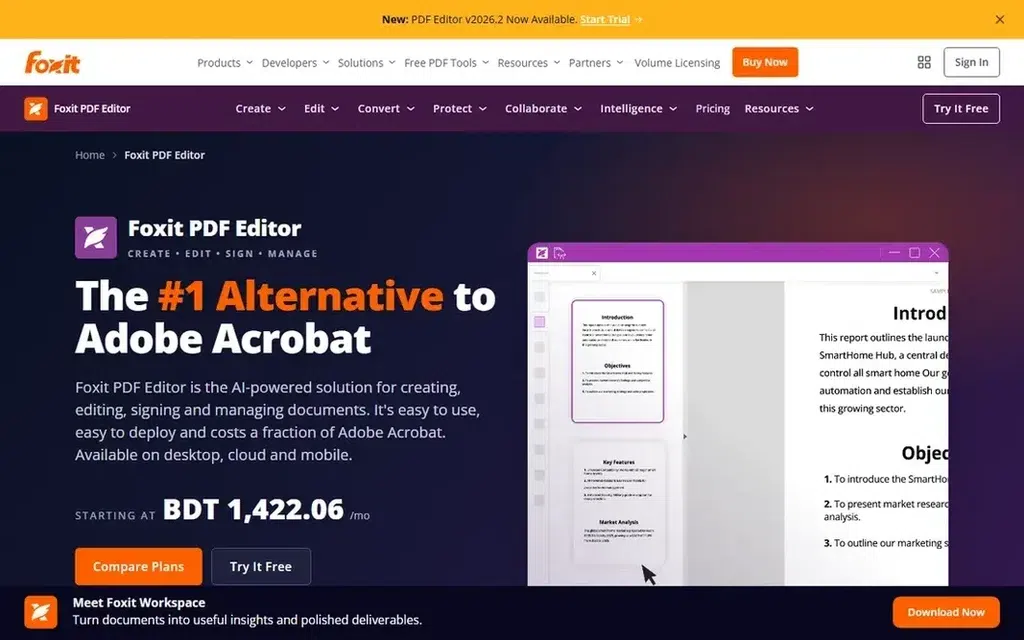
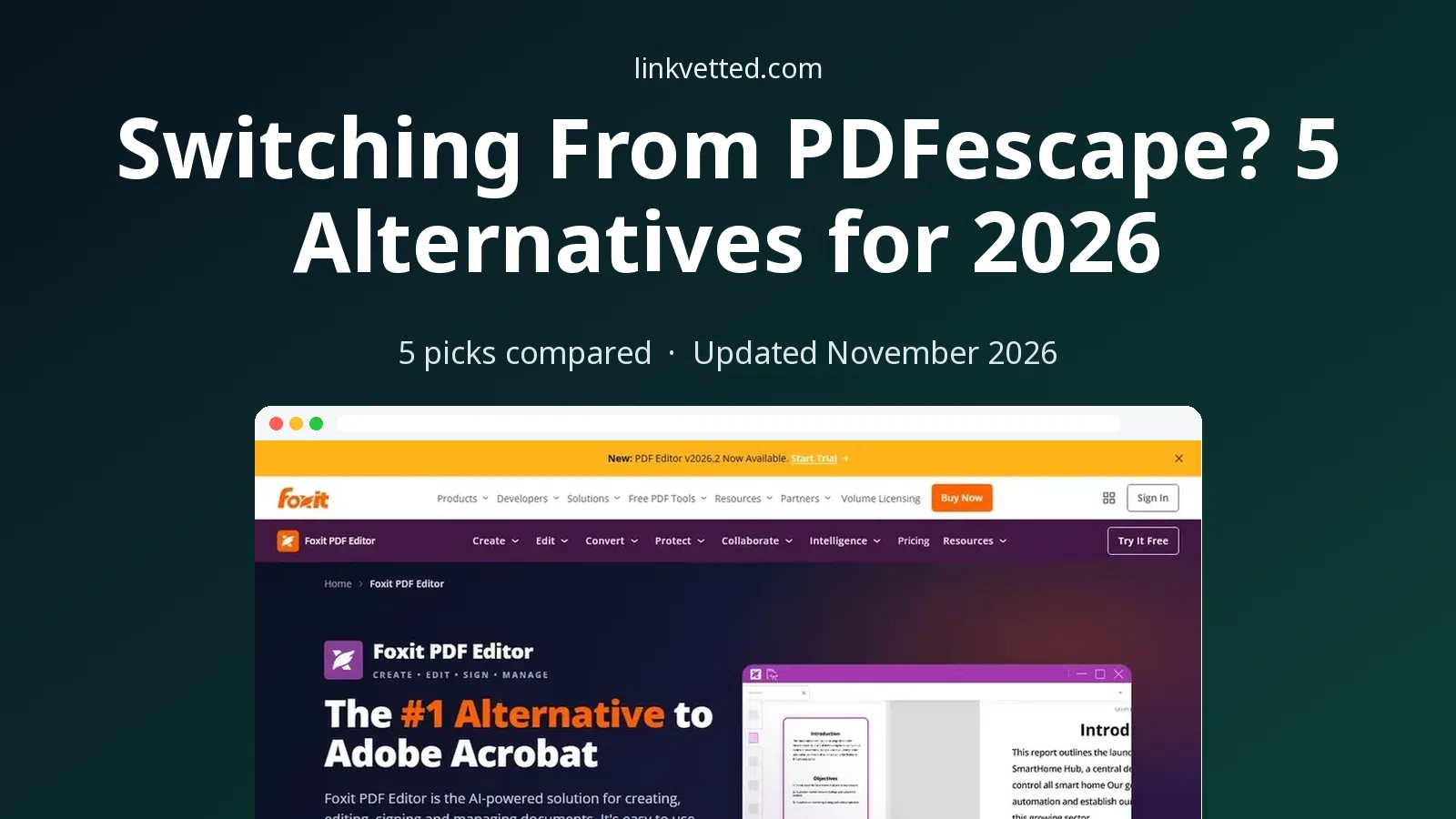
Foxit PDF Editor is built with editing, converting and signing PDFs in mind. Foxit PDF Editor is an AI-powered editor for editing, converting and signing PDFs, positioned as a full alternative to mainstream PDF suites. Pick Foxit when editing and signing are regular parts of your document work.
Offices processing contracts and forms on a regular basis are a natural fit. Its feature range can be more than occasional users need, and some advanced options take time to learn. Beyond that, for straightforward online conversions, a browser-based tool may be quicker. This comparison lists no price for Foxit PDF Editor; ask the vendor. Free plan details: Not stated.
Where it is weaker: Advanced features need learning.
- Conversion and signing tools
- Desktop-focused workflow
- May be more than casual users need
Soda PDF is aimed squarely at desktop and online PDF work. Soda PDF gives you software for both desktop and online use, with free tools for modifying PDF files. Beyond that, some advanced editing is better handled in the desktop version, so online use may not include every need.
For everyday use, if you want a single browser-only experience, a dedicated online tool may fit better. Also, casual and mixed-workflow users commonly appreciate the choice. Pick Soda PDF when you value switching between desktop and web. This comparison lists no price for Soda PDF; ask the vendor. Trial and free access: Not stated.
Trade-offs to know: Advanced editing may need desktop.
- Easy-to-use interface
- Desktop and online choices
- Online features vary by task
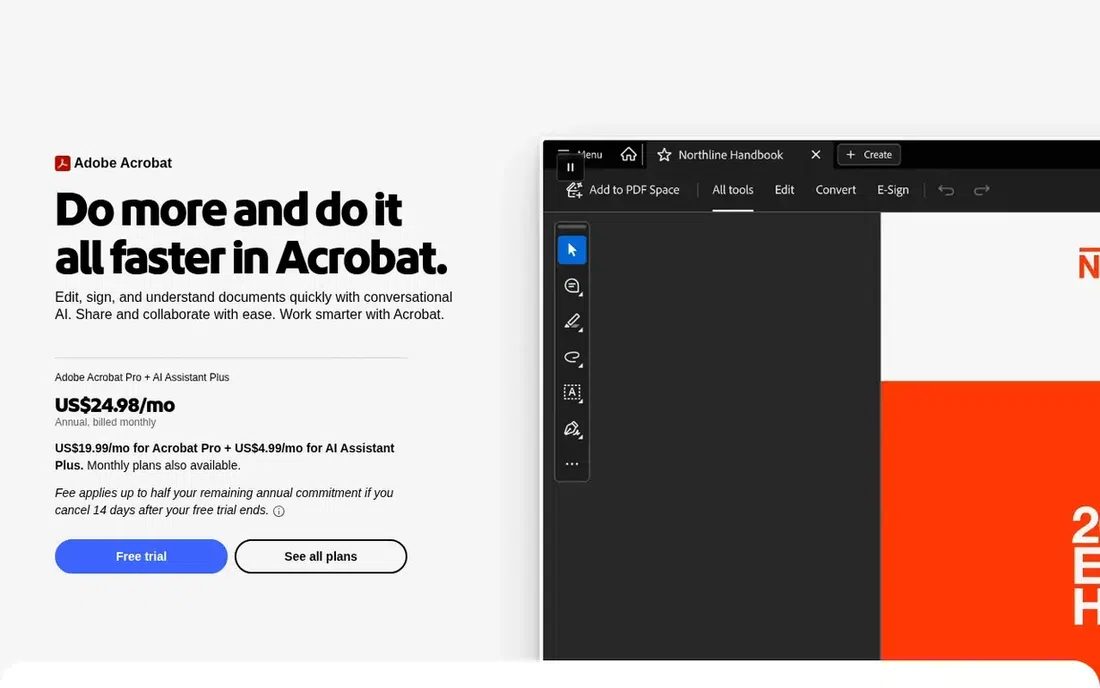
Adobe Acrobat is aimed squarely at full document creation and editing. The depth of features can mean a steeper learning curve for casual users who only convert or merge files occasionally.
Honest limits: Heavier than straightforward online tools.
Also, Adobe Acrobat is a complete PDF toolkit for creating, editing, signing and managing documents, with AI features layered in. From a buyer's view, teams that require consistent document workflows across desktop and web will find the breadth handy. Adobe Acrobat shows no starting price here, so confirm the cost on the vendor site. Trial and free access: Not stated.
- Wide PDF toolkit
- Signing and management
- Feature set can feel complicated
In short, Smallpdf is for straightforward browser-based PDF tasks. Choose Smallpdf for convenience on straightforward online tasks.
Trade-offs to know: Browser workflow only.
Students and office workers handling occasional documents are a decent match. Those who require advanced editing or document protection should look at desktop editors. Pricing for Smallpdf is not stated here, so ask the vendor for current figures. Free options: Not stated.
- Simple online conversions
- Free tools available
- Not made for deep editing
How we chose
The comparison looks at four things: starting price, free access, how well the feature set matches PDFescape, and the main limit of each tool. Figures are shown as the vendors publish them. Billing terms, seat minimums and add-ons can change the real cost. The sequence is a judgement call: typical use case first, then pricing transparency, then free access. Use the profiles to check fit.
What to check before you buy
- Ask Foxit PDF Editor, Soda PDF, Adobe Acrobat and Smallpdf for a written quote, since no starting price is shown.
- Test the free plan from iLovePDF against your real workload before relying on it.
- Before choosing iLovePDF, weigh its main limit: restricted advanced editing.
- Read the plan comparison for Smallpdf carefully; key features often start on a higher tier.
- Check the integration list for Foxit PDF Editor against the tools you run today, and note which ones need a higher plan.
FAQ
Which alternatives work well in a browser?
Smallpdf, iLovePDF and Soda PDF offer online choices for typical tasks like converting, merging and compressing. For deep editing, a desktop editor is normally the better fit.
Can I try these tools before paying?
Often, yes. iLovePDF has a free plan. Use your own data and a real task during the test, and check what the free tier or trial limits before you rely on it. Each of the 5 options in this PDFescape alternatives guide has its own card above with the price, free plan and limits.
Is iLovePDF the right pick for everyone comparing PDFescape?
No single tool suits every team. iLovePDF comes first because it fits quick online PDF utilities, while Foxit PDF Editor suits editing, converting and signing PDFs and Soda PDF suits desktop and online PDF work. Match the tool to your own size, budget and workflow before deciding.
Do these tools publish their prices?
Not all of them. Foxit PDF Editor, Soda PDF, Adobe Acrobat and Smallpdf publish no starting price, so expect a quote request for those. The rest, iLovePDF included, show a starting price, though seats and billing terms still change the final cost.
What is the cheapest option for PDFescape in this list?
On published monthly entry prices, iLovePDF is the lowest here at $4 per month. Entry price is only part of the cost, because seats, add-ons and billing terms can change the total. All 5 picks in this PDFescape alternatives comparison list a starting price, free plan details and the main limits on their cards above.
What is the best PDFescape alternative for full editing?
The first pick on this list is iLovePDF, because it suits fast online PDF utilities. Foxit PDF Editor is better for editing, converting and signing PDFs, and Soda PDF for desktop and online PDF work. Check price and limits against your own needs before choosing.
Sources
- https://www.ilovepdf.com
- https://www.foxit.com/pdf-editor
- https://www.sodapdf.com
- https://www.adobe.com/acrobat.html
- https://smallpdf.com