Switching From Prezi? 5 Alternatives for 2026
5 tools for Prezi alternatives, compared on pricing, free plans and best-fit use. Top pick: Canva, aimed at design-led slides with visual templates. No filler.
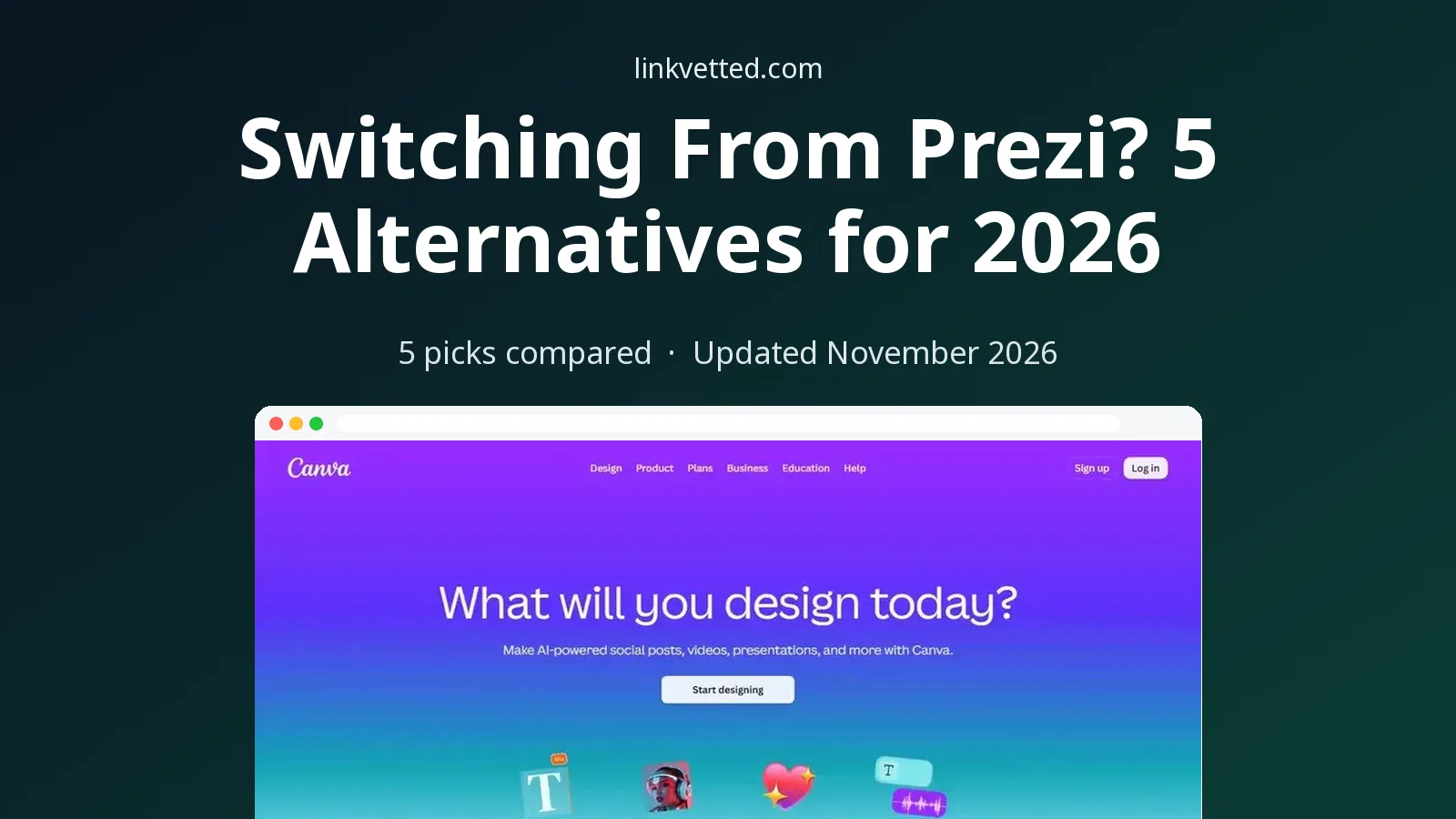
- Editor's choice
 Canva
Design-led slides with visual templates
Starts atSee websiteVisit canva.comFull review - Great alternative
 Beautiful.ai
On-brand decks for enterprise teams
Starts at$14.50 per monthVisit beautiful.aiFull review - Also consider
 Microsoft PowerPoint
Standard slide decks and pitch decks
Starts atSee websiteVisit microsoft.comFull review
Direct answer
Canva comes first here, mainly for design-led slides with visual templates. Listed starting prices: Beautiful.ai from $14.50 per month and Pitch from €10 a month. Look at Beautiful.ai for on-brand decks for enterprise teams, and at Microsoft PowerPoint for standard slide decks and pitch decks. The full list of 5 tools follows, with prices and free plan facts.
TL;DR:
- This list starts with Canva, which is built for design-led slides with visual templates.
- Google Slides suits browser-based collaborative slide editing.
- Pitch stands alone as the one tool in this list with a free plan.
- Check the limits for Canva before you commit: less precise slide control than PowerPoint.
Last checked November 2026. Prices and plan details were read from the vendors' own pages in November 2026; vendors change plans often, so confirm the current price on the vendor site before you buy.
Quick comparison
| Tool | Best for | Starts at | Free plan? | |
|---|---|---|---|---|
| Canva | Design-led slides with visual templates | See website | Not stated | Visit |
| Beautiful.ai | On-brand decks for enterprise teams | $14.50 per month | Free trial | Visit |
| Microsoft PowerPoint | Standard slide decks and pitch decks | See website | Not stated | Visit |
 Pitch | Collaborative team presentation workflows | €10 a month | Yes | Visit |
 Google Slides | Browser-based collaborative slide editing | See website | Not stated | Visit |
Our 5 picks for Prezi
LinkVetted compared 5 tools for Prezi. The goal is a practical shortlist: published prices, free plan facts, best-fit use cases and honest limits for every entry.
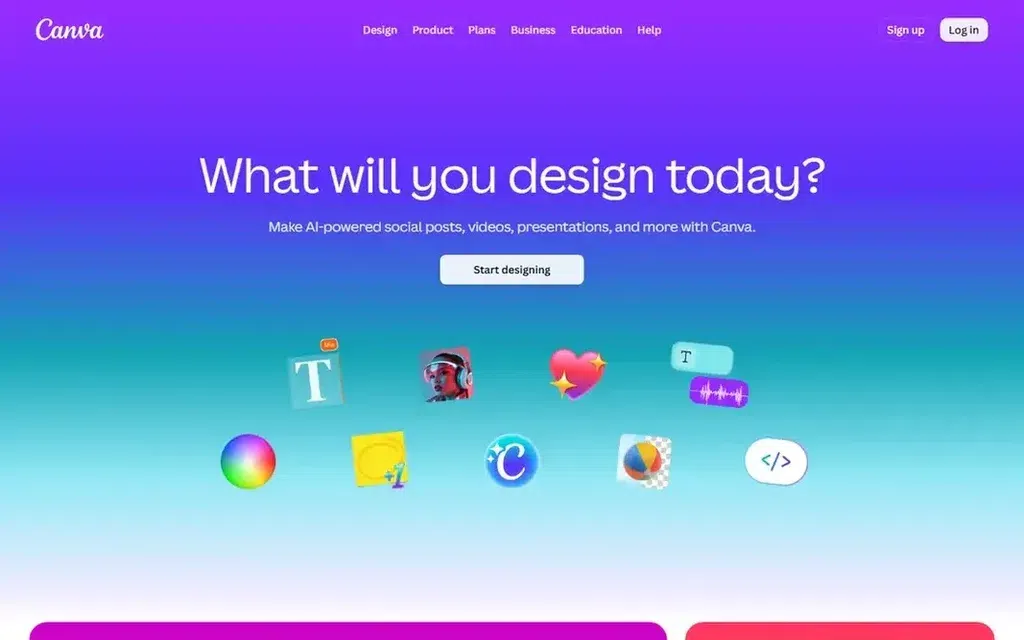
Where Canva fits: design-led slides with visual templates. For Prezi users who care about visual polish, it provides a template-driven way to build slides and supporting graphics in one place.
On top of that, large, text-heavy decks can also become harder to manage. Check the vendor site for Canva pricing; none is listed in this comparison. Trial and free access: Not stated.
Limits to weigh: Less precise slide control than PowerPoint.
- Large template and graphic library
- Includes presentations and other formats
- Complicated decks can get cluttered
Beautiful.ai serves on-brand decks for enterprise teams. Beautiful.ai is an AI presentation system designed for enterprise teams, with the stated aim of keeping every deck on-brand and ready to share across a company. The enterprise orientation may also be more than a solo presenter needs.
Limits to weigh: Enterprise focus may not suit individuals.
In practice, for Prezi users in bigger teams, it addresses a different problem: brand control and repeatable deck quality instead of a zooming canvas. Its automation can mean less manual control over exact layout, which frustrates designers who want pixel-level freedom. Entry price for Beautiful.ai: $14.50 per month. On free options: Free trial.
- Targeted at team-wide deck creation
- AI presentation product
- Less manual layout freedom
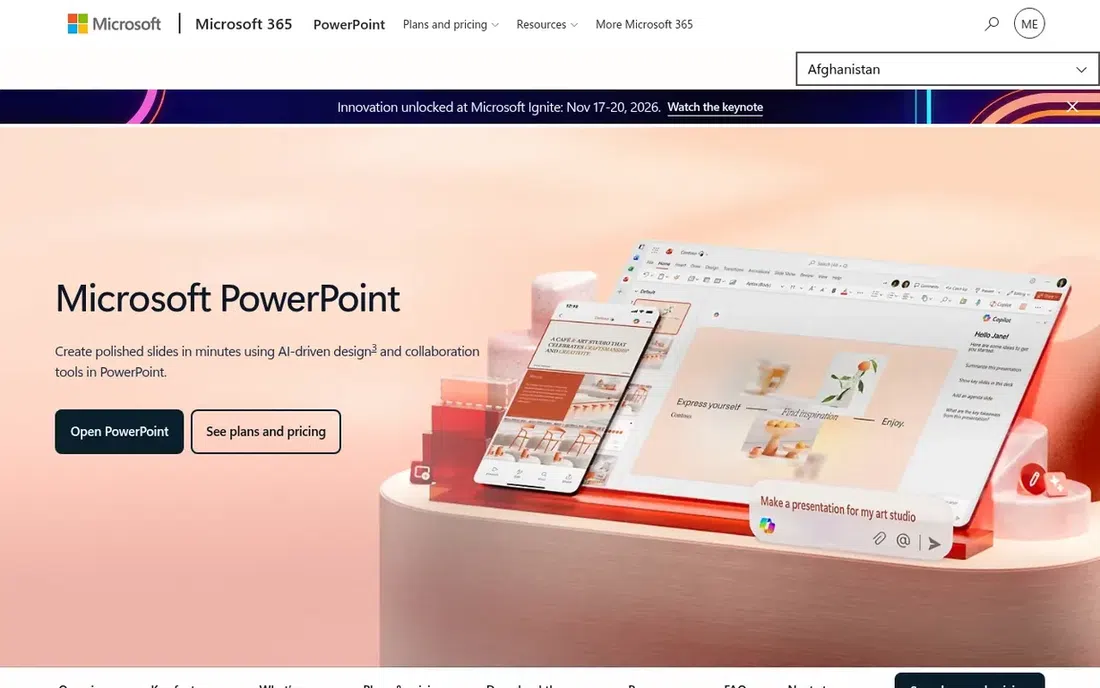
Microsoft PowerPoint works best for standard slide decks and pitch decks. Microsoft PowerPoint is the long-standing presentation maker for building clean slideshows and intricate pitch decks. In practice, consider Canva or Google Slides instead when speed, templates or browser-first collaboration matter more than deep slide control.
Drawbacks to consider: Feature depth can feel heavy for straightforward decks.
As for the details, PowerPoint is not built around the zooming, non-linear canvas that defines Prezi. So teams wanting that style may find it limiting. It can also feel feature-heavy for fast, straightforward decks. Microsoft PowerPoint does not show a starting price in this comparison, so check the vendor site for current pricing. On free options: Not stated.
- Familiar slide-based editing
- Deals with in-depth pitch decks
- Canvas animation is not its focus
Pitch is aimed squarely at collaborative team presentation workflows. From a buyer's view, Pitch is centered on presentations, so it does not handle the broader graphic design needs that Canva manages.
Limits to weigh: Less handy outside presentation work.
For everyday use, consider it when collaboration and delivery are the primary goals instead of design breadth. Pitch cost at the entry level: €10 per month. A free plan is available with Pitch.
- Focus on creating and sharing decks
- AI-assisted presentation workspace
- Narrower than full design suites
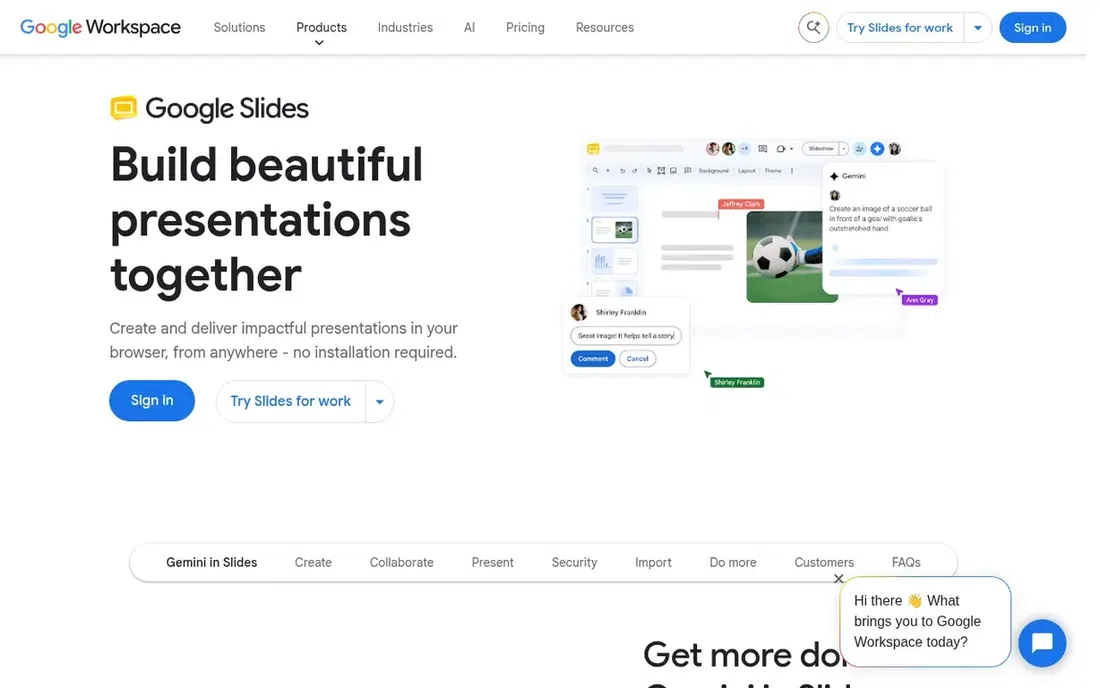
Google Slides is designed for browser-based collaborative slide editing. Google Slides keeps design and animation choices relatively straightforward, so highly refined or heavily animated decks may need another tool.
Choose Canva for richer visuals or PowerPoint for deeper formatting when those needs dominate. Google Slides does not show a starting price in this comparison, so check the vendor site for current pricing. Free options: Not stated.
Honest limits: Fewer advanced design controls.
- Made for shared editing
- Templates for numerous use cases
- Needs a Google account to work completely
How we built this list
Pre-purchase checklist
- Ask Canva, Microsoft PowerPoint and Google Slides for a written quote, since no starting price is shown.
- Test the free plan from Pitch against your real workload before relying on it.
- Take the trial from Beautiful.ai and push a live task through it before you pay.
- Read the limits listed for Canva first: less precise slide control than PowerPoint.
- Test how quickly Google Slides answers a pre-sales question; it hints at how support will feel later.
- A short pilot of Microsoft PowerPoint with your real workflow tells you more than a feature table.
FAQ
What is the cheapest option for Prezi in this list?
On published monthly entry prices, Beautiful.ai is the lowest here at $14.50 per month. Entry price is only part of the cost, because seats, add-ons and billing terms can change the total. All 5 picks in this Prezi alternatives comparison list a starting price, free plan details and the main limits on their cards above.
Is Canva the right pick for everyone comparing Prezi?
No single tool suits every team. Canva comes first because it fits design-led slides with visual templates, while Beautiful.ai suits on-brand decks for enterprise teams and Microsoft PowerPoint suits standard slide decks and pitch decks. Match the tool to your own size, budget and workflow before deciding.
Can I try these tools before paying?
Often, yes. Pitch has a free plan and Beautiful.ai offers a free trial. Use your own data and a real task during the test, and check what the free tier or trial limits before you rely on it. For the full picture, the cards above cover all 5 entries of this Prezi alternatives list, including price, free plan and limits.
Can I use a design tool rather than a dedicated presentation app?
Yes. Canva merges presentation templates with broader graphic design for social posts, posters, videos and logos. It does well when decks are part of a wider visual content effort. Worth adding: for precise slide formatting, a dedicated tool like PowerPoint is normally better.
Which options for Prezi have a free plan?
Pitch is the only tool in this list with a free plan. Free plans usually cap users, projects or features, so check the limits on the vendor page. One other tool offers a trial instead. Prices, free plan details and limits for all 5 tools in this Prezi alternatives roundup sit on the individual cards above.
Which Prezi alternative is a good match for traditional slide decks?
The first pick on this list is Canva, because it suits design-led slides with visual templates. Beautiful.ai is better for on-brand decks for enterprise teams, and Microsoft PowerPoint for standard slide decks and pitch decks. Check price and limits against your own needs before choosing.
Sources
- https://www.canva.com
- https://www.beautiful.ai
- https://www.microsoft.com/microsoft-365/powerpoint
- https://pitch.com
- https://workspace.google.com/products/slides