5 Wix Logo Maker Alternatives Worth Switching To in 2026
Comparing Wix Logo Maker alternatives? 5 contenders, each with entry cost, free tier and best-fit buyer. Each tool gets a one-line verdict. Straight answers.
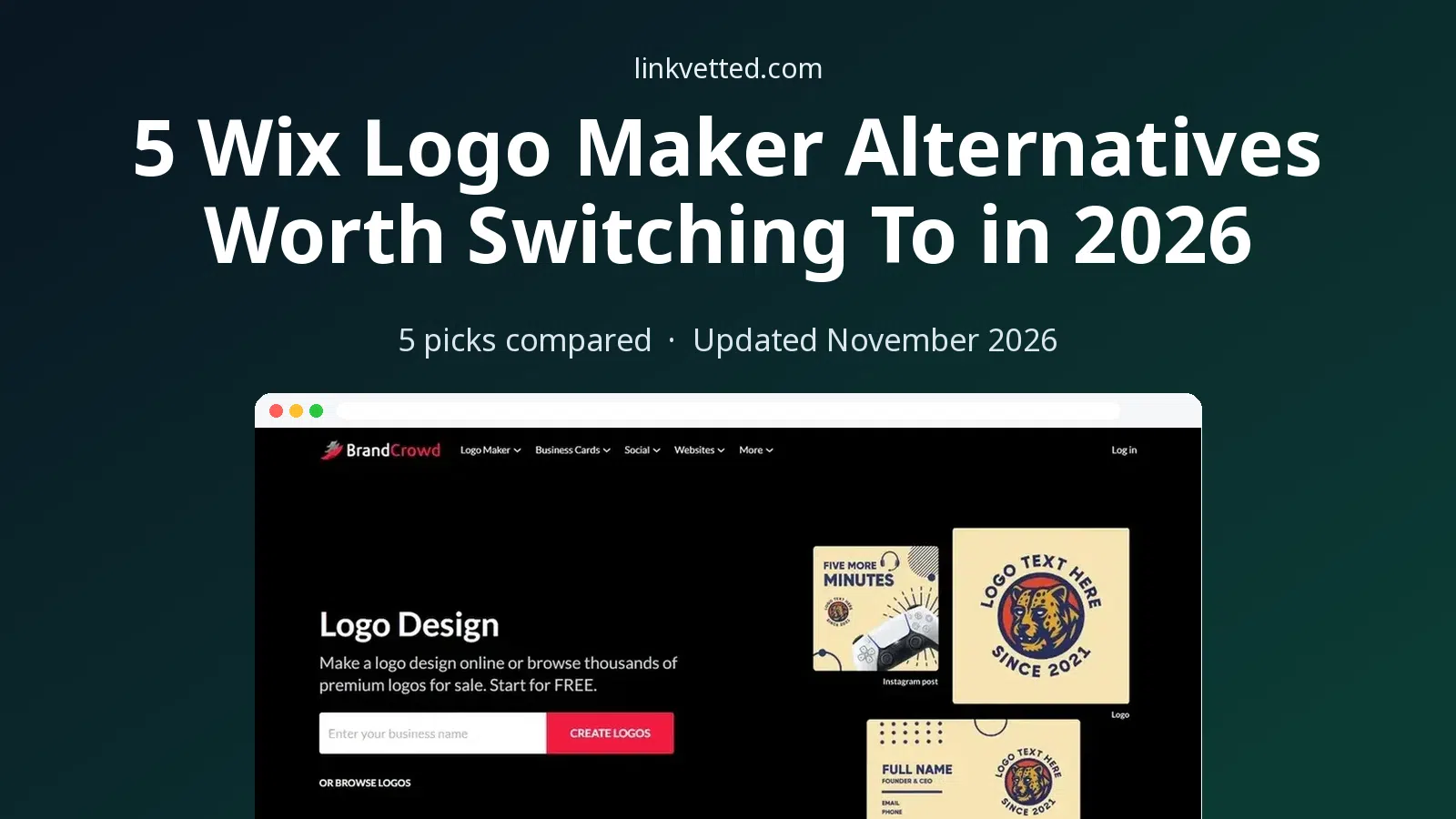
- Editor's choice
 BrandCrowd
Large template library for logos and branding
Starts atSee websiteVisit brandcrowd.comFull review - Great alternative
 Hatchful
Fast AI-generated logos with no design skills
Starts at$19 per monthVisit hatchful.shopify.comFull review - Also consider
 Canva
All-in-one design suite with logo templates
Starts atSee websiteVisit canva.comFull review
Direct answer
BrandCrowd leads the list, best for large template library for logos and branding. Listed starting prices: Hatchful from $19 per month, DesignEvo from $24.99 USD one time and Tailor Brands from $199 a year. Look at Hatchful for fast AI-generated logos with no design skills, and at Canva for all-in-one design suite with logo templates. The other 2 tools in the list cover narrower or pricier cases.
TL;DR:
- Top of the list is BrandCrowd, which targets large template library for logos and branding.
- Check the limits for BrandCrowd before you commit: templates may feel generic.
- Only 2 of the 5 tools have a free plan (DesignEvo, Tailor Brands), so check the caps.
- Hatchful is the lowest-priced starter here at $19 per month.
Last checked November 2026. Prices and plan details were read from the vendors' own pages in November 2026; vendors change plans often, so confirm the current price on the vendor site before you buy.
Quick comparison
| Tool | Best for | Starts at | Free plan? | |
|---|---|---|---|---|
| BrandCrowd | Large template library for logos and branding | See website | Not stated | Visit |
| Hatchful | Fast AI-generated logos with no design skills | $19 per month | Free trial | Visit |
| Canva | All-in-one design suite with logo templates | See website | Not stated | Visit |
 DesignEvo | Free online logo design with customization | $24.99 USD one time | Yes | Visit |
 Tailor Brands | Guided business setup with logo creation | $199 a year | Yes | Visit |
The full Wix Logo Maker list
LinkVetted put together this guide to Wix Logo Maker for readers who want a clear shortlist without reading every vendor page. It compares 5 tools on starting price, free plans, who each one suits and where each one falls short.
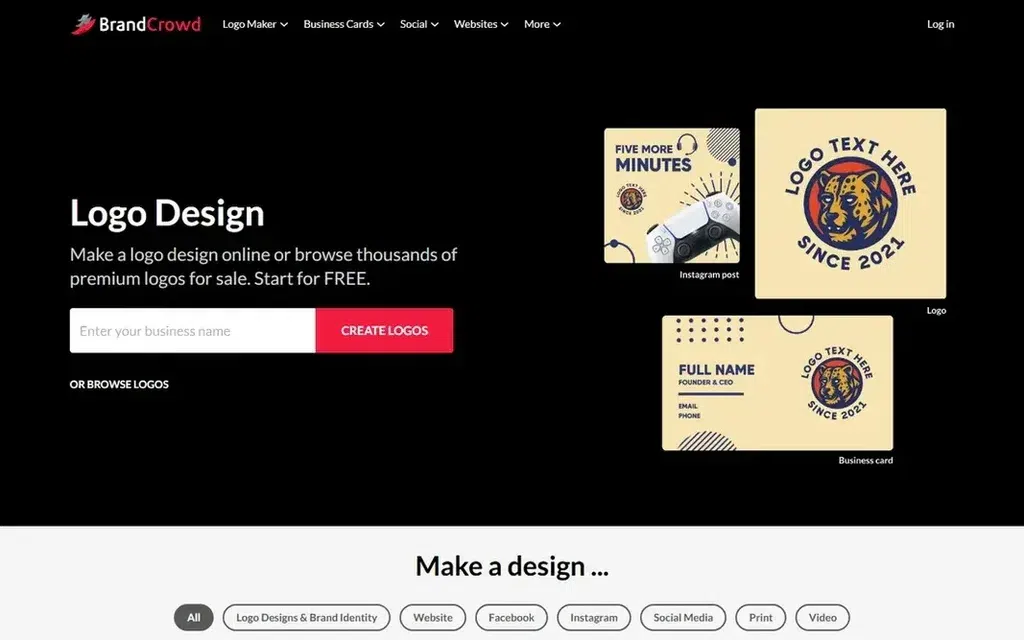
BrandCrowd makes the most sense for large template library for logos and branding. You can make your logo and other designs in seconds and download immediately. On top of that, BrandCrowd is a system that concentrates on logos, business cards, social designs and more, with a library of over 100K templates.
Watch-outs: Templates may feel generic.
In practice, if you need a completely original logo, a freelance designer or a more adaptable editor might be better. The template-driven approach means your logo may resemble others except when you customize carefully, and deep customization can be restricted. No starting price is listed for BrandCrowd here; confirm pricing on the vendor site. As for free access: Not stated.
- Also provides business cards and social designs
- Over 100K templates
- Customization restricted to template structure
Hatchful is built with fast AI-generated logos with no design skills in mind. It produces unique, high-resolution logo designs in minutes with no design skills needed, and you can download and use them immediately.
Downsides: AI output may need refinement.
Hatchful performs best for fast, no-fuss logo generation. Entry price for Hatchful: $19 per month. As for free access: Free trial.
- Free AI logo maker
- No design skills needed
- Restricted to logo generation
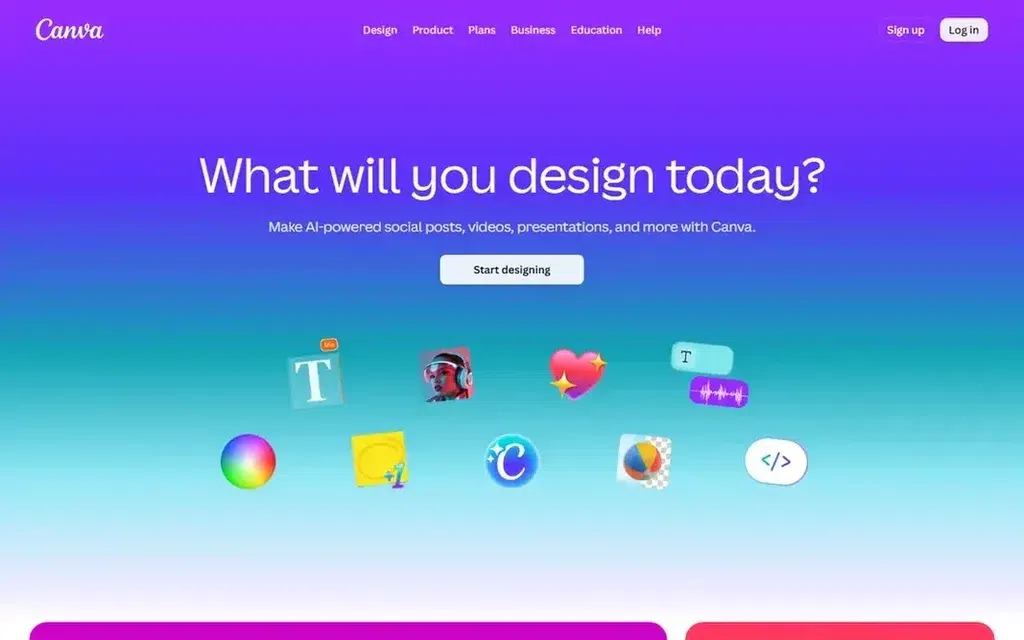
Canva is aimed squarely at all-in-one design suite with logo templates. Canva is a free-to-use online graphic design tool that lets you build social media posts, presentations, posters, videos, logos and more. It provides a visual suite for everyone, with a drag-and-drop interface and a large library of templates.
Where it falls short: May need design judgment.
Also, if you need a highly customized logo with unique vector output, you might consider a specialized logo tool instead. From a buyer's view, Whereas Canva is feature-rich, its logo-specific features are less specialized than dedicated logo makers. Some advanced elements may need a premium plan. Canva does not show a starting price in this comparison, so check the vendor site for current pricing. Free plan details: Not stated.
- Broad range of templates
- Drag-and-drop editor
- Advanced features need premium plan
Where DesignEvo fits: free online logo design with customization. DesignEvo's free version may have limitations on usage rights or file formats, and the customization choices are entry-level compared with professional design software.
For straightforward projects, it is a convenient choice. DesignEvo cost at the entry level: $24.99 USD one time. You can start on DesignEvo without paying.
What to check first: May need attribution or upgrade for某些 uses.
- Free logo maker
- Custom logo designs online
- Restricted advanced features
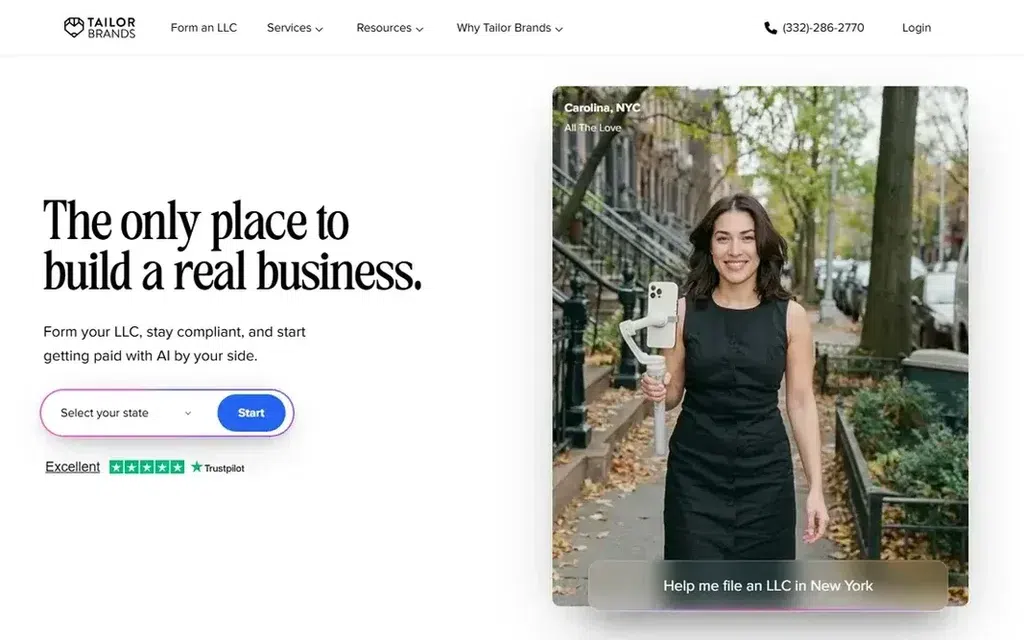
Tailor Brands works best for guided business setup with logo creation. Tailor Brands supplies a guided business building product that helps you set up, run and grow your business, including logo creation.
Honest limits: Focus on guided experience may limit advanced customization.
Price to start with Tailor Brands: $199 per year. You can start on Tailor Brands without paying.
- Logo plus business tools
- Guided business building system
- Less design adaptability
What went into this list
What to confirm before you sign up
- Get a written quote from BrandCrowd and Canva; the list shows no starting price for them.
- Look at free plan limits closely: DesignEvo and Tailor Brands have one, and the caps decide whether it is usable for real work.
- Use real work to test the free trial from Hatchful, rather than a demo project.
- Read the limits listed for BrandCrowd first: templates may feel generic.
- Let daily users try BrandCrowd on real work; their feedback beats any feature checklist.
- Ask Canva which support channels and response times come with the plan you would buy.
FAQ
Can I try these tools before paying?
Often, yes. DesignEvo and Tailor Brands have a free plan and Hatchful offers a free trial. Use your own data and a real task during the test, and check what the free tier or trial limits before you rely on it.
Which options for Wix Logo Maker have a free plan?
DesignEvo and Tailor Brands offer a free plan in this list. Free plans usually cap users, projects or features, so check the limits on the vendor page. One other tool offers a trial instead.
Do these tools publish their prices?
Not all of them. BrandCrowd and Canva publish no starting price, so expect a quote request for those. The rest, Hatchful included, show a starting price, though seats and billing terms still change the final cost.
Is BrandCrowd the right pick for everyone comparing Wix Logo Maker?
No single tool suits every team. BrandCrowd comes first because it fits large template library for logos and branding, while Hatchful suits quick AI-generated logos with no design skills and Canva suits all-in-one design suite with logo templates. Match the tool to your own size, budget and workflow before deciding.
What is the best free alternative to Wix Logo Maker?
The first pick on this list is BrandCrowd, because it suits large template library for logos and branding. Hatchful is better for fast AI-generated logos with no design skills, and Canva for all-in-one design suite with logo templates. Check price and limits against your own needs before choosing.
Sources
- https://www.brandcrowd.com
- https://hatchful.shopify.com
- https://www.canva.com
- https://www.designevo.com
- https://www.tailorbrands.com