Top WavePad Alternatives in 2026: 5 Picks Ranked
WavePad alternatives, compared. 5 tools with published prices, free plans and limits. The weak spots sit next to the strengths. Current for November 2026.
- Editor's choice
 Audacity
Free, open-source audio editing
Starts atPricing on requestVisit audacityteam.orgFull review - Great alternative
 Reaper
Adaptable, low-cost audio production
Starts atPricing on requestVisit reaper.fmFull review - Also considerSteinberg WaveLab
Professional audio mastering
Starts atPricing on requestVisit steinberg.netFull review
Direct answer
Our first pick is Audacity, best for free, open-source audio editing. For a different need, Reaper covers adaptable, affordable audio production and Steinberg WaveLab covers professional audio mastering. Details and limits for the rest of the 5 tools are below. None of these vendors publish plan prices, so pricing is on request for every option.
TL;DR:
- The list opens with Audacity, aimed at free, open-source audio editing.
- Check the limits for Steinberg WaveLab before you commit: pricey for casual users.
- Audacity, Adobe Audition and the 3 others all need a premium plan or a trial, since no free plan is listed.
- Audacity, Adobe Audition and the 3 others all sell by quote; expect sales conversations before you see a price.
Last checked November 2026. Pricing on request: vendors did not publish plan prices when this guide was last checked (November 2026), so ask each vendor for a written quote.
Quick comparison
| Tool | Best for | Starts at | Free plan? | |
|---|---|---|---|---|
| Audacity | Free, open-source audio editing | Pricing on request | Not stated | Visit |
| Reaper | Adaptable, low-cost audio production | Pricing on request | Not stated | Visit |
| Steinberg WaveLab | Professional audio mastering | Pricing on request | Not stated | Visit |
| Hindenburg Journalist | Spoken-word storytelling and podcasts | Pricing on request | Not stated | Visit |
 Adobe Audition | Full multitrack audio production | Pricing on request | Not stated | Visit |
Every option for WavePad explained
If you are comparing WavePad, this page covers 5 tools in one place: what each is best for, what it costs to start, whether it has a free plan, and the main limit to know about.
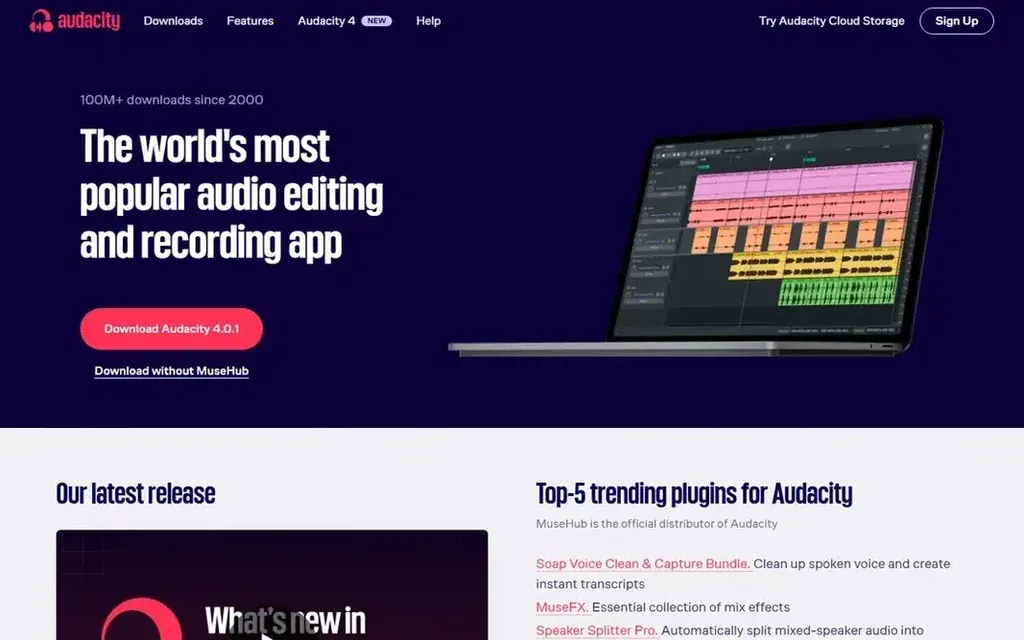
Audacity is aimed squarely at free, open-source audio editing. Audacity is a free, open-source audio editor and recorder available for Windows, macOS, and Linux. It deals with entry-level recording, editing, and effects, making it a solid choice for hobbyists, students, and anyone needing straightforward audio work without cost.
For complicated projects or professional mastering, consider Adobe Audition or Steinberg WaveLab. On top of that, Audacity lacks advanced multitrack and spectral editing found in professional tools. Its interface is functional but not modern. Pricing for Audacity is not stated here, so ask the vendor for current figures. On free options: Not stated.
Limits to weigh: Restricted advanced features.
- Cross-platform
- Supports plugins and effects
- Interface feels dated
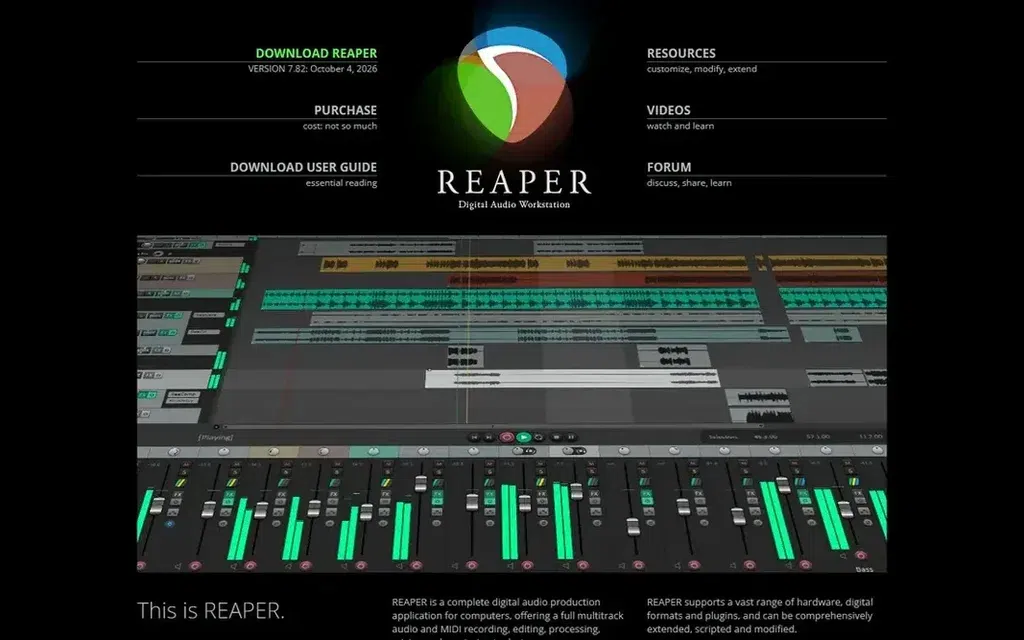
For adaptable, affordable audio production, Reaper is a natural candidate. Reaper's ramp-up time is steep, and its default setup may feel sparse. It is not a strong match for those seeking a straightforward, guided experience.
More specifically, Reaper is a digital audio workstation known for its adaptability and efficiency. Its customization options allow users to tailor the workflow. Pricing for Reaper is not stated here, so ask the vendor for current figures. On free options: Not stated.
Honest limits: Complicated for beginners.
- Light and efficient
- Supports numerous file formats
- Needs configuration
Steinberg WaveLab
Best for: Professional audio mastering
For professional audio mastering, Steinberg WaveLab is a natural candidate. The software comes with spectral editing and analysis features. For everyday use, WaveLab is complicated and may be overkill for entry-level editing or podcasting.
Its cost and ramp-up time are significant. Steinberg WaveLab is a professional audio mastering suite used for editing, restoration, and finalizing audio. It provides precise tools for mastering engineers and sound designers who need high-quality results. Pricing for Steinberg WaveLab is not stated here, so ask the vendor for current figures. Free options: Not stated.
Limits to weigh: Pricey for casual users.
- High-quality audio processing
- Advanced mastering tools
- Steep ramp-up time
Hindenburg Journalist
Best for: Spoken-word storytelling and podcasts
For Spoken-word storytelling and podcasts, Hindenburg Journalist is a natural candidate. It concentrates on spoken-word content, offering tools to produce stories without technical complexity.
What to check first: Less suited for music production.
As for the details, for narrative audio, it is a solid choice. In practice, if you work primarily with music or complicated sound design, Adobe Audition or Reaper may be better. No starting price is listed for Hindenburg Journalist here; confirm pricing on the vendor site. Free access: Not stated.
- Eases dialogue editing
- Tailored for journalists
- Restricted advanced audio tools
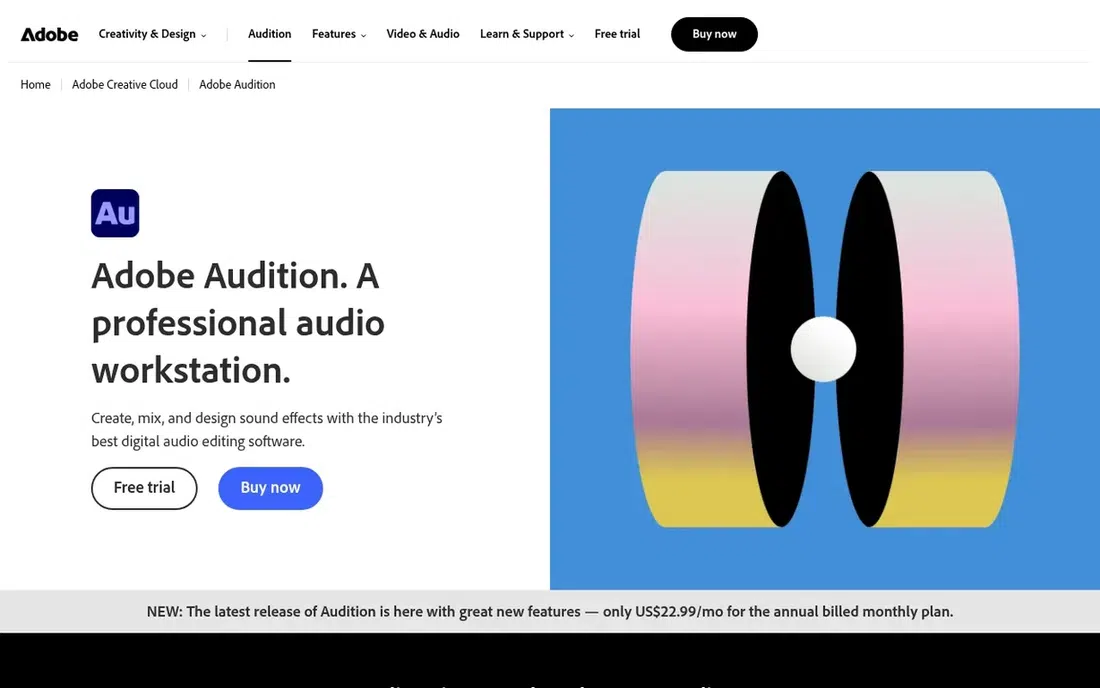
Adobe Audition is designed for full multitrack audio production. Adobe Audition is a professional audio workstation for recording, mixing, and editing. It merges multitrack, waveform, and spectral display in one interface, making it right for podcasters, musicians, and sound designers who need in-depth control.
Points against: Subscription-based pricing.
Its depth can overwhelm beginners. If you need a more straightforward or one-time-purchase editor, consider Audacity or Reaper instead. Adobe Audition does not show a starting price in this comparison, so check the vendor site for current pricing. As for free access: Not stated.
- Multitrack, waveform
- Spectral editing
- Steeper ramp-up time
What went into this list
LinkVetted looked at what each vendor publishes: pricing, plan limits, feature coverage for WavePad and stated drawbacks. No hands-on testing is claimed. Figures are shown as the vendors publish them. Billing terms, seat minimums and add-ons can change the real cost. Order on the page follows fit for the typical buyer first, then price transparency and free access. Your own requirements should decide the final pick.
Questions to settle before buying
- Request quotes from Audacity, Adobe Audition and the others; the list shows no fixed prices.
- Read the limits listed for Audacity first: interface feels dated.
- A short pilot of Steinberg WaveLab with your real workflow tells you more than a feature table.
- Ask Reaper how an export works before you move any records in; an easy exit lowers the risk.
- Price Hindenburg Journalist for your actual team size; headline prices rarely include add-ons or overage.
FAQ
Do these tools publish their prices?
No. None of the tools, from Audacity to Adobe Audition, shows a fixed starting price here, so budget time for quotes.
Does any tool for WavePad here have a free plan?
No tool in this list, Audacity and Adobe Audition included, has a permanent free plan. Trials and quotes are the usual route, so plan a short evaluation period.
Is Audacity the right pick for everyone comparing WavePad?
No single tool suits every team. Audacity comes first because it fits free, open-source audio editing, while Reaper suits flexible, affordable audio production and Steinberg WaveLab suits professional audio mastering. Match the tool to your own size, budget and workflow before deciding.
What is the best free alternative to WavePad?
The first pick on this list is Audacity, because it suits free, open-source audio editing. Reaper is better for adaptable, low-cost audio production, and Steinberg WaveLab for professional audio mastering. Check price and limits against your own needs before choosing.
Can I try these tools before paying?
Not by default. None of the tools, from Audacity to Adobe Audition, lists a free plan or a free trial here, so ask each vendor for a demo before committing.
Sources
- https://www.audacityteam.org
- https://www.reaper.fm
- https://www.steinberg.net/wavelab
- https://hindenburg.com
- https://www.adobe.com/products/audition.html