Best Topaz Gigapixel Alternatives for 2026 (5 Compared)
Topaz Gigapixel alternatives: 5 tools compared on price, free plans and fit. Capture One leads the list for precision raw work and tethering. Quick to scan.
- Editor's choice
 Capture One
Precision raw work and tethering
Starts atSee websiteVisit captureone.comFull review - Great alternative
 Affinity Photo
Precise editing without subscriptions
Starts atSee websiteVisit affinity.serif.comFull review - Also consider
 ON1 Photo RAW
Raw editing with one-time purchase
Starts at$49.99Visit on1.comFull review
Direct answer
Our first pick is Capture One, best for precision raw work and tethering. Listed starting prices: ON1 Photo RAW from $49.99. If your case is different, Affinity Photo suits precise editing without subscriptions and ON1 Photo RAW suits Raw editing with one-time purchase. Prices, free plans and limits for all 5 tools follow.
TL;DR:
- This list starts with Capture One, which is built for precision raw work and tethering.
- What to know about Affinity Photo first: ramp-up time for newcomers.
- Adobe Photoshop is the one to check for wide editing with resizing built in.
- A permanent free plan is missing from all 5 tools, Capture One and Adobe Photoshop included; plan for a trial or a premium start.
- Expect to ask for a quote from Capture One, Affinity Photo, Luminar Neo and Adobe Photoshop; the other tools show a starting price.
Last checked November 2026. Prices and plan details were read from the vendors' own pages in November 2026; vendors change plans often, so confirm the current price on the vendor site before you buy.
Quick comparison
| Tool | Best for | Starts at | Free plan? | |
|---|---|---|---|---|
| Capture One | Precision raw work and tethering | See website | Not stated | Visit |
| Affinity Photo | Precise editing without subscriptions | See website | Not stated | Visit |
| ON1 Photo RAW | Raw editing with one-time purchase | $49.99 | Free trial | Visit |
 Luminar Neo | AI-guided edits for more straightforward workflows | See website | No | Visit |
 Adobe Photoshop | Wide editing with resizing built in | See website | Not stated | Visit |
The best Topaz Gigapixel
LinkVetted put together this guide to Topaz Gigapixel for readers who want a clear shortlist without reading every vendor page. It compares 5 tools on starting price, free plans, who each one suits and where each one falls short.
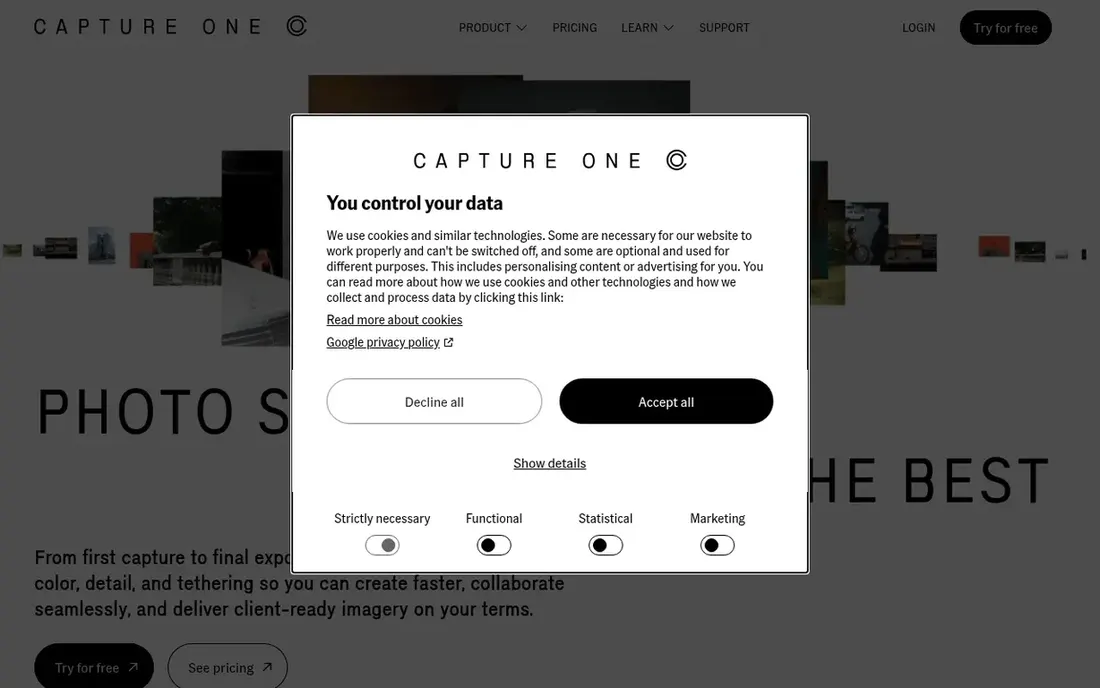
Capture One makes the most sense for precision raw work and tethering. Capture One is professional photo editing software aimed at photographers who demand precision and control. In daily use, the precision-focused interface takes time to learn, and the toolset goes well beyond enlargement needs.
Drawbacks to consider: Overkill for straightforward resizing.
Photographers who largely want to scale up images may prefer a more straightforward editor, whereas Capture One rewards those who want a controlled raw workflow from capture through output. In daily use, the homepage emphasizes advanced editing tools, smooth raw handling and capable tethering, which fits studio and tethered shooting workflows. Pricing for Capture One is not stated here, so ask the vendor for current figures. Free access: Not stated.
- Precise color and detail control
- Advanced raw handling
- Steeper ramp-up time
Affinity Photo is designed for precise editing without subscriptions. Affinity Photo is a professional photo editor made for precision, speed and creative freedom. For everyday use, if your priority is a straightforward enlargement step, a lighter tool could be easier.
The main drawbacks: Ramp-up time for newcomers.
Affinity Photo makes sense when precise, practical editing is the primary goal. The homepage frames it as a capable editor instead of a budget compromise, which suits designers and photographers who want detailed control over layers and adjustments. This comparison lists no price for Affinity Photo; ask the vendor. Free access: Not stated.
- Precision-focused editing tools
- Designed for speed and creative freedom
- Fewer guided AI shortcuts
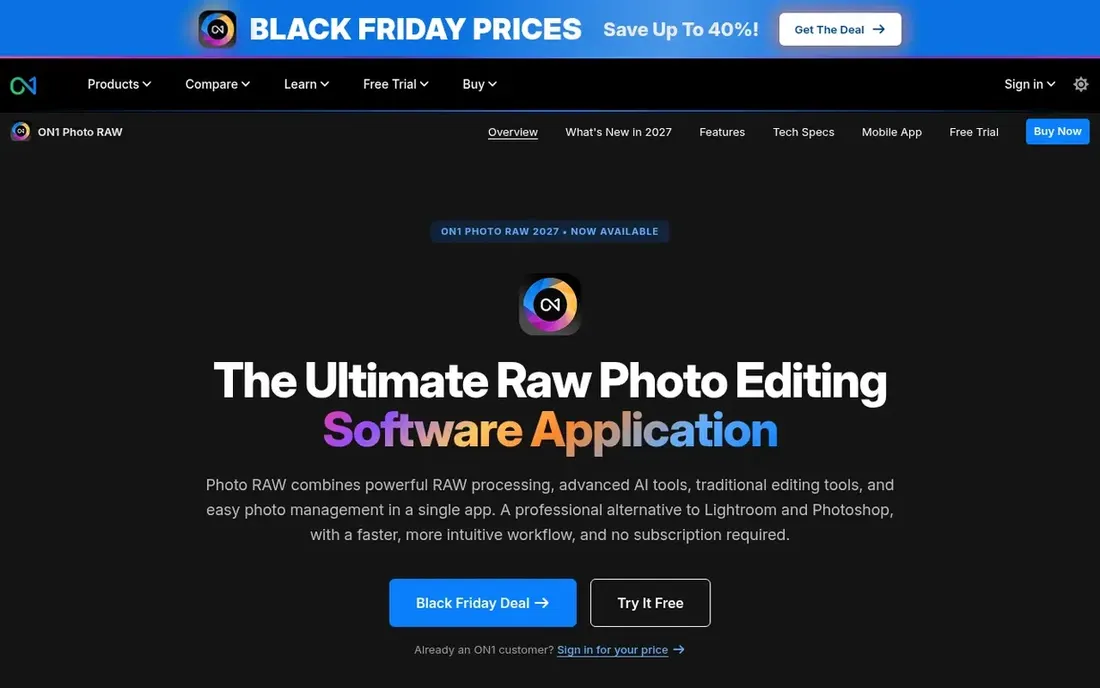
ON1 Photo RAW serves Raw editing with one-time purchase. The vendor states a one-time purchase with no subscription required, which appeals to those who dislike recurring licensing. If your central goal is a quick, narrow upscaling step, a dedicated tool may be more straightforward.
ON1 makes more sense when you want raw editing and organization together. ON1 Photo RAW is an all-in-one raw photo editor that merges editing, organizing and processing with AI-assisted tools. Beyond that, the range of modules can overwhelm casual users who only need occasional enlargement, and smooth performance relies on a capable machine. ON1 Photo RAW starts at: $49.99. Free plan details: Free trial.
Points against: Performance relies on hardware.
- Organize and edit in one app
- No subscription required
- Can feel complicated for casual users
Luminar Neo is built with AI-guided edits for more straightforward workflows in mind. If you need fine-grained raw control, a tool like Capture One may fit better.
Where it falls short: AI results need review.
Luminar Neo does well when speed and simplicity matter more. This comparison lists no price for Luminar Neo; ask the vendor. Luminar Neo has no free tier.
- Available for PC and Mac
- AI tools for typical edits
- Less depth for advanced retouching
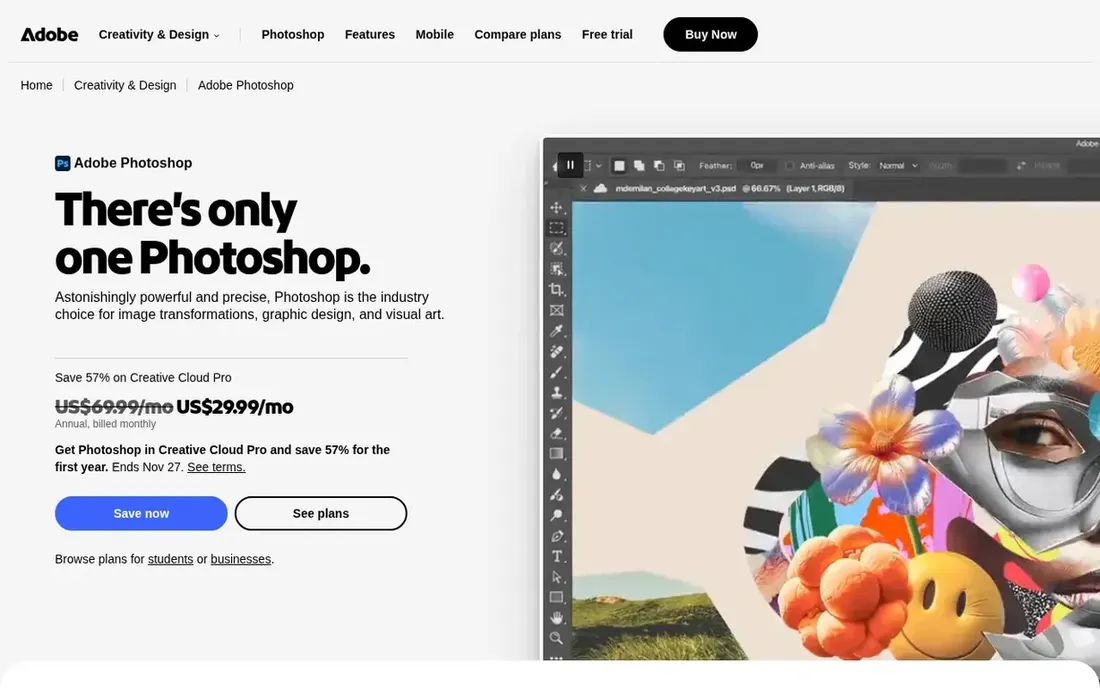
Adobe Photoshop serves wide editing with resizing built in. The depth of the toolset includes a ramp-up time, and the subscription model may not suit people who prefer a one-time purchase. Those who chiefly want straightforward enlargement with minimal editing may find a lighter editor more comfortable, whereas Photoshop makes sense when resizing sits inside heavier retouching work.
Downsides: Dense interface for beginners.
The homepage flags fast ways to produce custom scenes and combine images online or in the mobile app. Beyond that, Adobe Photoshop is a full image editor that includes retouching, compositing and scene building alongside resizing and sharpening work. No starting price is listed for Adobe Photoshop here; confirm pricing on the vendor site. As for free access: Not stated.
- Broad retouching and compositing toolset
- Desktop and online access choices
- Subscription-based licensing
Selection criteria
For each of the 5 tools we noted price, free plan or trial, fit for Topaz Gigapixel and the main limit, using vendor pages and documentation. Where a price is missing, the vendor does not list one publicly or ties it to a quote. Always confirm before budgeting. We ordered the tools by general fit, then by how clearly pricing is shown, then by free access. A buyer with unusual needs may reorder them.
Pre-purchase checklist
- Confirm the entry price on the vendor page. For Capture One, Affinity Photo, Luminar Neo and Adobe Photoshop that means a quote rather than a fixed price.
- Take the trial from ON1 Photo RAW and push a live task through it before you pay.
- Read the limits listed for Capture One first: steeper ramp-up time.
- Price Affinity Photo for your actual team size; headline prices rarely include add-ons or overage.
- Find out what support Adobe Photoshop includes on your plan, and whether onboarding help costs extra.
FAQ
Do these tools publish their prices?
Not all of them. Capture One, Affinity Photo, Luminar Neo and Adobe Photoshop publish no starting price, so expect a quote request for those. The rest, ON1 Photo RAW included, show a starting price, though seats and billing terms still change the final cost.
How are the tools for Topaz Gigapixel ordered?
Capture One sits first and Adobe Photoshop last because the order follows typical fit for Topaz Gigapixel, then price clarity and free access. It is a judgement call, so read each profile for fit and limits.
Is Capture One the right pick for everyone comparing Topaz Gigapixel?
No single tool suits every team. Capture One comes first because it fits precision raw work and tethering, while Affinity Photo suits precise editing without subscriptions and ON1 Photo RAW suits Raw editing with one-time purchase. Match the tool to your own size, budget and workflow before deciding.
Can I try these tools before paying?
Often, yes. ON1 Photo RAW offers a free trial. Use your own data and a real task during the test, and check what the free tier or trial limits before you rely on it. Prices, free plan details and limits for all 5 tools in this Topaz Gigapixel alternatives roundup sit on the individual cards above.
What should I look for in a Topaz Gigapixel alternative?
Focus on whether you need enlargement as a standalone step or as part of a broader editing workflow. Check raw support, licensing model and whether batch processing matters for your volume of images.
Sources
- https://www.captureone.com
- https://affinity.serif.com/photo
- https://www.on1.com/products/photo-raw
- https://skylum.com/luminar
- https://www.adobe.com/products/photoshop.html