Top 5 Self Service Automation Platforms for 2026 (Prices and Free Plans)
Top self service automation platforms: 5 contenders ranked by fit, with entry costs and free tiers. Strengths and gaps are listed per tool. Straight answers.
- Editor's choice
 Kissflow
Low-code custom enterprise apps
Starts atSee websiteVisit kissflow.comFull review - Great alternative
 Nintex
End-to-end process and workflow automation
Starts atSee websiteVisit nintex.comFull review - Also consider
 UiPath
Robot and AI agent orchestration
Starts at$25 a monthVisit uipath.comFull review
Direct answer
Our first pick is Kissflow, best for low-code custom enterprise apps. Listed starting prices: UiPath from $25 a month. Nintex is better for end-to-end process and workflow automation, and UiPath is better for Robot and AI agent orchestration. Prices, free plans and limits for all 5 tools follow.
TL;DR:
- Kissflow takes the first slot, best suited to low-code custom enterprise apps.
- For process orchestration without system replacement, Appian is worth a look.
- Check the limits for ServiceNow before you commit: can be complicated to configure.
- UiPath is the lowest-priced starter here at $25 per month.
- UiPath stands alone as the one tool in this list with a free plan.
Last checked November 2026. Prices and plan details were read from the vendors' own pages in November 2026; vendors change plans often, so confirm the current price on the vendor site before you buy.
Quick comparison
| Tool | Best for | Starts at | Free plan? | |
|---|---|---|---|---|
| Kissflow | Low-code custom enterprise apps | See website | Not stated | Visit |
| Nintex | End-to-end process and workflow automation | See website | Free trial | Visit |
| UiPath | Robot and AI agent orchestration | $25 a month | Yes | Visit |
 ServiceNow | Enterprise-wide workflow automation | See website | Not stated | Visit |
 Appian | Process orchestration without system replacement | See website | Not stated | Visit |
The full self service automation platforms list
This LinkVetted guide covers 5 self service automation platforms. Each profile lists a starting price, free plan details, strengths and drawbacks, so you can drop poor fits quickly.
Kissflow works best for low-code custom enterprise apps. Kissflow gives you an AI-powered low-code product for IT and a no-code system for business leaders, enabling users to build custom enterprise apps, automate workflows and boost efficiency.
Trade-offs to know: Less suited to large-scale RPA programs.
Kissflow is oriented toward app building and workflow automation, so organizations running large robotic process automation or agentic AI programs may need a different system. Worth adding: very complicated, cross-enterprise process orchestration may also call for a broader suite. Pricing for Kissflow is not stated here, so ask the vendor for current figures. Free options: Not stated.
- Low-code for IT and no-code for business users
- Build custom enterprise apps
- Best for app-centric workflows
Nintex makes the most sense for end-to-end process and workflow automation. It suits teams that want to map, automate and handle business processes whereas giving users tools to build supporting apps that link to existing systems.
Drawbacks to consider: Less suited to wide AI orchestration.
Nintex is centered on process and workflow automation instead of wide AI agent orchestration, so organizations prioritizing agentic automation may look elsewhere. Nintex shows no starting price here, so confirm the cost on the vendor site. Free options: Free trial.
- Focus on integrated workflows
- Bundles custom app development
- May need configuration for complicated cases
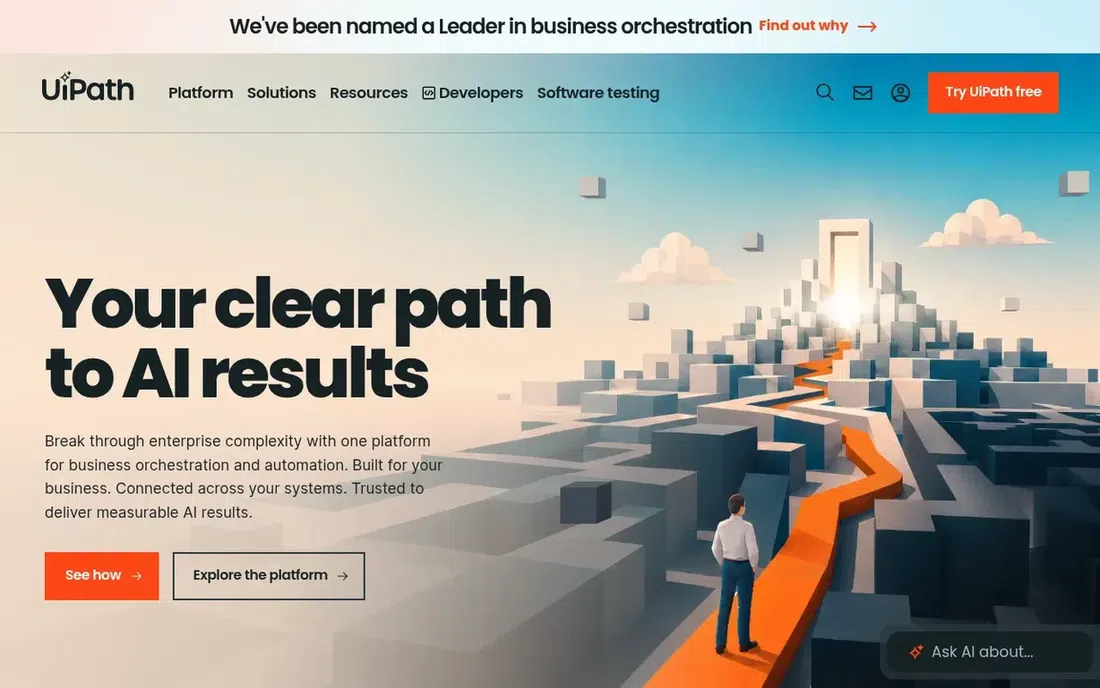
Where UiPath fits: Robot and AI agent orchestration. Because UiPath leans toward robotic and agent-driven automation, it may be more than needed for simple form-based requests or light approvals.
Downsides: Robot-centric approach may not fit every workflow.
It fits teams that want to automate repetitive, rule-based tasks and coordinate digital workers alongside human staff, particularly where governance and compliance are central concerns. Entry price for UiPath: $25 per month. UiPath offers a free plan.
- Focus on secure
- Merges AI agents
- Setup can require technical skills
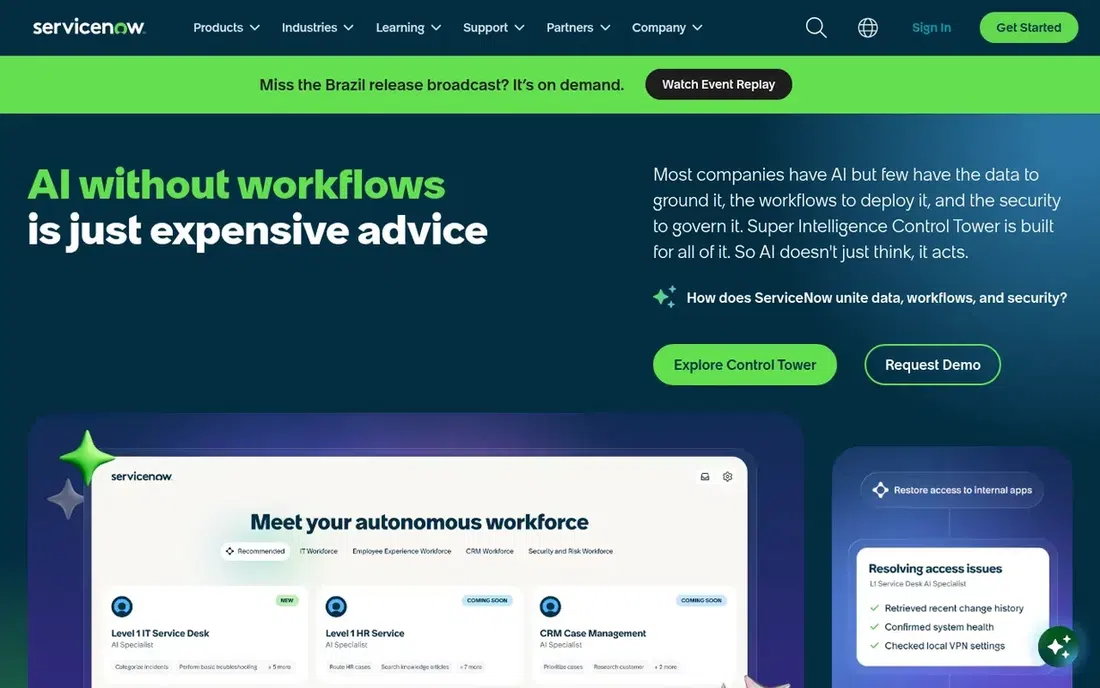
ServiceNow targets enterprise-wide workflow automation. The breadth that makes ServiceNow handy can also make it heavy for small teams or narrow use cases, where a more straightforward tool may be simpler to adopt.
Where it falls short: May suit bigger organizations best.
This comparison lists no price for ServiceNow; ask the vendor. Free plan details: Not stated.
- Wide enterprise workflow coverage
- Simplifies workflows across the business
- Can be complicated to configure
Where Appian fits: process orchestration without system replacement. It fits organizations with critical, cross-system processes that require to link legacy applications whereas adding automation and AI into the flow of work.
Honest limits: Concentrated on critical processes instead of straightforward tasks.
Appian's emphasis on critical enterprise processes means it may be more than a team needs for entry-level departmental requests. Check the vendor site for Appian pricing; none is listed in this comparison. Free plan details: Not stated.
- Works without replacing existing systems
- Systems and people
- May need platform-specific skills
How we compared the tools
Each tool was reviewed on what its vendor publishes: price, plan limits, core features and stated drawbacks. We did not run hands-on tests. Figures are shown as the vendors publish them. Billing terms, seat minimums and add-ons can change the real cost. Tools are placed by general fit for self service automation platforms, with price clarity and free access as tie-breakers. A different team can reasonably rank them differently.
Pre-purchase checklist
- Confirm the entry price on the vendor page. For Kissflow, Nintex, ServiceNow and Appian that means a quote rather than a fixed price.
- Test the free plan from UiPath against your real workload before relying on it.
- Take the trial from Nintex and push a live task through it before you pay.
- Read the limits listed for Kissflow first: less suited to large-scale RPA programs.
- Confirm that ServiceNow connects to the apps your team already uses, on the plan you would actually buy.
- Verify that exporting from Appian is possible on your plan and covers all your records.
FAQ
What is the cheapest option for self service automation platforms in this list?
On published monthly entry prices, UiPath is the lowest here at $25 per month. Entry price is only part of the cost, because seats, add-ons and billing terms can change the total. All 5 picks in this self service automation platforms comparison list a starting price, free plan details and the main limits on their cards above.
Which options for self service automation platforms have a free plan?
UiPath is the only tool in this list with a free plan. Free plans usually cap users, projects or features, so check the limits on the vendor page. One other tool offers a trial instead. For the full picture, the cards above cover all 5 entries of this self service automation platforms list, including price, free plan and limits.
Which system should a large enterprise consider first?
ServiceNow is a reasonable first look for wide enterprise workflow automation spanning customers and employees. Appian and Pega also target critical enterprise processes and system orchestration, so compare them against your integration and governance needs.
Is Kissflow the right pick for everyone comparing self service automation platforms?
No single tool suits every team. Kissflow comes first because it fits low-code custom enterprise apps, while Nintex suits end-to-end process and workflow automation and UiPath suits Robot and AI agent orchestration. Match the tool to your own size, budget and workflow before deciding.
When does a low-code choice like Kissflow make sense?
Kissflow suits teams that want business users to build custom apps and automate workflows with restricted coding. It is a practical choice when speed of app delivery matters more than large-scale robotic automation or cross-enterprise process orchestration.
Can I try these options before paying?
Often, yes. UiPath has a free plan and Nintex offers a free trial. Use your own data and a real task during the test, and check what the free tier or trial limits before you rely on it. Prices, free plan details and limits for all 5 tools in this self service automation platforms roundup sit on the individual cards above.
Sources
- https://kissflow.com
- https://www.nintex.com
- https://www.uipath.com
- https://www.servicenow.com
- https://www.appian.com