5 Best Automated Software Removal Tools for 2026, Vetted and Compared
Searching for the top automated software removal tools? Here are 5 options with prices and free plans. Every profile names its biggest catch. Straight answers.
- Editor's choiceRevo Uninstaller
Clean removal with leftover scanning
Starts atSee websiteVisit revouninstaller.comFull review - Great alternativeAdvanced Uninstaller PRO
Complete removal via a straightforward interface
Starts atSee websiteVisit advanceduninstaller.comFull review - Also consider
 CCleaner
Combined cleanup and program removal
Starts at$44.95Visit ccleaner.comFull review
Direct answer
Revo Uninstaller comes first here, mainly for clean removal with leftover scanning. Listed starting prices: CCleaner from $44.95. If your case is different, Advanced Uninstaller PRO suits complete removal via a straightforward interface and CCleaner suits combined cleanup and program removal. Details, prices and limits for the rest of the 5 tools are below.
TL;DR:
- Revo Uninstaller sits first on this list: clean removal with leftover scanning.
- What to know about Revo Uninstaller first: interface can feel dense for beginners.
- For Revo Uninstaller, Advanced Uninstaller PRO, IObit Uninstaller and Total Uninstall, you have to request a quote because no starting price is shown.
- Total Uninstall fits monitoring installs before removal.
- Only CCleaner offers a free plan among these 5 tools.
Last checked November 2026. Prices and plan details were read from the vendors' own pages in November 2026; vendors change plans often, so confirm the current price on the vendor site before you buy.
Quick comparison
| Tool | Best for | Starts at | Free plan? | |
|---|---|---|---|---|
| Revo Uninstaller | Clean removal with leftover scanning | See website | Not stated | Visit |
| Advanced Uninstaller PRO | Complete removal via a straightforward interface | See website | Not stated | Visit |
| CCleaner | Combined cleanup and program removal | $44.95 | Yes | Visit |
| IObit Uninstaller | Stubborn apps and browser extensions | See website | Not stated | Visit |
| Total Uninstall | Monitoring installs before removal | See website | Not stated | Visit |
Automated Software Removal Tools profiles
This LinkVetted guide covers 5 automated software removal tools. Each profile lists a starting price, free plan details, strengths and drawbacks, so you can drop poor fits quickly.
Revo Uninstaller
Best for: Clean removal with leftover scanning
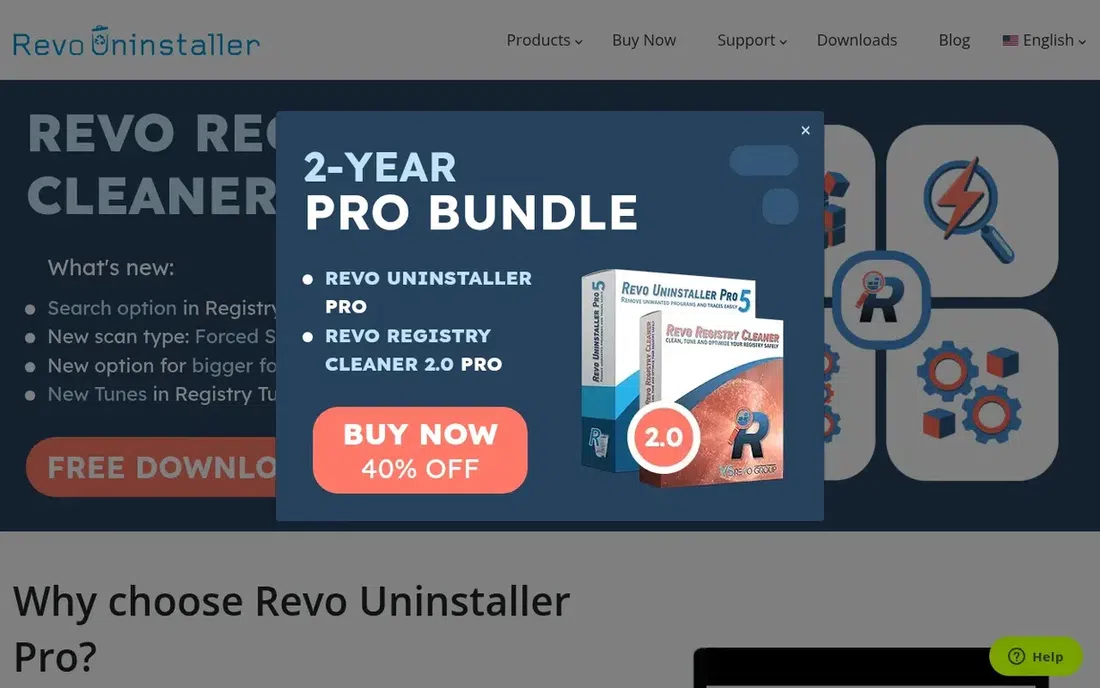
Where Revo Uninstaller fits: clean removal with leftover scanning. Revo Uninstaller is built around removing programs fully from Windows, including traces that standard uninstallers leave behind. Its homepage describes clean removal of any program and simple uninstalling.
The tool is specialized, so it does not replace general disk cleaning or privacy maintenance. Its feature set may also be more than casual users need. No starting price is listed for Revo Uninstaller here; confirm pricing on the vendor site. Free plan details: Not stated.
Drawbacks to consider: Interface can feel dense for beginners.
- Scans for leftovers after uninstalling
- Manages programs that resist standard removal
- Narrower scope than all-in-one cleaners
Advanced Uninstaller PRO
Best for: Complete removal via a straightforward interface
Think of Advanced Uninstaller PRO for complete removal via a straightforward interface. Advanced Uninstaller PRO is positioned as a thorough uninstaller for Windows, letting users remove programs rapidly and fully through a simple interface.
Its homepage stresses simplicity alongside complete removal. This comparison lists no price for Advanced Uninstaller PRO; ask the vendor. Free access: Not stated.
Points against: Less visible outside dedicated uninstaller circles.
- Easy-to-learn interface
- Complete uninstalls
- Feature depth varies by edition
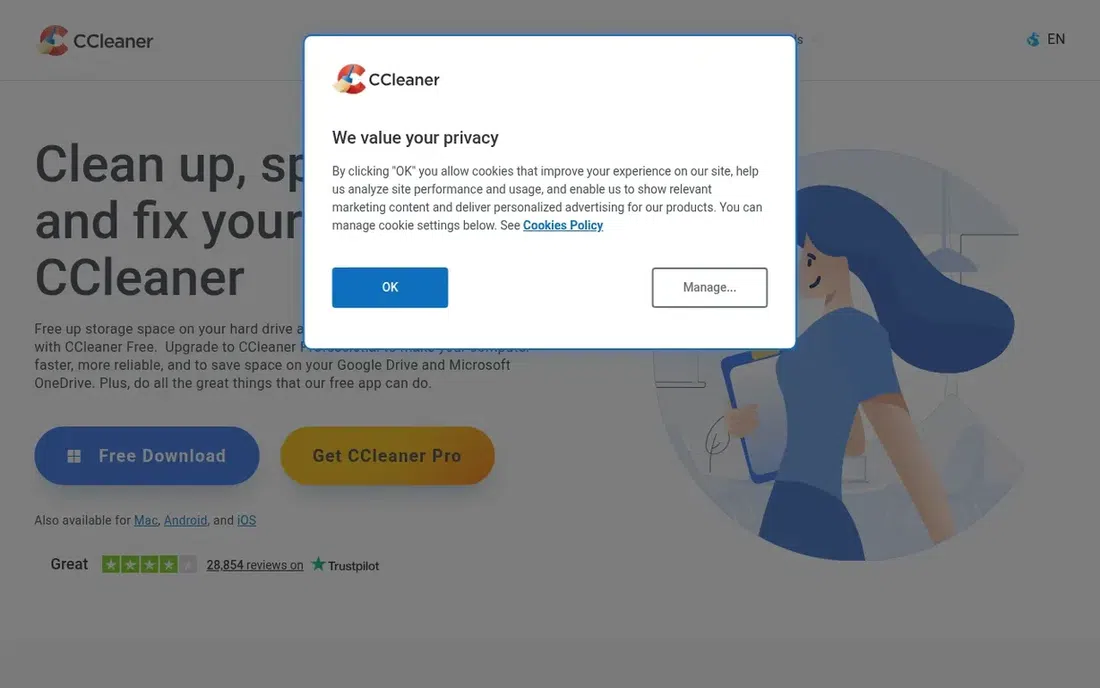
Where CCleaner fits: combined cleanup and program removal. CCleaner is a general-purpose PC maintenance tool that also helps remove programs as part of its cleaning routine.
Its homepage emphasizes making a computer quicker and more secure whereas protecting privacy. Choose CCleaner when convenience and general maintenance matter more than deep removal. CCleaner pricing: $44.95. You can start on CCleaner without paying.
Drawbacks to consider: Removal depth may trail dedicated uninstallers.
- Takes care of routine PC cleaning alongside uninstalls
- Familiar interface for general users
- Extra features can distract from straightforward removal
IObit Uninstaller
Best for: Stubborn apps and browser extensions
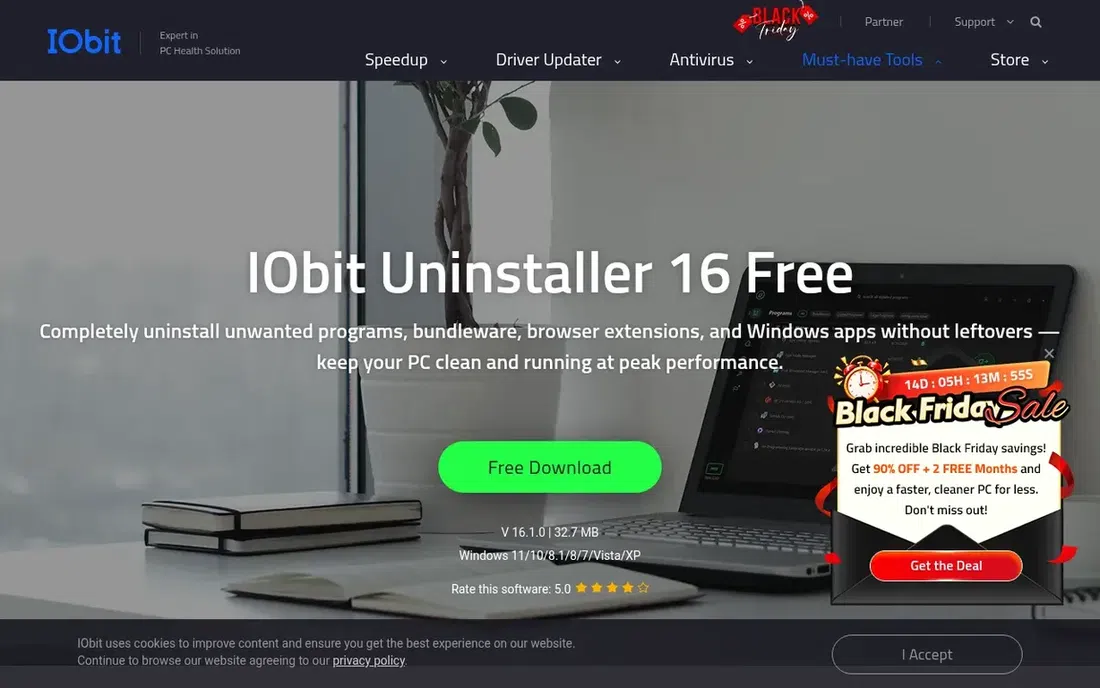
IObit Uninstaller was built for stubborn apps and browser extensions. IObit Uninstaller is a Windows uninstaller that helps remove apps and programs, including ones that resist normal removal.
Downsides: Interface promotes extra tools.
Its homepage flags keeping a computer clean, quick and safe and notes support for recent Windows versions. As for the details, the interface tends to promote other IObit utilities, which some users find distracting. Check the vendor site for IObit Uninstaller pricing; none is listed in this comparison. As for free access: Not stated.
- Handles browser extensions as well as apps
- Targeted at keeping Windows clean and quick
- Some removal features may push toward other IObit products
Total Uninstall
Best for: Monitoring installs before removal
Think of Total Uninstall for monitoring installs before removal. Total Uninstall from Martau examines installed programs and can monitor new installations so removal later is more complete.
Pricing for Total Uninstall is not stated here, so ask the vendor for current figures. Trial and free access: Not stated.
Honest limits: Monitoring workflow brings steps.
- Aims at complete removal
- Examines installed programs
- More technical than entry-level uninstallers
What went into this list
For each of the 5 tools we noted price, free plan or trial, fit for automated software removal tools and the main limit, using vendor pages and documentation. Prices and plan limits come from vendor pages and can change, so confirm them on the vendor site before you buy. We ordered the tools by general fit, then by how clearly pricing is shown, then by free access. A buyer with unusual needs may reorder them.
What to check before you buy
- Confirm the entry price on the vendor page. For Revo Uninstaller, Advanced Uninstaller PRO, IObit Uninstaller and Total Uninstall that means a quote rather than a fixed price.
- Look at the free plan from CCleaner closely: its caps decide whether it is usable for real work.
- Before choosing Revo Uninstaller, weigh its main limit: interface can feel dense for beginners.
- Total up the real monthly cost of IObit Uninstaller, including add-ons, extra users and usage-based fees.
- Ask Advanced Uninstaller PRO whether prices are locked for the first term and what happens at renewal.
FAQ
Should I use a dedicated uninstaller or a general cleaner?
A dedicated uninstaller like Revo Uninstaller centres on thorough removal and leftover cleanup. A general cleaner like CCleaner brings disk and privacy maintenance but may scan less aggressively for leftovers.
What does an automatic software removal tool do?
It runs a program's uninstaller and then scans for leftover files, folders and registry entries so removal is more complete. Some tools also manage stubborn programs that resist standard removal and browser extensions.
Can I try these options before paying?
Often, yes. CCleaner has a free plan. Use your own data and a real task during the test, and check what the free tier or trial limits before you rely on it. Each of the 5 options in this automated software removal tools guide has its own card above with the price, free plan and limits.
Is Revo Uninstaller the right pick for everyone comparing automated software removal tools?
No single tool suits every team. Revo Uninstaller comes first because it fits clean removal with leftover scanning, while Advanced Uninstaller PRO suits complete removal via a simple interface and CCleaner suits combined cleanup and program removal. Match the tool to your own size, budget and workflow before deciding.
Which options for automated software removal tools have a free plan?
CCleaner is the only tool in this list with a free plan. Free plans usually cap users, projects or features, so check the limits on the vendor page. All 5 picks in this automated software removal tools comparison list a starting price, free plan details and the main limits on their cards above.
How are the tools for automated software removal tools ordered?
The order follows typical fit for automated software removal tools, with Revo Uninstaller first and Total Uninstall last, then price clarity and free access. It is editorial judgement, not a score, so another team could rank the tools differently.
Sources
- https://www.revouninstaller.com
- https://www.advanceduninstaller.com
- https://www.ccleaner.com
- https://www.iobit.com/en/advanceduninstaller.php
- https://www.martau.com