6 Automated Client Reporting Software Worth Shortlisting in 2026
6 tools for the top automated client reporting software, compared on pricing, free plans and best-fit use. Concise write-ups of every option. Costs up front.
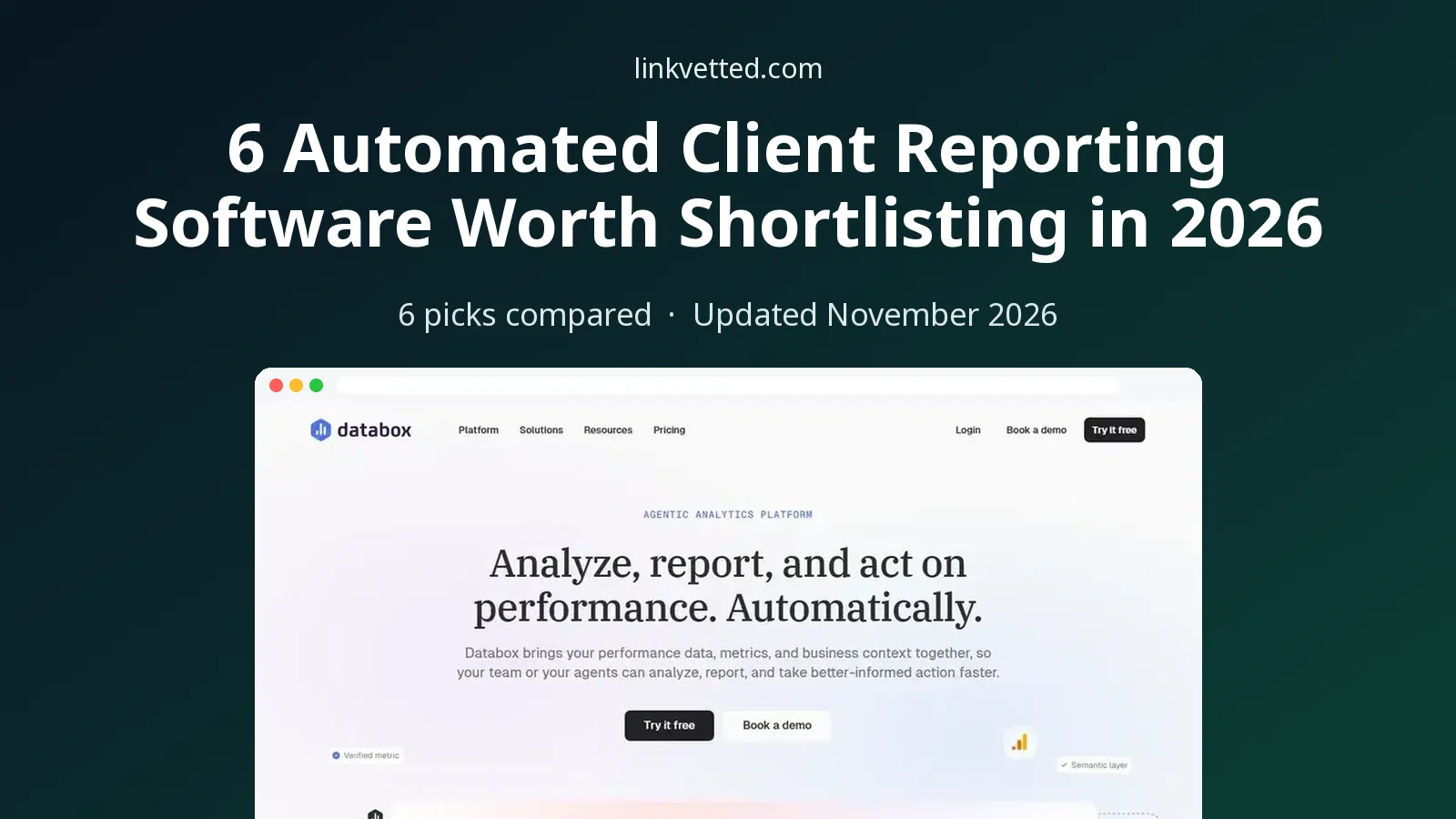
- Editor's choice
 Looker Studio
Adaptable dashboards in Google's ecosystem
Starts atSee websiteVisit lookerstudio.google.comFull review - Great alternative
 Databox
Teams blending analytics with AI workflows
Starts at$79 per monthVisit databox.comFull review - Also consider
 Klipfolio
Spreadsheet-style dashboards with automatic data
Starts at$120 a monthVisit klipfolio.comFull review
Direct answer
For flexible dashboards in Google's ecosystem, Looker Studio is where this list starts. Listed starting prices: Databox from $79 per month, Klipfolio from $120 a month and AgencyAnalytics from $20 per client a month. Alternatives: Databox for teams blending analytics with AI workflows, and Klipfolio for spreadsheet-style dashboards with automatic data. The other 3 tools in the list cover narrower or pricier cases.
TL;DR:
- Top of the list is Looker Studio, which targets adaptable dashboards in Google's ecosystem.
- Whatagraph suits cross-channel marketing intelligence and reporting.
- AgencyAnalytics comes with a trade-off: agency-focused may not suit in-house teams.
- For the cheapest start, look at AgencyAnalytics: $20 per client per month.
- Looker Studio, Whatagraph and the 4 others all need a premium plan or a trial, since no free plan is listed.
Last checked November 2026. Prices and plan details were read from the vendors' own pages in November 2026; vendors change plans often, so confirm the current price on the vendor site before you buy.
Quick comparison
| Tool | Best for | Starts at | Free plan? | |
|---|---|---|---|---|
| Looker Studio | Adaptable dashboards in Google's ecosystem | See website | Not stated | Visit |
| Databox | Teams blending analytics with AI workflows | $79 per month | Free trial | Visit |
| Klipfolio | Spreadsheet-style dashboards with automatic data | $120 a month | Free trial | Visit |
 AgencyAnalytics | Marketing agencies needing automatic client reporting | $20 per client a month | Free trial | Visit |
 Funnel | Governed marketing data foundation for reporting | $300 per month | Free trial | Visit |
 Whatagraph | Cross-channel marketing intelligence and reporting | €699 per month | No | Visit |
Our 6 picks for automated client reporting software
This LinkVetted guide covers 6 options for automated client reporting software. Each profile lists a starting price, free plan details, strengths and drawbacks, so you can drop poor fits quickly.
Choose Looker Studio for adaptable dashboards in Google's ecosystem. Data source configuration and report design fall on the user.
Its interactive report style performs well for exploratory dashboards and recurring client updates. It is a general reporting tool instead of an agency-specific automation suite, so client reporting workflows may need more manual setup. Looker Studio does not show a starting price in this comparison, so check the vendor site for current pricing. Free access: Not stated.
Where it is weaker: Less agency-specific automation from day one.
- Wide sharing choices
- Familiar Google ecosystem
- Needs data source configuration
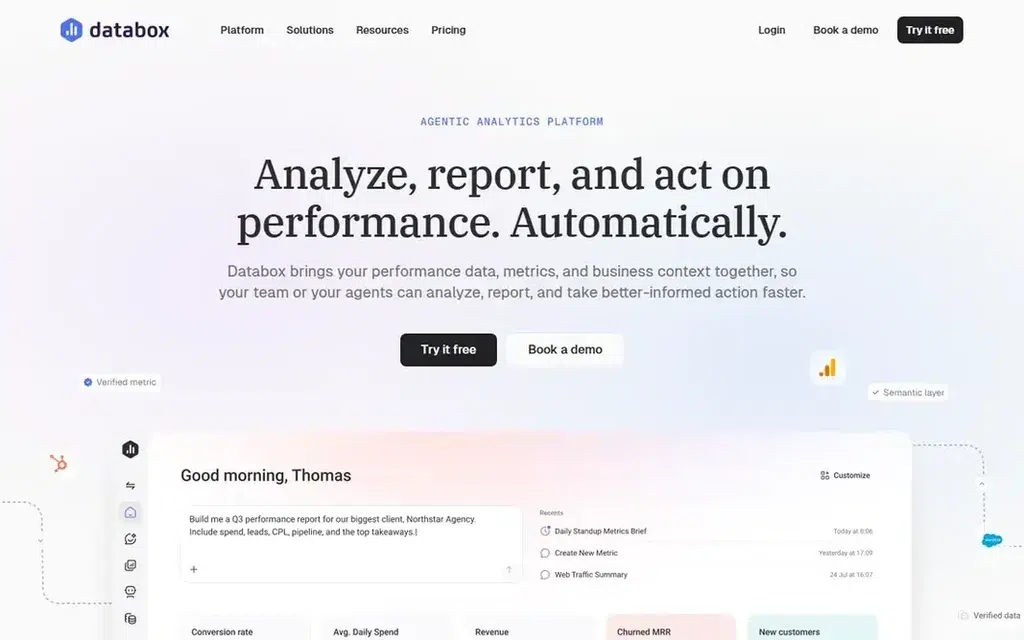
Databox is designed for teams blending analytics with AI workflows. Databox is described as an agentic analytics product for agencies and teams. If you need a purely visual dashboard builder without the agent layer, a more straightforward choice may suit you better.
From a buyer's view, agencies and internal teams that value both client reporting and operational insight are the intended users. In daily use, the emphasis on agents and AI workflows means teams should be ready to adopt new ways of working. It still depends on well-connected data sources to be accurate. Price to start with Databox: $79 per month. Free plan details: Free trial.
Downsides: Data connections are essential.
- Fits agencies and internal teams
- Merges performance data and context
- Agent features may need onboarding
Think of Klipfolio for spreadsheet-style dashboards with automatic data. The spreadsheet-centric approach is a strength for some and a barrier for others who prefer purely visual builders. Klipfolio gives you spreadsheet power with dashboard clarity.
Where it is weaker: Spreadsheet model may not suit all users.
Its Klips supply a complete dashboard option that automates data retrieval and provides limitless dashboard presentation and distribution options, all with the power and familiarity of spreadsheets. Worth adding: setting up automatic retrieval for each source takes initial effort. Also, distribution choices make it handy for sharing reports across clients or stakeholders. Klipfolio pricing: $120 per month. On free options: Free trial.
- Automatic data retrieval
- Adaptable presentation and distribution
- Needs setup for each data source
AgencyAnalytics
Best for: Marketing agencies needing automatic client reporting
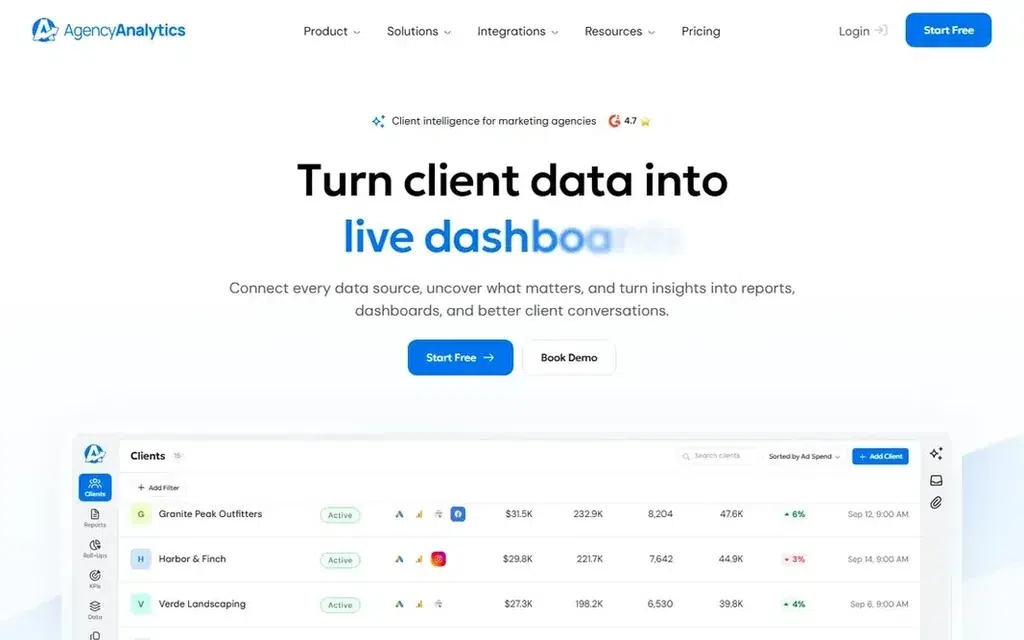
In short, AgencyAnalytics is for marketing agencies needing automatic client reporting. The product is positioned around running an agency on a single data layer, which can simplify how reports are produced and shared across accounts. It also relies on connecting the right data sources to be handy.
In daily use, AgencyAnalytics is a client reporting and performance insights system aimed at marketing agencies. It brings automatic reporting, performance monitoring, and client results onto one steady data foundation. Agencies that handle several client accounts and want to reduce manual report assembly are the core audience. For everyday use, if you need a general-purpose BI tool instead of an agency reporting suite, consider a broader dashboard system instead. The starting price for AgencyAnalytics: $20 per client per month. On free options: Free trial.
Where it falls short: Needs connecting client data sources.
- Automatic reporting and monitoring
- Single data foundation
- Agency-focused may not suit in-house teams
Funnel was built for governed marketing data foundation for reporting. Funnel is a marketing intelligence product that gives you a marketing data foundation powering reports, measurement, and AI tools. It is a foundation instead of a report builder.
If you prefer a single tool for both data and report design, look at a combined product. Teams wanting an all-in-one reporting interface may have to pair it with a dashboard product. Price to start with Funnel: $300 per month. Free plan details: Free trial.
Watch-outs: Needs destination reporting tools.
- AI tools
- Clean
- Focus is data foundation, not report design
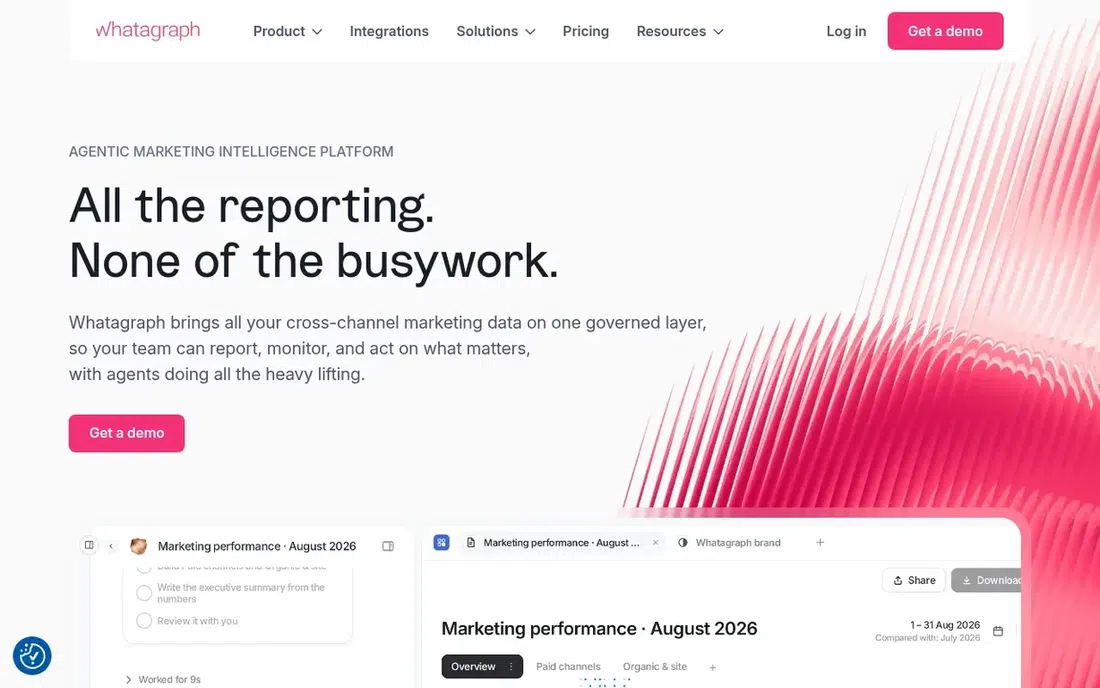
Whatagraph is aimed squarely at cross-channel marketing intelligence and reporting. It brings cross-channel marketing data onto one governed layer for reporting, monitoring, and analysis, with agents doing the heavy lifting. From a buyer's view, the governed data layer is a strength but also means setup and governance decisions before reports flow smoothly.
Watch-outs: Governed layer setup takes planning.
As for the details, the agent-assisted approach aims to cut manual effort in assembling and interpreting performance data. In practice, if your priority is a straightforward spreadsheet-like dashboard, a lighter tool may be a better fit. Entry price for Whatagraph: €699 per month. Whatagraph has no permanent free option.
- Agents assist with reporting tasks
- Supports monitoring and analysis
- May be more than straightforward report sharing needs
How these tools were picked
Before you commit
- Get a written quote from Looker Studio; the list shows no starting price for them.
- Take the trial from Databox, Klipfolio, AgencyAnalytics and Funnel and push a live task through it before you pay.
- Read the limits listed for Looker Studio first: needs data source configuration.
- Look at which plan of Klipfolio unlocks the features you need; entry tiers are often cut down.
- A short pilot of Funnel with your real workflow tells you more than a feature table.
FAQ
Is Looker Studio the right pick for everyone comparing automated client reporting software?
No single tool suits every team. Looker Studio comes first because it fits flexible dashboards in Google's ecosystem, while Databox suits teams blending analytics with AI workflows and Klipfolio suits spreadsheet-style dashboards with automated data. Match the tool to your own size, budget and workflow before deciding.
Which tool is a good match for a small marketing agency?
Looker Studio is the pick this page puts first, mainly for adaptable dashboards in Google's ecosystem. If your situation differs, Databox suits teams blending analytics with AI workflows, and Klipfolio suits spreadsheet-style dashboards with automatic data. Compare price and limits before you decide.
How are the tools for automated client reporting software ordered?
The order follows typical fit for automated client reporting software, with Looker Studio first and Whatagraph last, then price clarity and free access. It is editorial judgement, not a score, so another team could rank the tools differently.
What is the cheapest option for automated client reporting software in this list?
On published monthly entry prices, AgencyAnalytics is the lowest here at $20 per client per month. Entry price is only part of the cost, because seats, add-ons and billing terms can change the total.
Can these tools replace manual spreadsheet reports?
Klipfolio especially keeps spreadsheet familiarity whereas adding dashboard clarity. The transition relies on your data sources and how much report design you want to control.
What is automatic client reporting software?
It is software that pulls data from marketing and business sources and creates client reports on a schedule. It cuts manual assembly and helps keep reporting consistent across accounts.
Sources
- https://lookerstudio.google.com
- https://databox.com
- https://www.klipfolio.com
- https://agencyanalytics.com
- https://funnel.io
- https://whatagraph.com