Top Toon Boom Harmony Alternatives in 2026: 5 Picks Ranked
5 tools for Toon Boom Harmony alternatives, compared on pricing, free plans and best-fit use. Plain-spoken summaries throughout. Pick with confidence.
- Editor's choice
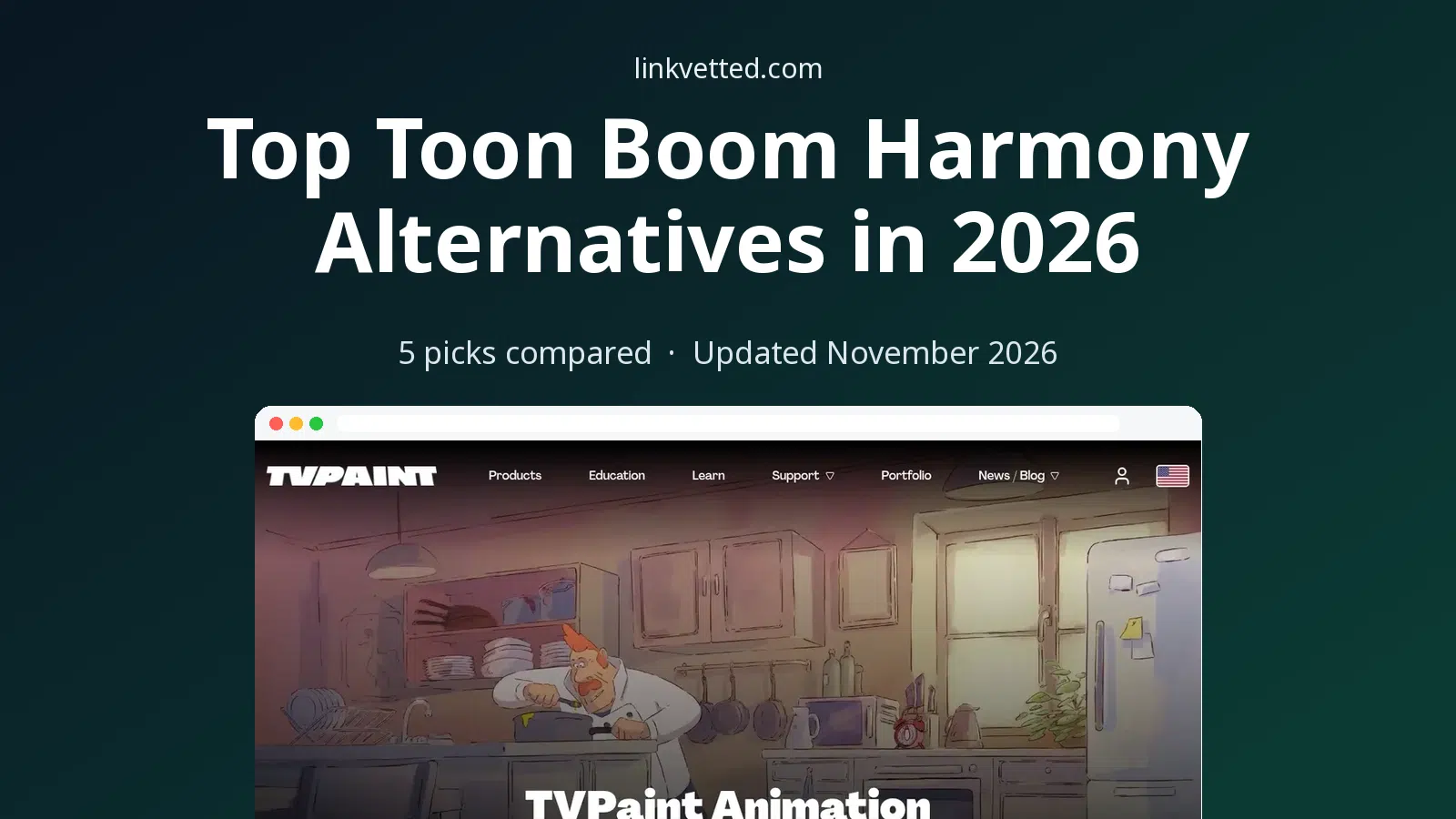
 TVPaint Animation
Frame-by-frame drawing for studios
Starts atPricing on requestVisit tvpaint.comFull review - Great alternative
 Clip Studio Paint
Illustration-led animation and comics
Starts atPricing on requestVisit clipstudio.netFull review - Also consider
 Moho
Efficient 2D character rigging
Starts atPricing on requestVisit moho.lostmarble.comFull review
Direct answer
Start with TVPaint Animation if you need Frame-by-frame drawing for studios. Clip Studio Paint is the stronger choice for Illustration-led animation and comics, while Moho suits efficient 2D character rigging. All 5 tools are compared below on fit, free plan and limits. None of these vendors publish plan prices, so pricing is on request for every option.
TL;DR:
- TVPaint Animation sits first on this list: Frame-by-frame drawing for studios.
- A permanent free plan is missing from all 5 tools, TVPaint Animation and Adobe After Effects included; plan for a trial or a premium start.
- Adobe After Effects fits motion graphics and compositing.
- Pricing across the list, from TVPaint Animation to Adobe After Effects, is by quote only.
Last checked November 2026. Pricing on request: vendors did not publish plan prices when this guide was last checked (November 2026), so ask each vendor for a written quote.
Quick comparison
| Tool | Best for | Starts at | Free plan? | |
|---|---|---|---|---|
| TVPaint Animation | Frame-by-frame drawing for studios | Pricing on request | Not stated | Visit |
| Clip Studio Paint | Illustration-led animation and comics | Pricing on request | Not stated | Visit |
| Moho | Efficient 2D character rigging | Pricing on request | Not stated | Visit |
 Adobe Animate | Flash-style 2D animation and cartoons | Pricing on request | Not stated | Visit |
 Adobe After Effects | Motion graphics and compositing | Pricing on request | Not stated | Visit |
The 5 tools in detail
LinkVetted compared 5 tools for Toon Boom Harmony. The goal is a practical shortlist: published prices, free plan facts, best-fit use cases and honest limits for every entry.
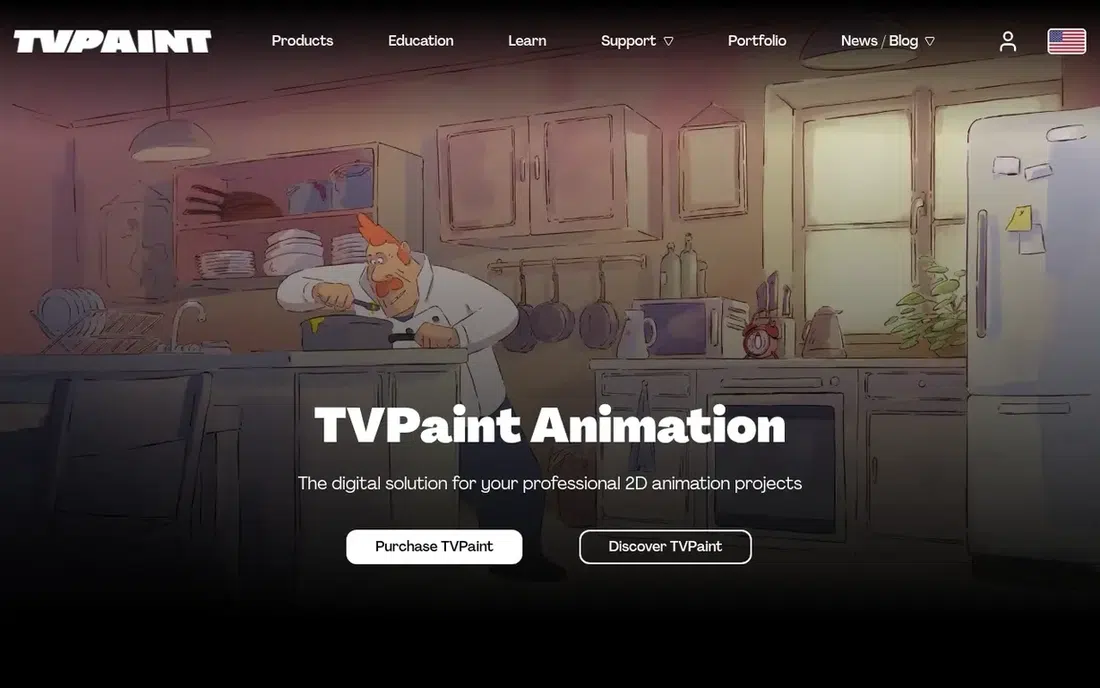
Pick TVPaint Animation if this describes you: Frame-by-frame drawing for studios. Since it leans toward frame-by-frame work, teams wanting quick puppet or skeletal setups may need a second tool.
Downsides: Less emphasis on rigging.
Beyond that, the interface assumes some animation experience. Check the vendor site for TVPaint Animation pricing; none is listed in this comparison. Trial and free access: Not stated.
Best features of TVPaint Animation: Used by students.
- Solid drawing and painting feel
- Studios and professionals
- Workflow differs from node or tween tools
Clip Studio Paint is built with Illustration-led animation and comics in mind. Clip Studio Paint is a paint application for digital illustration, comics and animation, with a focus on simple drawing through rich brushes and convenient features. It runs on computers, tablets and phones, so artists can sketch and animate across devices.
More specifically, Animation is one part of a broader illustration toolset, so complicated character rigging and studio pipelines are not its focus. Large animation teams may outgrow it. This comparison lists no price for Clip Studio Paint; ask the vendor. As for free access: Not stated.
Watch-outs: Long-form animation needs additional planning.
- Comics and animation
- Handles illustration
- Animation features are secondary
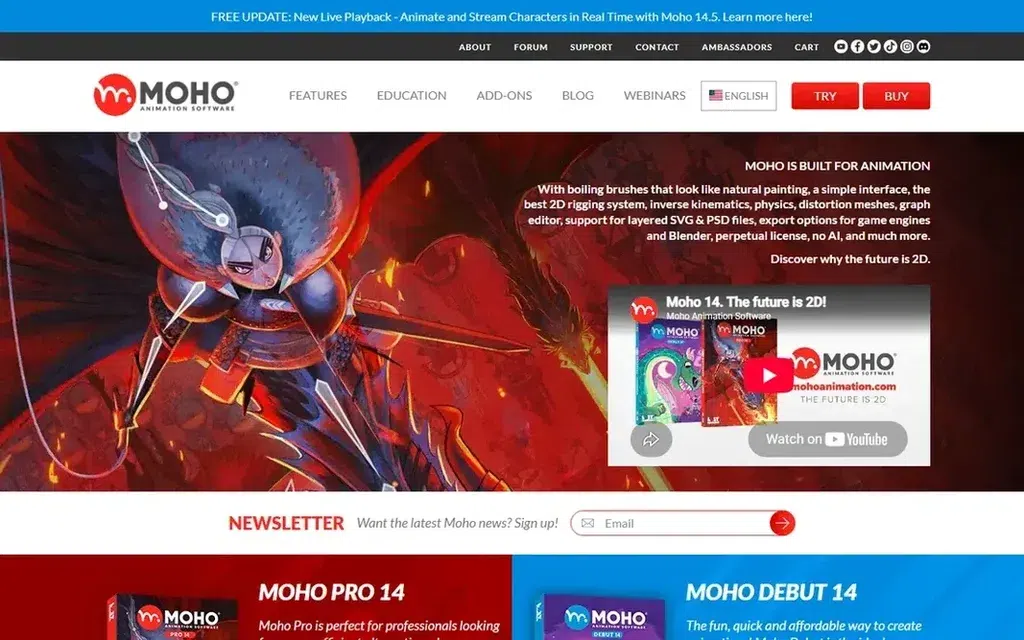
Where Moho fits: efficient 2D character rigging. Moho is a complete 2D animation program positioned as a more efficient alternative for hobbyists and professional animators. It targets quality character animation for movies, films and commercial projects, with a rig-based approach that lets you build a character once and reuse it across scenes.
The main drawbacks: Rigging setup takes time to learn.
That makes it a solid candidate for episodic work or anyone producing recurring characters. Also, artists who prefer drawing every frame straight may find TVPaint Animation or Clip Studio Paint more natural. From a buyer's view, the rigging workflow rewards planning and can be slow to learn at first. Choose Moho when reusable character setups matter more than freehand painting. This comparison lists no price for Moho; ask the vendor. Trial and free access: Not stated.
Main advantages: Complete 2D animation program.
- Made for movies and commercial work
- Pitched at hobbyists and professionals
- Smaller ecosystem than major suites
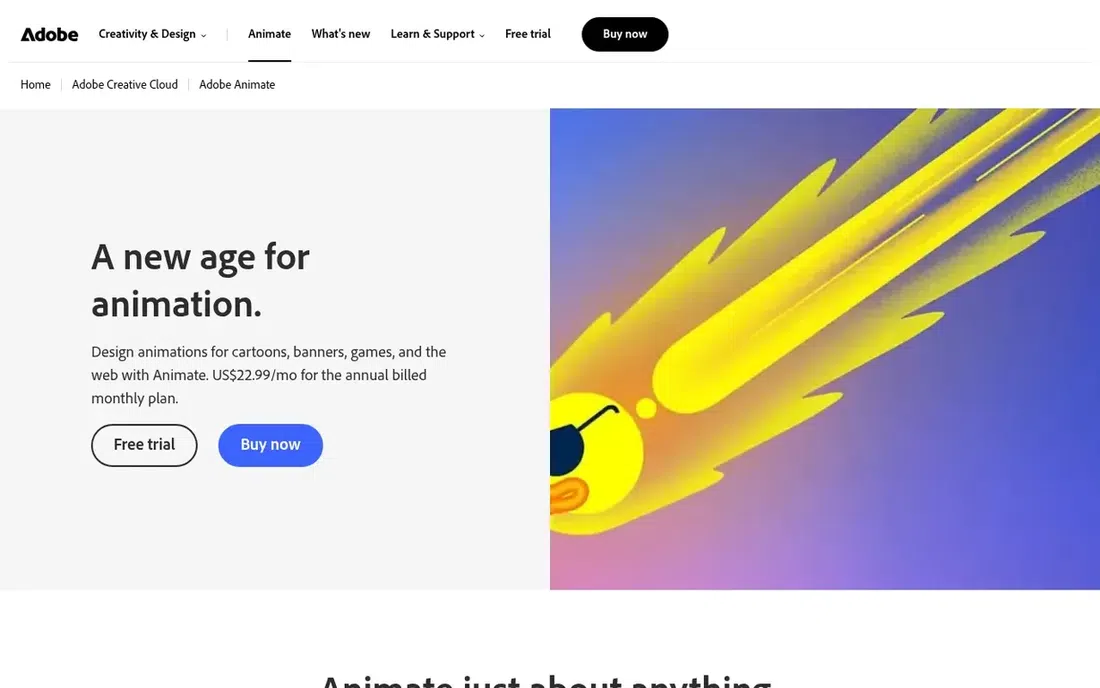
Adobe Animate is designed for Flash-style 2D animation and cartoons. It includes tweening, puppet design and export to formats for example GIFs and cartoons, making it a natural fit for web animation, short films and interactive content.
Best features of Adobe Animate: Outputs films.
Where it falls short: Interface can feel dated. Animators already working with Adobe tools will find the workflow familiar, and newcomers can lean on the tweening model to move characters without drawing every frame by hand. This comparison lists no price for Adobe Animate; ask the vendor. On free options: Not stated.
- Tweening and puppet design tools
- Suits into the wider Adobe ecosystem
- Subscription-based access
Adobe After Effects is a good fit for motion graphics and compositing. Projects with plenty of layers can become hard to run.
Honest limits: Not a drawing-first animation tool.
Animators commonly pair it with a drawing tool to finish shots, add camera moves or build title sequences, which makes it a typical companion in 2D pipelines. It is not built primarily for frame-by-frame character drawing, so hand-drawn animation typically starts elsewhere. Pricing for Adobe After Effects is not stated here, so ask the vendor for current figures. Trial and free access: Not stated.
- Designs for film, TV
- Takes care of compositing and effects
- Layer-heavy projects get complicated
What went into this list
We compared the tools on published pricing, free plan or trial availability, feature coverage for Toon Boom Harmony, and the limits each vendor documents. Where a price is missing, the vendor does not list one publicly or ties it to a quote. Always confirm before budgeting. We ordered the tools by general fit, then by how clearly pricing is shown, then by free access. A buyer with unusual needs may reorder them.
Before you commit
- Confirm the entry price with every vendor: no tool from TVPaint Animation to Adobe After Effects shows a fixed starting price.
- Before choosing TVPaint Animation, weigh its main limit: less emphasis on rigging.
- List the apps you already depend on and check that Clip Studio Paint supports each one on the plan you would buy.
- Look at the help docs and support options for Adobe Animate before you commit.
- Add up seats, add-ons and usage charges for Moho before comparing it with cheaper entries.
FAQ
Which alternative is a good match for game animation?
TVPaint Animation comes first here and is built for Frame-by-frame drawing for studios. Buyers with other needs may prefer Clip Studio Paint (for Illustration-led animation and comics) or Moho (for efficient 2D character rigging). Compare costs and limits first.
Can I try these tools before paying?
Not by default. None of the tools, from TVPaint Animation to Adobe After Effects, lists a free plan or a free trial here, so ask each vendor for a demo before committing.
Is TVPaint Animation the right pick for everyone comparing Toon Boom Harmony?
No single tool suits every team. TVPaint Animation comes first because it fits Frame-by-frame drawing for studios, while Clip Studio Paint suits Illustration-led animation and comics and Moho suits efficient 2D character rigging. Match the tool to your own size, budget and workflow before deciding.
Do these tools publish their prices?
No. None of the tools, from TVPaint Animation to Adobe After Effects, shows a fixed starting price here, so budget time for quotes.
How are the tools for Toon Boom Harmony ordered?
TVPaint Animation sits first and Adobe After Effects last because the order follows typical fit for Toon Boom Harmony, then price clarity and free access. It is a judgement call, so read each profile for fit and limits.
Sources
- https://www.tvpaint.com
- https://www.clipstudio.net
- https://moho.lostmarble.com
- https://www.adobe.com/products/animate.html
- https://www.adobe.com/products/aftereffects.html