Top Tulip Alternatives in 2026: 5 Picks Ranked
5 options for Tulip alternatives, with entry costs, free tiers and the buyer each one serves. We note where every tool falls short. Pricing and limits included.
- Editor's choice
 Microsoft Power Apps
Low-code apps inside Microsoft environments
Starts atSee websiteVisit powerapps.microsoft.comFull review - Great alternative
 Mendix
Building workflows, agents and applications
Starts atSee websiteVisit mendix.comFull review - Also consider
 Airtable
Quick, adaptable workflow and app building
Starts at$20 per user per monthVisit airtable.comFull review
Direct answer
Our first pick is Microsoft Power Apps, best for low-code apps inside Microsoft environments. Listed starting prices: Airtable from $20 per user per month. Mendix is the stronger choice for building workflows, agents and applications, while Airtable suits quick, adaptable workflow and app building. The remaining 2 options are covered below with prices and limits.
TL;DR:
- Microsoft Power Apps is the opening pick, best for low-code apps inside Microsoft environments.
- One limit worth knowing about Microsoft Power Apps: best value inside the Microsoft ecosystem.
- ServiceNow App Engine fits enterprise workflows on the ServiceNow system.
- Starting prices begin at $20 per user per month with Airtable.
Last checked November 2026. Prices and plan details were read from the vendors' own pages in November 2026; vendors change plans often, so confirm the current price on the vendor site before you buy.
Quick comparison
| Tool | Best for | Starts at | Free plan? | |
|---|---|---|---|---|
| Microsoft Power Apps | Low-code apps inside Microsoft environments | See website | Yes | Visit |
| Mendix | Building workflows, agents and applications | See website | Not stated | Visit |
| Airtable | Quick, adaptable workflow and app building | $20 per user per month | Yes | Visit |
 Appian | Enterprise process orchestration with AI agents | See website | Not stated | Visit |
 ServiceNow App Engine | Enterprise workflows on the ServiceNow product | See website | Not stated | Visit |
Our 5 picks for Tulip
Choosing Tulip usually comes down to price, fit and limits. This LinkVetted guide sets 5 tools side by side on those three points, with the facts kept short and checkable.
Microsoft Power Apps
Best for: Low-code apps inside Microsoft environments
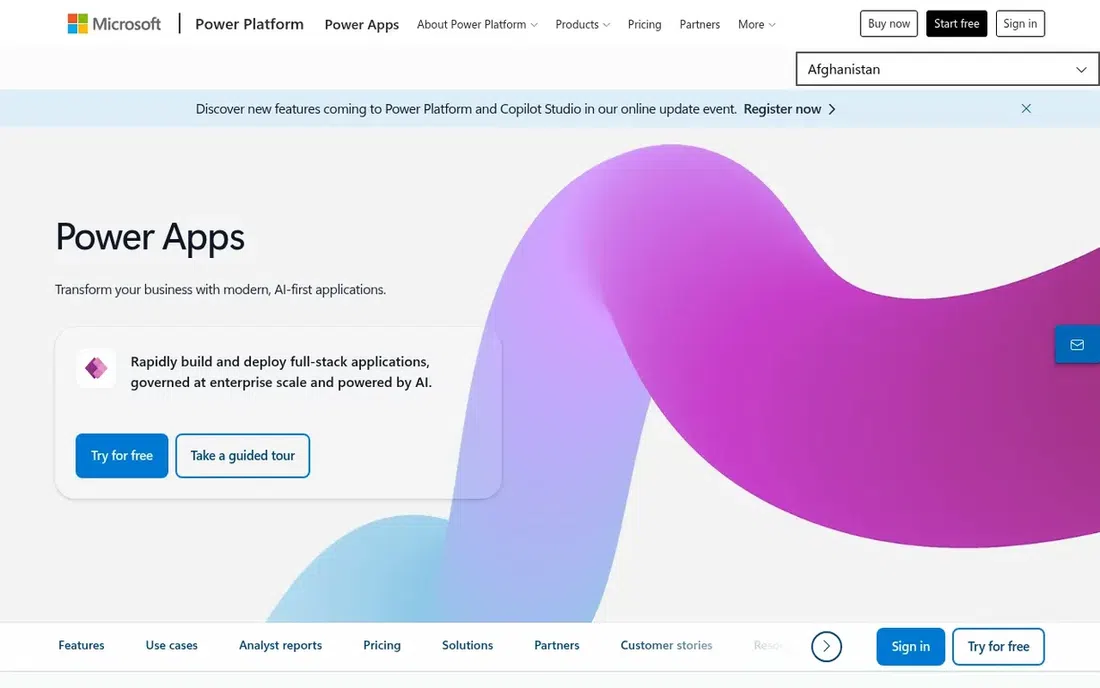
Microsoft Power Apps serves low-code apps inside Microsoft environments. It fits enterprises and departments already working within Microsoft services, where app building can link naturally to existing productivity and data tools and let citizen developers contribute alongside professional developers.
Downsides: Best value inside the Microsoft ecosystem.
On top of that, the platform is most comfortable for teams invested in Microsoft technology, and highly customized or cross-vendor scenarios may demand extra development effort. Pricing for Microsoft Power Apps is not stated here, so ask the vendor for current figures. Microsoft Power Apps includes a free tier.
- Low-code custom app building
- Suits organizations already using Microsoft tools
- Advanced scenarios can need developer help
Mendix is a good fit for building workflows, agents and applications. Mendix is a low-code system for building the workflows, agents and applications a hybrid workforce runs on, whereas modernizing existing systems and putting AI to work inside governed processes.
Best features of Mendix: One product for apps.
Honest limits: Most useful for organizations with clear app plans.
- Supports modernization of existing systems
- Governed processes with AI built in
- Broader product may need onboarding time
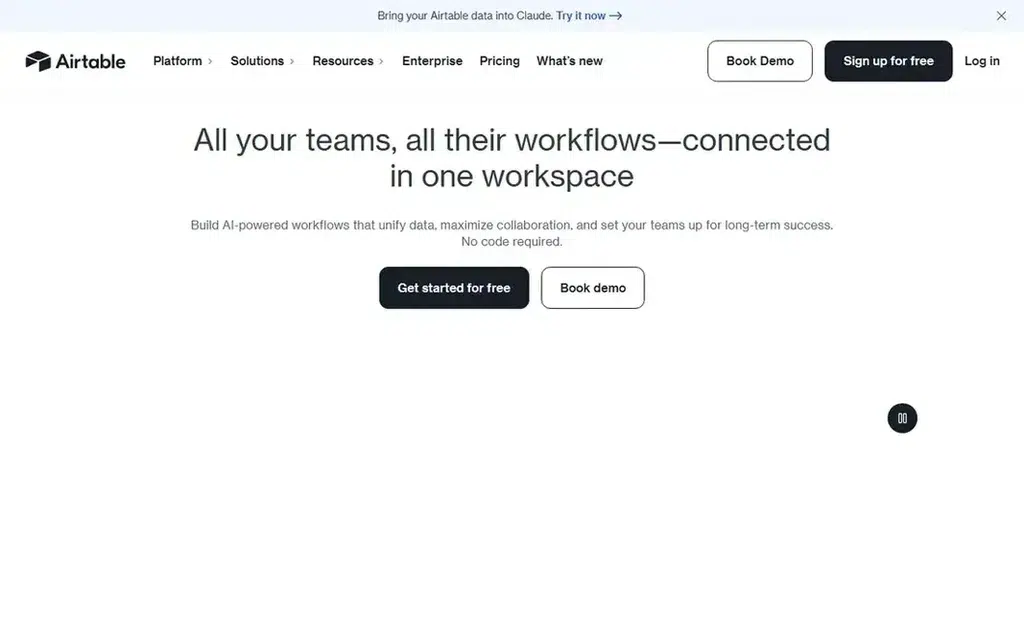
Choose Airtable for quick, flexible workflow and app building. Airtable is general-purpose, so organizations needing strict process orchestration, deep legacy integration or formal governance may find it lighter than dedicated enterprise products.
Where it falls short: Less suited to heavy enterprise process orchestration.
What works well: automations and AI workflows.
Pick something else when your workflows span plenty of systems and need centralized control across large departments. Airtable cost at the entry level: $20 per user per month. Airtable includes a free tier.
- Live collaboration across teams
- Merges apps
- Complicated logic may need workarounds
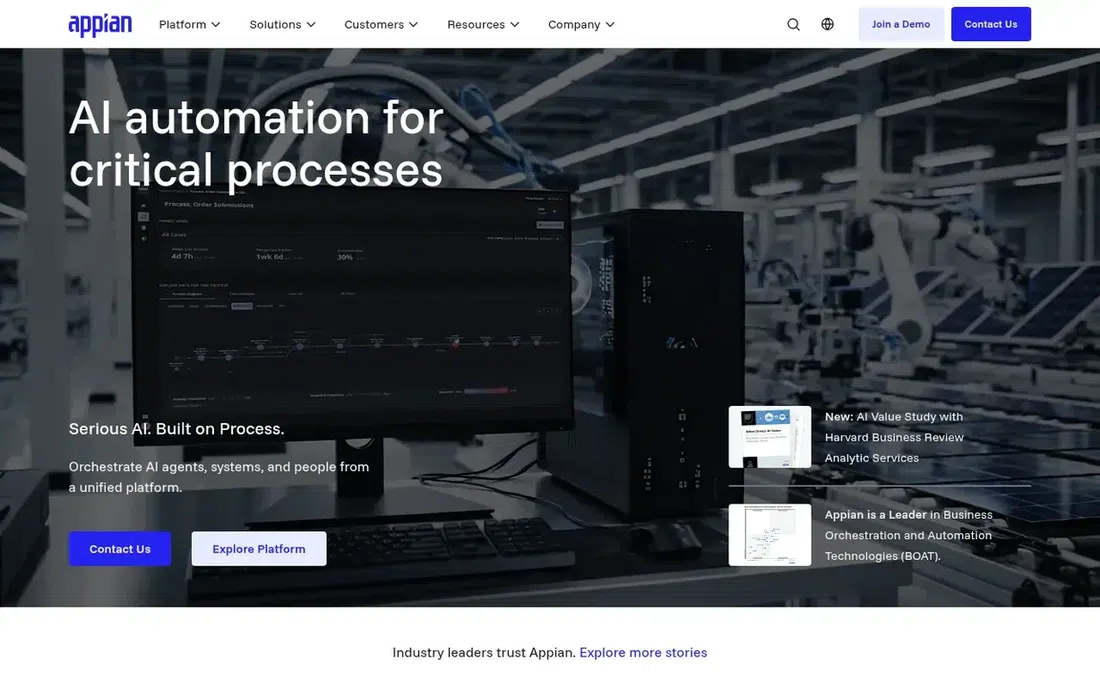
Where Appian fits: enterprise process orchestration with AI agents. Appian is an enterprise product for AI-powered process orchestration, bringing AI agents, existing systems and people together around critical business processes.
What to check first: Setup and governance need planning.
If your goal is a fast departmental app instead of orchestration of critical processes, a lighter tool is likely a better fit. More specifically, Appian is pitched at enterprise-scale programs, so smaller teams may find the system more than they need. Appian does not show a starting price in this comparison, so check the vendor site for current pricing. Free access: Not stated.
- Orchestrates AI agents
- Targets critical enterprise processes
- Enterprise focus may be heavy for small teams
For enterprise workflows on the ServiceNow system, ServiceNow App Engine is a natural candidate. If you are starting fresh with a modest workflow, a more straightforward low-code tool may be simpler to adopt.
The main drawbacks: Enterprise scope may exceed small needs.
Pricing for ServiceNow App Engine is not stated here, so ask the vendor for current figures. As for free access: Not stated.
- Serves both customers and employees
- Simplifies enterprise workflows
- Most natural for existing ServiceNow users
How we chose
The comparison looks at four things: starting price, free access, how well the feature set matches Tulip, and the main limit of each tool. Treat prices as a snapshot: vendors change plans often, so check the vendor site for the figure that applies today. Position on the page reflects fit for a typical buyer first, with price clarity and free access breaking ties. Treat it as a guide, not a ruling.
A buyer's checklist
- Ask Microsoft Power Apps, Mendix, Appian and ServiceNow App Engine for a written quote, since no starting price is shown.
- Read the fine print on the free plans from Microsoft Power Apps and Airtable; seat, project and feature caps differ.
- Before choosing Microsoft Power Apps, weigh its main limit: best value inside the Microsoft ecosystem.
- Look at the help docs and support options for Appian before you commit.
- Total up the real monthly cost of Microsoft Power Apps, including add-ons, extra users and usage-based fees.
FAQ
What is the best Tulip alternative for a small team?
The first pick on this list is Microsoft Power Apps, because it suits low-code apps inside Microsoft environments. Mendix is better for building workflows, agents and applications, and Airtable for quick, flexible workflow and app building. Check price and limits against your own needs before choosing.
How are the tools for Tulip ordered?
Microsoft Power Apps sits first and ServiceNow App Engine last because the order follows typical fit for Tulip, then price clarity and free access. It is a judgement call, so read each profile for fit and limits.
Is Microsoft Power Apps the right pick for everyone comparing Tulip?
No single tool suits every team. Microsoft Power Apps comes first because it fits low-code apps inside Microsoft environments, while Mendix suits building workflows, agents and applications and Airtable suits fast, flexible workflow and app building. Match the tool to your own size, budget and workflow before deciding.
Which options for Tulip have a free plan?
On this list, Microsoft Power Apps and Airtable include a free plan. Caps on seats, usage or features are common, so test the free plan against your real workload.
Can I try these tools before paying?
Often, yes. Microsoft Power Apps and Airtable have a free plan. Use your own data and a real task during the test, and check what the free tier or trial limits before you rely on it.
Sources
- https://powerapps.microsoft.com
- https://www.mendix.com
- https://www.airtable.com
- https://appian.com
- https://www.servicenow.com